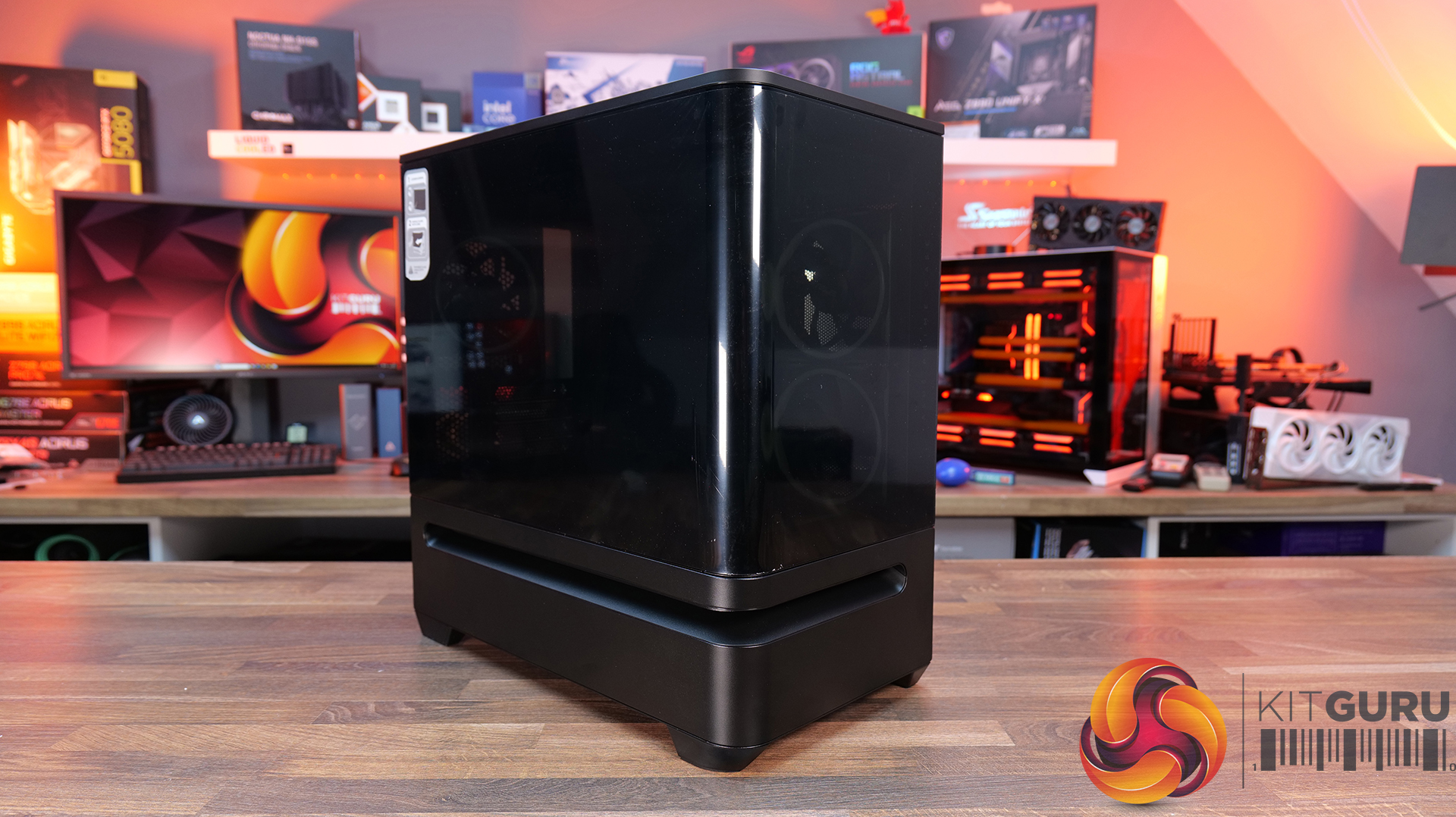
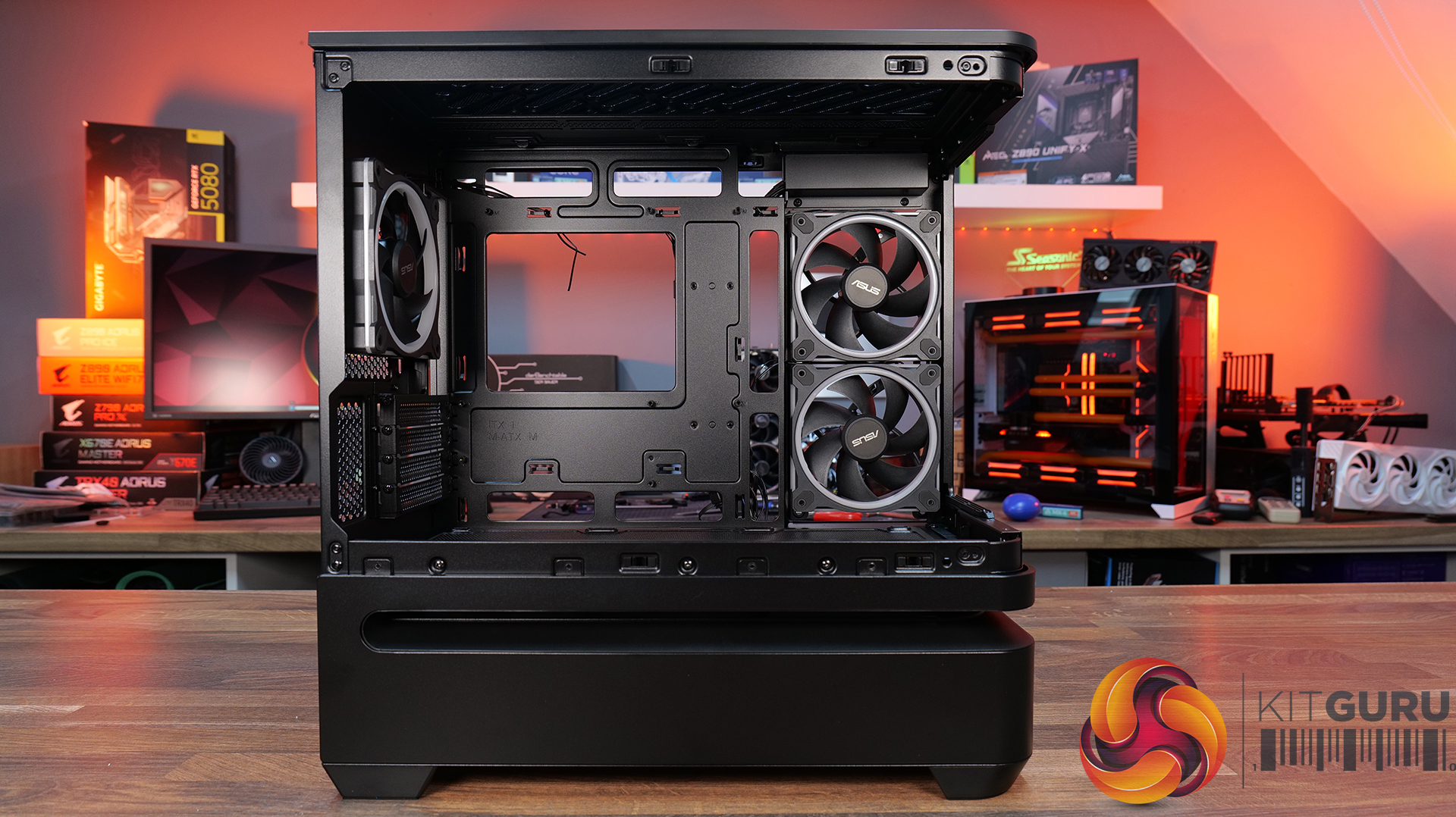
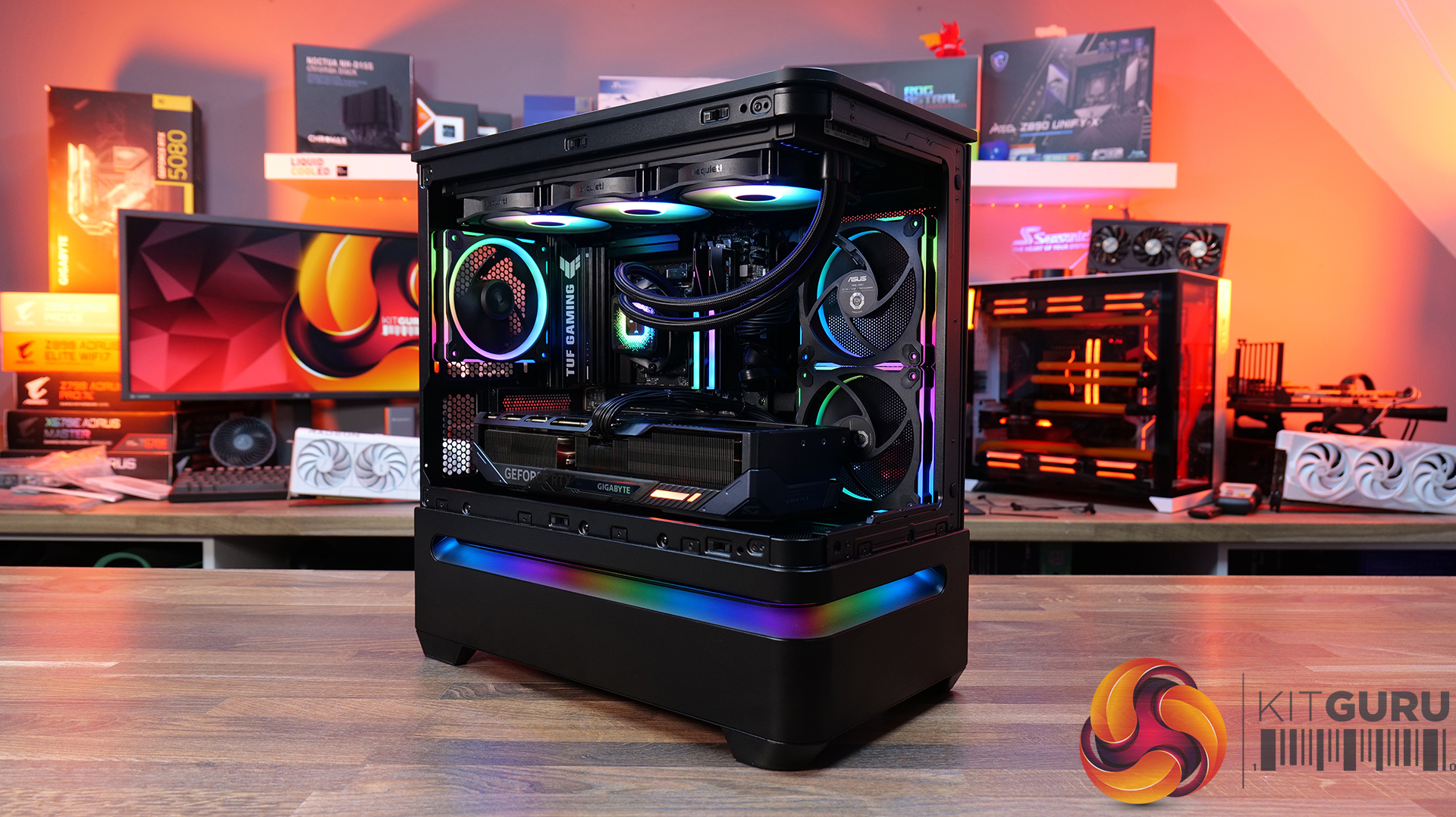
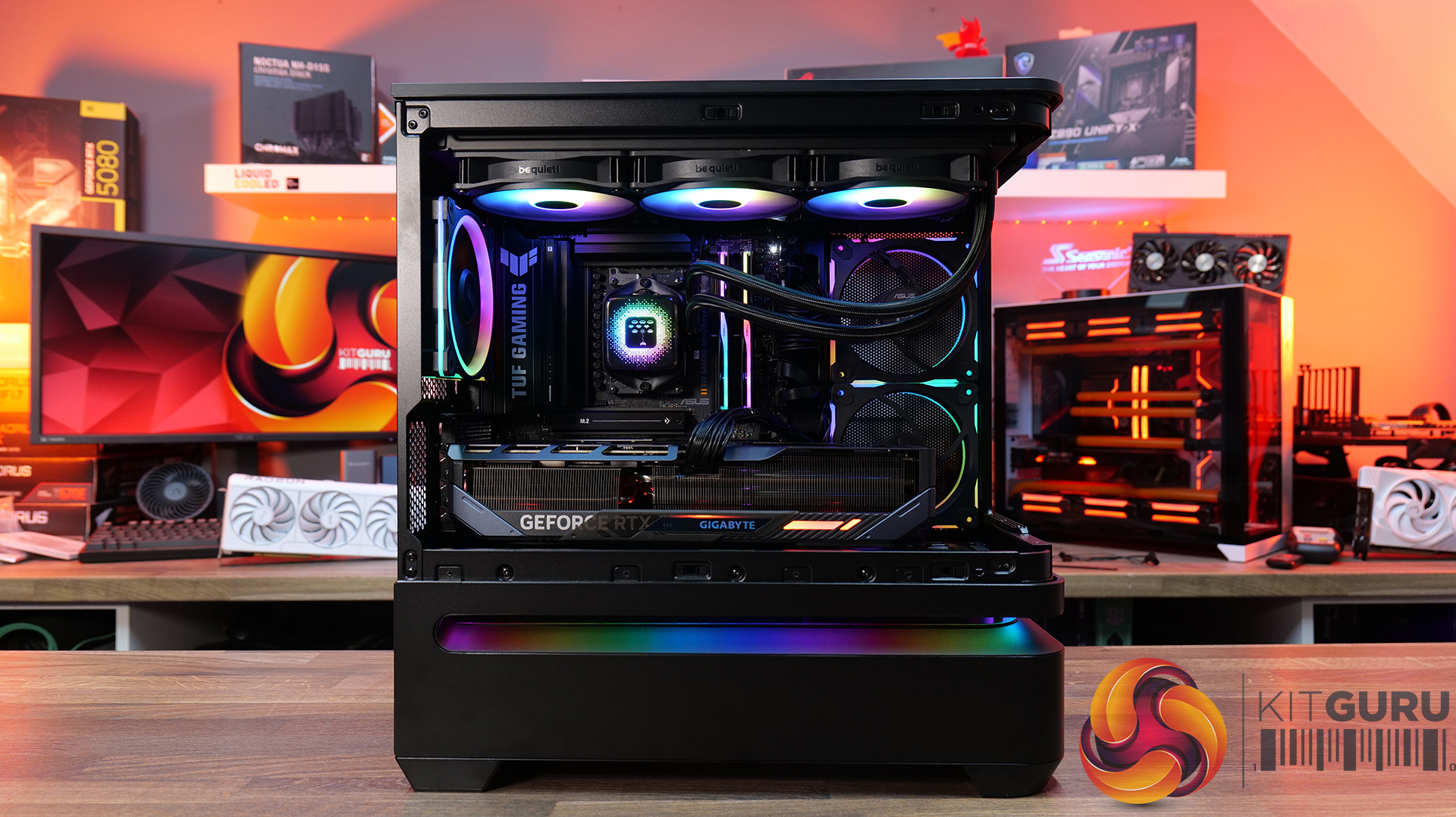
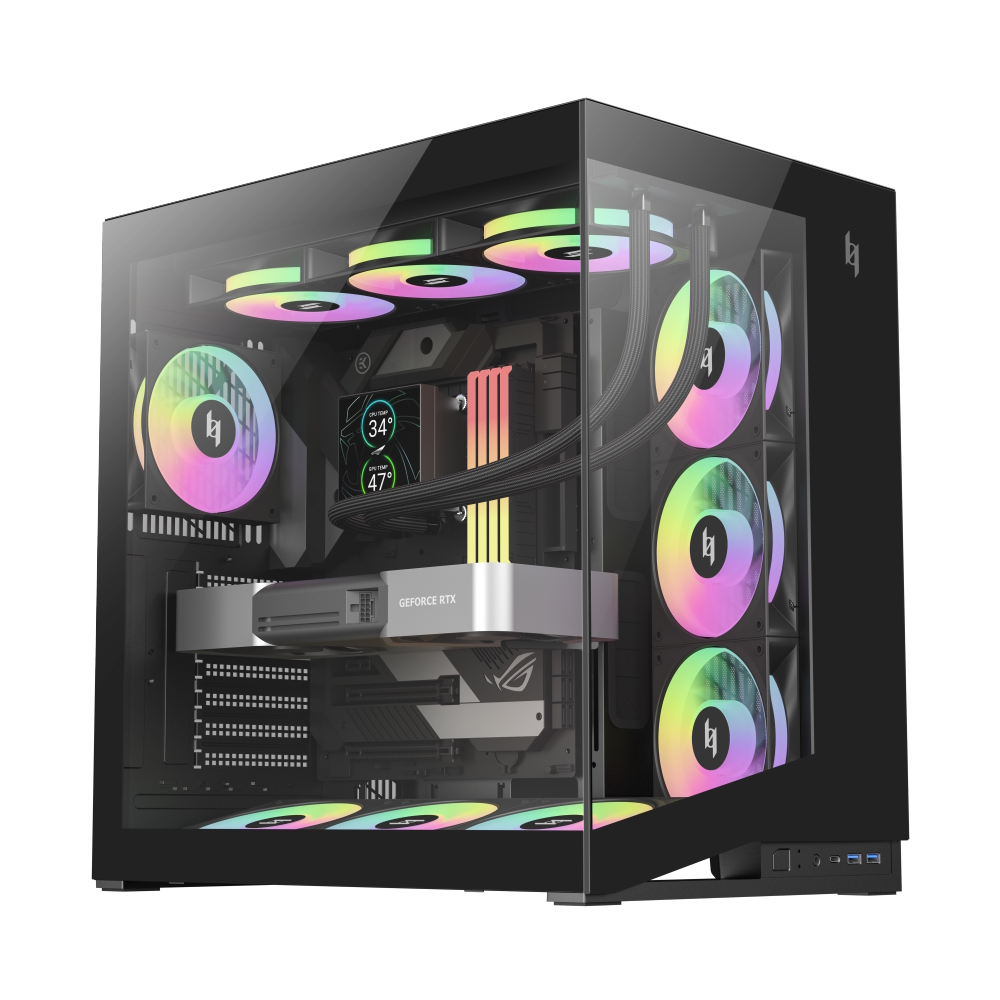
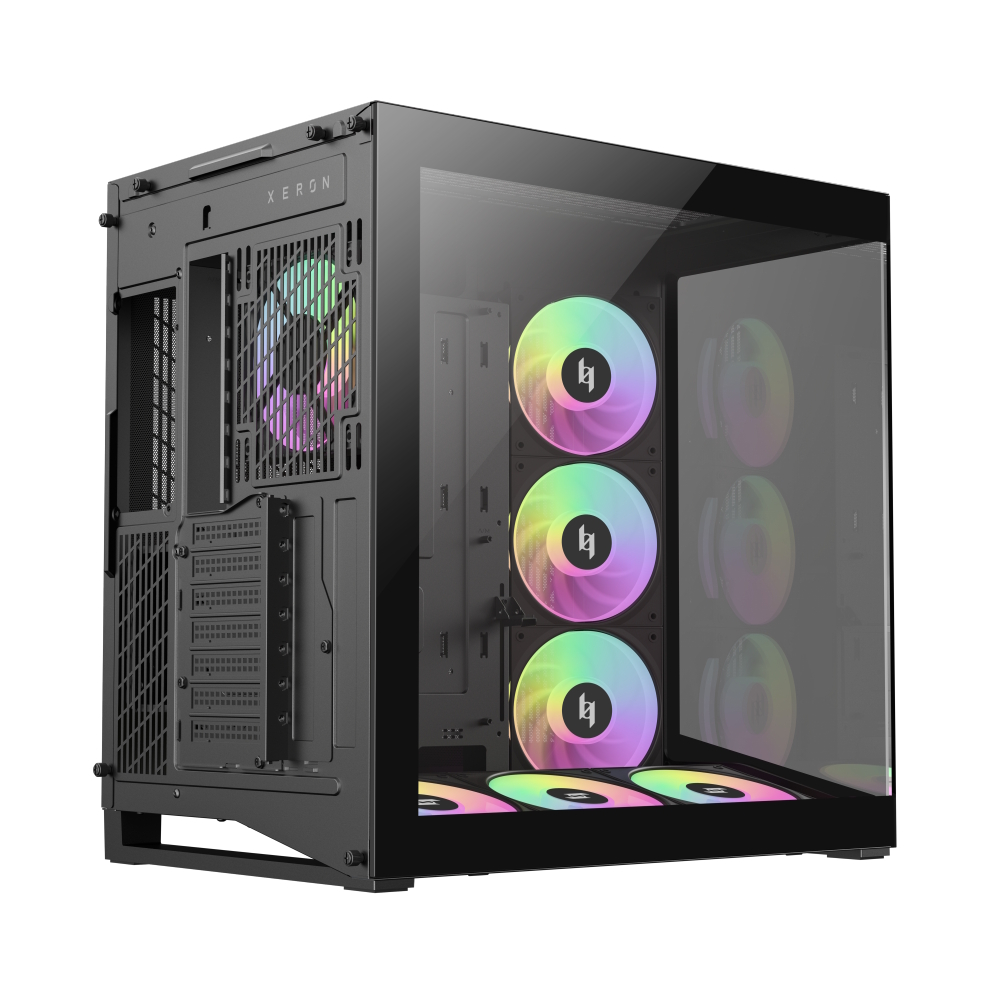
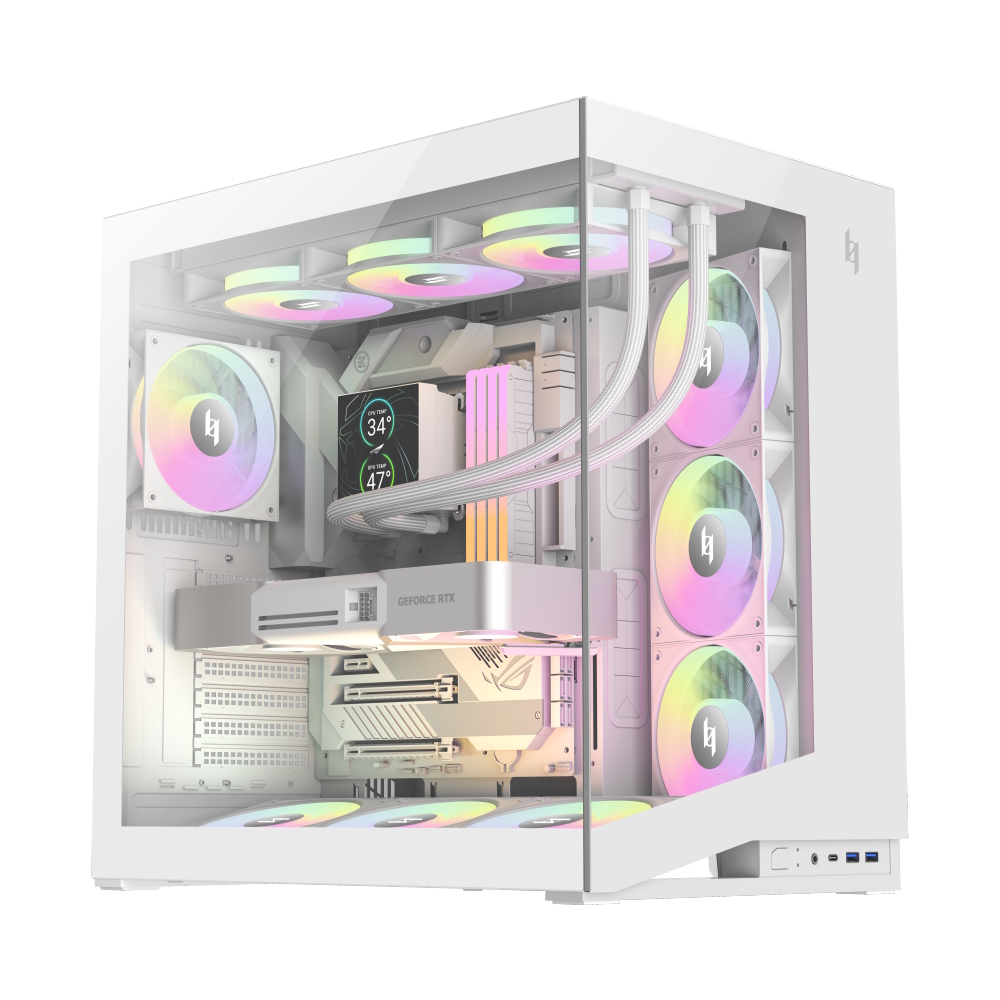
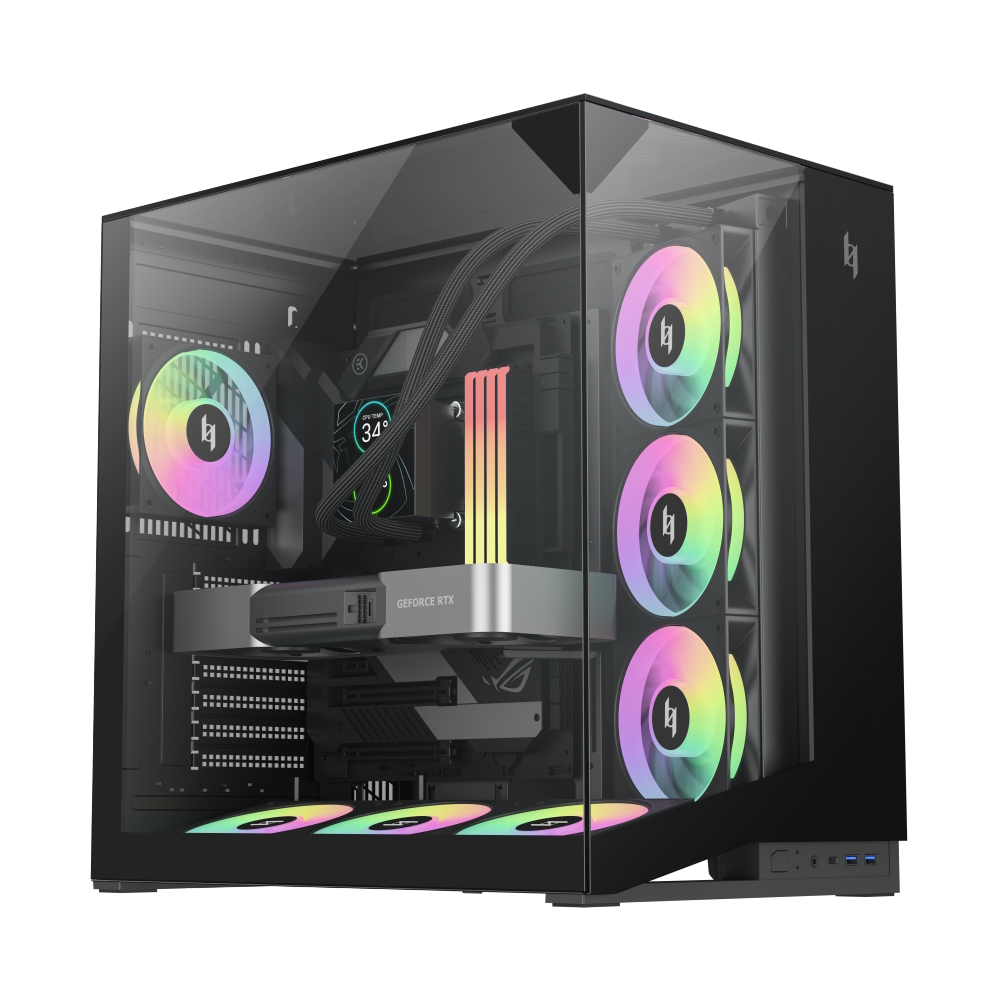
Today we’re taking a look at the ASUS Prime AP202 ARGB, a compact micro-ATX case that puts aesthetics front and centre with its curved glass design and minimalist styling. On paper, ASUS is pitching this as a modern airflow-focused chassis, but as always, what really matters is how it performs once the panels are on and the system is under load. We’ll be breaking down build quality, airflow design, thermals and noise to see whether the AP202 delivers out-of-the-box, or whether it needs a bit of user intervention to reach its full potential.
Timestamps:
00:00 Start
00:50 Overview and pricing
01:53 Tempered glass panel
02:32 The other panels
03:20 Front I/O Panel
03:40 Hardware support / Fans
04:55 Cooling support
05:44 Motherboard & GPU – space?
07:44 CPU air cooling support
07:52 Rear and right hand side
09:35 PSU / Drives
10:30 Floor of the case / Accessories
11:27 Thermal Performance and Noise Testing
14:43 Smoke Test Airflow Visualisation
17:11 James thoughts on airflow
19:53 Worth buying then?

ASUS Prime AP202 ARGB Features:
- Curved tempered-glass panel — a single piece of tempered glass that wraps from front to side for a panoramic view of components.
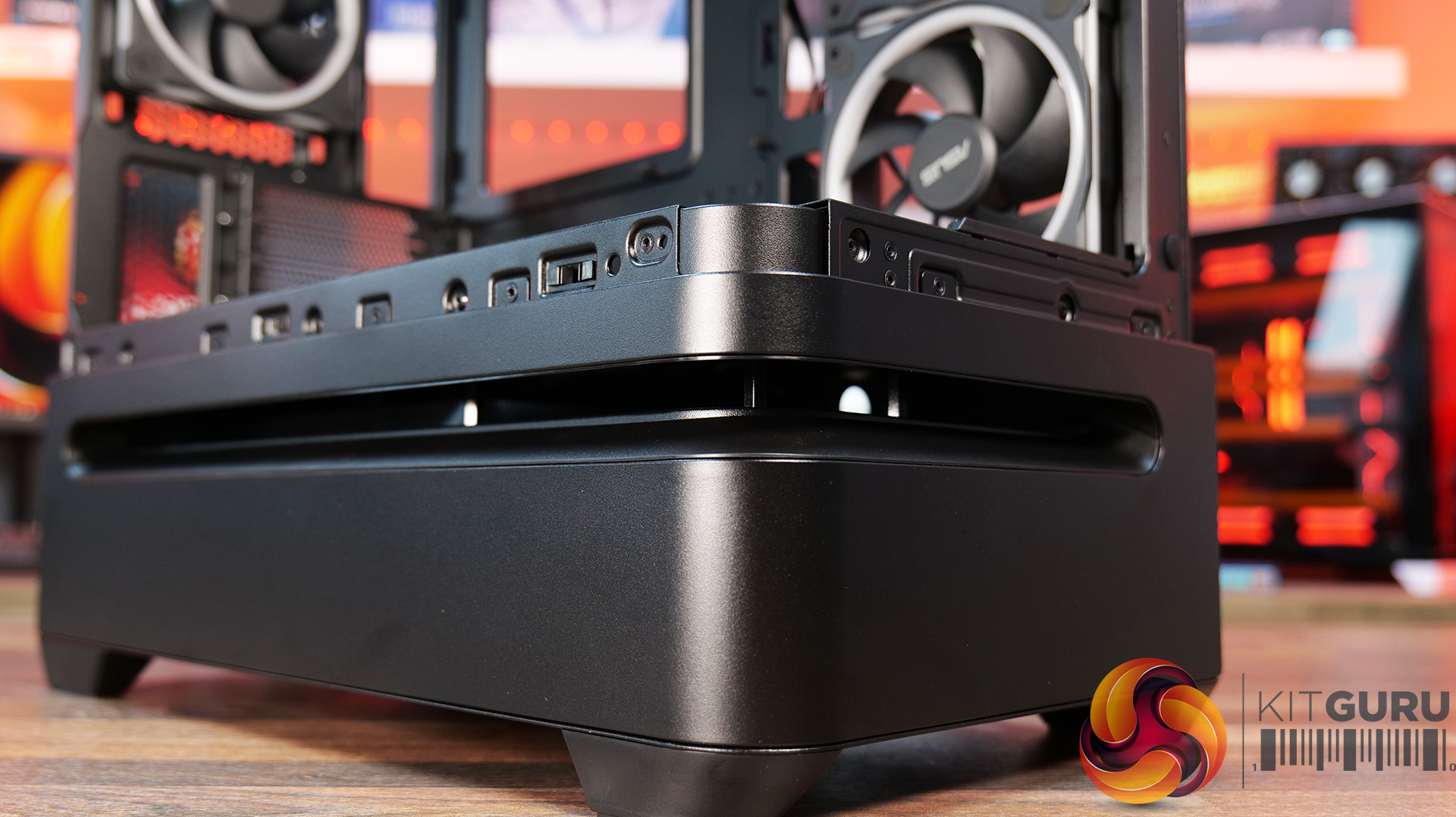
- Patented slot-vent airflow design — a lower-section slot vent provides optimised cooling, especially for the graphics card via optional floor-mounted fans.
- Broad hardware compatibility — supports graphics cards up to 420 mm long, radiators up to 360 mm, ATX power supplies up to 200 mm, and CPU coolers up to 175 mm.
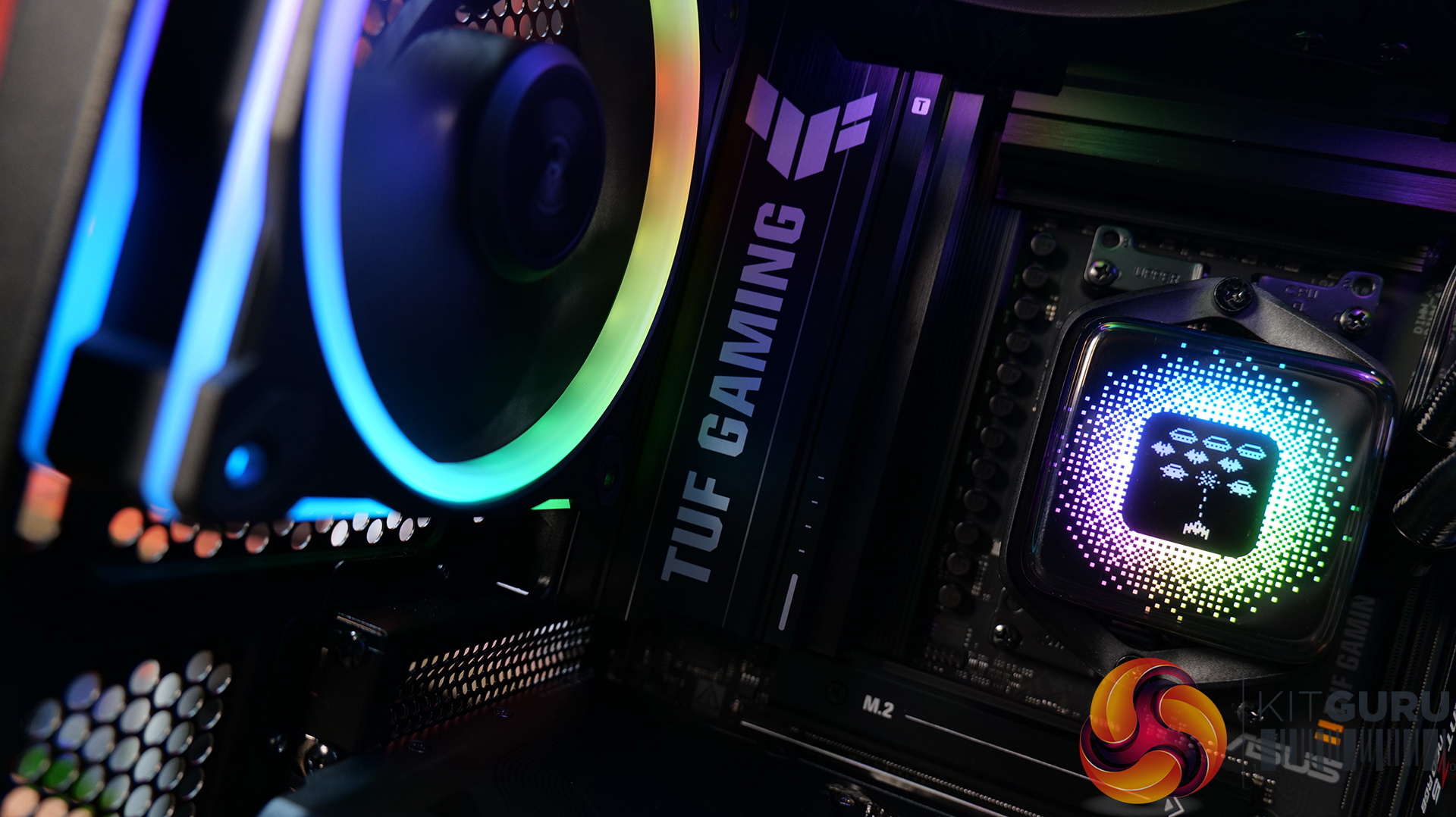
- Integrated ARGB light band (with Aura Sync support) — ambient lighting that can be synced with other components for custom looks.
Specifications:
- Case Type: Micro Tower
- Dimensions (LxWxH): 441 × 236 × 460 mm
- Materials: Steel, Plastic, Tempered Glass
- Motherboard Support: Micro ATX, Mini ITX
- Back-connect motherboard support: No
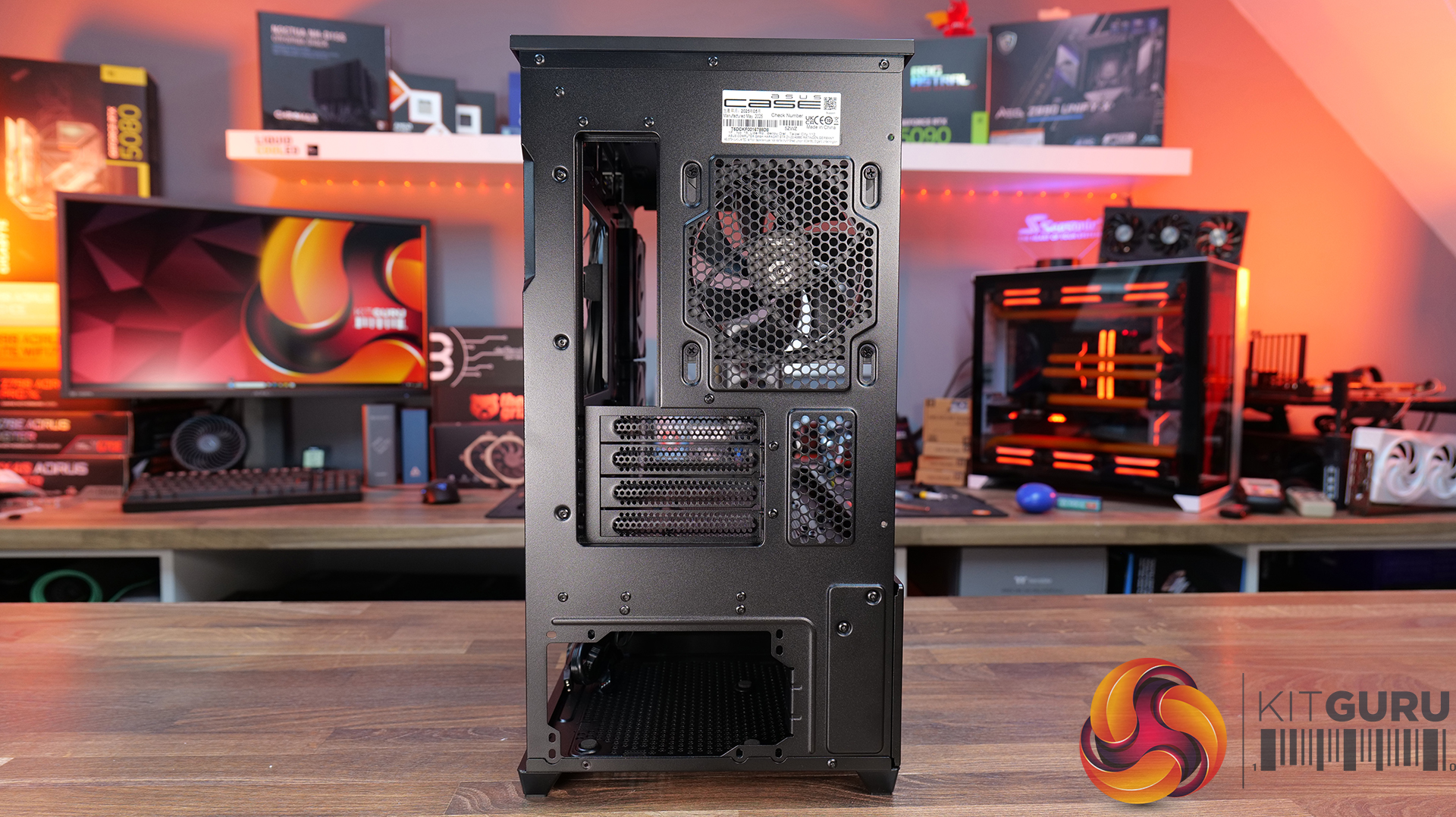
- Expansion Slots: 4
- Storage bays: 2 × 2.5″/3.5″ combo bay
- Max GPU Length: 420mm
- Max CPU Cooler Height: 175mm
- PSU Type: ATX up to 200mm
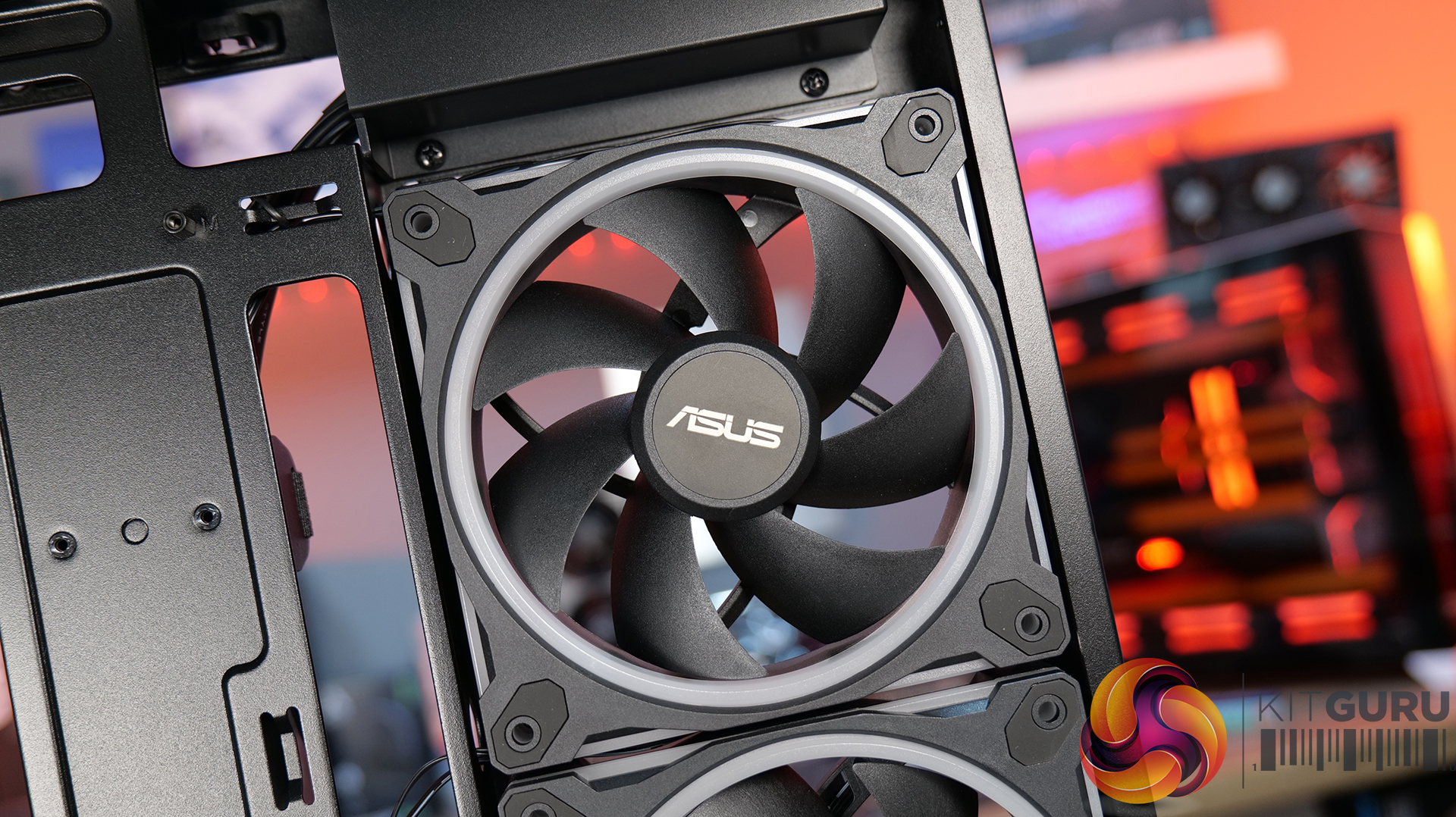
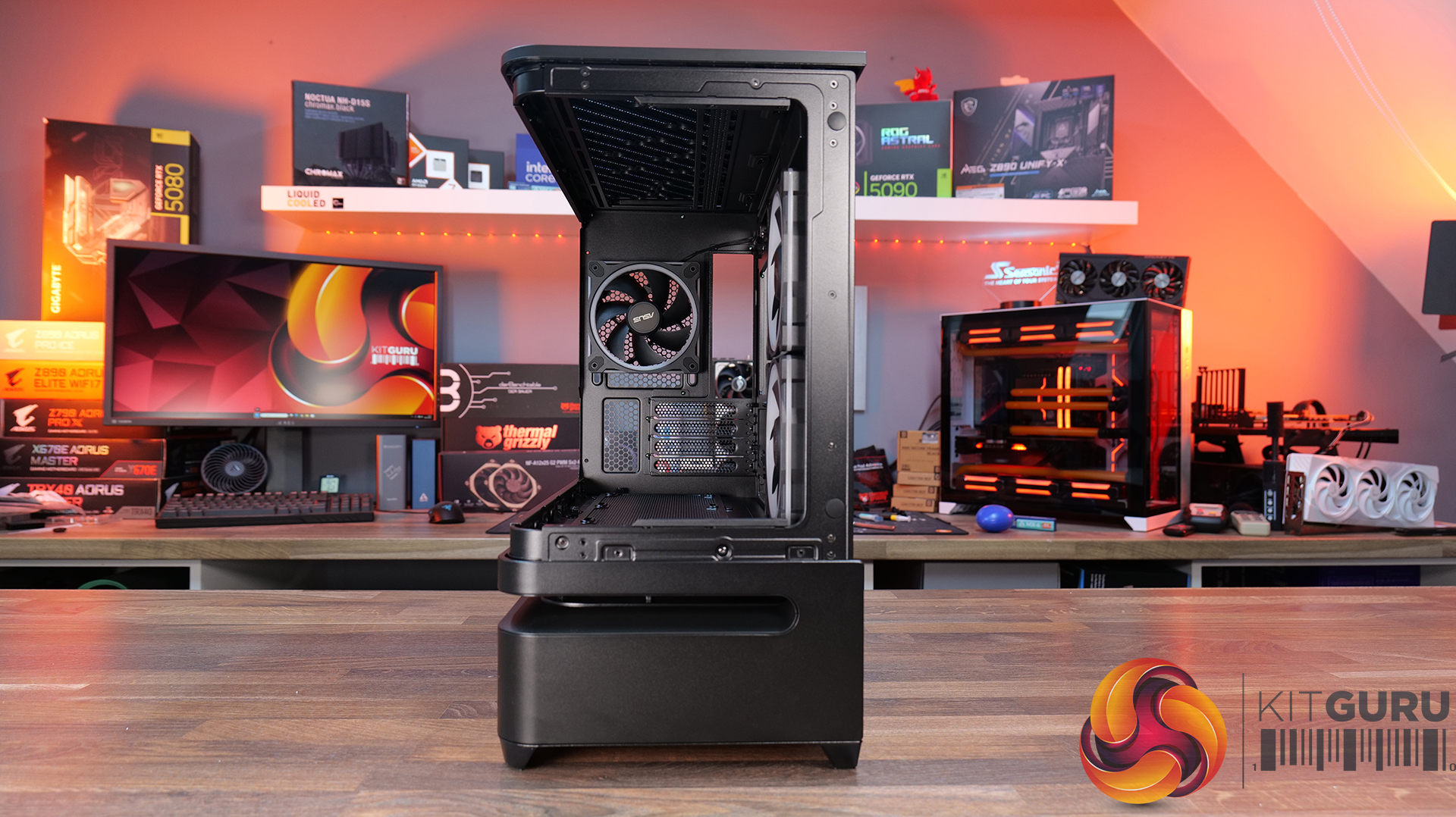
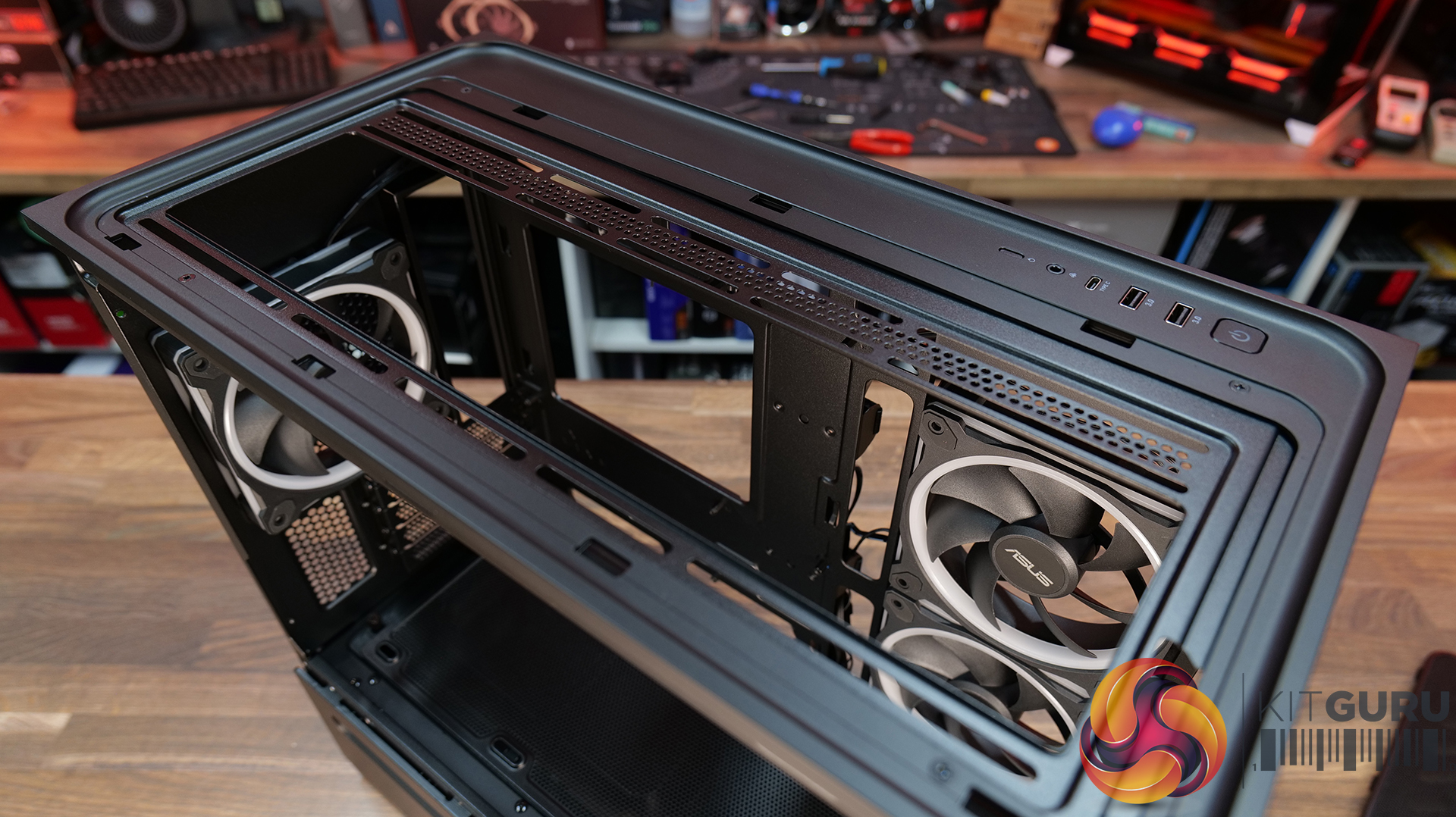
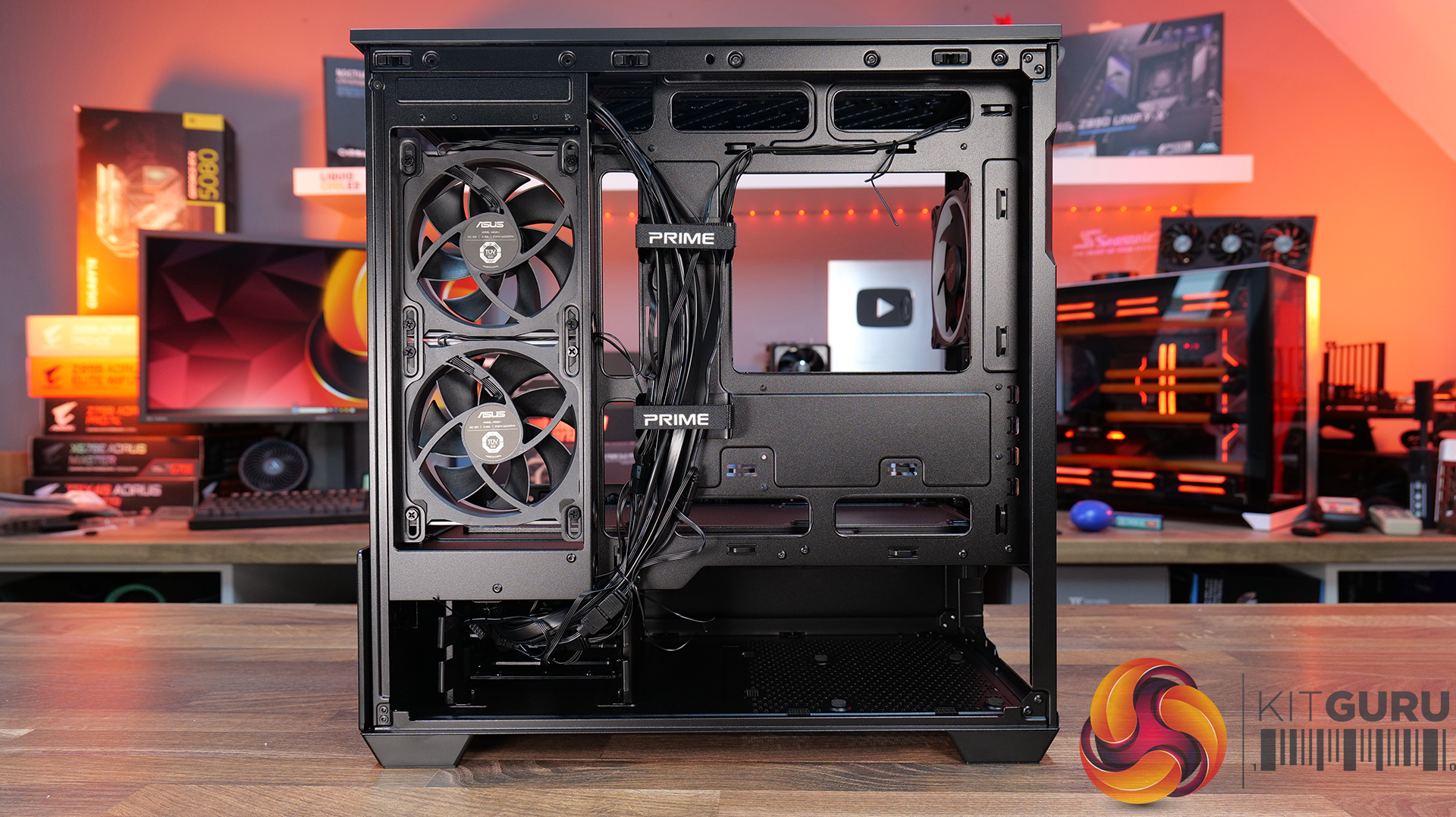
- Pre-installed Fans: 2 x 120mm (Side) 1 x 120mm (Rear)
- Fan Support: 3 x 120 /2 x 140mm (Top) 1 x 120mm (Rear) 3 x 120mm (Bottom) 3 x 120mm
- Radiator Support: 120/240/360mm (Top)
- Dust Filters: Top/Bottom removable
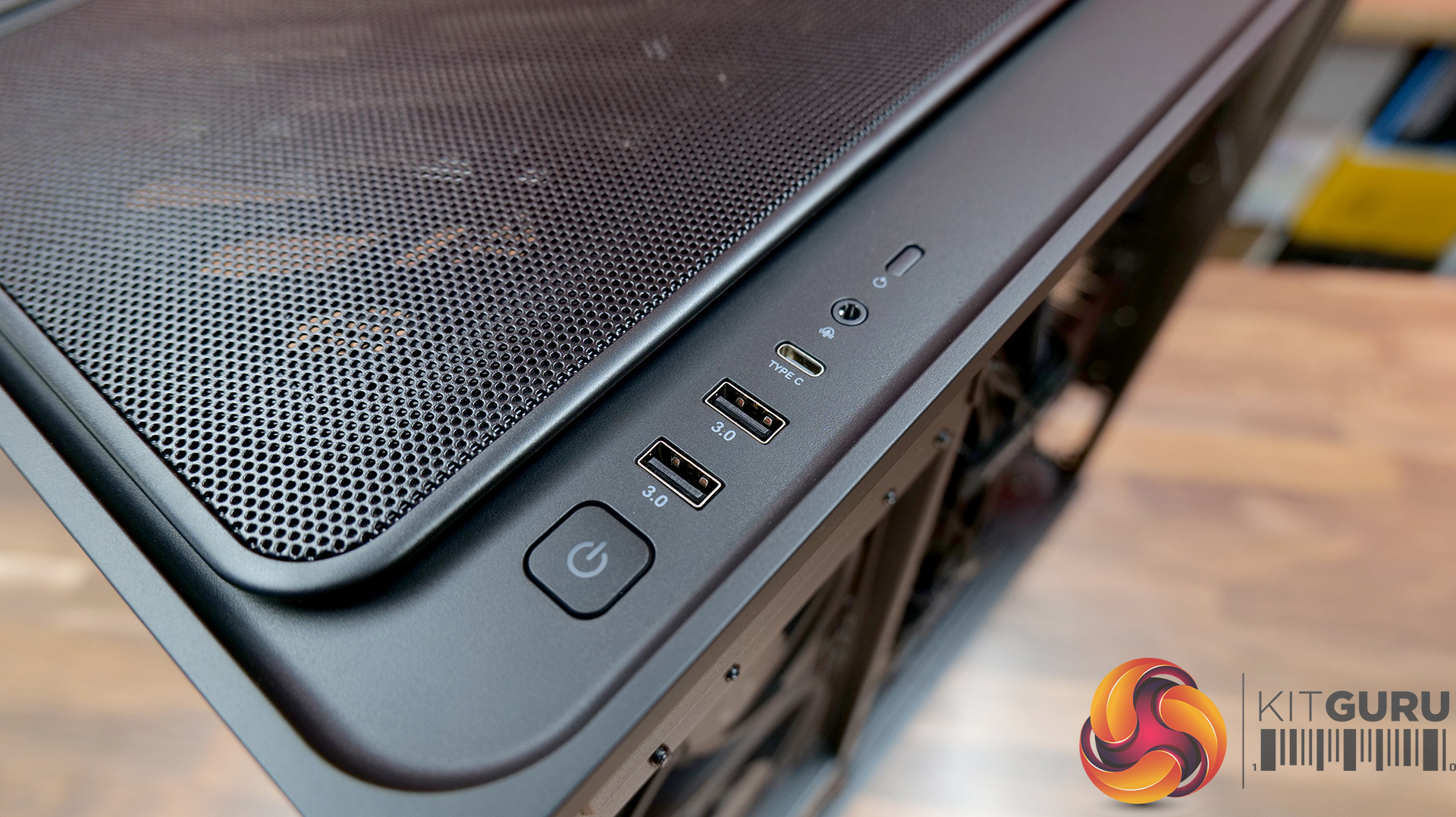
- Front I/O: 2 × USB 3.2 Gen1, 1 × USB 3.2 Gen 2×2 Type-C, 1 × headphone / microphone
- LCD Screen: N/A
Thermal Performance Testing
To simulate thermal demand we run the Cinebench R23 multi-thread benchmark and 3DMark Speed Way stress test simultaneously in a loop for 30 minutes to load the system fully. This gives the CPU and GPU enough time to reach constant steady-state temperature. With this data, we can compare how the system handles the thermal demand and measure peak noise levels.
Thermal performance is measured with the case in various configurations, such as the default, with the tempered glass left-hand side panel removed and with the front panel removed to see how these configurations affect the CPU and GPU temperature. During testing, only stock case fans are used unless otherwise specified. All water pumps are set to maximum RPM and fans are set to a custom RPM curve by the Motherboard software/BIOS.
All temperature measurements are presented as Deltas – meaning the ambient temperature has been deducted from the CPU temperature giving us a Delta. Data shown in the charts represent the average component temperature over the length of the test as measured by HWiNFO, and then the last 15 minutes of the data are calculated to get the average. The ambient temperature during thermal tests is between 19-20⁰C.
Test System Specification:
Thermal Performance Overview
We tested the case thermals with a 360mm AIO as the exhaust at the top and in several different configurations. The default configuration shown in the charts is with the 360mm AIO at the top, 2 x 120mm side exhaust fans, 1 x 120mm exhaust fan and with all panels installed.
Looking at the data, it’s difficult to avoid the conclusion that ASUS has made a poor call with the AP202’s default fan configuration. Running the case in its out-of-the-box setup results in the worst CPU temperature of the group at 75 °C over ambient, which is a full 4 °C hotter than simply fitting side intake fans. ASUS’s decision to rely on negative pressure clearly doesn’t work particularly well in practice, at least for CPU cooling.
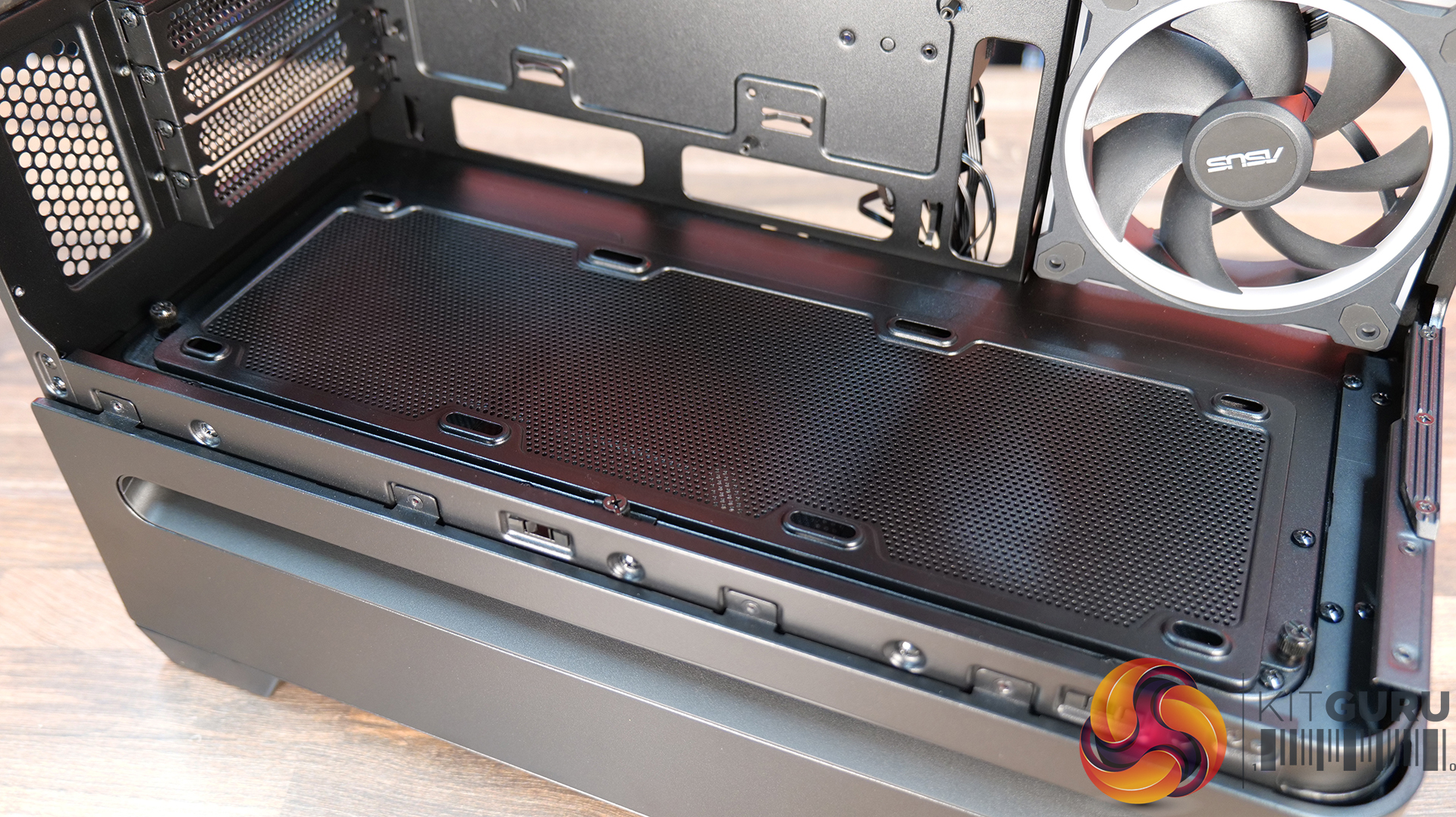
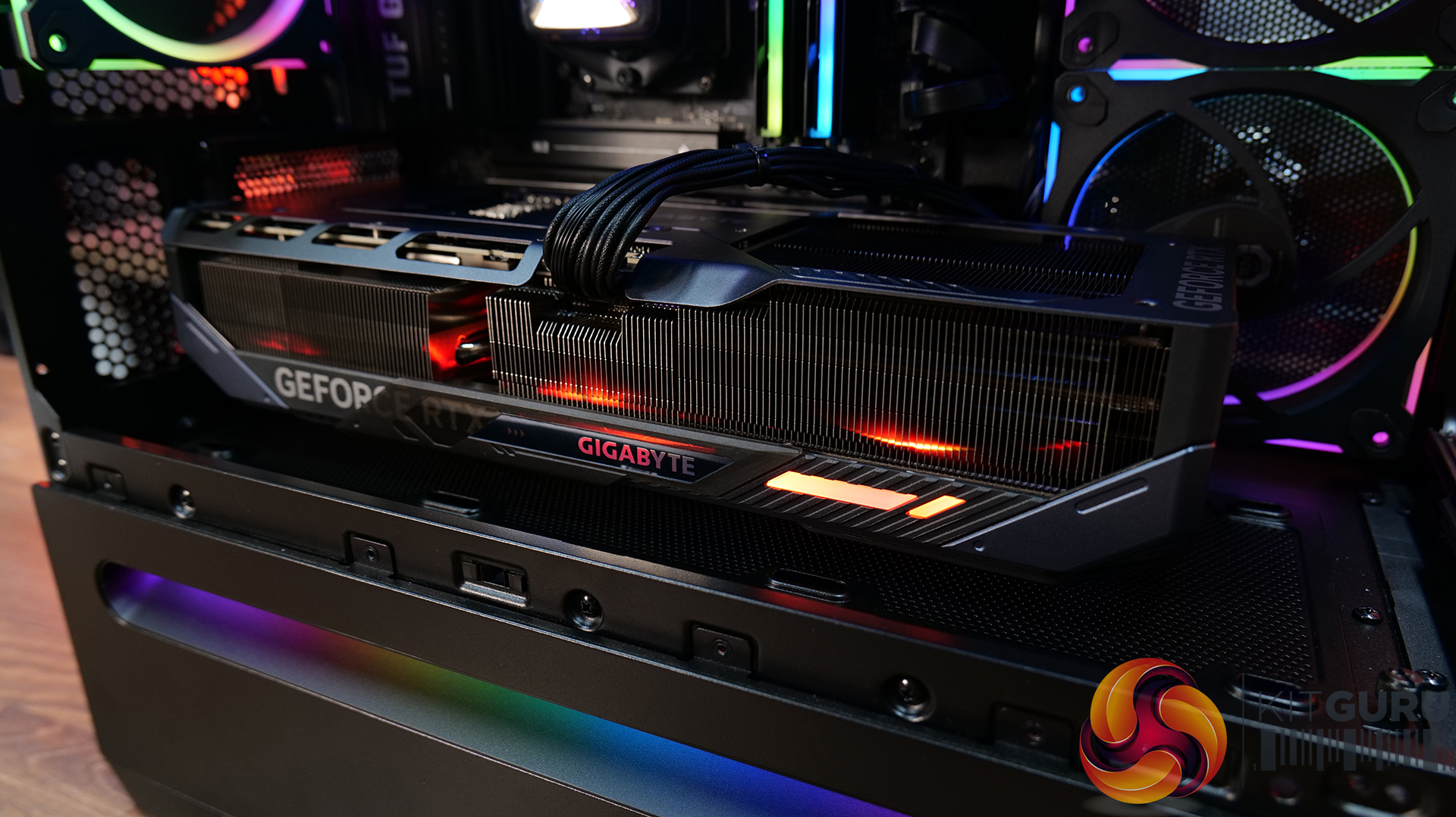
The GPU results also help explain why some fan additions don’t deliver the gains you might expect. In the default configuration, the GPU sits at a very reasonable 50 °C over ambient, and while side intake nudges this slightly higher, the changes are relatively minor overall. Where things become less effective is when bottom-mounted fans are introduced. The AP202 simply doesn’t leave much vertical clearance between the GPU and the floor of the case, so adding fans here risks partially obstructing airflow rather than improving it.
Noise Output
The noise results broadly mirror the thermal behaviour and once again highlight the weaknesses of the AP202’s default airflow setup. In its stock configuration, the case is the loudest on test at 42 dBA under load, suggesting the negative-pressure, exhaust-heavy approach is forcing the fans to work harder by pulling air through restrictive vents. Switching to side intake fans immediately improves matters, dropping load noise to 39 dBA, a clearly audible reduction, while idle noise remains unchanged at 36 dBA.
Adding bottom fans brings little benefit and actually pushes noise back up to 41–42 dBA. Limited clearance beneath the GPU restricts airflow, increasing turbulence rather than easing fan workload. The consistent 36 dBA idle result across all tests confirms that these differences only appear under load. Ultimately, the AP202 can be reasonably quiet, but only when the default airflow strategy is rethought and a side-intake-led configuration is used to let the fans operate more efficiently.
Closing Thoughts
The ASUS Prime AP202 ARGB leaves us with something of a mixed impression. From a build quality standpoint, there is very little to complain about. The materials feel solid, panel fitment is good, and the overall construction gives off an encouragingly premium feel that we would expect from the ASUS Prime lineup. Add in the curved tempered glass and tasteful ARGB lighting, and there’s no denying this is a good-looking case that will appeal to users who care just as much about aesthetics as they do performance.
Pricing is also sensible. The AP202 sits in a competitive part of the market, yet it manages to deliver a finish and visual presence that rivals more expensive options. For builders putting together a compact Micro-ATX system that they want on display, the AP202 certainly makes a strong first impression, and from a purely visual and tactile perspective, ASUS has largely delivered the goods. However the dimensions are not as compact as some mATX cases we have reviewed in 2025, being closer to compact ATX.
Unfortunately, where things start to fall apart is airflow. The factory configuration places all pre-installed fans set as exhaust, relying on negative pressure to pull air through a narrow gap around the power supply shroud. In practice, this simply doesn’t work well enough. Fresh airflow is restricted, CPU temperatures suffer as a result, and the design leaves little margin for higher-end or thermally demanding hardware. Combined with some awkward hardware compatibility limitations, this undermines what is otherwise a well-executed chassis.
Overall, the ASUS Prime AP202 ARGB is a case that looks better than it performs. With some airflow reworking and careful component selection, it can be made to work, but it shouldn’t require this level of user intervention at the price. The strong build quality, clean design and reasonable pricing save it from a real bollocking, but the cooling shortcomings are impossible to ignore. All in all, the AP202 earns Worth Considering status, it is a stylish and well-built case that ultimately falls short of being a clear recommendation.
The ASUS Prime AP202 ARGB is available to purchase now from OverclockersUK in either black or white priced at £109.99 HERE.
Pros:
- Great build quality.
- Supports large graphics cards and 360mm radiators.
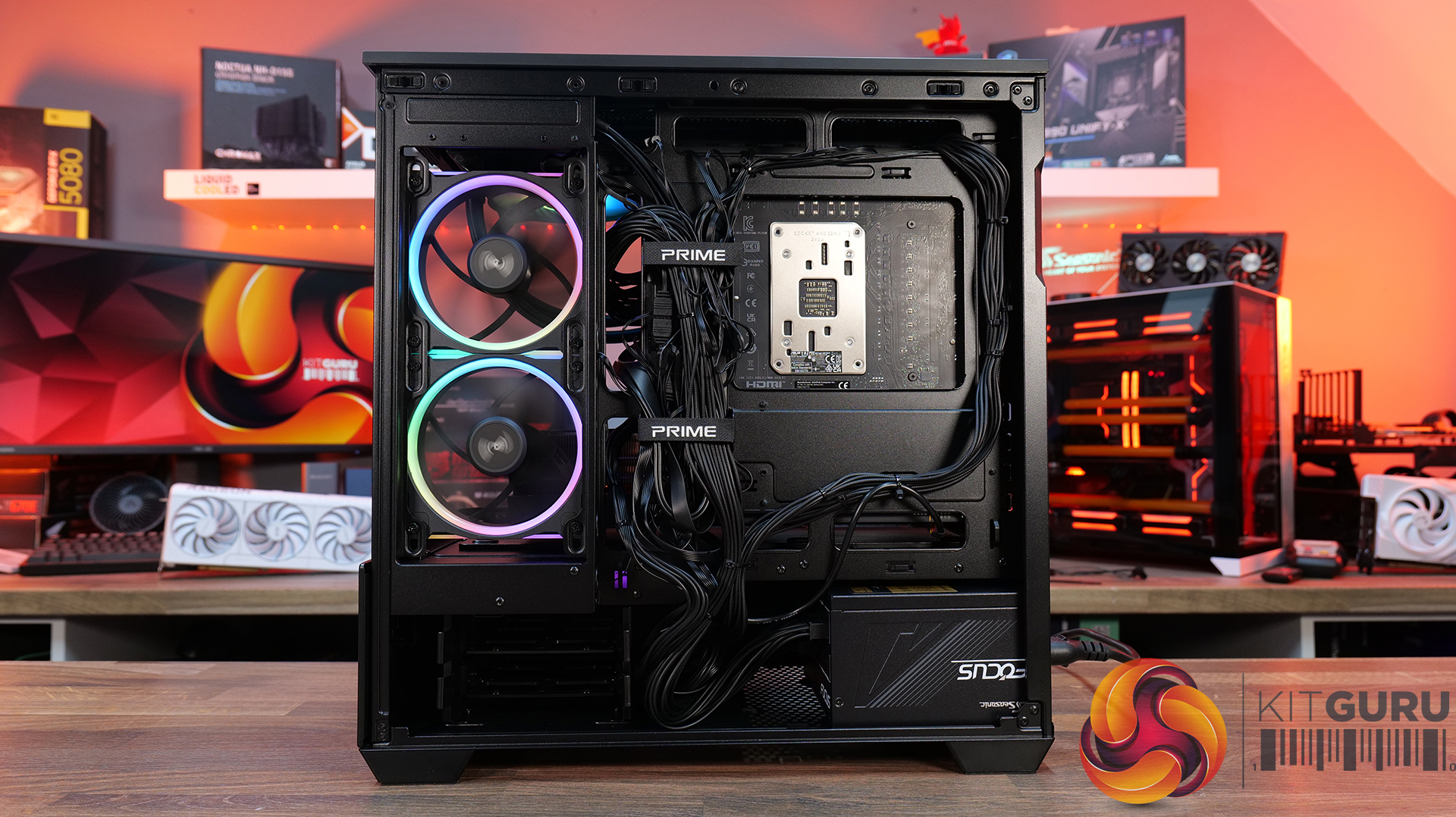
- Good cable management.
Cons:
- Out of the box thermal performance is limited due to all exhaust default fan configuration.
- Floor fan space is restricted.
- mATX but no smaller than some compact ATX cases.
KitGuru Says: First impressions of the ASUS Prime AP202 ARGB are good, it's not until you dig a little deeper into the thermal performance that you see its shortcomings, which is a shame as it's a good-looking, well-built mATX case that's not too expensive.
The post
ASUS Prime AP202 ARGB Case Review first appeared on
KitGuru.
 Connexion