↩ Accueil

Vue lecture

Apple Removes Former AI Chief John Giannandrea From Executive Leadership Page

Apple today updated its executive leadership page to remove John Giannandrea, who is set to retire from Apple next spring. Earlier this week, Apple said that Giannandrea would step down from his role as AI chief, serving as an advisor until he leaves the company.

Giannandrea's upcoming retirement was announced on Monday, and Apple wasted no time updating its leadership website. Former Microsoft Corporate VP of AI Amar Subramanya is set to take over as Apple's vice president of AI, but he is not yet listed on the site. Subramanya will report to software engineering chief Craig Federighi.

Some of the teams that Giannandrea led are being shifted to Sabih Khan and Eddy Cue, including AI Infrastructure and Search and Knowledge.

Giannandrea joined Apple in 2018 as the company's senior vice president of machine learning and AI strategy. He was overseeing Siri, Core ML, and other AI efforts at Apple. Before Apple, Giannandrea worked at Google as a senior vice president of engineering.

After the iOS 18 ‌Siri‌ failure, Giannandrea's retirement comes as no surprise. Apple announced new Apple Intelligence ‌Siri‌ features at WWDC when it unveiled iOS 18, and then used those unreleased features to market the iPhone 16 models. In spring 2025, when we were expecting the launch of the promised functionality, Apple said the smarter version of ‌Siri‌ wasn't ready and announced a year-long delay.

More than half a dozen former employees who worked on Apple's AI team told The Information the issues with ‌Siri‌ stemmed from poor leadership, stringent privacy practices, conflicting personalities, and indecision. Apple hasn't publicly commented on the situation, but stripped Siri from Giannandrea in March and overhauled the Siri team. Apple also removed Giannandrea from its robotics division in April.
This article, "Apple Removes Former AI Chief John Giannandrea From Executive Leadership Page" first appeared on MacRumors.com

Discuss this article in our forums
  •  

Meta's Creative Studio Led by Former Apple Design Head to 'Treat Intelligence as a New Design Material'

Meta CEO Mark Zuckerberg today announced plans to launch a creative studio that will be led by former Apple UI designer Alan Dye. As we learned earlier today, Dye is leaving his position as Vice President of Human Interface Design at Apple to become Meta's new chief design officer.


In a post on social media site Threads, Zuckerberg said that Meta's creative studio will merge design, fashion, and technology, while also treating intelligence as a "new design material."
The new studio will bring together design, fashion, and technology to define the next generation of our products and experiences. Our idea is to treat intelligence as a new design material and imagine what becomes possible when it is abundant, capable, and human-centered. We plan to elevate design within Meta, and pull together a talented group with a combination of craft, creative vision, systems thinking, and deep experience building iconic products that bridge hardware and software.

We're entering a new era where AI glasses and other devices will change how we connect with technology and each other. The potential is enormous, but what matters most is making these experiences feel natural and truly centered around people. With this new studio, we're focused on making every interaction thoughtful, intuitive, and built to serve people.

Meta is also hiring another Apple designer, Billy Sorrentino, who has been on Apple's human interface design team for the last 10 years. Like Dye, Sorrentino worked on Apple's iOS 26 Liquid Glass redesign.

Along with the two former Apple designers, Meta's studio will include its existing industrial design team and its metaverse design and art teams.

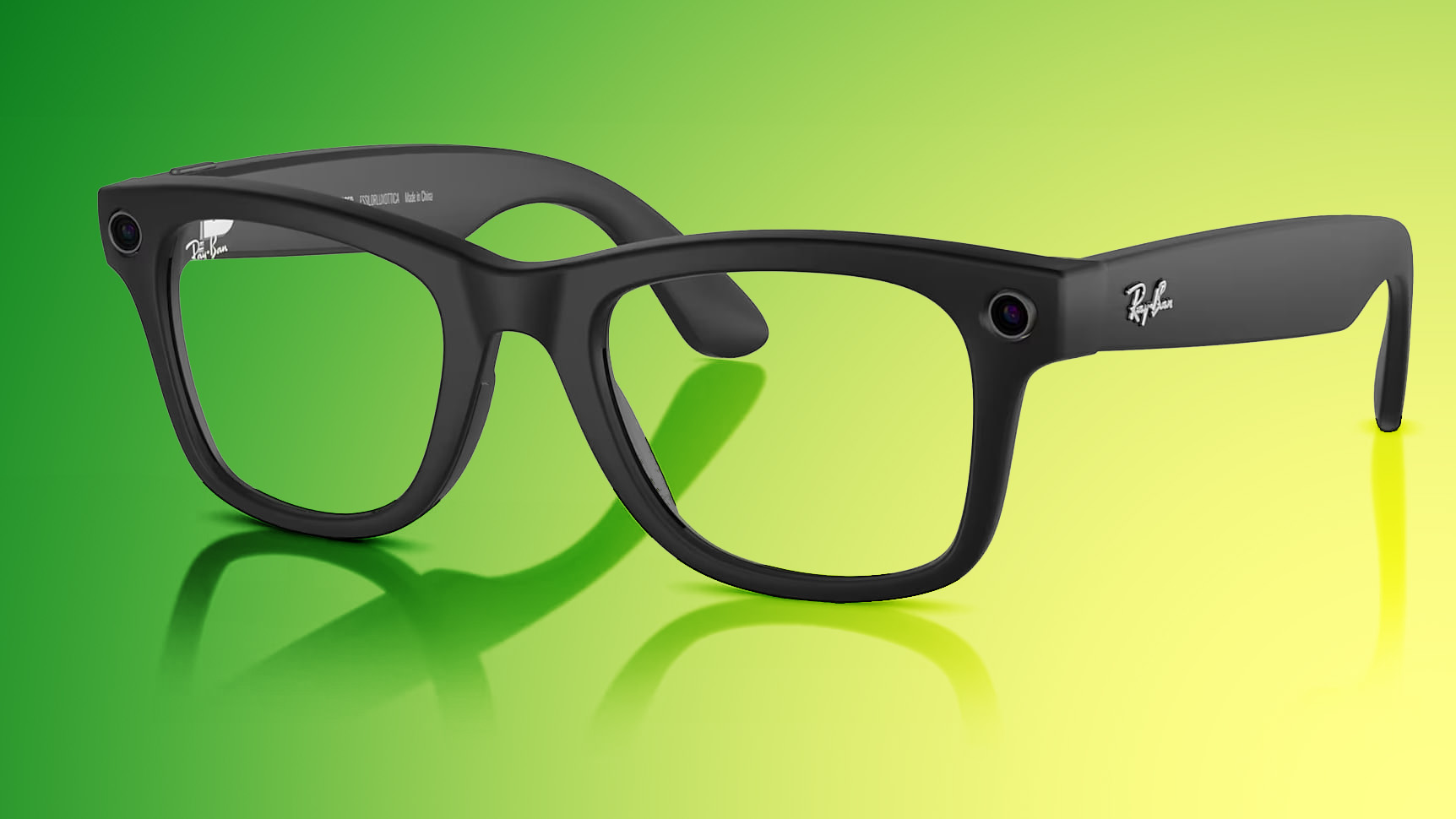
Meta currently sells its Quest VR headsets and AI smart glasses designed in collaboration with Ray-Ban and Oakley. Meta is aiming to expand further into hardware, and it is hard at work on a set of augmented reality glasses.

Alan Dye was one of Apple's few remaining designers that worked alongside Jony Ive. He originally joined Apple in 2006, transitioning to Ive's team in 2012 to work on iOS 7. He has been leading Apple's user interface design team since 2015, and will now start at Meta on December 31.
Tag: Meta

This article, "Meta's Creative Studio Led by Former Apple Design Head to 'Treat Intelligence as a New Design Material'" first appeared on MacRumors.com

Discuss this article in our forums

  •  

M5 iPad Pro vs. Samsung Galaxy Tab S11 Ultra

Just before Apple updated the iPad Pro with a next-generation M5 chip, Samsung refreshed its tablet lineup and debuted the Galaxy Tab S11 Ultra. We thought we'd pit Apple's latest ‌iPad Pro‌ against Samsung's newest tablet to see how they compare to one another.


While the ‌iPad Pro‌ measures in at 13 inches, the S11 Ultra is much larger at 14.6 inches. They both have OLED displays, but the bigger screen makes an impact. Samsung's screen is bright, colorful, and has excellent contrast, plus you don't have to pay extra for a matte coating to cut down on glare.

The M5 ‌iPad Pro‌ and the S11 Ultra are both 5.1mm, so they're incredibly thin and light. That's especially apparent with the bigger screen.

Apple doesn't let you upgrade ‌iPad Pro‌ storage on your own, but the S11 Ultra has a microSD card slot that accommodates up to 2TB of storage. RAM is up to 16GB, the same as the ‌iPad Pro‌.

Both tablets have a stylus accessory, but Samsung includes its S Pen in the box while Apple sells the Apple Pencil Pro separately. This year's S Pen has a pencil like feel and a new tip that provides a better writing experience, but the ‌Apple Pencil‌ is still better.

Samsung's tablets have a DeX mode that allows them to connect to a display or a TV for a desktop-like usage experience. DeX transforms the UI and optimizes it for a larger screen so you can do more on your tablet with dual-screen support. You can connect a second display to your iPad, but the experience is nothing like DeX, and you're limited to the ‌iPad‌ multitasking features. Samsung's S11 Ultra is much better at transitioning from a tablet to something more closely resembling a computer.

Samsung devices run Android, which is an immediate dealbreaker for a lot of Apple users. Android has the benefit of deep AI integration that Apple currently can't match, so the S11 Ultra has features like Drawing Assist, Writing Assist, camera-supported Gemini Live, and full Gemini support.

The ‌iPad Pro‌ has no water resistance, but the S11 Ultra offers IP68 protection, which means it can hold up to submersion in water. The ‌iPad Pro‌ wins in sheer performance thanks to the M5 chip. Samsung has a 3nm MediaTek Dimensity 9400+ chip, but the ‌iPad‌ is almost twice as fast in most benchmarking tests.

Apple's App Store is still more robust with a better selection of apps optimized for a tablet-sized screen, and there are many pro-level apps that aren't available on Samsung's platform. Both Apple and Samsung make keyboard cases for their tablets, but Samsung's S11 Ultra keyboard doesn't have a trackpad, which is a major downgrade compared to the ‌iPad Pro‌'s Magic Keyboard.

Would you get a Samsung tablet? Let us know in the comments below.
Tag: Samsung

This article, "M5 iPad Pro vs. Samsung Galaxy Tab S11 Ultra" first appeared on MacRumors.com

Discuss this article in our forums

  •  

Apple UI Design Chief Alan Dye Leaving for Meta

Apple UI design head Alan Dye is leaving the company and transitioning to Meta, reports Bloomberg. Dye took over Apple's user interface design team in 2015 when former Apple designer Jony Ive transitioned to Chief Design Officer, and he's held that position since then.


Dye has been at Apple since 2006, joining the marketing and communication team as a creative director. He transitioned to Jony Ive's user interface team in 2012 to work on iOS 7, and he worked on subsequent iOS, iPadOS, macOS, watchOS, and visionOS design updates. Most recently, he helped develop the Vision Pro interface, and he oversaw the rollout of the iOS 26 and macOS 26 Liquid Glass design revamp.

Apple plans to replace Dye with Stephen Lemay, a longtime Apple designer who joined the company over 25 years ago. In a statement to Bloomberg, Apple CEO Tim Cook praised Lemay.
Steve Lemay has played a key role in the design of every major Apple interface since 1999. He has always set an extraordinarily high bar for excellence and embodies Apple's culture of collaboration and creativity.

Design is fundamental to who we are at Apple, and today, we have an extraordinary design team working on the most innovative product lineup in our history.

Dye is joining Meta as chief design officer on December 31, and he will help Meta in its efforts to further break into consumer hardware. Dye will head up Meta's new design studio, overseeing hardware design and software design with a focus on improving Meta devices like headsets and glasses with AI features.
Tags: Alan Dye, Meta

This article, "Apple UI Design Chief Alan Dye Leaving for Meta" first appeared on MacRumors.com

Discuss this article in our forums
  •  

Apple design boss Alan Dye departing for Meta

Alan Dye, Apple’s vice president of Human Interface Design since 2015, is departing the company. Bloomberg reports that Meta has poached Dye as part of its push “into AI-equipped consumer devices.”

Stephen Lemay, a 26-year Apple design veteran, will take over the role from Dye, who officially joins Meta on December 31.

more…
  •  

Apple Expands Hypertension, Sleep Apnea, and Hearing Health Features to More Countries

Apple is expanding AirPods and Apple Watch health features to additional countries starting today.


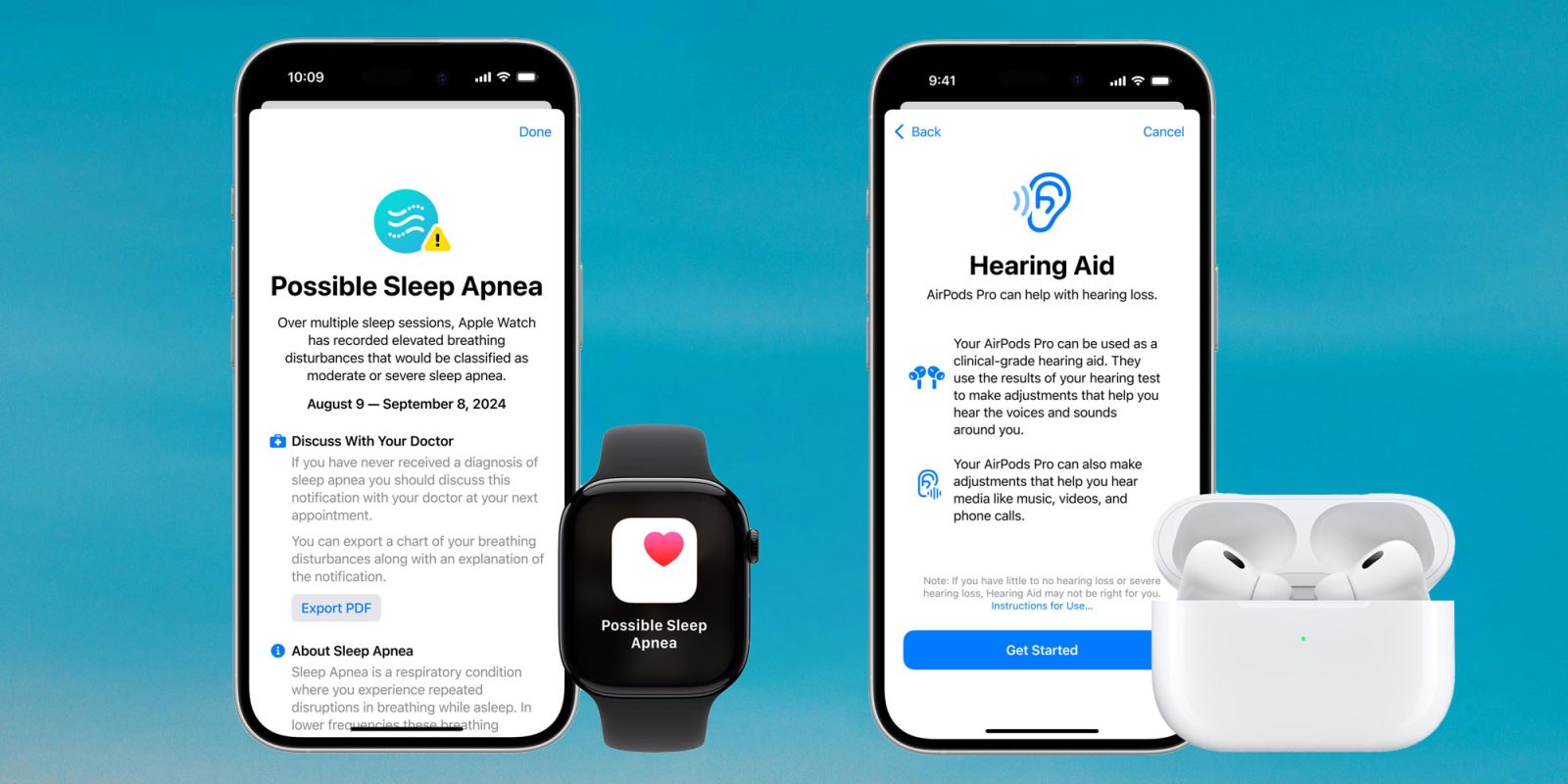
Hypertension notifications from the Apple Watch are now available in United Arab Emirates, Saudi Arabia, and Vietnam. Hearing Test and Hearing Aid functionality has expanded to Bahrain, Costa Rica, and Paraguay, while Sleep Apnea notifications are available in Colombia.

Apple also expanded Hearing Aid functionality with automatic Conversation Boost to a long list of European countries, including the UK, Germany, Austria, Poland, Switzerland, Finland, Norway, Ireland, and Denmark.

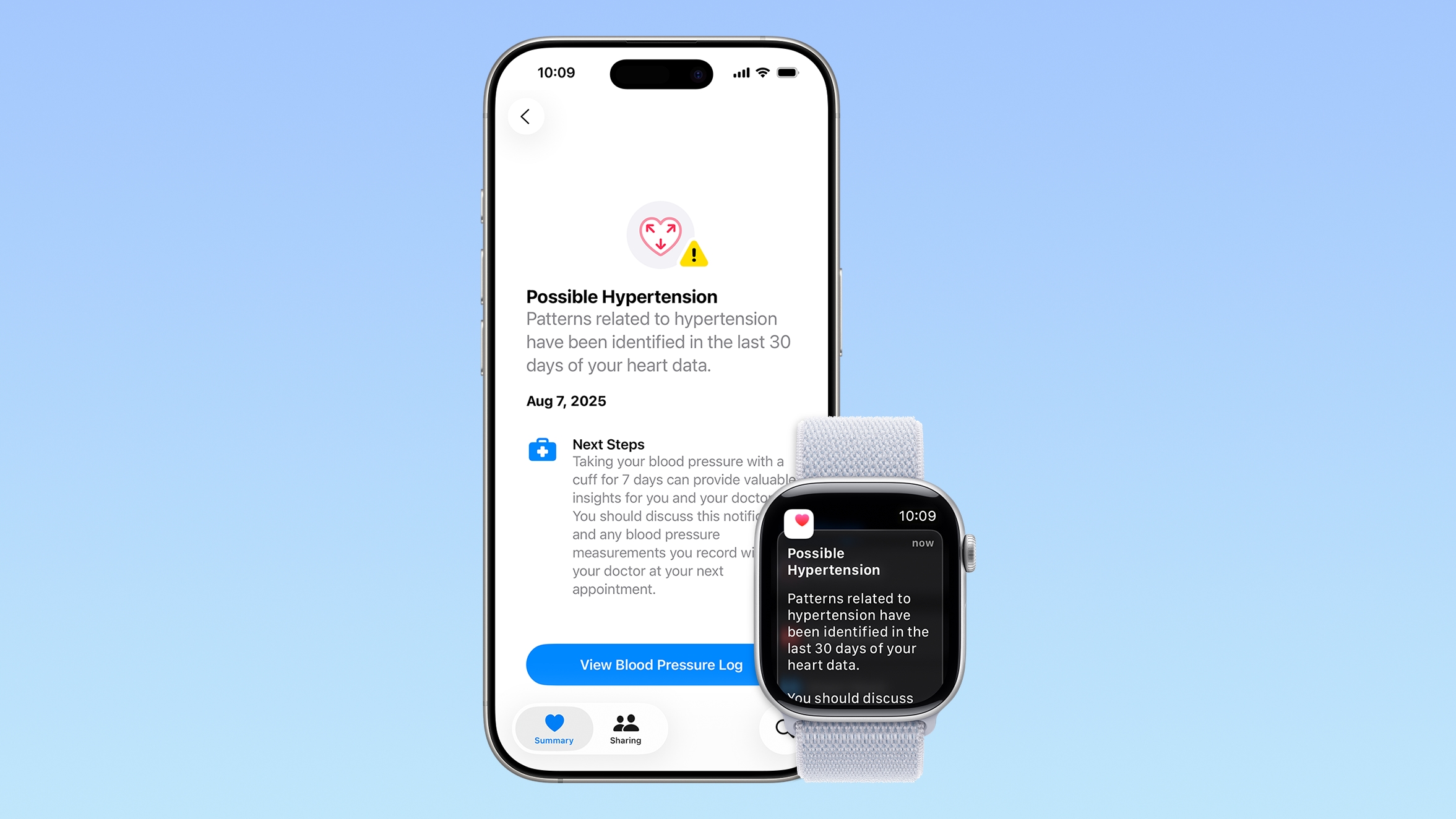
Apple introduced Hypertension notifications in watchOS 26, and the feature uses heart data collected by the Apple Watch to alert users if signs of chronic high blood pressure are detected. Hypertension notifications work after collecting 30 days of heart rate data, and the feature can be set up in the Apple Health app on the iPhone.

Hypertension alerts are available on the Apple Watch Series 9 and later and the Apple Watch Ultra 2 and later.

Sleep apnea detection is a feature that Apple first started rolling out with watchOS 11. It uses the accelerometer to monitor subtle wrist movements that are associated with interruptions in normal breathing patterns, alerting users if breathing disturbances are detected. Sleep apnea detection also requires 30 days of data, with information available in the Breathing Disturbances section of the Health app.

Hearing Test and Hearing Aid functionality first rolled out last year, allowing the AirPods Pro 2 and AirPods Pro 3 to be used in lieu of hearing aids for individuals with mild to moderate hearing loss. The hearing test uses tones at different frequencies to detect hearing loss, and if issues are detected, users can turn on hearing assistance. The feature also includes Loud Sound Reduction to protect hearing health.

Conversation Boost has long been an AirPods Pro feature, but the auto-on option paired with Hearing Aid functionality automatically enhances sound volume when someone speaks. Hearing Aid functionality with Conversation Boost works on the AirPods Pro 2 and later, with a list of supported countries available on Apple's website.
This article, "Apple Expands Hypertension, Sleep Apnea, and Hearing Health Features to More Countries" first appeared on MacRumors.com

Discuss this article in our forums
  •  

Apple Seeds watchOS 26.2, tvOS 26.2 and visionOS 26.2 Release Candidates

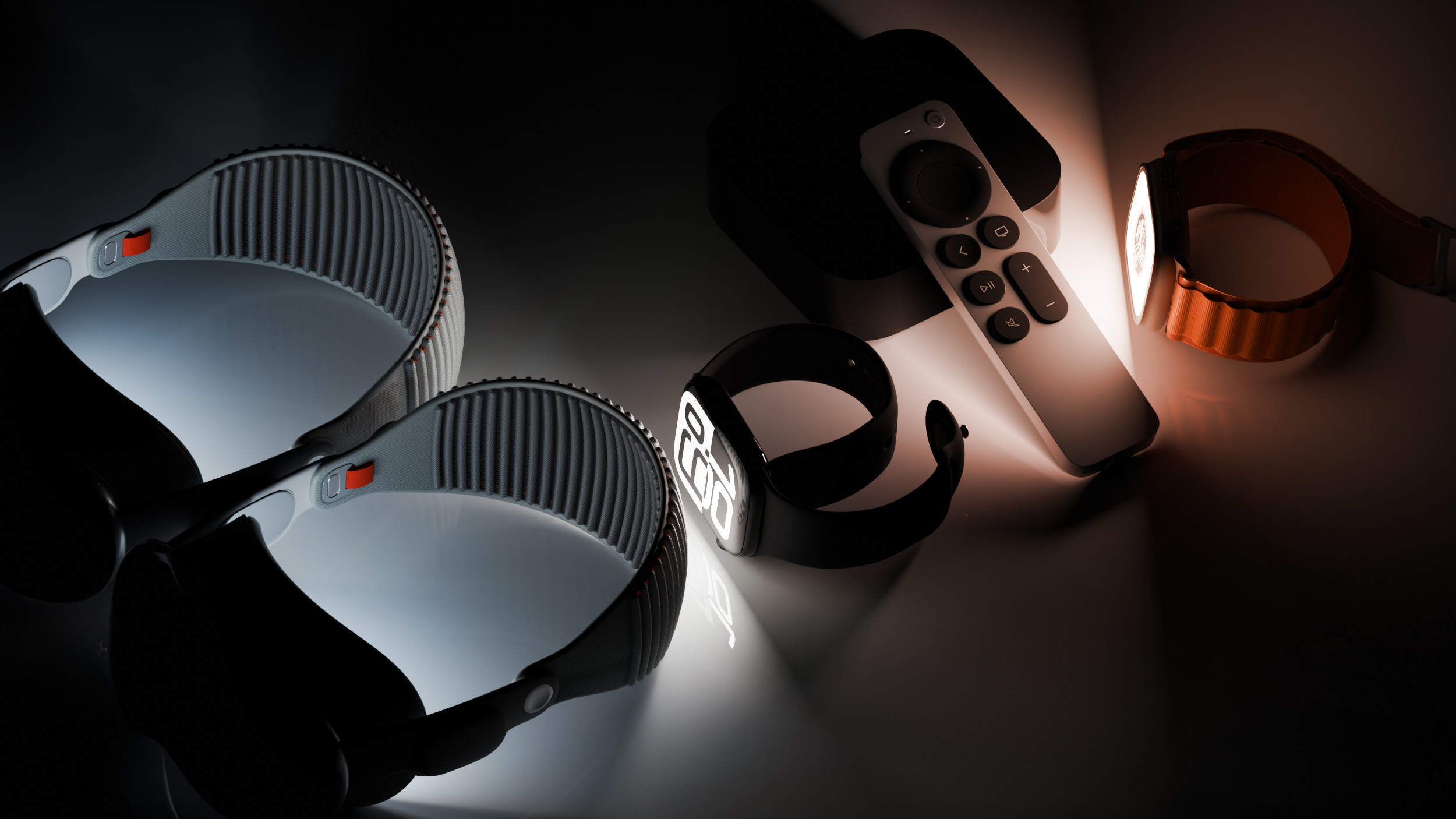
Apple today provided developers and public beta testers with the release candidate versions of upcoming watchOS 26.2, tvOS 26.2, and visionOS 26.2 updates for testing purposes. The software comes two weeks after Apple seeded the third betas. The RCs are the final versions of the watchOS, tvOS, and visionOS 26.2 updates that will be provided to the public next week as long as no other bugs are found.


The software updates are available through the Settings app on each device.

watchOS 26.2 features updated Sleep Score ranges that better match how people might be feeling after a night's rest.

In tvOS 26.2, Apple added support for creating a profile without an Apple Account, plus there is a dedicated Apple TV app kids mode for profiles created for kids.
This article, "Apple Seeds watchOS 26.2, tvOS 26.2 and visionOS 26.2 Release Candidates" first appeared on MacRumors.com

Discuss this article in our forums
  •  

macOS Tahoe 26.2 Release Candidate Now Available to Developers and Public Beta Testers

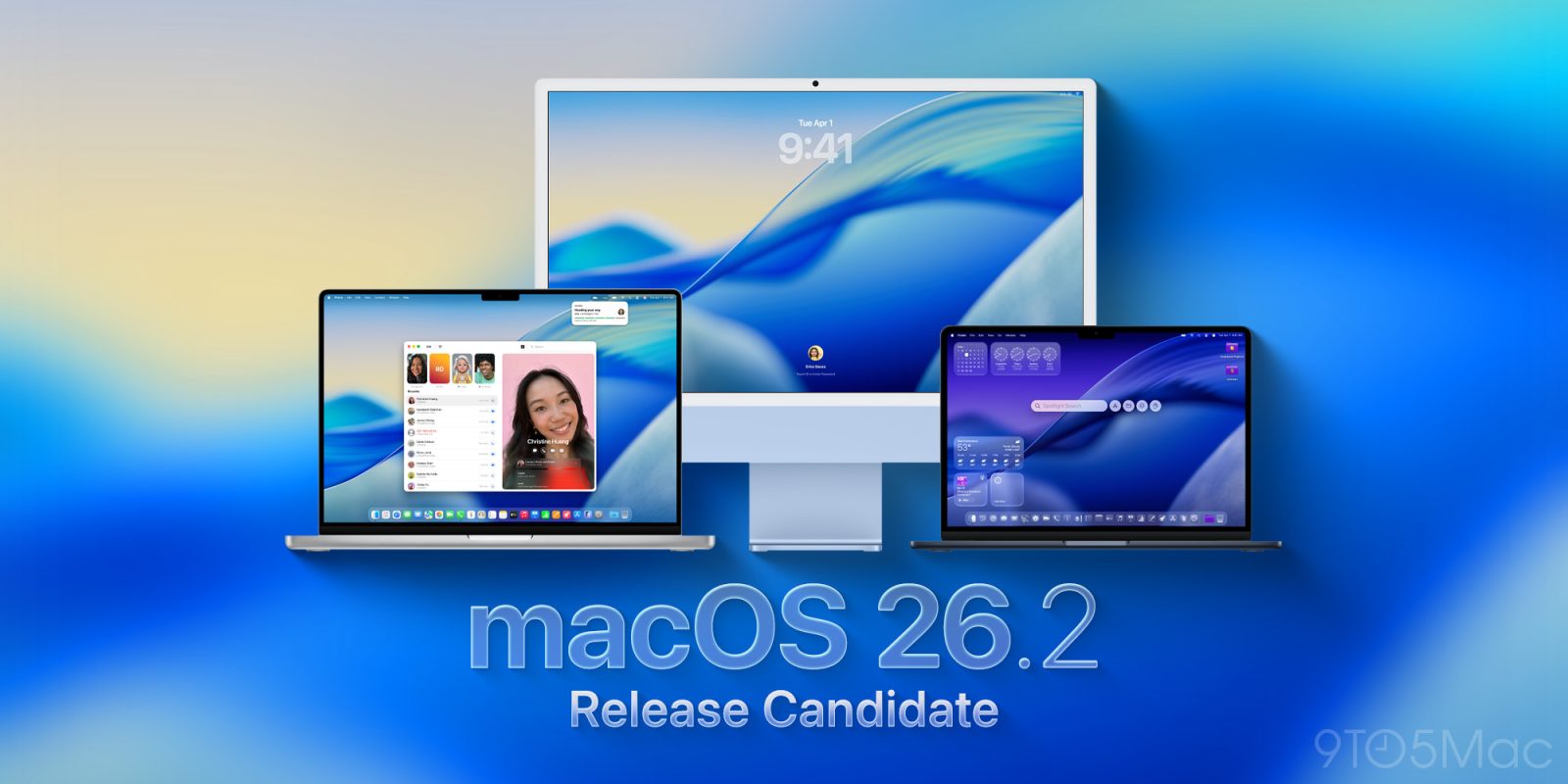
Apple today provided the release candidate of an upcoming macOS Tahoe 26.2 update to developers and public beta testers, with the update coming two weeks after Apple seeded the third beta. The RC represents the final version of macOS Tahoe 26.2 that will be provided to the public as long as no bugs are found in the software.


Testers can download the macOS Tahoe 26.2 update by opening up the System Settings app, selecting the General category, and then choosing Software Update. Beta Updates will need to be enabled.

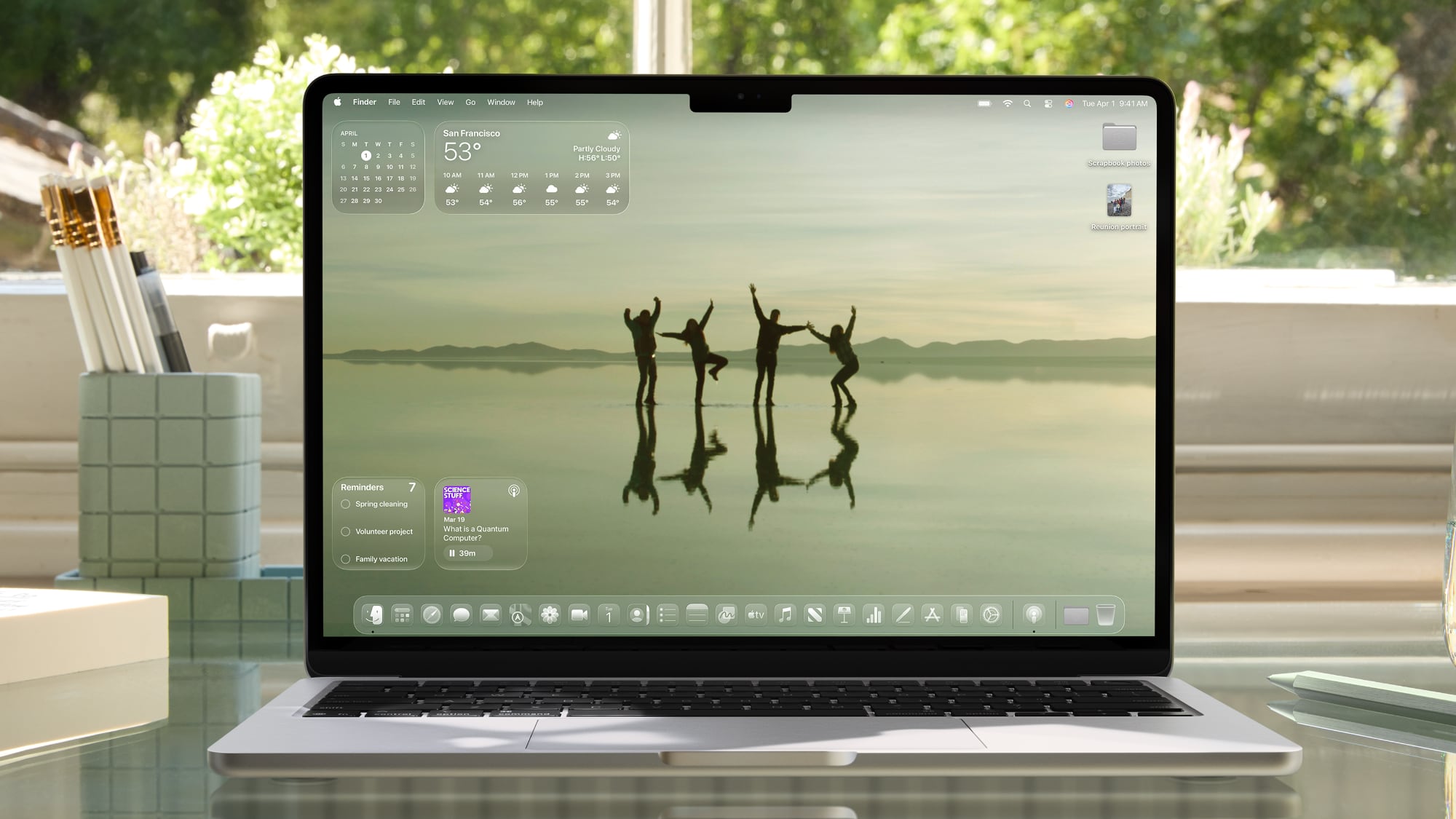
macOS Tahoe 26.2 includes Edge Light, a new feature for video calls. Edge Light adds a border of soft light around the edges of the Mac's display to illuminate your face in darkened rooms. Edge Light is meant to mimic the look of a physical ring light.

Edge Light uses the Neural Engine for positioning, so it is optimally placed around your face in the video frame. Light color can be adjusted from warm to cool, and intensity varies based on ambient lighting. Edge Light is available in video conferencing apps like FaceTime and Webex alongside other options like backgrounds, Portrait mode, and Voice Isolation. It works on Macs that support Apple silicon.

Along with Edge Light, the Reminders app is getting an option to have an alarm go off when a reminder is due, the News app has some design updates, and Apple is adding new features to the Podcasts app.
Related Roundup: macOS Tahoe 26
Related Forum: macOS Tahoe

This article, "macOS Tahoe 26.2 Release Candidate Now Available to Developers and Public Beta Testers" first appeared on MacRumors.com

Discuss this article in our forums
  •  

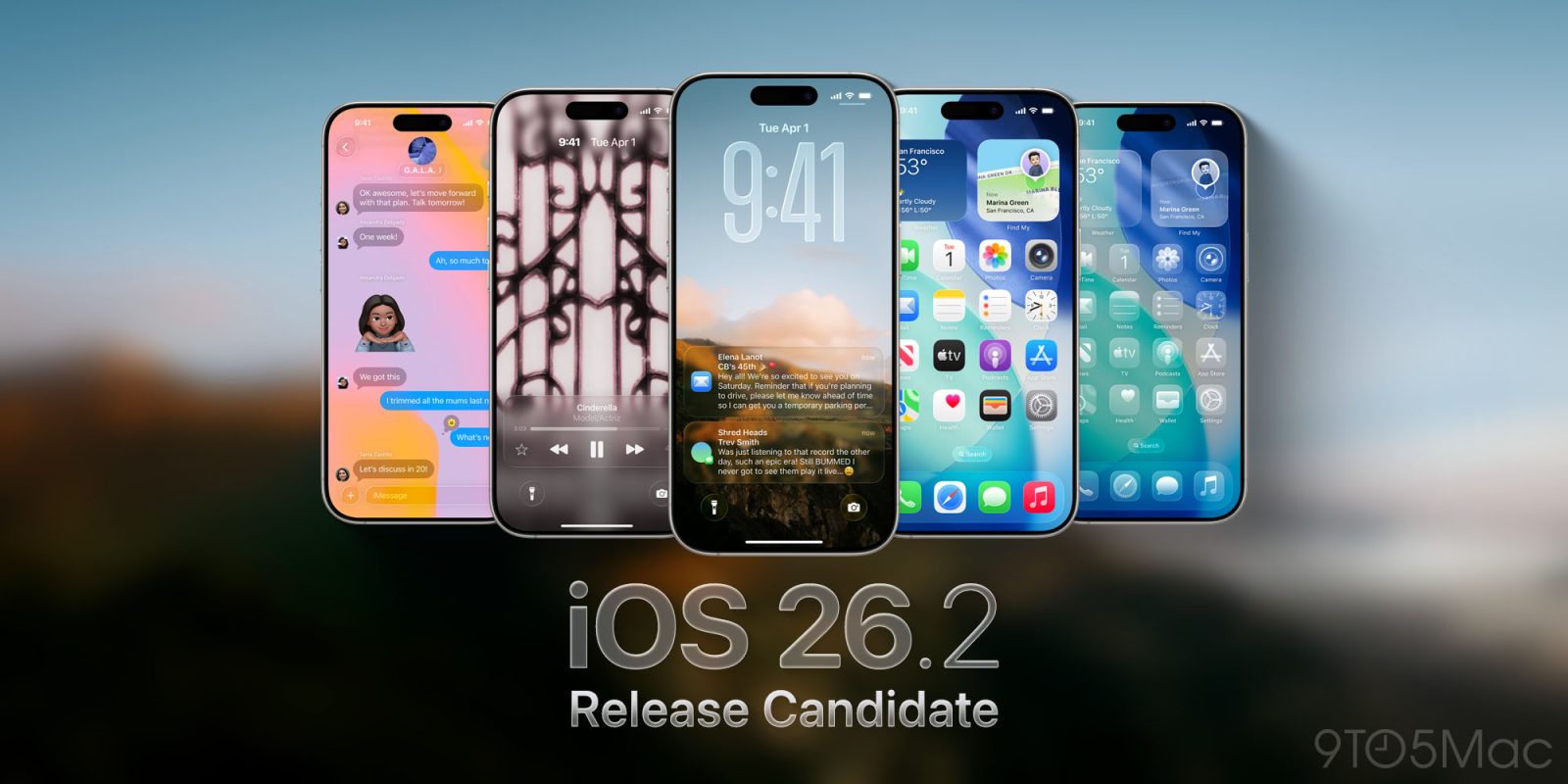
Apple Seeds iOS 26.2 and iPadOS 26.2 Release Candidates to Developers and Public Beta Testers

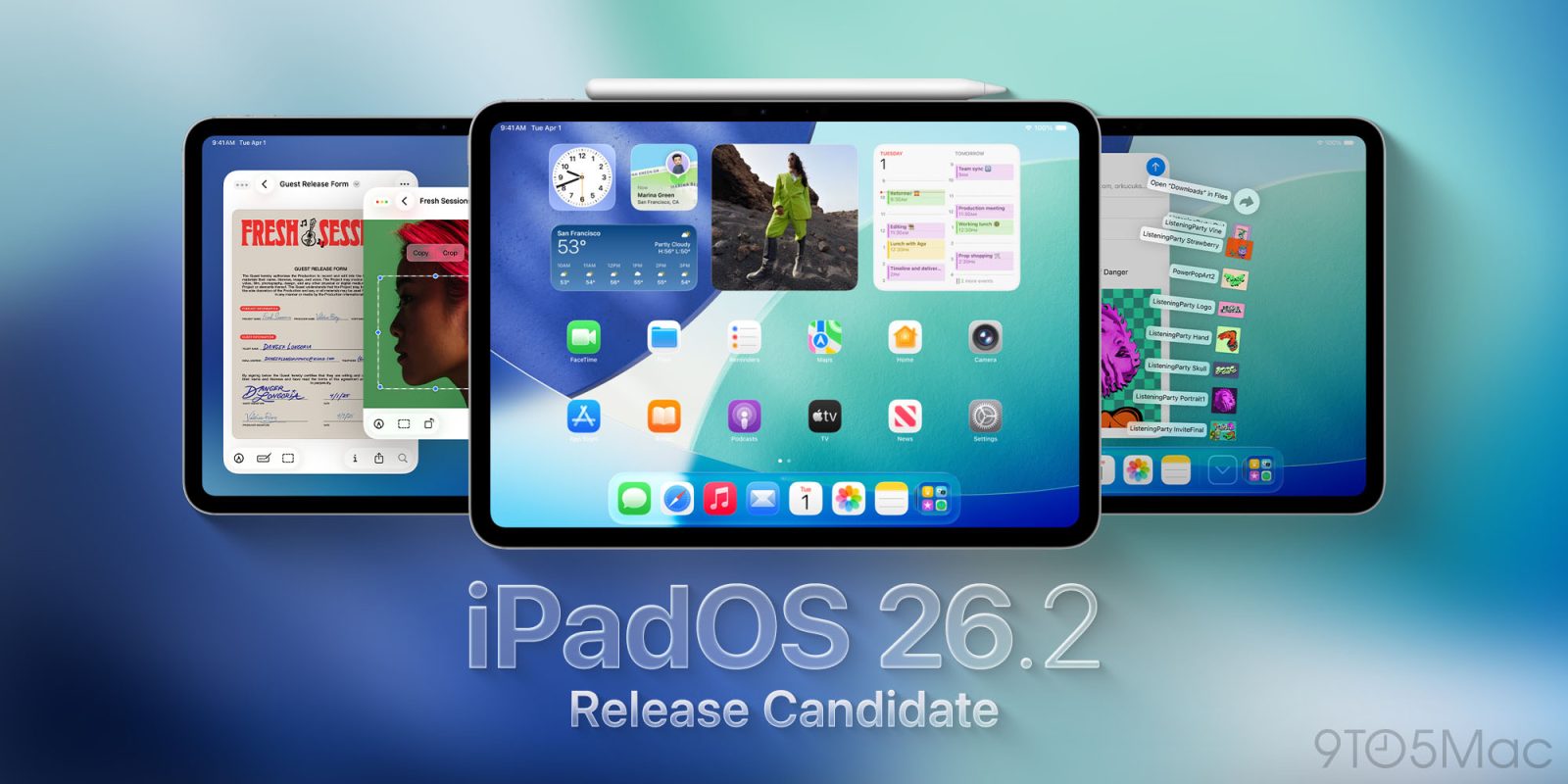
Apple today seeded the release candidate versions of upcoming iOS 26.2 and iPadOS 26.2 updates to developers and public beta testers, with the software coming two weeks after Apple seeded the third betas. The release candidates represent the final versions of iOS 26.2 and iPadOS 26.2 that will be provided to the public if no further bugs are found during this final week of testing.


Registered developers and public beta testers can download the betas from the Settings app on the iPhone or iPad by going to the General section and selecting Software Update.

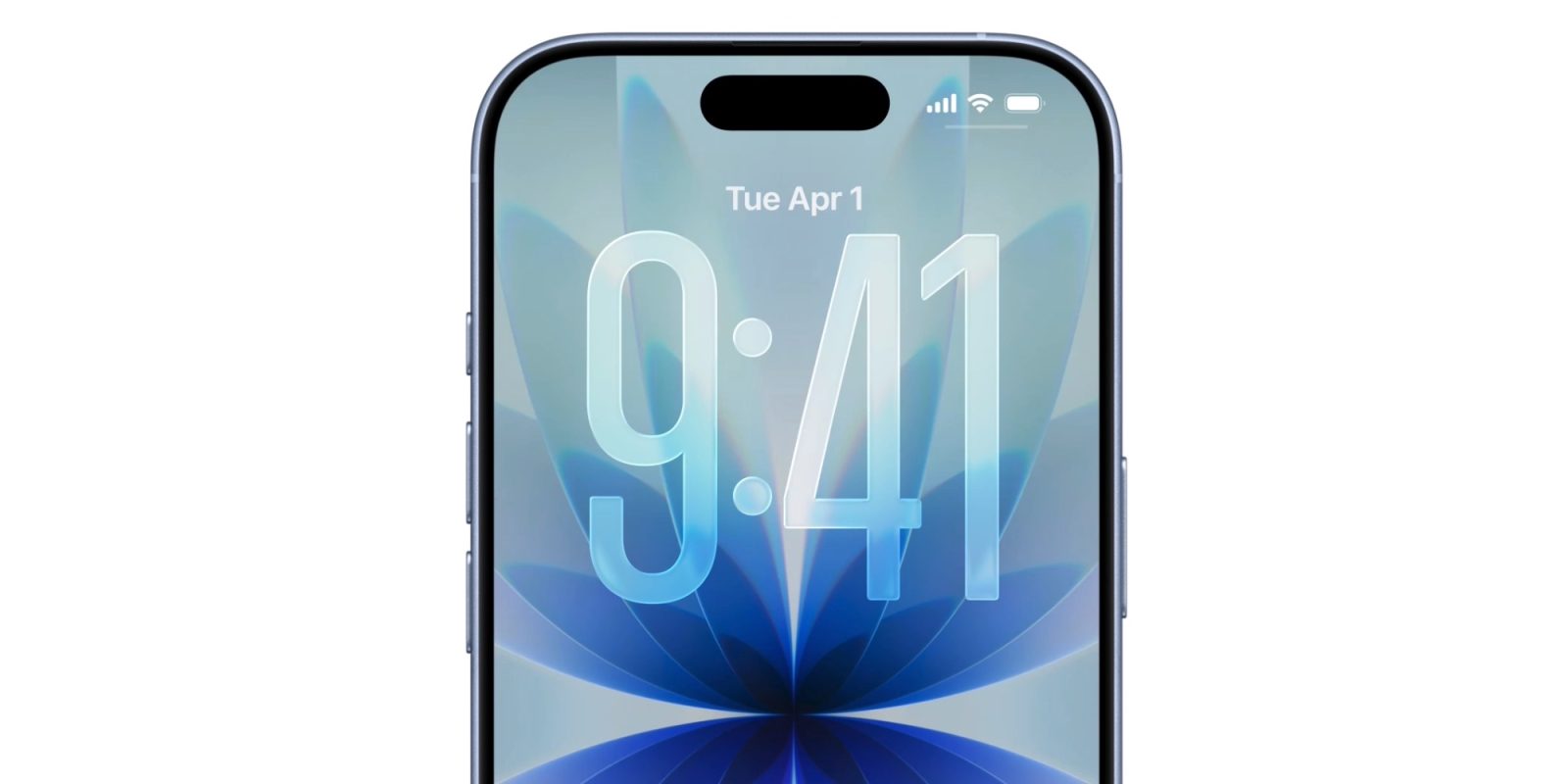
iOS 26.2 has a Liquid Glass slider on the Lock Screen to adjust the transparency of the clock, plus it brings AirPods Live Translation to the European Union. The Reminders app now supports alarms for when tasks are due, and there are updates to the Podcasts and Apple News apps. Menu animations have been revamped, and CarPlay supports disabling pinned messages in the Messages app.

We have a full list of all the features available in iOS 26.2 in our guide.

iOS 26.2 and iPadOS 26.2 will likely see a launch next week.
Related Roundups: iOS 26, iPadOS 26
Related Forum: iOS 26

This article, "Apple Seeds iOS 26.2 and iPadOS 26.2 Release Candidates to Developers and Public Beta Testers" first appeared on MacRumors.com

Discuss this article in our forums
  •  

Apple Pay Promo Offers $15 Off $75 Etsy Purchase

Apple is offering a new Apple Pay promotion for the holidays, teaming up with Etsy to provide a $15 discount off of a purchase of $75 or more.


Etsy users can get the $15 discount when making a purchase using ‌Apple Pay‌ as the payment method in the Etsy app and entering the promo code APPLEPAY at checkout.

One discount is available per person, and it excludes shipping and handling, gift cards, and taxes. It is also not available for use on the Etsy website. The deal is available through December 10, 2025 at 8:59 p.m. Pacific Time.

Fandango is also offering another "‌Apple Pay‌ Wednesday" promotion that discounts movie tickets by $5 when making a purchase with ‌Apple Pay‌ in the Fandango app or on the Fandango website. Customers will need to use the promo code APPLEPAYWED when checking out to get the deal.


The discount can be used for tickets at any theater that supports Fandango, and at any date and time, so purchases do not have to be for same-day tickets.
This article, "Apple Pay Promo Offers $15 Off $75 Etsy Purchase" first appeared on MacRumors.com

Discuss this article in our forums
  •  

9to5Mac Daily: December 3, 2025 – iOS 26.1 goes wide, more

Listen to a recap of the top stories of the day from 9to5Mac. 9to5Mac Daily is available on iTunes and Apple’s Podcasts appStitcherTuneInGoogle Play, or through our dedicated RSS feed for Overcast and other podcast players.

Sponsored by Narwal:Narwal is officially launching their Black Friday discounts, offering the record-low prices of its entire lineup up to 49% off.

more…
  •  

Deals: iPhone 16 Pro Max up to $580 off, AirPods Pro 2 $114 off, Apple Crossbody Strap, Ocean Band, more

Today’s 9to5Toys Lunch Break is kicking off with even lower prices on iPhone – you’ll now find 1TB iPhone 16 Pro Max models at up to $580 off via Amazon renewed Premium (among others). We also still have AirPods Pro 4 with ANC down at the wild $99 deal price, but this morning also ushered back in the Cyber Monday deal on AirPods Pro 2 at $114 off alongside a new all-time low on the official Apple Crossbody iPhone Strap and its 2025 model Neon Green Ocean Band. Hit the jump for a closer look. 

more…
  •