↩ Accueil

Vue lecture

Beats Teams Up With Streamer IShowSpeed in Kung Fu-Themed Campaign for Powerbeats Pro 2

Apple's Beats brand is teaming up with YouTuber and streamer IShowSpeed on a new Kung Fu-themed short film showcasing Powerbeats Pro 2 as "the most stable earbuds on earth."


Thanks to their flexible ear hooks, ‌Powerbeats Pro‌ 2 are popular with athletes and other active users who need the extra stability to ensure the earbuds stay in their ears.

The nearly five-minute short film features IShowSpeed traveling halfway around the world to train with a kung fu master, played by a longtime member of Jackie Chan's stunt crew, Paco Yick, to prove an internet troll wrong.

IShowSpeed is currently hosting a livestream premiere of the film, where he is giving away five "Master of Speed & Stability" kits that include an exclusive custom pair of ‌Powerbeats Pro‌ 2 and a movie poster.
Tag: Beats

This article, "Beats Teams Up With Streamer IShowSpeed in Kung Fu-Themed Campaign for Powerbeats Pro 2" first appeared on MacRumors.com

Discuss this article in our forums

  •  

HomeKit Weekly: Homey’s new Matter Bridge app brings more smart home gear into HomeKit

If you have been in the smart home world for any length of time, you may have some older gear that doesn’t support Matter, such as older Zigbee sensors, Z-Wave thermostats, and IR remotes for ceiling fans, etc. They all work fine, but they live outside your HomeKit setup. That is why this new update from Homey caught my attention. They are rolling out a new Matter Bridge app for Homey Pro and Homey Pro mini, and it gives HomeKit users a way to pull a huge range of non-Matter accessories right into the Home app as if they were native devices.

more…
  •  

Update Now: iOS 26.2 Fixes 20+ Security Vulnerabilities

Apple today released iOS 26.2, iPadOS 26.2, and macOS 26.2, all of which introduce new features, bug fixes, and security improvements. Apple says that the updates address over 20 vulnerabilities, including two bugs that are known to have been actively exploited.


There are a pair of WebKit vulnerabilities that could allow maliciously crafted web content to execute code or cause memory corruption. Apple says that the bugs might have been exploited in an attack against targeted individuals on versions of iOS before iOS 26.
Processing maliciously crafted web content may lead to arbitrary code execution. Apple is aware of a report that this issue may have been exploited in an extremely sophisticated attack against specific targeted individuals on versions of iOS before iOS 26.

Processing maliciously crafted web content may lead to memory corruption. Apple is aware of a report that this issue may have been exploited in an extremely sophisticated attack against specific targeted individuals on versions of iOS before iOS 26.

One of the WebKit bugs was fixed with improved memory management, while the other was addressed with improved validation.

There are several other vulnerabilities that were fixed too, across apps and services. An App Store bug could allow users to access sensitive payment tokens, processing a malicious image file could lead to memory corruption, photos in the Hidden Album could be viewed without authentication, and passwords could be unintentionally removed when remotely controlling a device with FaceTime.

Now that these vulnerabilities have been publicized by Apple, even those that were not exploited before might be taken advantage of now. Apple recommends all users update their devices to iOS 26.2, iPadOS 26.2, and macOS Tahoe 26.2 as soon as possible.
Related Roundups: iOS 26, iPadOS 26
Related Forum: iOS 26

This article, "Update Now: iOS 26.2 Fixes 20+ Security Vulnerabilities" first appeared on MacRumors.com

Discuss this article in our forums

  •  

iOS 26.4 and iOS 27 Features Revealed in New Leak

Macworld's Filipe Espósito today revealed a handful of features that Apple is allegedly planning for iOS 26.4, iOS 27, and even iOS 28.


The report said the features are referenced within the code for a leaked internal build of iOS 26 that is not meant to be seen by the public. However, it appears that Espósito and/or his sources managed to gain access to it, providing us with a sneak peek at some of the things that Apple's software engineers are working on.

As always, Apple's plans could change, so there is no guarantee that any or all of these features will end up being released to the general public.

Here is what Apple is planning for iOS 26.4, according to the report:
  • A revamped, more personalized version of Siri powered by Apple Intelligence.

  • A redesigned Health app, with a new layout for categories and simplified metric logging. A previous rumor indicated there will also be an Apple Health+ subscription service with an AI-powered health and fitness assistant.

  • If you have credit card information stored in Apple's Passwords app, you will be able to AutoFill those details in third-party apps.

  • The ability to create folders in the Freeform app.

  • Apple is apparently working on a new "Sports Tier" for the Apple TV app, but the report did not offer any further details about this.

  • There are signs of "a new validation system that will check the integrity of the device before logging into Apple ID and iCloud."

  • New features for AirPods, including "Precise Outdoor Location" in the Find My app.
These features are allegedly planned for iOS 27:
  • Improvements to photo collections in the Photos app.

  • Improvements to the AirPods pairing process.
The report even mentioned a potential iOS 28 feature:
  • New metrics for Apple Watch sleep tracking.
Apple is also planning to expand the Health app to the Mac with macOS 28, the report said.

Based on information from the same internal build of iOS 26, Espósito also shared alleged details about Apple's long-rumored smart home hub, as well as upcoming models of the Studio Display, entry-level iPad, AirTag, and more.
Related Roundups: iOS 26, iPadOS 26
Related Forum: iOS 26

This article, "iOS 26.4 and iOS 27 Features Revealed in New Leak" first appeared on MacRumors.com

Discuss this article in our forums

  •  

9to5Mac Daily: December 12, 2025 – AirTag rumors, Shazam features

Listen to a recap of the top stories of the day from 9to5Mac. 9to5Mac Daily is available on iTunes and Apple’s Podcasts appStitcherTuneInGoogle Play, or through our dedicated RSS feed for Overcast and other podcast players.

Sponsored by Backblaze: Give yourself the gift of peace of mind. Till the end of the month, 9to5Mac listeners get 30% off with code 9to5Xmas

more…
  •  

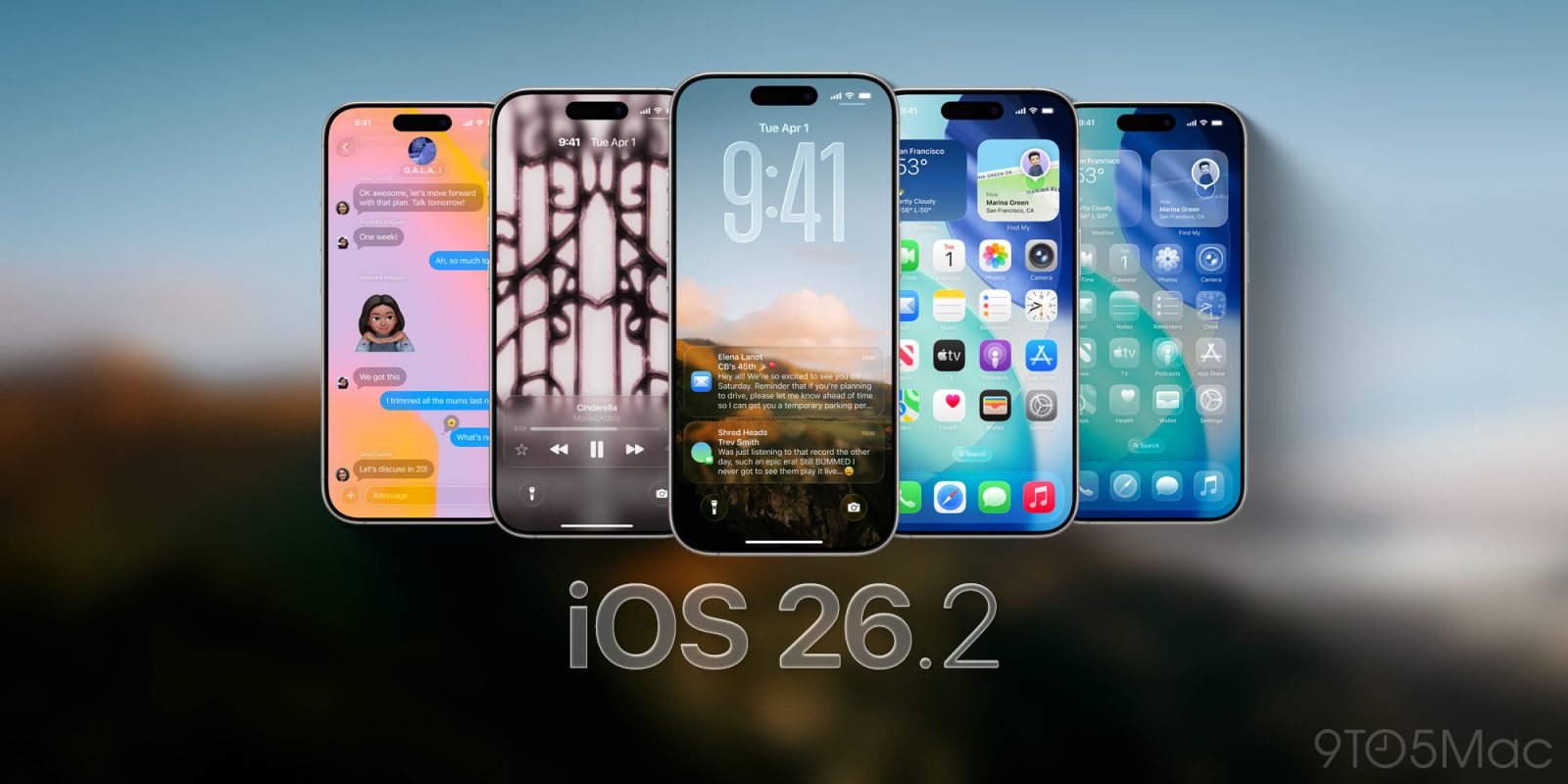
Apple Releases iOS 26.2 With Alarms for Reminders, Lock Screen Changes, Enhanced Safety Alerts and More

Apple today released iOS 26.2, the second major update to the iOS 26 operating system that came out in September, iOS 26.2 comes a little over a month after iOS 26.1 launched. ‌iOS 26‌.2 is compatible with the ‌iPhone‌ 11 series and later, as well as the second-generation ‌‌iPhone‌‌ SE.


The new software can be downloaded on eligible iPhones over-the-air by going to Settings > General > Software Update.

iOS 26.2 adds an option to activate an alarm when a reminder is due, an option to change the opacity of the time on the Lock Screen, updated AirDrop functionality, and new features for the Podcasts app.

It also brings Live Translation for the AirPods to the EU, and adds support for alternative app stores and other voice assistants in Japan. Apple's release notes for the update are below.
Apple Music
- Favorite Songs playlist appears in Top Picks on the home tab
- Offline lyrics for downloaded songs so you can view them without an internet connection

Podcasts
- Automatically generated chapters make it easier to navigate episodes
- Links to mentioned podcasts let you see and follow other podcasts mentioned in the episode you’re listening to directly from the player and transcript

Games
- Filters in the Games library let you find games by category, size, and more
- In-game challenge score banners provide real-time updates when someone new has taken the lead
- Improved support for connected controllers such as Backbone and Razer

This update also includes the following enhancements and bug fixes:
- Additional Lock Screen time customization option lets you further adjust its appearance, giving the Liquid Glass material more or less opacity
- Enhanced Safety Alerts can inform you about imminent threats such as floods, natural disasters, and other emergencies, with rich information like a map of affected areas and links to additional safety guidance (available in the U.S.)
- Alarms for Reminders help you stay on top of urgent tasks, and provide snooze and Live Activity support if you’re not ready to check the reminder off
- AirDrop codes offer an additional layer of verification when using AirDrop with unknown contacts by providing a code on the receiver’s device that the sender must enter to complete the transfer
- Apple News Section links at the top of the Today feed offer easy navigation to popular topics like Sports, Politics, Business, and Food
- Multipack accessory pairing in the Home app lets you use the same setup code to easily enroll multiple accessories when sold together
- Flash for alerts in Accessibility Settings offers the additional option to have the device screen flash when you receive a notification
- Tables in Freeform can hold text, images, documents, and drawings, with cells that intelligently resize to fit, bringing structure to the infinite canvas
- Fixes an issue where pre-release albums in the Apple Music library were not immediately playable at their release time
- Fixes an issue where a Privacy and Security setting may incorrectly be marked as managed by an enterprise organization.

For more on the new features in ‌iOS 26‌, we have a dedicated roundup.
Related Roundups: iOS 26, iPadOS 26, macOS Tahoe 26
Related Forums: iOS 26, macOS Tahoe

This article, "Apple Releases iOS 26.2 With Alarms for Reminders, Lock Screen Changes, Enhanced Safety Alerts and More" first appeared on MacRumors.com

Discuss this article in our forums

  •  

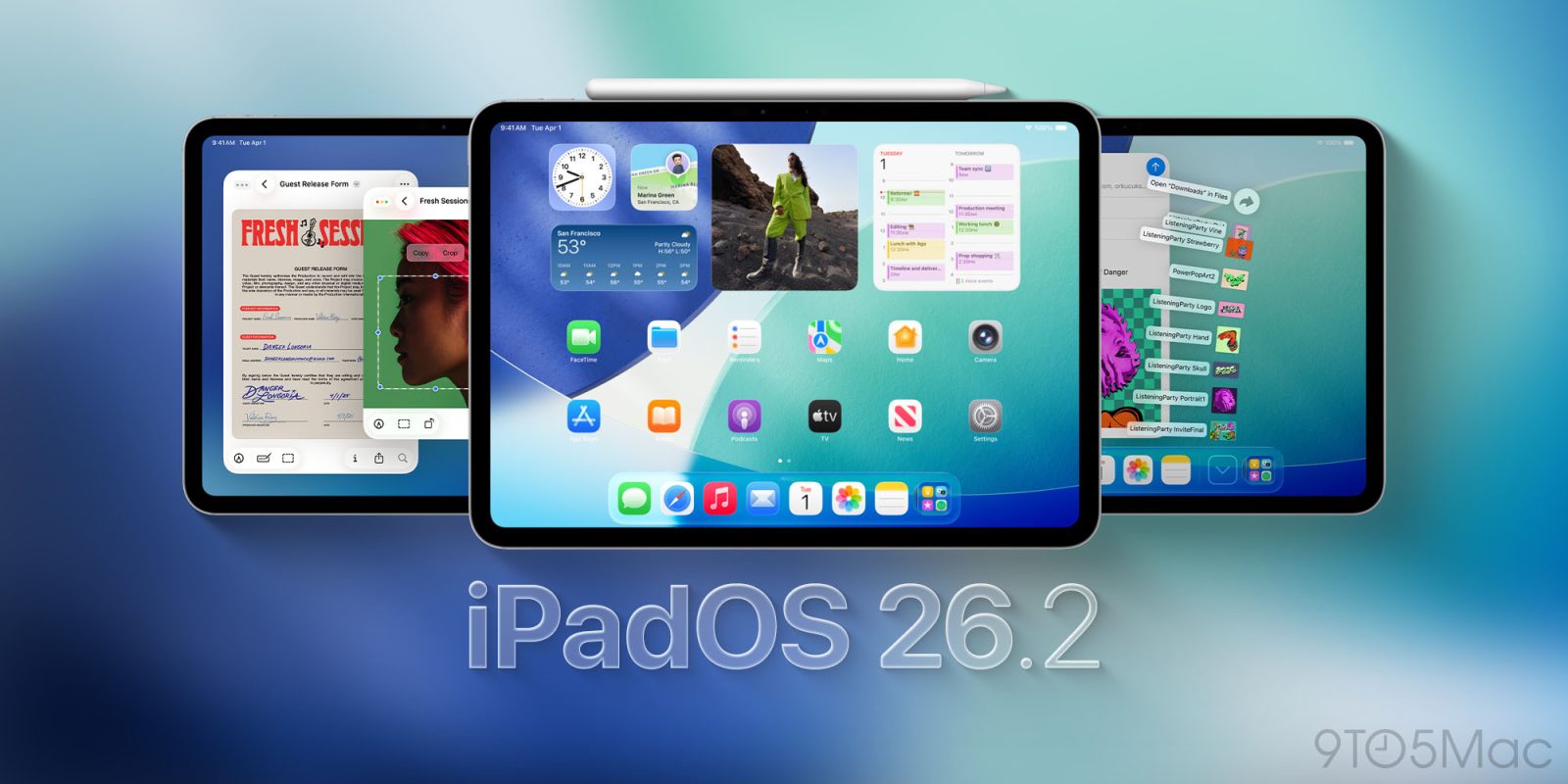
Apple Releases iPadOS 26.2 With Multitasking Improvements

Apple today released iPadOS 26.2, the second major update to the iPadOS 26 operating system released in September. iPadOS 26.2 comes a month after iPadOS 26.1.


The new software can be downloaded on eligible iPads over-the-air by going to Settings > General > Software Update.

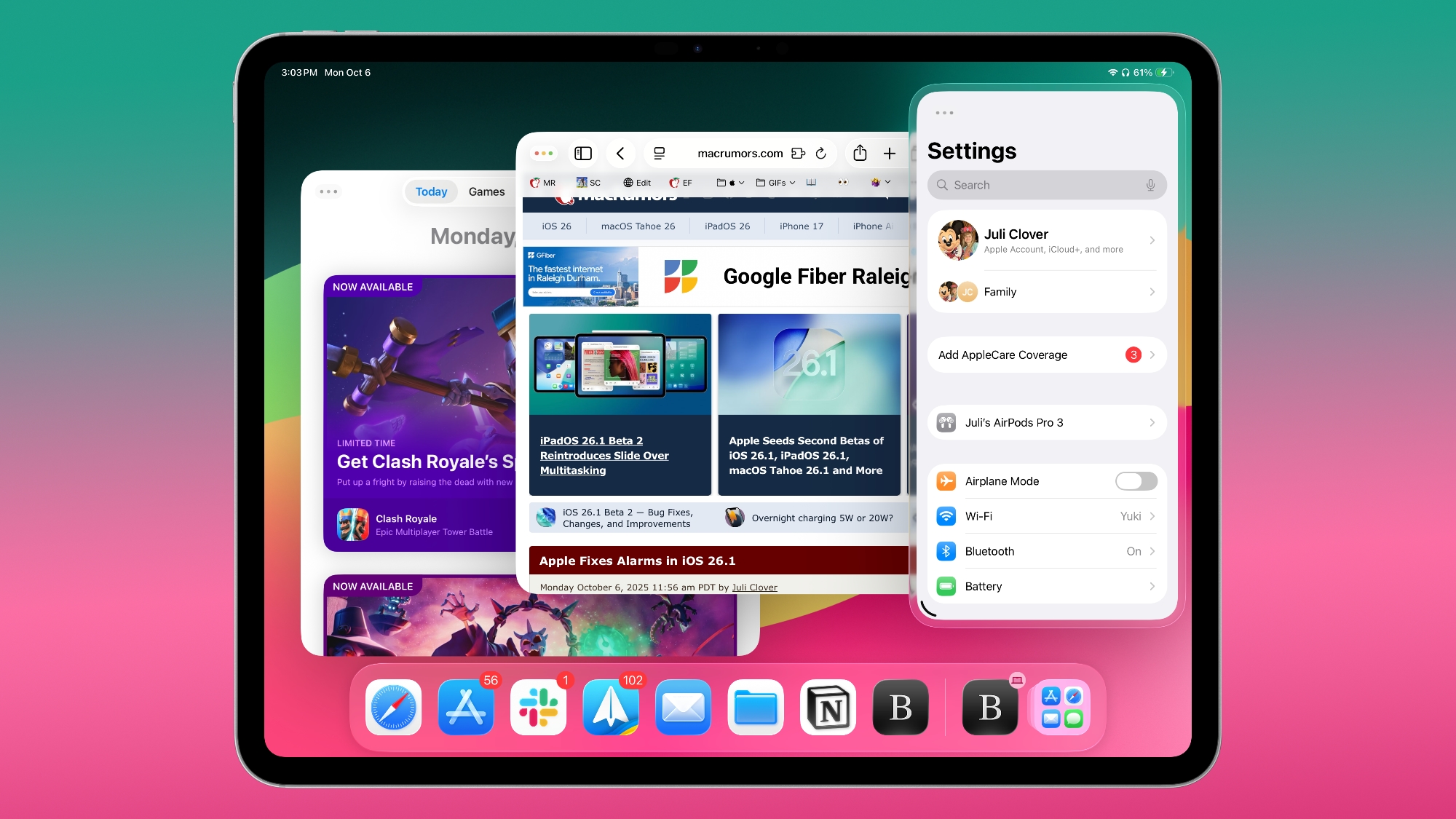
iPadOS 26.2 continues with the multitasking improvements that were added with iPadOS 26.1. You can now drag and drop apps from the Dock, Spotlight Search, or the App Library to different multitasking views, including Slide Over.

Apps can be dragged to the far left or far right to enter Slide Over mode, or to the left or right to enter a tiled view. There's also an option to drag an app to the middle to open up a larger or smaller window, with visual indicators to make it simple. It's an easier way to manipulate apps than the prior controls accessible through the window buttons. Apple's release notes for the update are below.

Multitasking
- Multitasking gestures to quickly tile windows or place an app in Slide Over by dragging app icons from the Dock

Apple Music
- Favorite Songs playlist appears in Top Picks on the home tab
- Offline lyrics for downloaded songs so you can view them without an internet connection

Podcasts
- Automatically generated chapters make it easier to navigate episodes
- Links to mentioned podcasts let you see and follow other podcasts mentioned in the episode you’re listening to directly from the player and transcript

Games
- Filters in the Games library let you find games by category, size, and more
- In-game challenge score banners provide real-time updates when someone new has taken the lead
- Improved support for connected controllers such as Backbone and Razer

This update also includes the following enhancements and bug fixes:
- Additional Lock Screen time customization option lets you further adjust its appearance, giving the Liquid Glass material more or less opacity
- Alarms for Reminders help you stay on top of urgent tasks, and provide snooze and Live Activity support if you’re not ready to check the reminder off
- AirDrop codes offer an additional layer of verification when using AirDrop with unknown contacts by providing a code on the receiver’s device that the sender must enter to complete the transfer
- Apple News Section links in the sidebar of the News app offer easy navigation to popular topics like Sports, Politics, Business, and Food
- Multipack accessory pairing in the Home app lets you use the same setup code to easily enroll multiple accessories when sold together
- Flash for alerts in Accessibility Settings offers the additional option to have the device screen flash when you receive a notification
- Tables in Freeform can hold text, images, documents, and drawings, with cells that intelligently resize to fit, bringing structure to the infinite canvas
- Fixes an issue where pre-release albums in the Apple Music library were not immediately playable at their release time
- Fixes an issue where a Privacy and Security setting may incorrectly be marked as managed by an enterprise organization.


More info on ‌iPadOS 26‌ is available in our roundup.
Related Roundups: iOS 26, iPadOS 26
Related Forum: iOS 26

This article, "Apple Releases iPadOS 26.2 With Multitasking Improvements" first appeared on MacRumors.com

Discuss this article in our forums

  •  

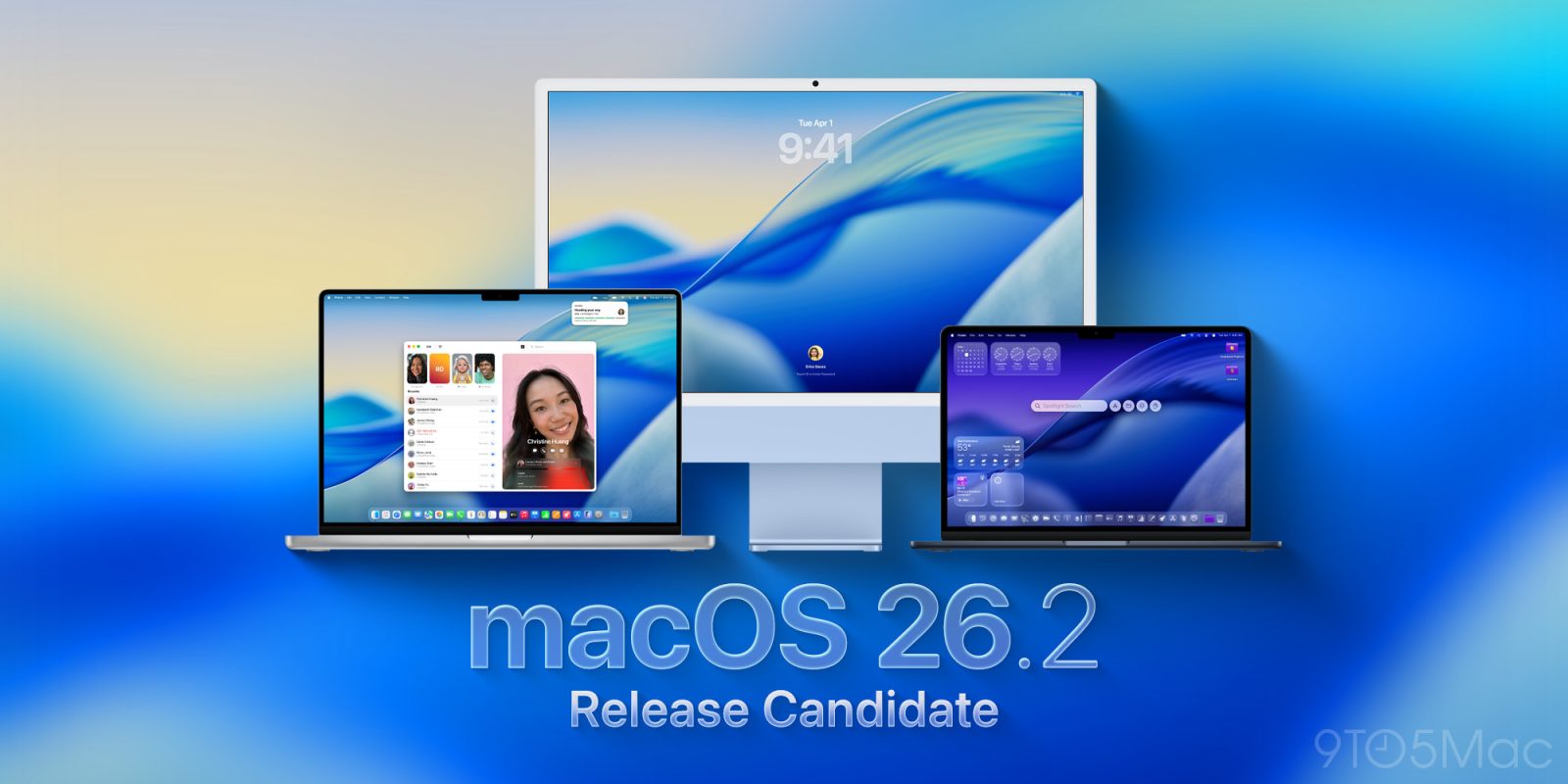
Apple Releases macOS Tahoe 26.2 With Edge Light

Apple today released macOS Tahoe 26.2, the second major update to the macOS Tahoe operating system that came out in September. macOS Tahoe 26.2 comes five weeks after Apple released macOS Tahoe 26.1.


Mac users can download the macOS Tahoe update by using the Software Update section of System Settings.

macOS Tahoe 26.2 includes Edge Light, a feature that illuminates your face with soft light when you're on a video call in a room with poor lighting. The update also adds alarms for the Reminders app, new podcast features, updated AirDrop settings, and more. Apple's release notes are below.
Edge Light
- Edge Light video effect uses the Mac display to illuminate your face like a virtual ring light when you're on a video call in low light
- Customizable light width and temperature give you control over how you're lit
- Mouse awareness ensures that the light recedes when you need to access content underneath
- Option to have the light turn on automatically in low light situations on Mac computers introduced in 2024 and later

Podcasts
- Automatically generated chapters make it easier to navigate more episodes
- Links to mentioned podcasts let you see and follow other podcasts mentioned in the episode you're listening to directly from the player and transcript

Games
- Filters in the Games library let you find games by category, size, and more
- In-game challenge score banners provide real-time updates when someone new has taken the lead
- Connected controller support

This update also includes the following enhancements and bug fixes:
- AirDrop codes offer an additional layer of verification when using AirDrop with unknown contacts by providing a code on the receiver's device that the sender must enter to complete the transfer
- Apple News Section links in the sidebar of the News app offer easy navigation to popular topics like Sports, Politics, Business, and Food
- Tables in Freeform can hold text, images, documents, and drawings, with cells that intelligently resize to fit, bringing structure to the infinite canvas
- Favorite Songs playlist appears in Top Picks in Apple Music
- Fixes an issue where pre-release albums in the library were not immediately playable at their release time

For information on the security content of Apple software updates, please visit: support.apple.com/100100.
More information on the features in macOS Tahoe can be found in our macOS Tahoe roundup.
Related Roundup: macOS Tahoe 26
Related Forum: macOS Tahoe

This article, "Apple Releases macOS Tahoe 26.2 With Edge Light" first appeared on MacRumors.com

Discuss this article in our forums

  •  

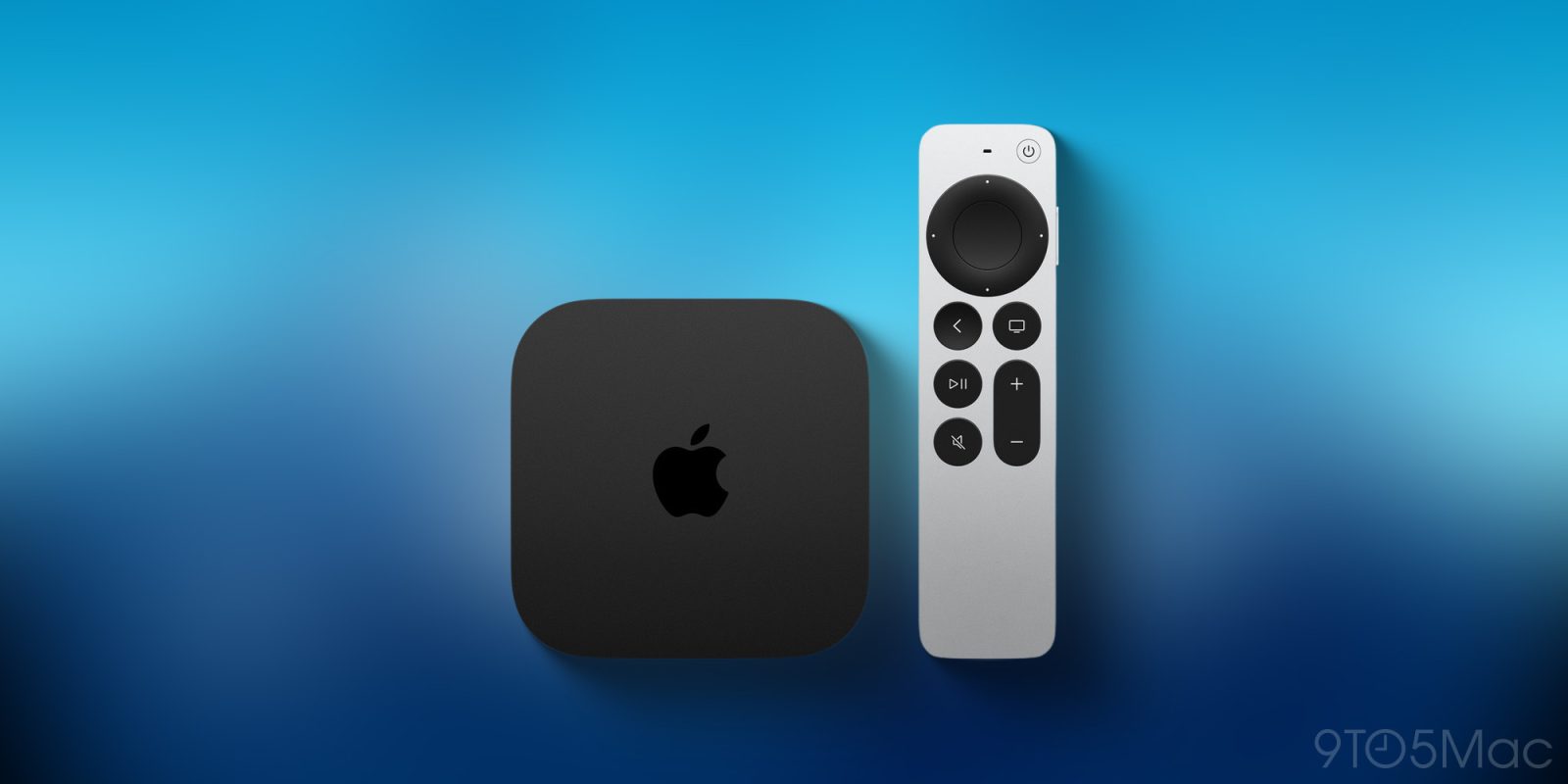
Apple Releases tvOS 26.2 With New TV Profiles, Dedicated Kids Mode

Apple today released tvOS 26.2, an update to the tvOS 26 operating system that came out in September. tvOS 26.2 is available on the Apple TV 4K and the ‌Apple TV‌ HD models, and it comes a month after Apple released tvOS 26.1.


tvOS 26.2 can be downloaded using the Settings app on the ‌‌‌Apple TV‌‌‌. Open up Settings and go to System > Software Update to get the new software. ‌‌‌Apple TV‌‌‌ owners who have automatic software updates activated will be upgraded to tvOS 26.2 automatically.

The tvOS 26.2 update changes the way that profiles work on the ‌Apple TV‌, adding an option to create a profile without an Apple Account. With no need for an Apple Account, profiles can be created for guests and children.

For profiles made for children, there is an age-restricted mode that limits the content that kids can access in the ‌Apple TV‌ app. The ‌‌Apple TV‌‌ app will only show content that is appropriate for the limits that have been established for the account, and rating options include TV-G, TV-PG, TV-14, and more.

Apple shares full release notes for tvOS in its tvOS support document when new versions are released, so check that out for additional details.
Related Roundup: Apple TV
Buyer's Guide: Apple TV (Don't Buy)

This article, "Apple Releases tvOS 26.2 With New TV Profiles, Dedicated Kids Mode" first appeared on MacRumors.com

Discuss this article in our forums

  •  

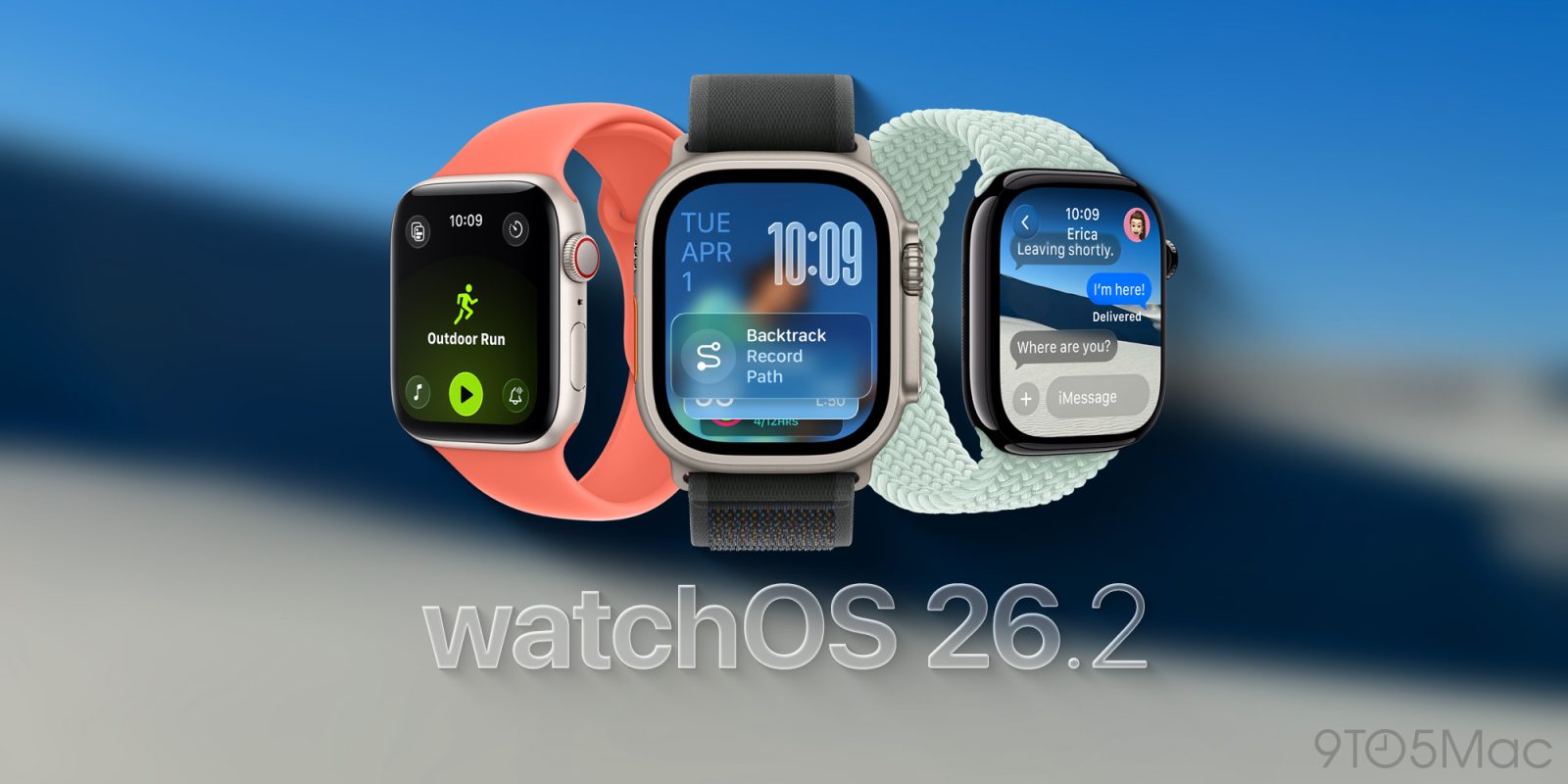
Apple Releases watchOS 26.2 With Sleep Score Updates

Apple today released watchOS 26.2, an update to the watchOS 26 operating system that came out in September. watchOS 26.1 comes a month after Apple released watchOS 26.1.


watchOS 26.2 can be downloaded for free on an iPhone running iOS 26.2 by opening up the Apple Watch app and going to General > Software Update, or initiating an update in the Settings app on the watch. To install the new software, the Apple Watch needs to have at least 50 percent battery and it needs to be placed on a charger.

watchOS 26.2 changes the labeling for Sleep Score point ranges to better match how people might be feeling after a night of rest. The update adjusts the ranges for Very Low, Low, OK, High, and Very High sleep score results. Very High is also a new classification that replaces Excellent.

Apple's full release notes for watchOS 26.2 are below.

This update includes improvements and bug fixes, including:
- Refinements to sleep score classifications and notification controls
- An issue where the Music app fails to advance to the next song
- Enhanced Safety Alerts can inform you about imminent threats such as floods, natural disasters, and other emergencies, with rich information like a map of affected areas and links to additional safety guidance (available in the US)

For information on the security content of Apple software updates, please visit this website:
https://support.apple.com/100100
Related Roundup: watchOS 26
Related Forum: Apple Watch

This article, "Apple Releases watchOS 26.2 With Sleep Score Updates" first appeared on MacRumors.com

Discuss this article in our forums

  •  

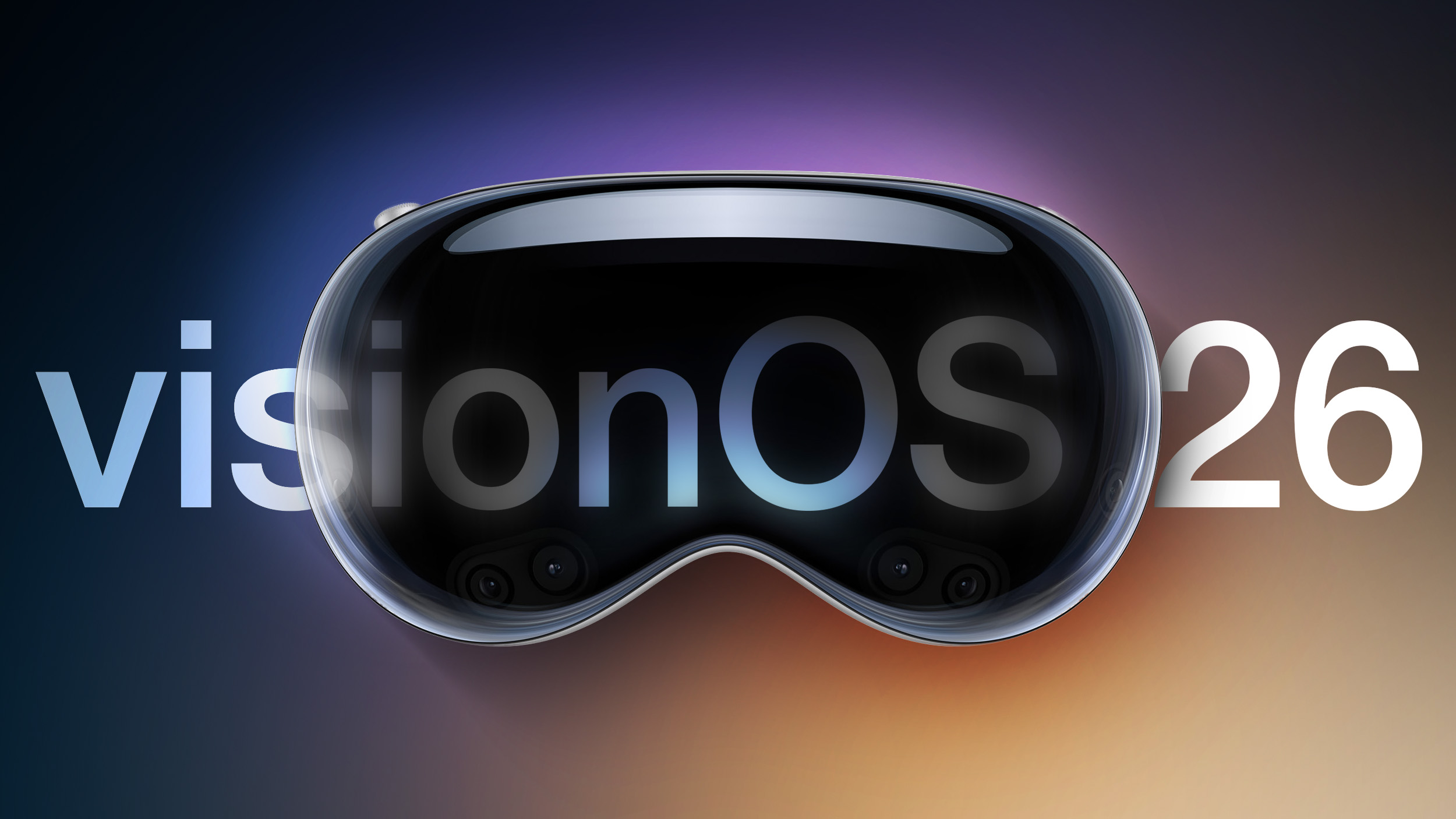
Apple Releases visionOS 26.2 With Travel Mode Updates

Apple today released visionOS 26.2, the second update to the visionOS 26 operating system that came out in September. visionOS 26.2 comes a month after the release of visionOS 26.1.


‌visionOS 26‌.2 can be downloaded on all Vision Pro headsets by navigating to the Settings app, selecting the General section, and choosing the Software Update option. To install an update, the Vision Pro headset needs to be removed, and there is a software progress bar available on the front EyeSight display.

visionOS 26.2 expands the Travel Mode feature to cars and busses, plus it adds new features for spatial accessories like the Logitech Muse. Apple's release notes for the update are below.
This update expands Travel Mode to cars and busses, adds support for hand-drawn content with spatial accessories, and includes other features, bug fixes, and security updates for your Apple Vision Pro.
- Travel Mode lets passengers use Apple Vision Pro on cars and busses in addition to airplanes and trains
- Support for hand-drawn content with spatial accessories like Logitech Muse in Notes, Freeform, and any PencilKit-enabled app
- Tables in Freeform can hold text, images, documents, and drawings, with cells that intelligently resize to fit, bringing structure to the content of your board
Additional information on the new M5 Apple Vision Pro and visionOS 26 can be found in our roundup.
Related Roundup: Apple Vision Pro
Buyer's Guide: Vision Pro (Buy Now)
Related Forum: Apple Vision Pro

This article, "Apple Releases visionOS 26.2 With Travel Mode Updates" first appeared on MacRumors.com

Discuss this article in our forums

  •  

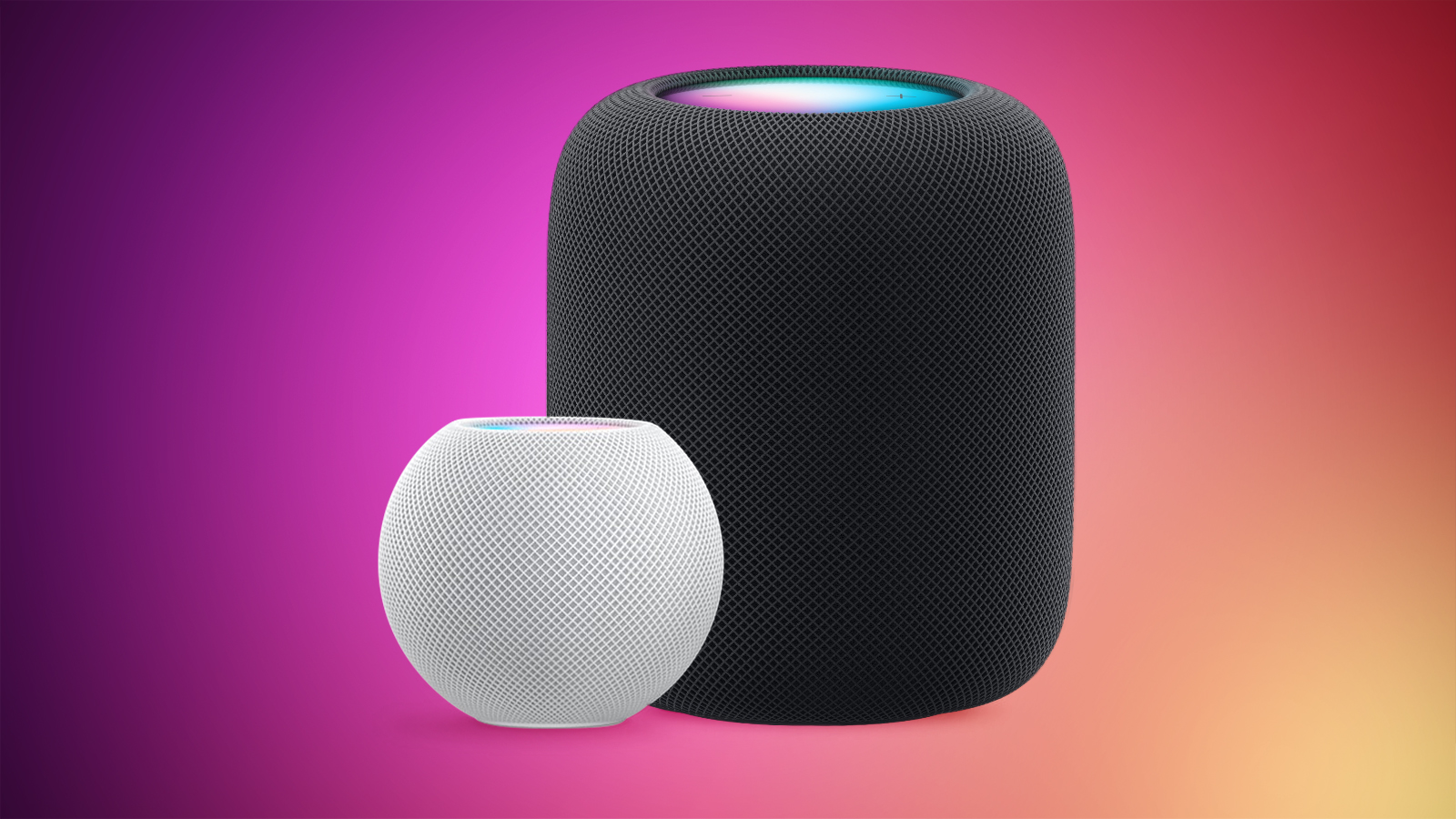
Apple Releases HomePod Software 26.2 With Performance Improvements

Alongside iOS 26.2, iPadOS 26.2, and macOS Tahoe 26.2, Apple has released new HomePod 26.2 software for the ‌HomePod‌ and the HomePod mini. The update comes a month after Apple released ‌HomePod‌ Software 26.1.


According to Apple's release notes, ‌HomePod‌ Software 26.2 includes performance and stability improvements.

‌‌HomePod‌‌‌‌‌‌‌‌ software is installed automatically on the ‌‌‌‌‌‌‌‌HomePod‌‌‌‌ unless the feature is disabled‌‌‌‌, but the ‌‌‌‌‌‌‌‌HomePod‌‌‌‌‌‌‌‌ can also be manually updated in the Home app on iPhone, iPad, or Mac by tapping on the More button, choosing Home Settings, and then selecting the Software Update option.
Related Roundups: HomePod, HomePod mini

This article, "Apple Releases HomePod Software 26.2 With Performance Improvements" first appeared on MacRumors.com

Discuss this article in our forums

  •