↩ Accueil

Vue lecture

HomeKit Weekly: Aqara Presence Multi-Sensor FP300 brings Thread and motion automations to your smart home


Aqara is introducing a new presence sensor that is a natural addition for HomeKit users who want reliable automations without the need for a camera. The new Aqara FP300 combines mmWave presence sensing with a traditional PIR sensor and also adds on light, temperature, and humidity readings. For Apple users, the big story is Thread and Matter support, allowing it to easily integrate with the Home app for fast, room-aware automations.

more…
  •  

Got a New iPhone 17? How to Use All the New Features

Apple's iPhone 17, iPhone Air, iPhone 17 Pro, and ‌iPhone 17 Pro‌ Max have been available to buy since September, and a fair few will have been gifted over the holidays. If you're the proud owner of one of Apple's latest models, then keep reading. Whether you're upgrading from an older iPhone or completely new to the devices, this article will help you get the most out your new ‌iPhone‌.


MacRumors has put together the following series of ‌iPhone 17‌ how-to articles explaining all the new features that can be found on Apple's newest models.

All iPhone 17 Models (Incl. iPhone Air)


iPhone 17 Pro and iPhone 17 Pro Max


iOS 26


Happy holidays!
This article, "Got a New iPhone 17? How to Use All the New Features" first appeared on MacRumors.com

Discuss this article in our forums

  •  

Track Santa's Journey From the North Pole Using Google's Santa Tracker

Have you been good this year? If so, you may be interested to know that Google has launched its annual Santa tracking feature, allowing Santa to be tracked in real time on his journey to the North Pole as he prepares to deliver presents to children around the world.


Google's Santa Tracker continues a two-decade tradition for the company, allowing excited children (and grown-ups!) to keep up with the jolly gift-giver's travels throughout December 24. On this day, Santa's Village transforms into a tracking experience where children can follow Santa and his reindeer as they merrily go about their important work.

Santa can be tracked using a web browser on iPhone, iPad, or Mac by visiting Google's official Santa Tracking website. The site features a live map of Santa's current location, his next stop, a live video feed of his journey, and the estimated time that he will arrive in each specific location.

The Santa site provides pictures of locations that Santa has already visited, a live count of gifts that have been delivered, and Santa's current distance from your location. There are also a selection of games to play, creative things to do, and videos to watch.

Other Santa tracking services are also available, such as the NORAD Tracks Santa Claus app and website, but Google's site is often the most interactive and detailed. Happy holidays!
This article, "Track Santa's Journey From the North Pole Using Google's Santa Tracker" first appeared on MacRumors.com

Discuss this article in our forums

  •  

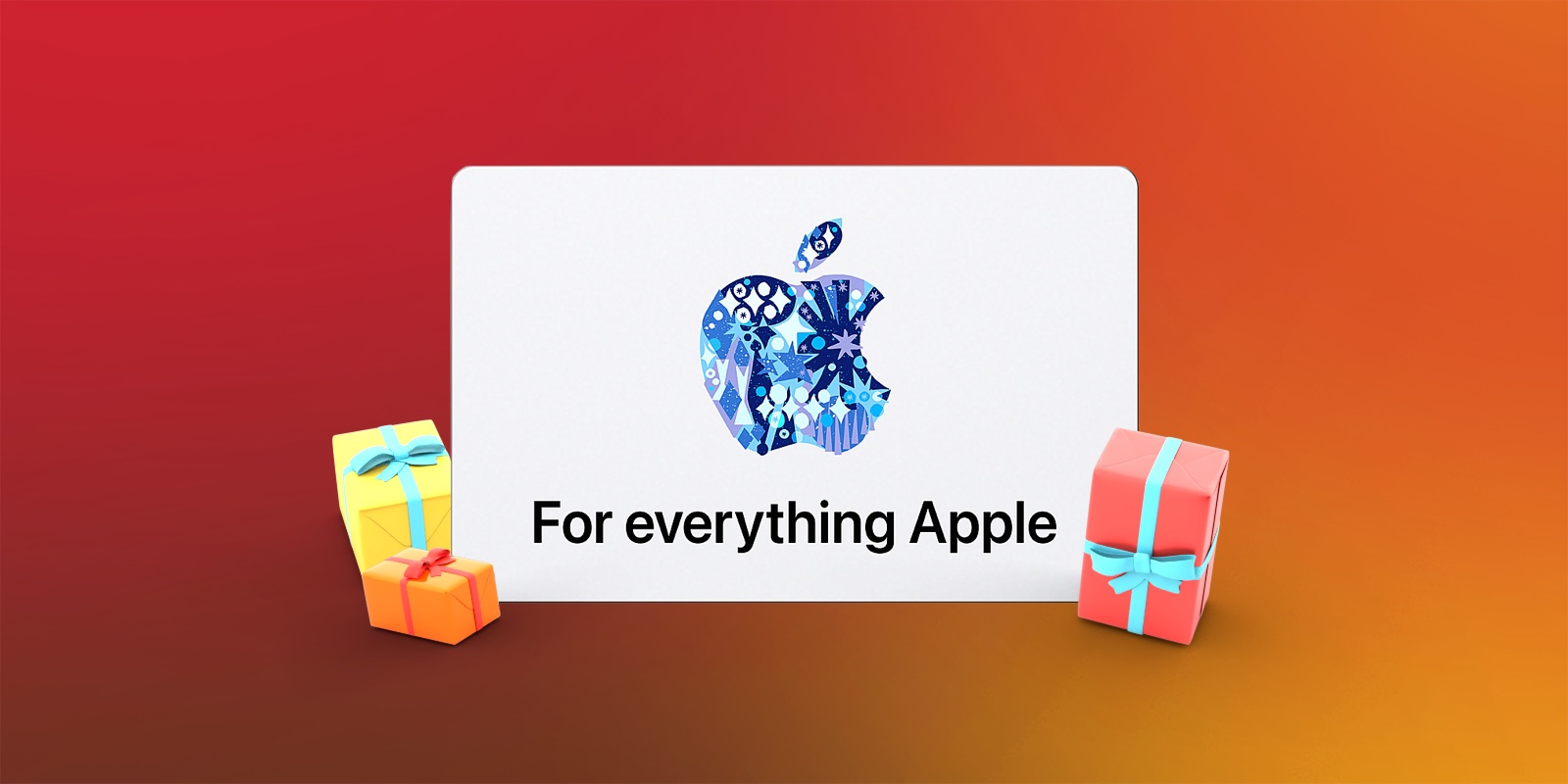
What You Can (and Can't) Use an Apple Gift Card For

Apple Gift Cards are one of the most common Apple-related gifts given during the holidays, so if you've received one today, here are all of the things you can and cannot use it for.


After redeeming an Apple Gift Card, the value is added to the Apple Account balance and automatically applies at checkout when making eligible purchases. It can be spent on a wide range of Apple products, services, and digital content.

Apple Gift Cards are marketed as a single, flexible balance that works across Apple's ecosystem, but there are clear limits on what they can and cannot be used for once redeemed to an Apple Account.

What Apple Gift Cards Can Be Used For


  • Purchasing Apple hardware and accessories on apple.com, in the Apple Store app, or in an Apple retail store.

  • Using the balance toward Apple hardware when checking out, with any remaining cost paid using another payment method.

  • Buying apps and games on the App Store, including in-app purchases.

  • Paying for digital media, including movies, TV shows, and books through Apple's digital storefronts.

  • Covering subscriptions to Apple services such as Apple Music, Apple TV+, Apple Arcade, and iCloud+ storage, as well as eligible third-party app subscriptions billed through the ‌App Store‌.


What Apple Gift Cards Can't Be Used For


  • Making purchases outside Apple's ecosystem, such as goods or services from non-Apple retailers.

  • Starting certain recurring payments, such as AppleCare+ plans, without an additional credit or debit card on file.

  • Redeeming or using balances across different countries or regions, as gift cards are typically region-locked.

  • Transferring to or purchasing other gift cards.

  • Exchanging for cash or cash equivalents.


While Apple Gift Cards are intentionally designed to be more versatile than older ‌App Store‌ or ‌Apple Store‌–only gift cards, they still come with some limits. For users, the key distinction is that Apple Gift Cards work best for Apple-direct purchases and subscriptions, but they can't replace a traditional payment method for gifting or non-Apple spending.
This article, "What You Can (and Can't) Use an Apple Gift Card For" first appeared on MacRumors.com

Discuss this article in our forums

  •  

10 Mac Apps Worth Trying in 2026

2026 is almost upon us, and a new year is a good time to try out some new apps. We've rounded up 10 excellent Mac apps that are worth checking out.


  1. Alt-Tab (Free) - Alt-Tab brings a Windows-style alt + tab thumbnail preview option to the Mac. You can see a full window preview of open apps and app windows.

  2. One Thing (Free) - One Thing is a super simple menu bar app that helps you remember the one main thing that you need to accomplish. Whatever you type in will show up in your menu bar so it's front and center. Text and colors are customizable, and you can use emoji.

  3. Launchy (Free, $6.99 Pro upgrade) - Launchy is a customizable app launcher and switcher with a radial menu interface that you can use to launch and switch between your seven favorite apps.

  4. Folder Preview ($2.99) - Folder Preview lets you see what's inside a folder or a zip file by pressing the spacebar in Finder.

  5. Command X ($4) - Command X brings the Windows cut and paste workflow to Mac. You can use Command X and Command V keyboard shortcuts to cut and paste folders in the Finder app.

  6. ImageOptim (Free) - ImageOptim uses quality preserving compression to reduce image file size, plus it removes private EXIF metadata, thumbnails, comments, color profiles, and other image cruft.

  7. Monocle ($9) - Monocle blurs your background apps and brings the main app you're using to the forefront, so you can better focus on what you're doing. Monocle says it's noise canceling for your screen.

  8. Dockdoor (Free) - Dockdoor adds live window previews to the dock, and enables option + tab window switching. Hovering over an icon on your Mac's dock will show a preview of the app and all windows from it.

  9. Substage ($3.99/month) - Substage adds an AI-based natural language text bar to the Finder app so you can control your Mac with simple written commands instead of tricky command lines. It supports converting, organizing, and managing files and images. It can also answer questions about files, do calculations, and manage settings on your Mac.

  10. Bauhaus Clock ($19) - Bauhaus Clock adds an elegant clock screensaver to your Mac. It's design-forward, with careful attention to detail and a sharp look that makes the Mac a focal point in the room when it's idle. The look is customizable with different colors and day and night settings.


Have a favorite Mac app we didn't mention? Let us know about it in the comments below.
This article, "10 Mac Apps Worth Trying in 2026" first appeared on MacRumors.com

Discuss this article in our forums

  •  

Apple CEO Tim Cook Buys $3 Million of Nike Shares

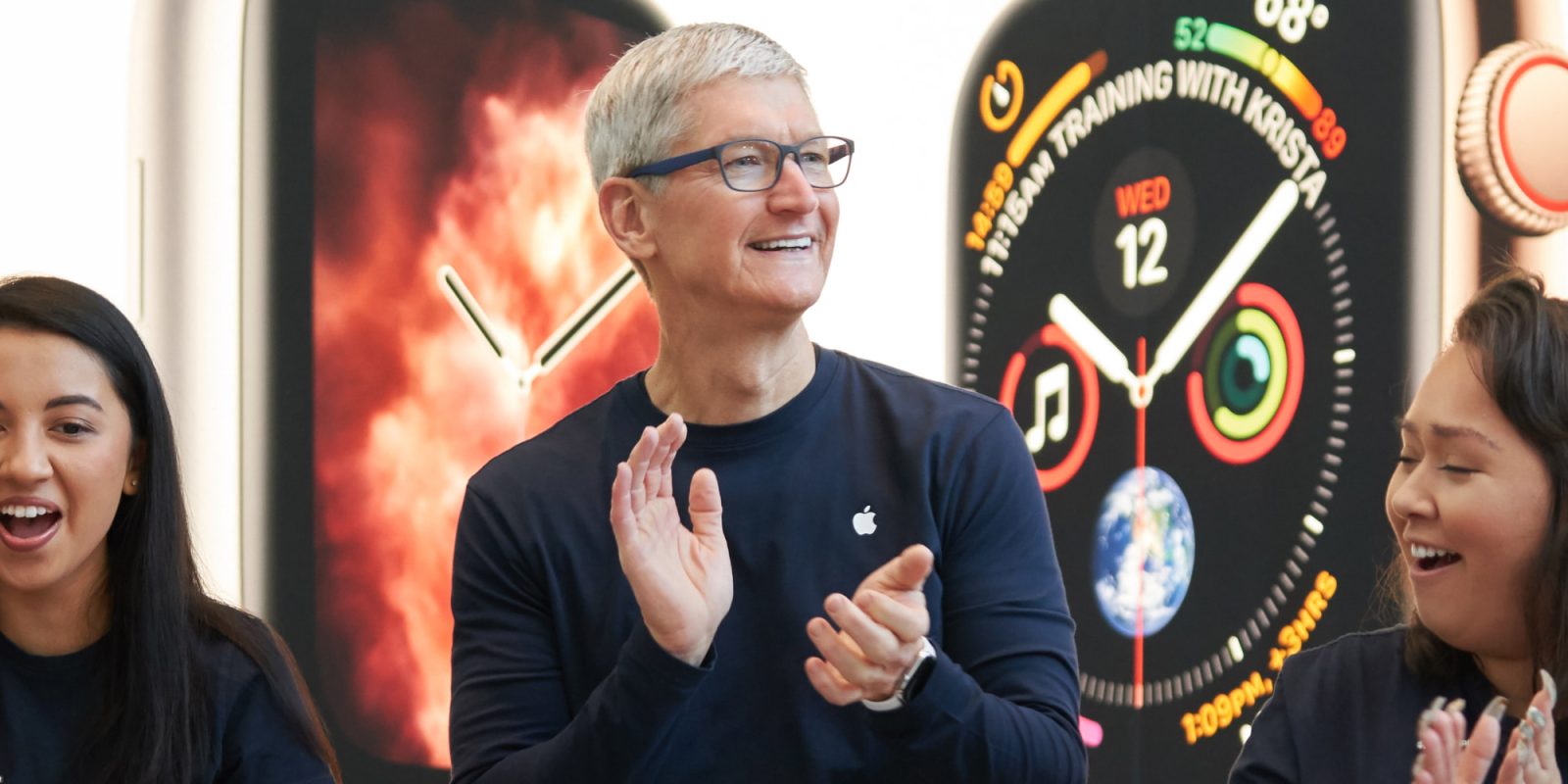
Apple CEO Tim Cook disclosed a roughly $3 million open-market purchase of Nike shares this week (via Reuters).


According to a regulatory filing published yesterday, Cook purchased 50,000 Class B shares of Nike on December 22 at an average price of $58.97 per share, for a total investment of approximately $2.95 million. The filing shows that Cook now holds about 105,000 Nike shares, a position valued at nearly $6 million.

Nike shares rose following the disclosure, gaining between about 2% and 5% in premarket and early regular-session activity, after the stock had fallen sharply in the days following the company's most recent earnings report, which highlighted ongoing challenges in its business, particularly in China. Nike is currently in the early stages of a turnaround effort under CEO Elliott Hill, who returned to the company last year after retiring.

Cook has served on Nike's board of directors since 2005 and is its lead independent director, a role he assumed in 2016 after Nike co-founder Phil Knight stepped down as chairman. In addition to his position at Apple, Cook also chairs Nike's compensation committee, placing him in a central governance role at the apparel maker. The December 22 transaction represents Cook's largest open-market purchase of Nike shares in years and comes at a time when the company is under pressure from investors following a prolonged decline in its stock price.
This article, "Apple CEO Tim Cook Buys $3 Million of Nike Shares" first appeared on MacRumors.com

Discuss this article in our forums

  •  

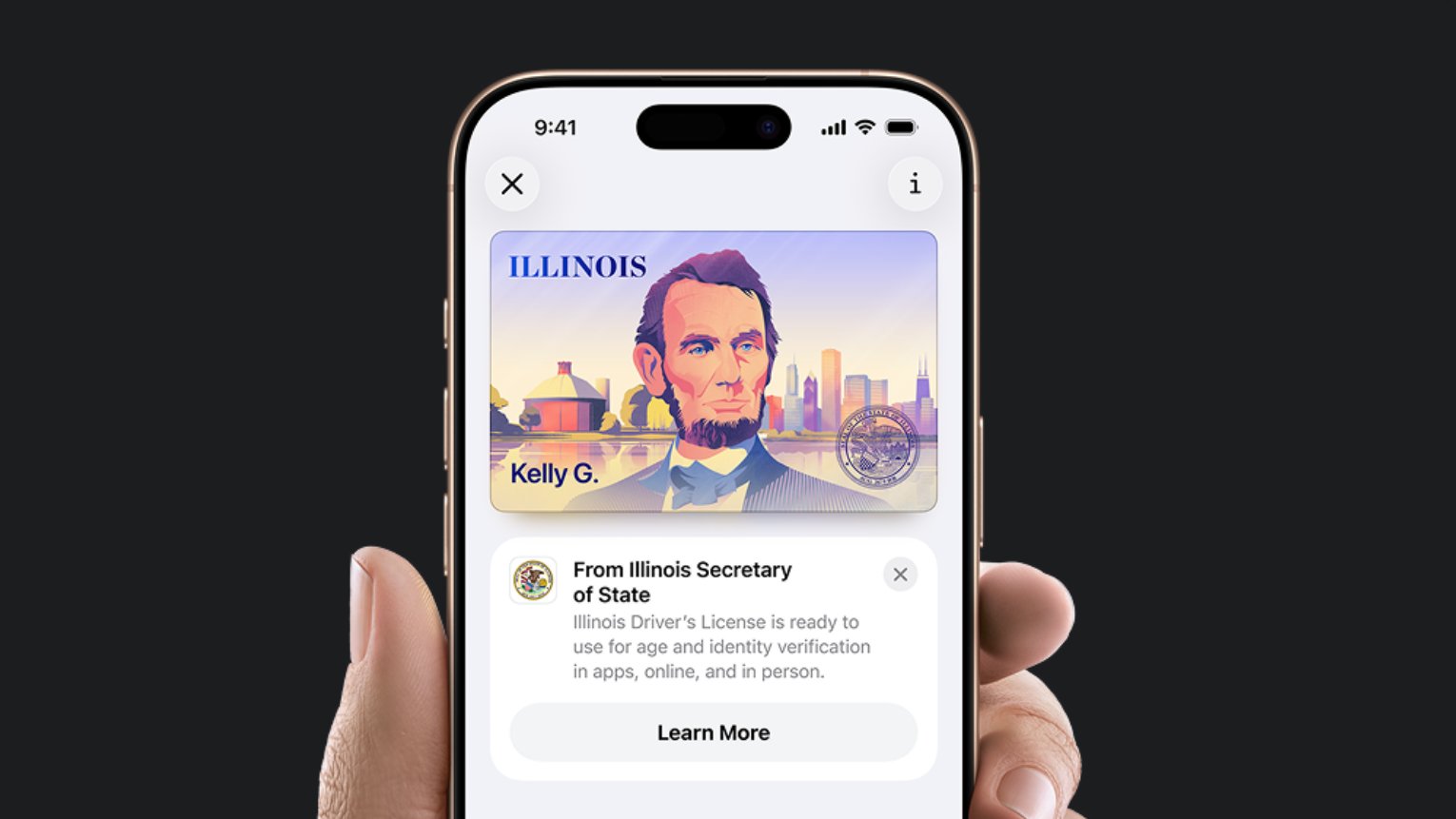
Apple Plans to Expand iPhone Driver's Licenses to These 7 U.S. States

In select U.S. states, residents can add their driver's license or state ID to the Apple Wallet app on the iPhone and Apple Watch, and then use it to display proof of identity or age at select airports and businesses, and in select apps.


The feature is currently available in 13 U.S. states and Puerto Rico, and it is expected to launch in at least seven more in the future.

To set up the feature, open the Wallet app and tap on the plus sign in the top-right corner. Next, select Driver's License and ID Cards and follow the steps.

Supported States


The following 13 states offer driver's licenses in the Wallet app:The feature is also available in Puerto Rico.

Future States


Apple and local DMV offices have announced that the following U.S. states have signed on to adopt the feature, but no timeframes were disclosed:
  • Connecticut

  • Kentucky

  • Mississippi

  • Oklahoma

  • Utah

  • Arkansas

  • Virginia

Participating Airports


Apple Wallet IDs are accepted at TSA checkpoints in more than 250 airports in the U.S., for domestic travel. Given that Apple Wallet IDs are not accepted by law enforcement, and lack many other use cases, carrying a physical ID is still necessary.

Here are just some of the airports that offer the feature — there are hundreds of others:
  • Baltimore/Washington International Thurgood Marshall Airport (BWI)

  • Ronald Reagan Washington National Airport (DCA)

  • Washington Dulles International Airport (IAD)

  • Phoenix Sky Harbor International Airport (PHX)

  • Denver International Airport (DEN)

  • Hartsfield–Jackson Atlanta International Airport (ATL)

  • Cincinnati/Northern Kentucky Airport (CVG)

  • John Glenn Columbus International Airport (CMH)

  • San Francisco International Airport (SFO)

  • San Jose Mineta International Airport (SJC)

  • Los Angeles International (LAX)

  • Daniel K. Inouye International Airport (HNL)

  • Des Moines International Airport (DSM)

  • Eastern Iowa Airport (CID)

  • Albuquerque International Sunport (ABQ)

  • Lea County Regional Airport (HOB)

  • Luis Munoz Marin International Airport (SJU)

  • Billings Logan International Airport (BIL)

  • Bozeman Yellowstone International Airport (BZN)

  • Great Falls International Airport (GTF)

  • Missoula International Airport (MSO)

  • Chicago O'Hare International Airport (ORD)

  • Chicago Midway International Airport (MDW)

  • St. Louis Lambert International Airport (STL)

  • Richmond International Airport (RIC)

  • Norfolk International Airport (ORF)

  • Roanoke-Blacksburg Regional Airport (ROA)

  • Newport News-Williamsburg International Airport (PHF)
Travelers should refer to TSA signage to confirm availability of the feature.

Digital Passport


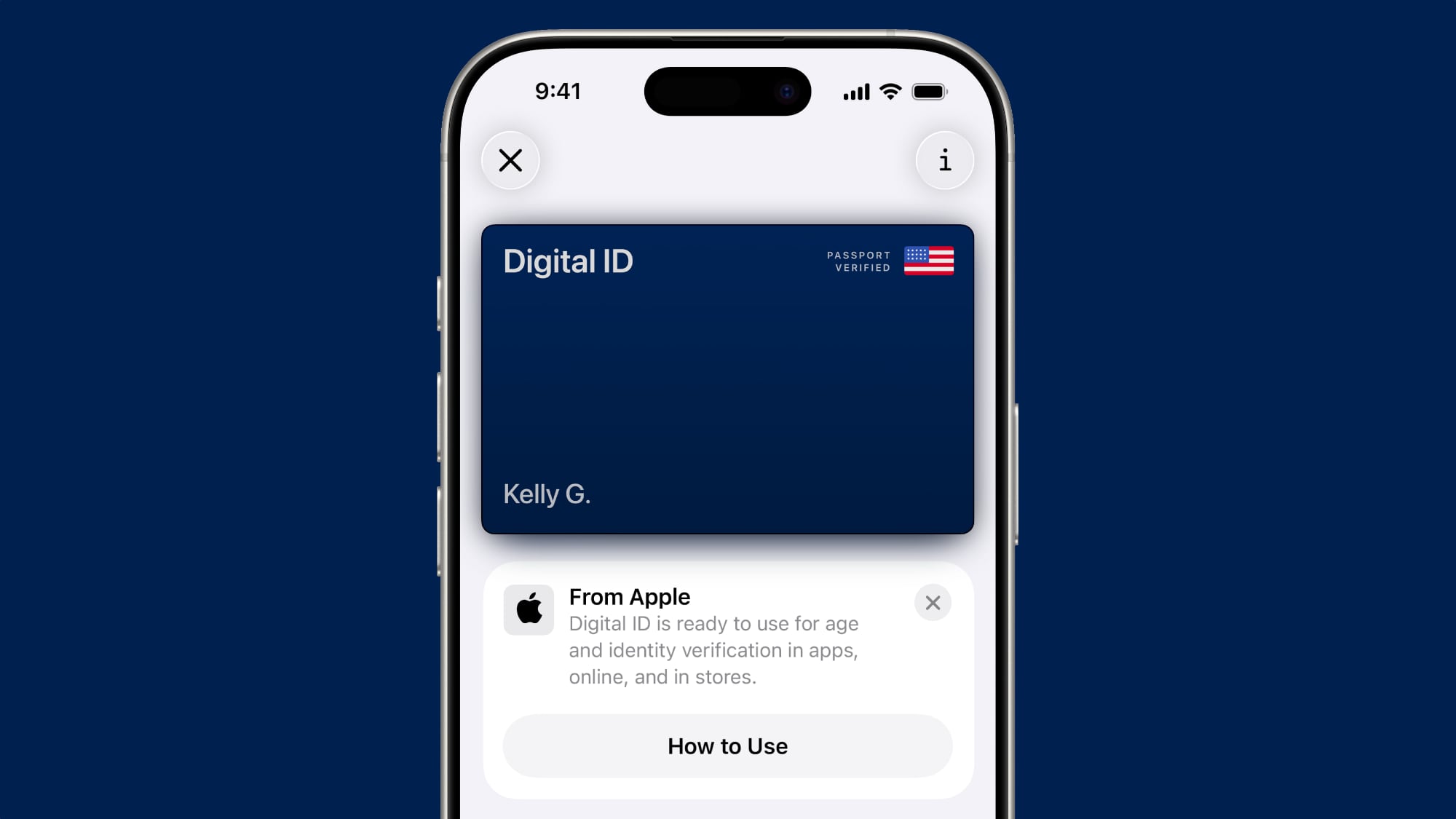
If you live in a state that does not yet offer Apple Wallet IDs, you can now create a Digital ID based on your U.S. passport, and present it at the same participating TSA checkpoints, for age and identity verification purposes during domestic travel. It is not a replacement for a physical passport, and it cannot be used for international travel.
This article, "Apple Plans to Expand iPhone Driver's Licenses to These 7 U.S. States" first appeared on MacRumors.com

Discuss this article in our forums

  •  

Apple to Introduce New App Store Fee Structure in Brazil Following Antitrust Settlement

Brazilian regulators have approved a settlement that will require Apple to change how the App Store operates on iPhone in the country, including allowing alternative app stores, expanded payment options, and a defined new fee structure.


In a press release, Brazil's Administrative Council of Economic Defense (CADE), said its court has approved a Term of Commitment to Cease proposed by Apple to resolve an investigation into the company's ‌App Store‌ rules on iOS. The case began in 2022 and examined whether Apple's restrictions on app distribution and payments limited competition in Brazil.

CADE said the investigation focused on Apple's prohibition of third-party app stores on iOS, the requirement that developers use Apple's in-app purchase system for digital goods and subscriptions, and restrictions that prevented developers from informing users about alternative payment options.

Under the settlement, Apple will be required to allow developers in Brazil to link to external payment options and promote offers that take place outside their apps. Developers will also be permitted to offer third-party payment methods within their apps alongside Apple's own in-app purchase system, with CADE requiring that these options be presented next to Apple's payment option.

Apple will also have to allow third-party app stores in Brazil. CADE specified that Apple may still display warnings or informational messages to users, but those messages must be neutral, objective, and limited in scope, and must not introduce extra steps or barriers that make alternative options harder to use.

According to Brazilian technology site Tecnoblog, which said it obtained the details directly from CADE, purchases made through the ‌App Store‌ will remain subject to a 10% or 25% commission under standard terms. Developers who use Apple's payment system would also pay a 5% transaction fee.

If an app directs users to pay outside the app using only static text, with no clickable link or button, Apple will not charge a fee. If the app includes a clickable button or link that sends users to an external website for payment, Apple will charge a 15% fee. Third-party app stores will be subject to a 5% Core Technology Commission.

CADE said Apple will have up to 105 days to implement the required changes once the new rules become binding.
This article, "Apple to Introduce New App Store Fee Structure in Brazil Following Antitrust Settlement" first appeared on MacRumors.com

Discuss this article in our forums

  •  

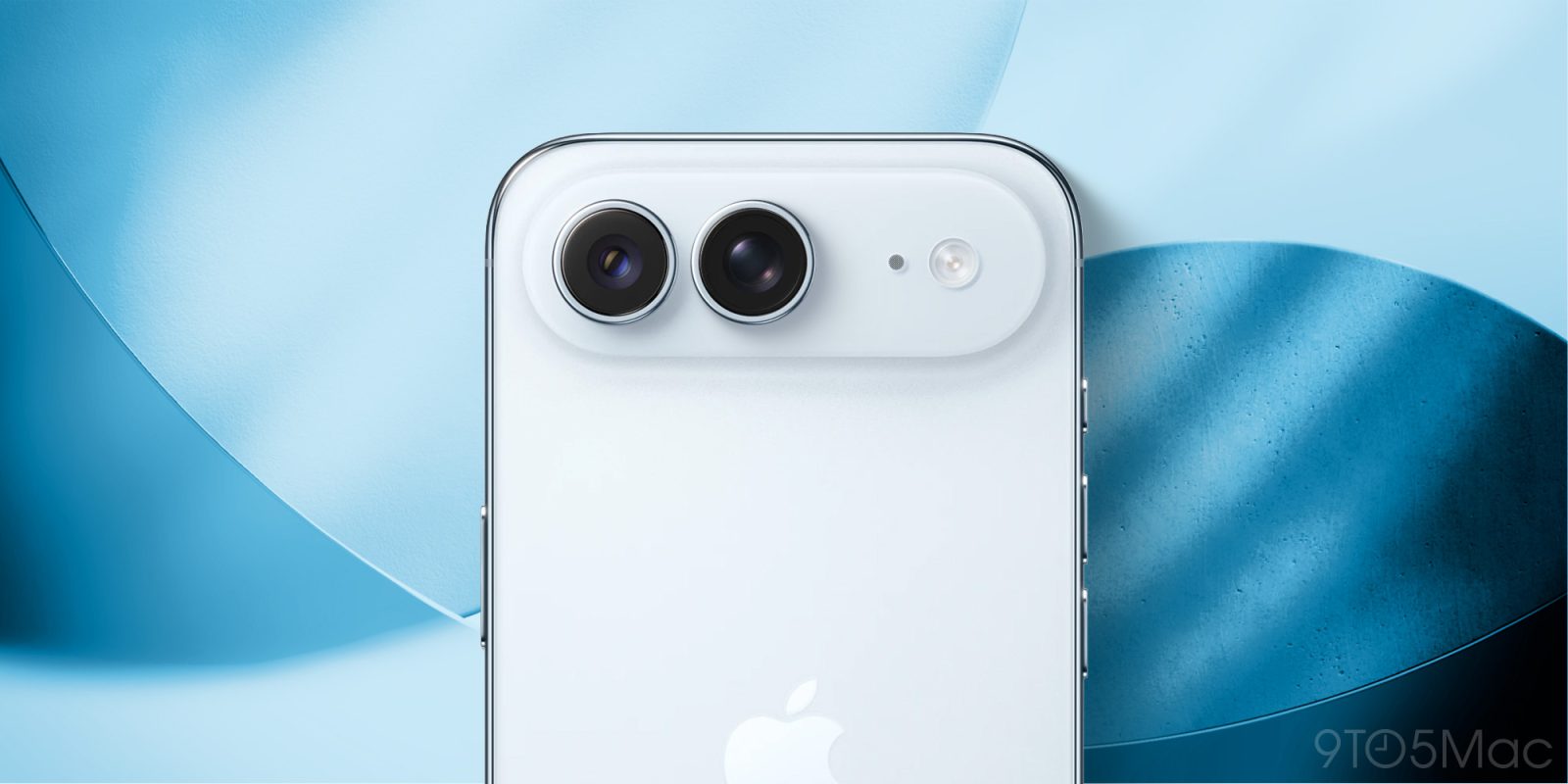
iPhone Air 2 Could Still Launch Next Year

Apple's next-generation iPhone Air could still launch in the fall of 2026, according to the Weibo leaker known as "Fixed Focus Digital."


The leaker claims to have been told by sources that the second-generation ‌iPhone Air‌ will launch in the fall. Meanwhile, the iPhone 17e is said to already be in mass production ahead of unveiling at a spring product launch event.

The rumor comes in contrast to an array of corroborated reports that the second-generation ‌iPhone Air‌ has been delayed until March 2027, where it is expected to launch alongside the standard iPhone 18 and a lower-end ‌iPhone‌ 18e. The second-generation ‌iPhone Air‌ was originally rumored to launch alongside the ‌iPhone 18‌ Pro, ‌iPhone 18‌ Pro Max, and foldable ‌iPhone‌ in the fall of 2026, but poor sales of the debut model apparently led Apple to delay the launch.

The second-generation ‌iPhone Air‌ is rumored to address complaints about the device by adding a second rear camera and lowering its price. A lighter weight, vapor chamber cooling, and a larger battery capacity are also among the rumored new features.

It is still possible that a new ‌iPhone Air‌ could launch in the fall of next year, especially if Apple has expedited development of new features, since this was the original scheduled launch time frame. Nevertheless, it would be surprising if the multitude of rumors indicating a delayed launch were mistaken.
Related Roundup: iPhone Air
Buyer's Guide: iPhone Air (Buy Now)

This article, "iPhone Air 2 Could Still Launch Next Year" first appeared on MacRumors.com

Discuss this article in our forums

  •  

Apple Discontinued These 25 Products This Year

With the end of 2025 near, the time has come to look back at the devices and accessories that Apple discontinued throughout the year.

Most of the products that were discontinued this year were simply replaced by a new model with an updated chip. However, the iPhone SE line was entirely discontinued when the iPhone 16e launched, and the iPhone Plus line is being phased out.

Below, we have listed 25 products that were discontinued by Apple this year.

iPhones


Apple discontinued the third-generation iPhone SE in February, after introducing the iPhone 16e. As a result, Apple no longer sells any iPhone models with a Home button, Touch ID, LCD screen, a sub-6-inch screen size, or Lightning.

The original iPhone SE was released in March 2016. That model's design was largely based on the iPhone 5s, with key specs including a 4-inch display, a Touch ID home button, and an aluminum and glass frame with chamfered edges. However, the device was powered by a newer A9 chip from the iPhone 6s and iPhone 6s Plus.

Apple went on to release two more iPhone SE models in 2020 and 2022, respectively, with those devices having a similar design as the iPhone 8.

Meanwhile, the iPhone Plus has effectively been replaced by the ultra-thin iPhone Air in Apple's smartphone lineup. Both the iPhone 14 Plus and iPhone 15 Plus were discontinued this year, and it is only a matter of time before the iPhone 16 Plus is axed too. Apple is not expected to release another Plus model in the foreseeable future.

Here are all of the iPhone models that were discontinued this year:
  • iPhone 16 Pro Max (succeeded by iPhone 17 Pro Max)

  • iPhone 16 Pro (succeeded by iPhone 17 Pro)

  • iPhone 15 Plus

  • iPhone 15

  • iPhone 14 Plus

  • iPhone 14

  • iPhone SE (succeeded by iPhone 16e)

iPads



It was a spec-bump year for the iPad lineup, with the iPad Pro, iPad Air, and entry-level iPad all receiving faster chips, but no major design changes.

Here are all of the iPad models that were discontinued this year:

  • iPad Pro with M4 chip (updated with M5 chip)

  • iPad Air with M2 chip (updated with M3 chip)

  • iPad 10 (updated with A16 chip)

Apple Watches



Apple Watch Series 11 is a very minor upgrade over the now-discontinued Series 10, but the Apple Watch Ultra 3 and Apple Watch SE 3 offer some more meaningful changes. None of the latest Apple Watch models received a new chip, though.

Here are all of the Apple Watch models that were discontinued this year:

  • Apple Watch Ultra 2 (succeeded by Apple Watch Ultra 3)

  • Apple Watch Series 10 (succeeded by Apple Watch Series 11)

  • Apple Watch SE 2 (succeeded by Apple Watch SE 3)

Macs


Here are all of the Mac models that were discontinued this year:

  • Mac Studio with M2 Max and M2 Ultra chips (updated with M4 Max and M3 Ultra chips)

  • 14-inch MacBook Pro with M4 chip (updated with M5 chip)

  • 13-inch and 15-inch MacBook Air with M3 chip (updated with M4 chip)

  • 13-inch MacBook Air with M2 chip

Other


Here are other Apple products and accessories that were discontinued this year:* In the U.S., U.K., Canada, Japan, and select other countries only.

Did we miss anything? Let us know in the comments section.
This article, "Apple Discontinued These 25 Products This Year" first appeared on MacRumors.com

Discuss this article in our forums

  •  

Advanced iPhone 18 Camera Sensor to Be Made in Texas

Samsung is preparing to supply Apple with advanced image sensors for the iPhone in Austin, Texas, according to The Elec.


The sensors will reportedly be made by Samsung at its existing facility in Austin. The company is expected to install production equipment for the project in the near future and has posted job listings for mechanical and electrical technicians, engineers, and managers to work on set up.

Samsung is expected to make the ‌iPhone‌'s image sensor with a three-stack design, which enables higher pixel density and improved low-light performance by vertically stacking multiple sensor layers. Stacked sensor architecture also allows for faster readout speeds, reduced power consumption, and higher dynamic range. This manufacturing process has not previously been deployed at a commercial scale.

Earlier this month, Samsung notified the city of council of Austin of its intention to spend $19 billion on its Austin facility. The new image sensor production line is expected to begin operation in March at the earliest.

The new sensor is believed to be destined for the iPhone 18, which is expected to launch in the first half of 2027. Apple reportedly reached a deal with Samsung in August for supply of the component.

This will be the first time Apple will move away from Sony as the sole supplier for ‌‌iPhone‌‌ image sensors and make the component in the United States. Today, Sony is the sole supplier of ‌‌iPhone‌‌ image sensors; they are produced in Japan and delivered via TSMC.
Related Roundup: iPhone 18
Related Forum: iPhone

This article, "Advanced iPhone 18 Camera Sensor to Be Made in Texas" first appeared on MacRumors.com

Discuss this article in our forums

  •  

You can 3D print a mockup of the iPhone Fold, with an asterisk

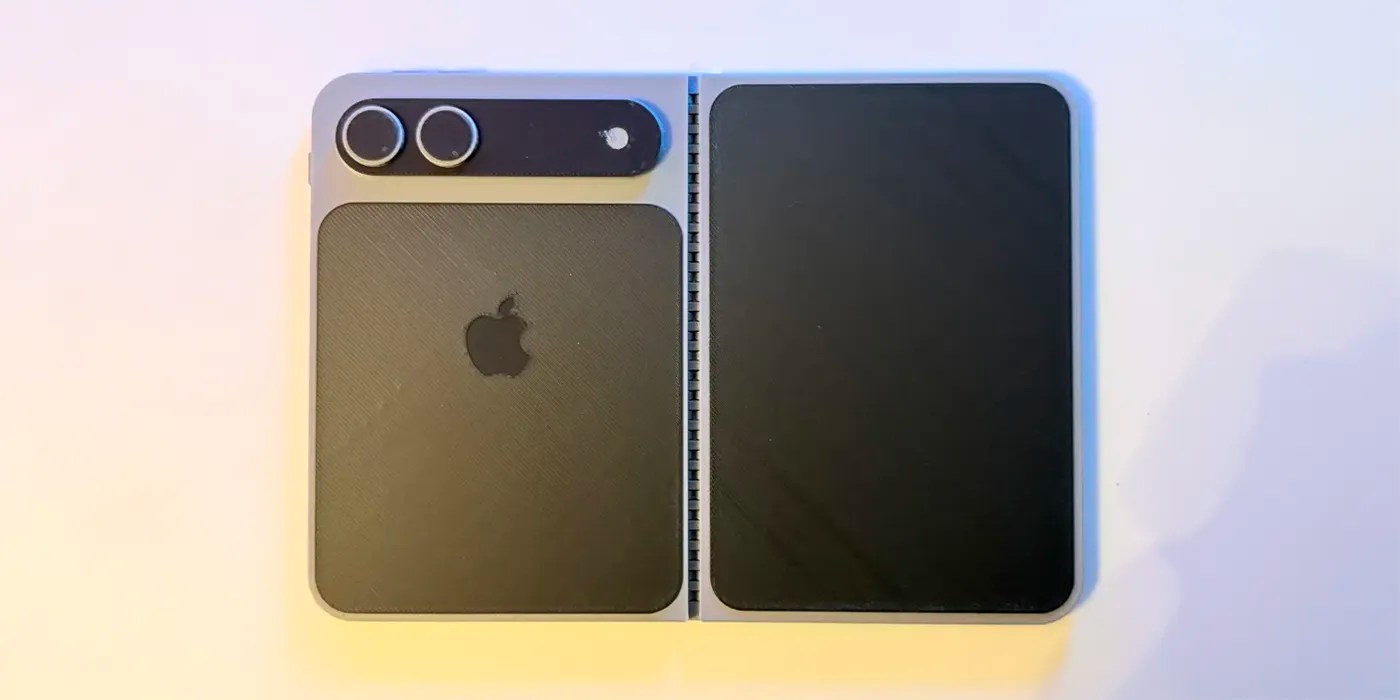
Photos and video footage of a simple printed mock-up of an iPhone Fold gave us a decent sense of how the device might look if the most recent rumour about the aspect ratios is accurate. While the exterior display shape would be a radical departure, more 9to5Mac readers liked it than disliked it.

If you want to get an even better sense of how the device might feel, and have access to a 3D printer, you can create a physical mock-up using files provided online …

more…
  •