↩ Accueil

Vue lecture

ChatGPT's Apple Health Integration Flaws Exposed in New Report

A reporter for The Washington Post has put ChatGPT's new optional Apple Health integration feature to the test by feeding it ten years of their Apple Watch data. The results were not encouraging, to say the least.
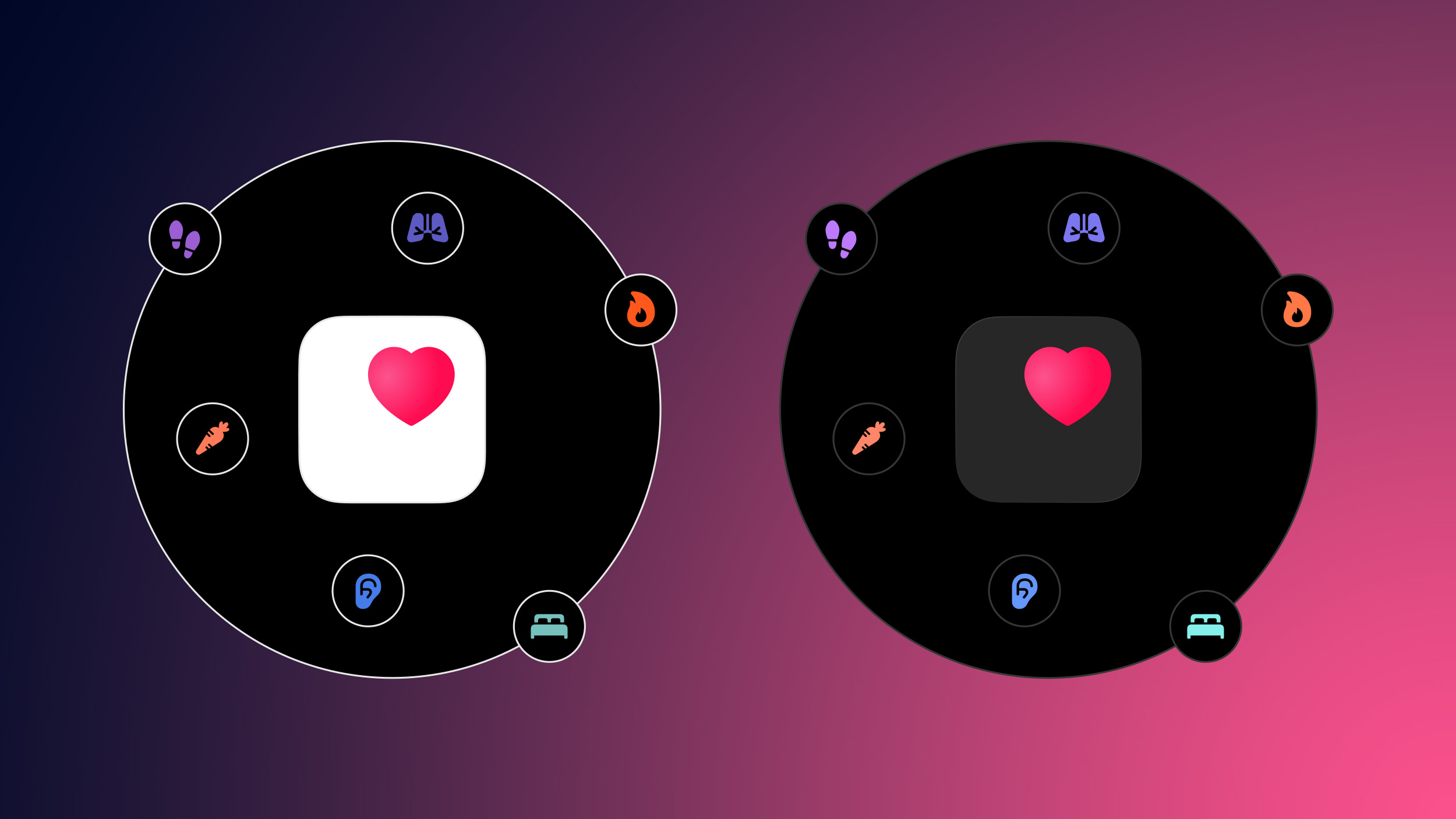

Earlier this month, OpenAI announced the launch of ChatGPT Health, a dedicated section of ChatGPT where users can ask health-related questions completely separated from their main ChatGPT experience. For more personalized responses, users can connect various health data services such as Apple Health, Function, MyFitnessPal, Weight Watchers, AllTrails, Instacart, and Peloton.

ChatGPT Health can also integrate with your medical records, allowing it to analyze your lab results and other aspects of your medical history to inform its answers to your health-related questions.

With this in mind, reporter Geoffrey Fowler gave ChatGPT Health access to 29 million steps and 6 million heartbeat measurements from his Apple Health app, and asked the bot to grade his cardiac health. It gave him an F.

Feeling understandably alarmed, Fowler asked his actual doctor, who in no uncertain terms dismissed the AI's assessment entirely. His physician said Fowler was at such low risk for heart problems that his insurance likely wouldn't even cover additional testing to disprove the chatbot's findings.

Cardiologist Eric Topol of the Scripps Research Institute was likewise unimpressed with the large language model's assessment. He called ChatGPT's analysis "baseless" and said people should ignore its medical advice, as it's clearly not ready for prime time.

Perhaps the most troubling finding, though, was ChatGPT's inconsistency. When Fowler asked the same question several times, his score swung wildly between an F and a B. ChatGPT also kept forgetting basic information about him, including his gender and age, despite it having full access to his records.

Anthropic's Claude chatbot fared slightly better – though not by much. The LLM graded Fowler's cardiac health a C, but it also failed to properly account for limitations in the Apple Watch data.

Both companies say their health tools aren't meant to replace doctors or provide diagnoses. Topol rightly argued that if these bots can't accurately assess health data, then they shouldn't be offering grades at all.

Yet nothing appears to be stopping them. The U.S. Food and Drug Administration earlier this month said the agency's job is to "get out of the way as a regulator" to promote innovation. An agency commissioner drew a red line at AI making "medical or clinical claims" without FDA review, but ChatGPT and Claude argue they are just providing information.

"People that do this are going to get really spooked about their health," Topol said. "It could also go the other way and give people who are unhealthy a false sense that everything they're doing is great."

ChatGPT's Apple Health integration is currently limited to a group of beta users. Responding to the report, OpenAI said it was working to improve the consistency of the chatbot's responses. "Launching ChatGPT Health with waitlisted access allows us to learn and improve the experience before making it widely available,” OpenAI VP Ashley Alexander told the publication in a statement.
This article, "ChatGPT's Apple Health Integration Flaws Exposed in New Report" first appeared on MacRumors.com

Discuss this article in our forums

  •  

Here’s the good news and bad news on upgrading to the AirTag 2

Apple yesterday announced the AirTag 2, the first update to its standalone location-tracking device. It offers improved Precision Finding, a longer Bluetooth range, and a louder speaker.

Whether or not the improvements justify replacing any of your existing AirTags is a judgment call, but there’s a mix of good news and bad if you are considering it …

more…
  •  

Premium Subscriptions Coming to Facebook, Instagram, WhatsApp

Meta plans to test premium subscriptions across Instagram, Facebook, and WhatsApp, the company has told TechCrunch.


The subscriptions will reportedly include exclusive features to aid creativity, productivity, and expanded AI capabilities.

Meta says each app will have its own distinct set of premium features, giving users "more control over how they share and connect, while keeping the core experiences free." However, it sounds as if Meta hasn't yet settled on what each sub will offer, with the company planning to experiment with various bundles.

For Instagram, for example, premium subscribers could create unlimited audience lists, see which followers don't follow them back, and view Stories anonymously. Paid features on WhatsApp and Facebook are likely to provide equivalent functionality.

Meta also intends to incorporate Manus, an AI agent it recently acquired for a reported $2 billion, into its subscription plans. The company will continue selling Manus subscriptions to businesses separately.

AI-powered video appears to be another upcoming offering, courtesy of Meta's Vibes feature, which targets creators and businesses with verification badges and priority support. Vibes has been free since it launched last year, but Meta now plans to offer freemium access to Vibes video creation, with the option to subscribe to unlock additional video creation opportunities each month.

It won't be the first time a social platform has adopted subscription-based access. X (Twitter) has its paid-for tiers, and Snap has shown that the model can work, with Snapchat+ gaining 16 million subscribers at $3.99 per month.
Tag: Meta

This article, "Premium Subscriptions Coming to Facebook, Instagram, WhatsApp" first appeared on MacRumors.com

Discuss this article in our forums

  •  

Apple @ Work Podcast: Vendor collaboration will be required in the AI era

Apple @ Work is exclusively brought to you by Mosyle, the only Apple Unified Platform. Mosyle is the only solution that integrates in a single professional-grade platform all the solutions necessary to seamlessly and automatically deploy, manage & protect Apple devices at work. Over 45,000 organizations trust Mosyle to make millions of Apple devices work-ready with no effort and at an affordable cost. Request your EXTENDED TRIAL today and understand why Mosyle is everything you need to work with Apple.

In this episode of Apple @ Work, we finish up our 2-part series about AI and networking with Aruna Ravichandran, SVP & CMO – Collaboration, Enterprise Networking, at Cisco

more…
  •  

10+ Things to Know About the New AirTag 2

After a five year wait, Apple finally unveiled the next-generation version of the AirTag earlier today. The AirTag 2 looks exactly like the original ‌AirTag‌, and the functionality is similar, but there are still some differences worth knowing about.


Here's everything new.

  1. UWB 2 - The ‌AirTag‌ 2 adopts Apple's second-generation Ultra Wideband (UWB) chip.

  2. Longer Range - UWB upgrades mean that Precision Finding works from 1.5x further away than before. Precision Finding is the feature that allows an ‌AirTag‌ to be precisely located in a close-range indoor area. It is able to lead you directly to the ‌AirTag‌ with a compatible device.

  3. Precision Finding on Watch - Precision Finding was previously limited to the iPhone, but it now works on the Apple Watch Series 9 and later and Apple Watch Ultra 2 and later, as these devices have UWB chips.

  4. Louder Speaker - The ‌AirTag‌ 2's speaker is up to 50 percent louder than the speaker in the original ‌AirTag‌. The upgrade will make it easier to hear when playing a sound, plus it is an additional anti-stalking measure because it will be more difficult for sound to be masked.

  5. Better Bluetooth - Apple is using a newer Bluetooth specification with increased range.

  6. New Internal Design - To accommodate the updated speaker, Apple revamped the internals. Rumors suggested Apple would make it harder to tamper with the ‌AirTag‌ to remove the speaker, but we'll need to wait for a teardown for confirmation.

  7. Updated Weight - The ‌AirTag‌ 2 weighs 0.42 ounces or 11.8 grams. it is seven percent heavier than the original ‌AirTag‌.

  8. Revamped Text - The text on the back of the ‌AirTag‌ is now all in capital letters, which is a good way to determine whether an ‌AirTag‌ is the first-generation model or the new model. The text also now lists IP67 water and dust resistance, plus it mentions NFC and Find My support. These features aren't new, but aren't listed on the back of the original ‌AirTag‌.

  9. Still Not For Pets - Apple's ‌AirTag‌ 2 announcement and product page specifically state that the device is for tracking objects, and not people or pets. Despite this, many people use AirTags for tracking their animals.

  10. Reset Process - To reset an ‌AirTag‌ 2, you need to remove the battery, leave it out for at least five seconds, and then insert the battery again. The process has to be repeated four times. Apple says that it can take up to 12 seconds to hear the final tone. With the first ‌AirTag‌, there was no need to wait after removing the battery before reinserting it.

  11. Requires iOS 26.2.1 - If you want to use an ‌AirTag‌ 2, you're going to have to update your device to iOS 26.2.1. The ‌AirTag‌ 2 requires the latest Apple software, which means it won't work with devices that aren't able to run iOS 26.


The ‌AirTag‌ 2 does everything that the original ‌AirTag‌ does, taking advantage of the ‌Find My‌ network. When the ‌AirTag‌ is not in Bluetooth range of your own device, it is able to ping Apple devices owned by others to relay its location back to you for long distance tracking.

It also supports Lost Mode, with an NFC feature for discovering who a lost item belongs to, plus it has options for sharing item location with someone else (useful in airports with participating airlines), and it continues to use a CR2032 coin cell battery. Apple says the battery "works for more than a year" before needing to be replaced.

The ‌AirTag‌ 2 is still priced at $29, with a pack of four available for $99. Free engraving is also included in the price point. The new ‌AirTag‌ can be purchased today, with orders set to be delivered starting on Wednesday, January 28.
Tag: AirTag

This article, "10+ Things to Know About the New AirTag 2" first appeared on MacRumors.com

Discuss this article in our forums
  •  

Video: iPhone 17 Pro Long Term Review

It's been four months since Apple launched the new iPhone 17 models, and MacRumors' videographer Dan Barbera has an updated review with his thoughts on the iPhone 17 Pro after getting to spend a good chunk of time with it.


Dan covers how the new aluminum frame has held up, whether the updated display has been as resistant to scratching as promised, the usefulness of the upgraded front-facing camera, and what he thinks of the performance with the new vapor chamber cooling system.
This article, "Video: iPhone 17 Pro Long Term Review" first appeared on MacRumors.com

Discuss this article in our forums
  •  

TikTok Faces Outage and Censorship Concerns Days After U.S. Ownership Deal Closes

TikTok last week finalized a deal to hand over its U.S. operations to a majority American-owned venture, and things aren't exactly running smoothly for the new U.S. company so far.


Over the weekend, some U.S. TikTok users were unable to upload videos, which TikTok attributed to a power outage at a U.S. data center. TikTok users found they were unable to upload videos related to the Immigration and Customs Enforcement and the Saturday shooting in Minneapolis, leading to concerns over censorship. Users saw their videos put into a review process, or experienced fewer than expected video views. Some users received messages that their posts related to the shooting had been flagged as "Ineligible for Recommendation," while others were temporarily suspended.

This evening, TikTok said that it is still working to resolve the infrastructure issue, which apparently caused a "cascading systems failure" leading to a long list of bugs. TikTok users may see slower load times, timed-out requests, and 0 views or likes on videos.

The ongoing outage and the accompanying censorship fears have caused some TikTok users to abandon the platform for UpScrolled, an alternative video sharing social platform. UpScrolled is currently the number eight free app in the U.S. App Store, but it was as high as number two earlier today.

Users have also expressed concerns about an updated TikTok privacy policy that suggests it collects "citizenship or immigration status" along with precise user location information, but the prior TikTok privacy policy also included that wording.

The new TikTok USDS Joint Venture LLC is 80.1 percent owned by U.S. and global investors, including Oracle, Silver Lake, and Abu Dhabi-based MGX. The three companies each own 15 percent as managing investors, and other U.S. stakeholders include the Dell Family Office and affiliates of Susquehanna International Group. TikTok parent company ByteDance continues to hold a 19.9 percent stake.

A seven-member majority-American board of directors is operating the U.S. version of TikTok, with Adam Presser, TikTok's former global head of operations serving as CEO.

Under the agreement, the venture handles U.S. data protection, content moderation, and algorithm security. TikTok's recommendation algorithm is being retrained and updated on U.S. user data, and it has been secured in Oracle's cloud environment.
Tag: TikTok

This article, "TikTok Faces Outage and Censorship Concerns Days After U.S. Ownership Deal Closes" first appeared on MacRumors.com

Discuss this article in our forums
  •  

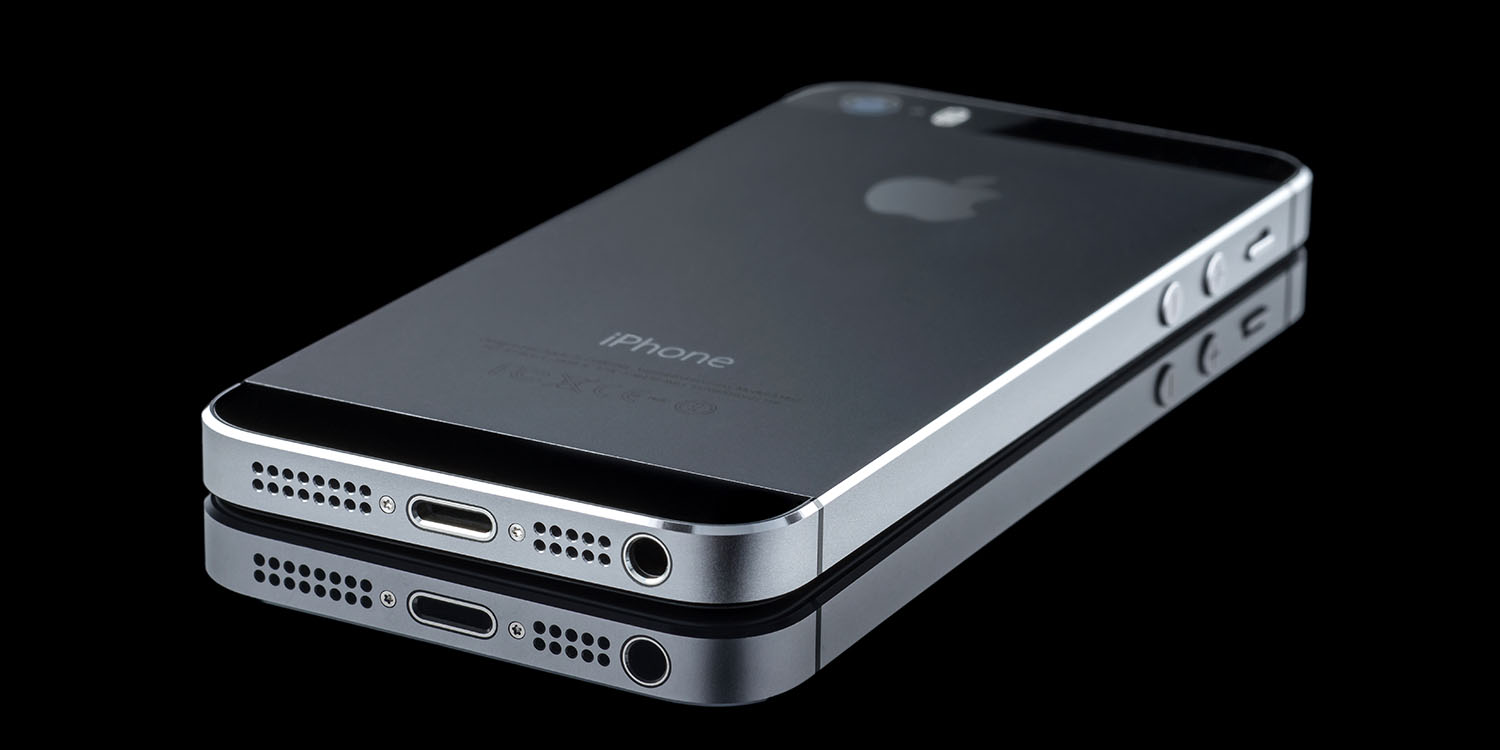
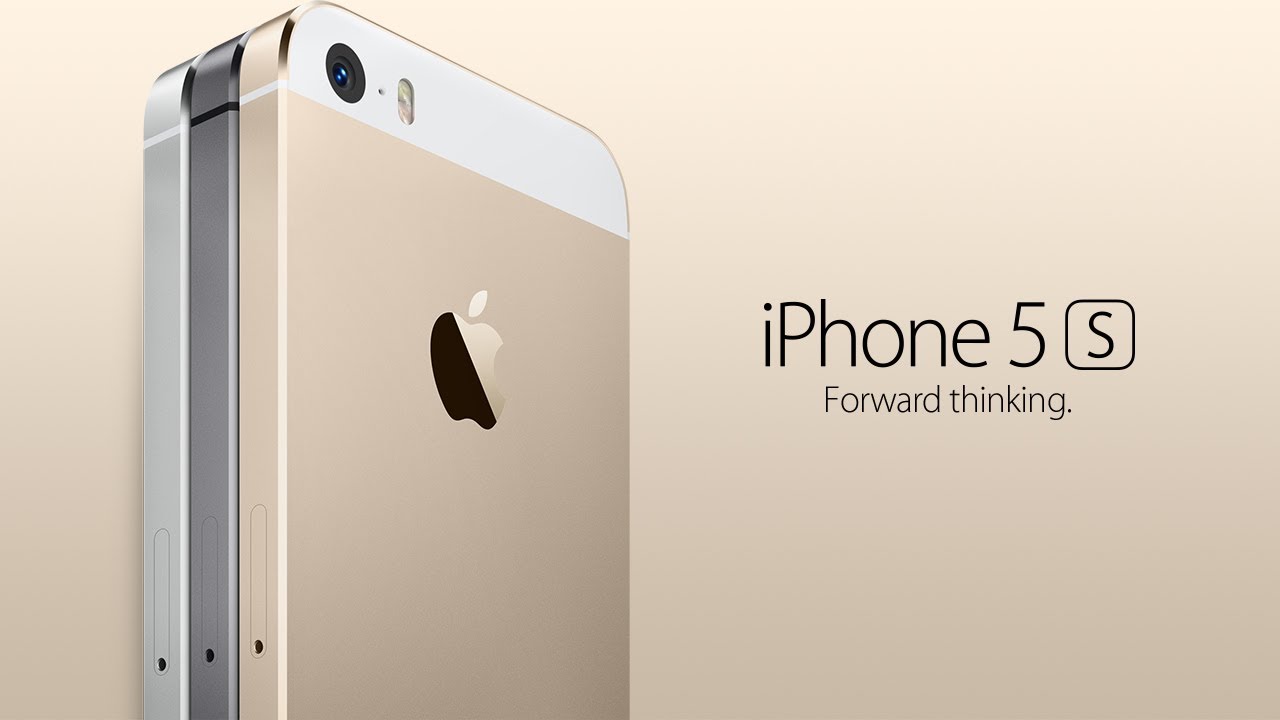
iPhone 5s Gets New Software Update 13 Years After Launch

Alongside iOS 26.2.1, Apple today released an updated version of iOS 12 for devices that are still running that operating system update, eight years after the software was first released.


iOS 12.5.8 is available for the iPhone 5s and the ‌iPhone‌ 6, meaning Apple is continuing to support these devices for 13 and 12 years after launch, respectively. The ‌iPhone‌ 5s came out in September 2013, while the ‌iPhone‌ 6 launched in September 2014.

According to Apple's release notes for the update, iOS 12.5.8 extends the certificate required for features like iMessage, FaceTime, and device activation, so they will continue to work after January 2027.

Originally, certificate-limited functions like device activation would have ceased when the certificate expired, but now key features on the two older iPhones will continue to work in the years to come.

Prior to now, the ‌iPhone‌ 5s and ‌iPhone‌ 6 last received software updates in January 2023, when Apple released important security fixes.

Apple has publicly committed to providing a minimum of five years of security updates for an ‌iPhone‌ from the time that it launches, but it often offers vulnerability fixes for an even longer period of time.

The ‌iPhone‌ 6s, for example, was released 11 years ago, but it received a security update in September 2025 with the launch of iOS 15.8.5. The device received an iOS 15.8.6 update just today, adding the same certificate extension.

Apple also released new versions of iOS 18 and iOS 16.
This article, "iPhone 5s Gets New Software Update 13 Years After Launch" first appeared on MacRumors.com

Discuss this article in our forums
  •  

iOS 26.2.1 Addresses Emergency Call Problems on Older iPhones in Australia

The iOS 26.2.1 update that Apple released today further addresses an issue preventing some older mobile phones from being able to make emergency calls.


In an updated support document, Apple says that iPhone users with an ‌iPhone‌ 12 or earlier should install the latest software updates to ensure that their mobile devices are able to make emergency 000 calls. Apple released iOS 18.7.4, iOS 16.7.13, iOS 15.8.6, and iOS 12.5.8 for older iPhones today.

Back in December, there was a technical failure in Australia that prevented the ‌iPhone‌ 12 models from being able to make emergency calls, which Apple addressed with the iOS 26.2 update. The additional software updates released today should help prevent further issues on other older devices in the future, as well as cellular Apple Watch models. watchOS 26.2.1, also available today, addresses any potential issues with the Apple Watch Series 6 and later.

Apple says that Australian mobile network operators are continuing to improve support for emergency calling on their networks, which led to the ‌iPhone‌ 12 technical failure. While carriers are working to mitigate further issues, there is a possibility that some older mobile phones might still run into problems.
In the rare event that these exceptional circumstances affecting mobile operators' networks were to happen again, some older mobile phones might still encounter the same issue reaching emergency services through an alternate available network.

Software updates are available for the following iPhone and Apple Watch models that might be impacted by this network issue. You are encouraged to update your devices to the latest software version.

Apple says that the following iPhones and Apple Watch models should be updated to the latest software version to prevent issues:

  • ‌iPhone‌ SE (1st generation)

  • ‌iPhone‌ SE (2nd generation)

  • ‌iPhone‌ 6 and ‌iPhone‌ 6 Plus

  • ‌iPhone‌ 6S and ‌iPhone‌ 6S Plus

  • ‌iPhone‌ 7 and ‌iPhone‌ 7 Plus

  • ‌iPhone‌ 8 and ‌iPhone‌ 8 Plus

  • ‌iPhone‌ X

  • ‌iPhone‌ XS and ‌iPhone‌ XS Max

  • ‌iPhone‌ XR

  • ‌iPhone‌ 11, ‌iPhone‌ 11 Pro, iPhone 11 Pro Max

  • ‌iPhone‌ 12, iPhone 12 mini, ‌iPhone‌ 12 Pro, iPhone 12 Pro Max

  • Apple Watch SE 2

  • Apple Watch Series 6

  • Apple Watch Series 7

  • Apple Watch Series 8

  • Apple Watch Series 9

  • Apple Watch Series 10

  • Apple Watch Ultra

  • Apple Watch Ultra 2


More information is available in Apple's support document covering emergency calls in Australia.
This article, "iOS 26.2.1 Addresses Emergency Call Problems on Older iPhones in Australia" first appeared on MacRumors.com

Discuss this article in our forums

  •  

iOS 26.3 Adds Privacy Setting to Limit Carrier Location Tracking

With iOS 26.3, Apple is adding a new "limit precise location" setting that reduces the location data available to mobile networks to increase user privacy.


Mobile networks determine location based on the cellular towers that a device connects to, but with the setting enabled, some of the data typically made available to mobile networks is being restricted. Rather than being able to see location down to a street address, carriers will instead be limited to the neighborhood where a device is located, for example.

According to a new support document, iPhone models from supported network providers will offer the limit precise location feature. In the U.S., only Boost Mobile will support the option, but EE and BT will offer support in the UK.

  • Germany: Telekom

  • United Kingdom: EE, BT

  • United States: Boost Mobile

  • Thailand: AIS, True


This new location limiting feature also only works with devices equipped with the Apple-designed C1 or C1X modems, which includes the iPhone Air, iPhone 16e, and cellular M5 iPad Pro. iOS 26.3 or iPadOS 26.3 are required.

You can enable the setting on a compatible device by opening the Settings app, tapping on your cellular service, tapping on Mobile Data Options, and then toggling on Limit Precise Location. You'll need to restart your device when turning the setting on or off.

Apple says that reducing location precision will not impact signal quality or user experience, and it does not affect the precision of location data provided to emergency responders during an emergency call.

It also only limits the location data available to mobile networks, and it does not have an effect on location data shared with apps through Location Services.

The new feature is available in iOS 26.3, which is being beta tested right now. The iOS 26.3 update will launch to the public in the coming weeks.
Related Roundups: iOS 26, iPadOS 26
Related Forum: iOS 26

This article, "iOS 26.3 Adds Privacy Setting to Limit Carrier Location Tracking" first appeared on MacRumors.com

Discuss this article in our forums
  •  

Apple CEO Tim Cook Visited White House for 'Melania' Documentary Screening

Apple CEO Tim Cook visited President Donald Trump at the White House over the weekend to attend the premier of "Melania," a documentary that's set to be released in the near future.


According to The Hollywood Reporter, several tech CEOs attended the screening, which also included a VIP dinner. Along with Cook, other attendees included Zoom CEO Eric Yuan, Amazon CEO Andy Jassy, Amazon chairman Jeff Bezos, and AMD CEO Lisa Su.

Films are typically screened in the East Wing of the White House, but since Trump tore it down for a 90,000 square foot ballroom, a makeshift theater was constructed for the event. Attendees were provided with framed tickets, copies of Melania Trump's memoir, and commemorative black and white popcorn boxes, provided by gloved waiters to avoid fingerprints.

Cook has been working to maintain a close relationship with Trump, and he visited the White House several times in 2025, in addition to meeting with Trump in Japan and at Davos. Apple also donated an unspecified amount toward Trump's ballroom project, and Cook presented Trump with a glass plaque that included a 24-karat gold base. Prior to when Trump took office, Cook personally donated $1 million to Trump's inauguration.

The Melania Trump documentary is set to debut in theaters on January 30, with a premiere set for January 29 at The Donald J. Trump and The John F. Kennedy Memorial Center for the Performing Arts. Amazon paid upwards of $40 million to fund the documentary, which tracks Melania from the 2025 presidential campaign to inauguration day. Director Brett Ratner reportedly spent months living at Mar-a-Lago to make the film.

"Melania" is Ratner's first directorial project since 2014 because he was accused of sexually assaulting six women back in 2017, and Warner Bros. cut ties with him.
This article, "Apple CEO Tim Cook Visited White House for 'Melania' Documentary Screening" first appeared on MacRumors.com

Discuss this article in our forums
  •  

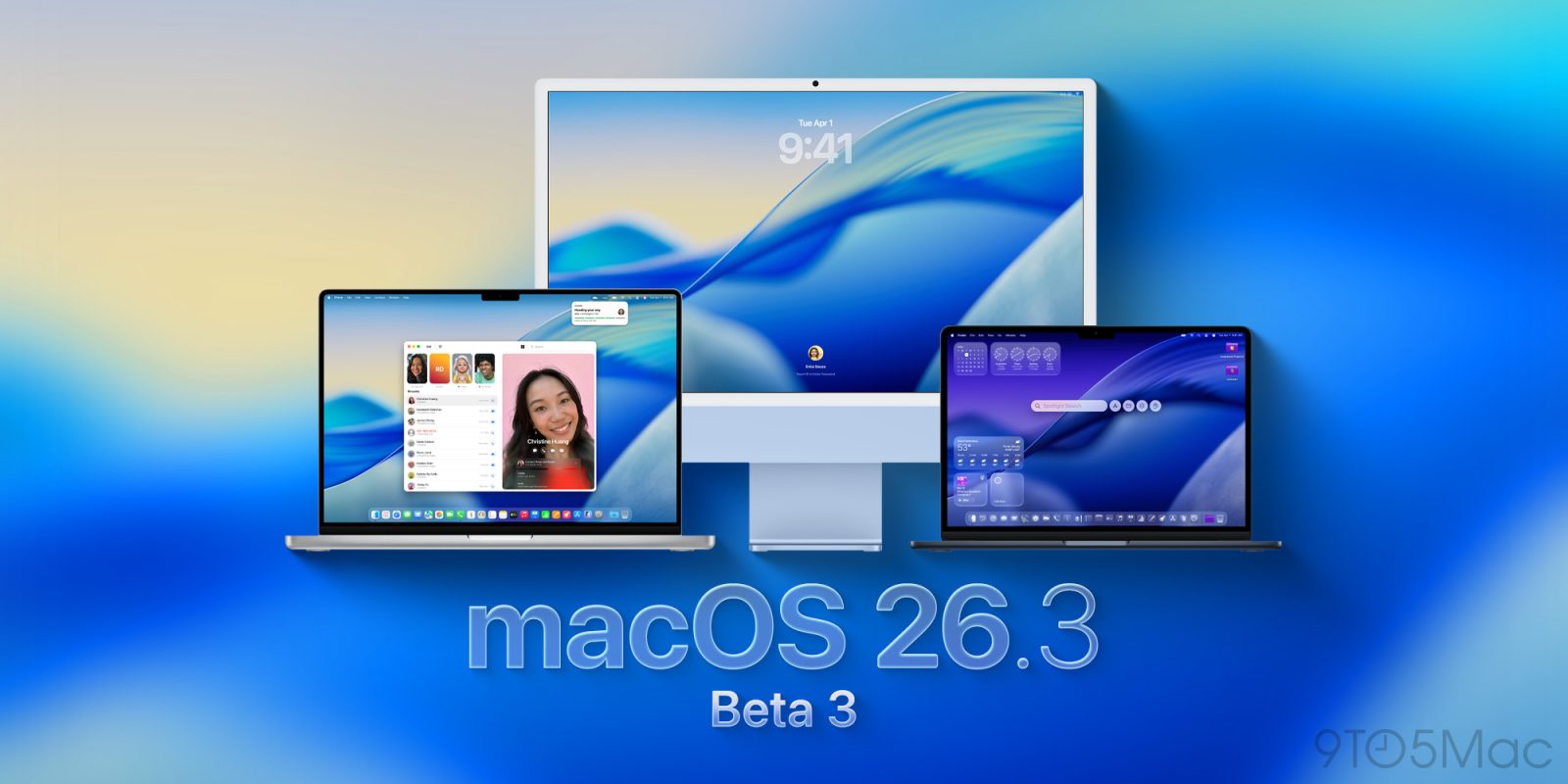
Third macOS Tahoe 26.3 Beta Now Available for Developers

Apple today provided the third beta of an upcoming macOS Tahoe 26.3 update to developers for testing purposes, with the update coming a little over a week after the launch of the second beta.


Developers can download the ‌macOS Tahoe‌ 26.3 update by opening up the System Settings app, selecting the General category, and then choosing Software Update. Beta Updates will need to be enabled, and a free developer account is required.

There's no word yet on what's included in ‌macOS Tahoe‌ 26.3, and no new features were found in the first two betas.

We'll likely see Apple release ‌macOS Tahoe‌ 26.3 at the end of January given past launch timelines.
Related Roundup: macOS Tahoe
Related Forum: macOS Tahoe

This article, "Third macOS Tahoe 26.3 Beta Now Available for Developers" first appeared on MacRumors.com

Discuss this article in our forums
  •  

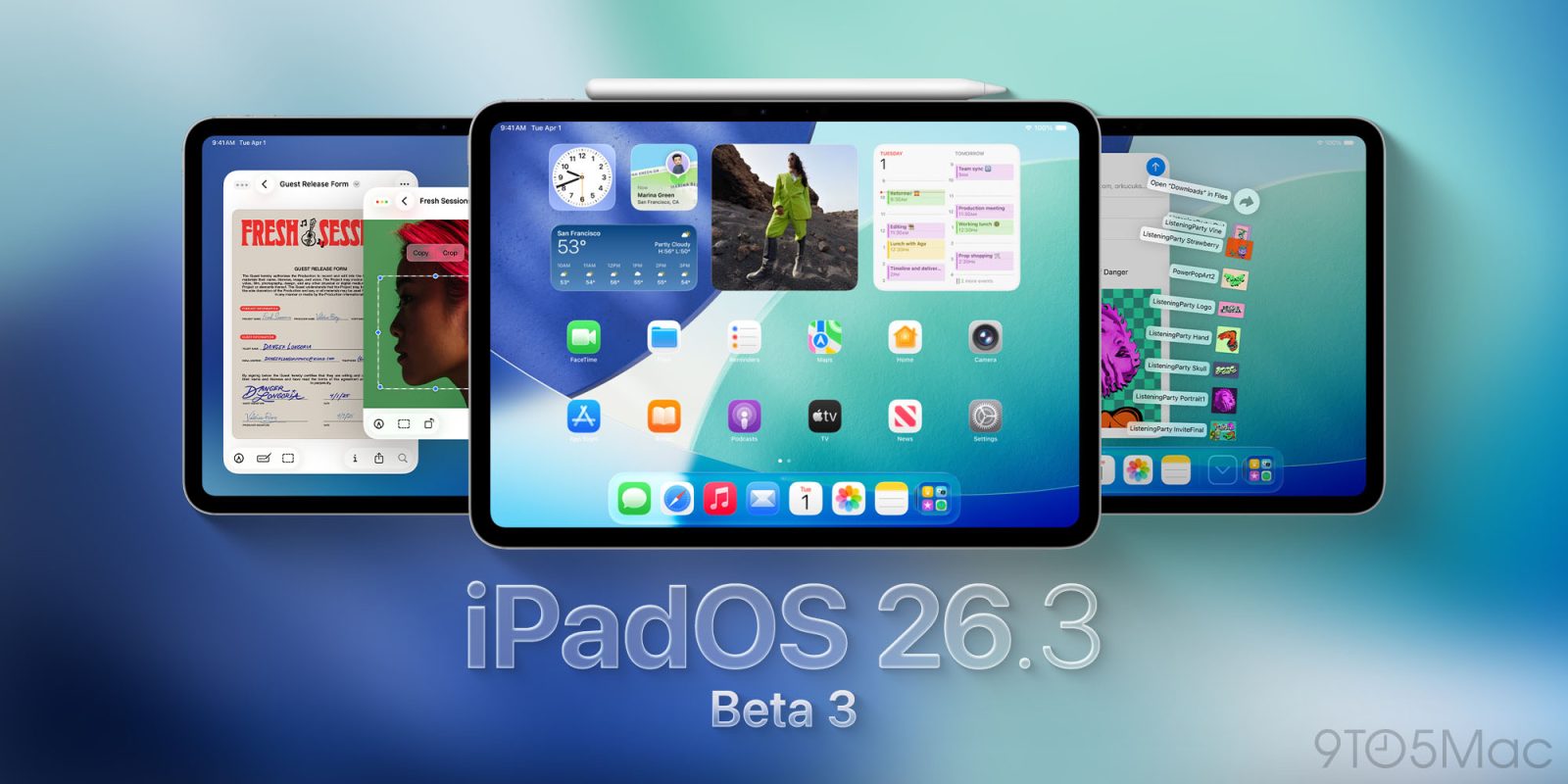
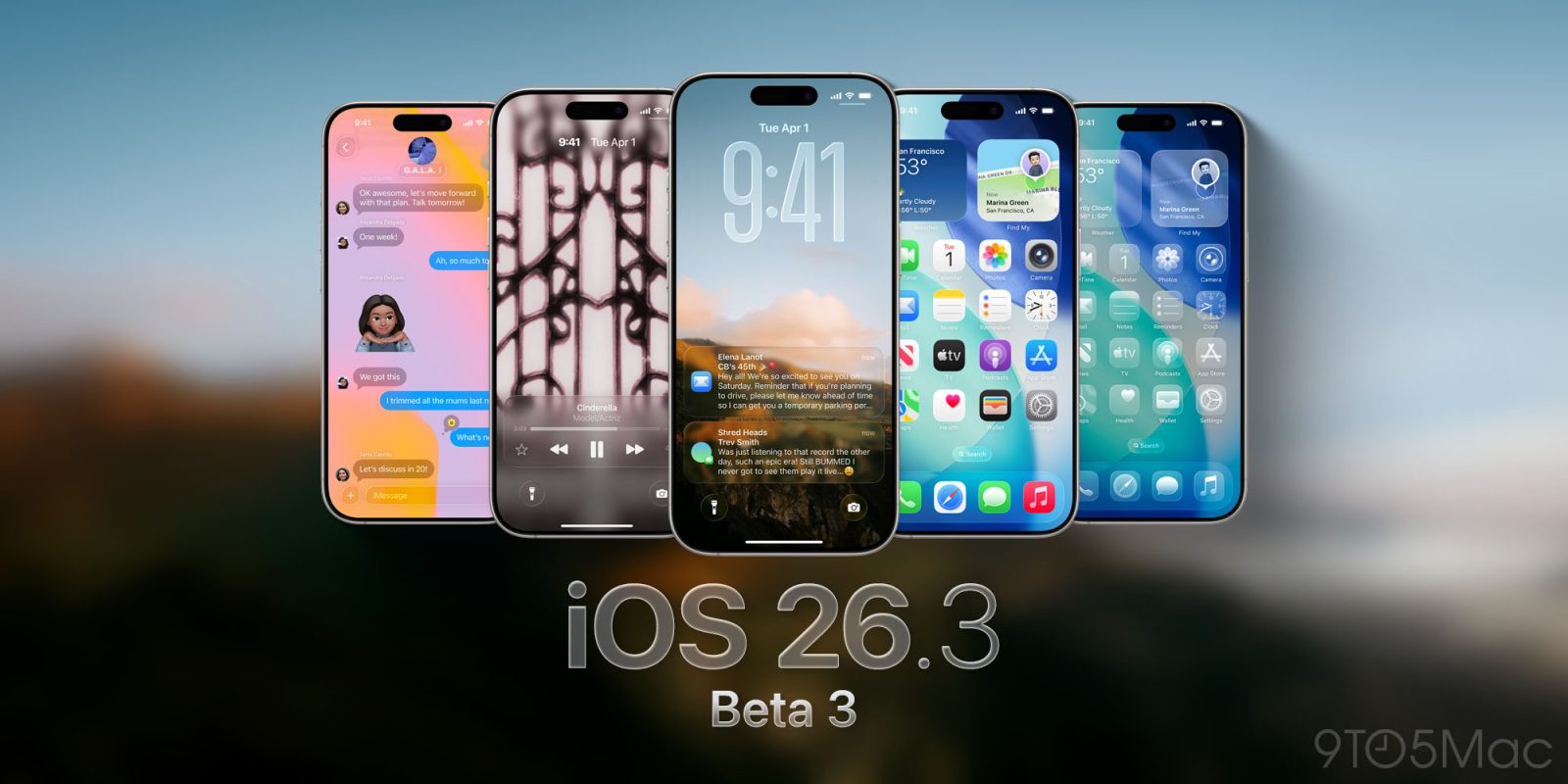
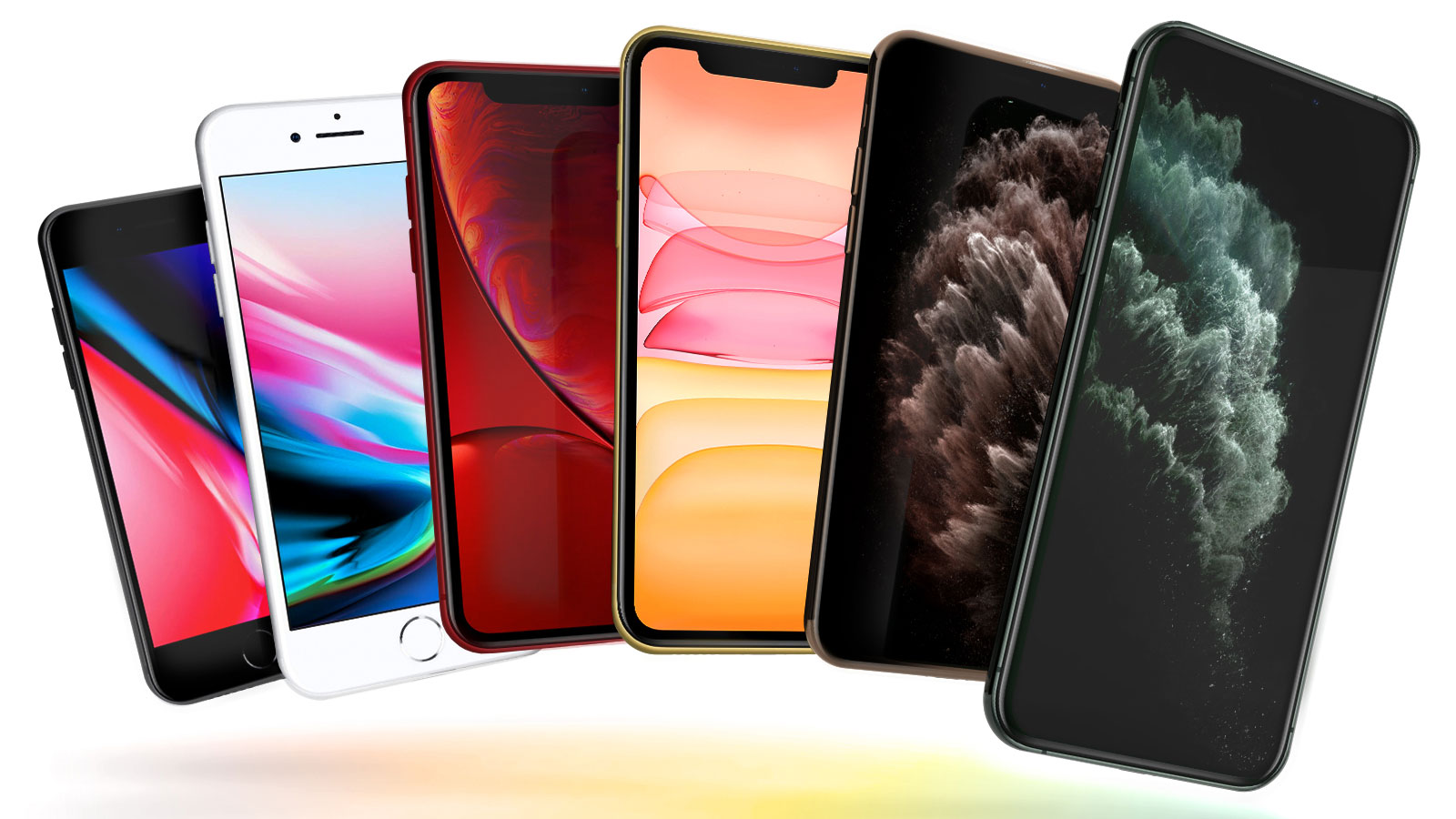
Apple Seeds Third Betas of iOS 26.3 and iPadOS 26.3 to Developers

Apple today seeded the third betas of upcoming iOS 26.3 and iPadOS 26.3 updates to developers for testing purposes, with the software coming a week after the release of the second betas.


Registered developers can download the betas from the Settings app on the iPhone or iPad by going to the General section and selecting the Software Update option.

iOS 26.3 adds a new tool for transitioning from an ‌iPhone‌ to an Android device. Transfers can be initiated during the device setup process, and moving data from one device to another can now be done without having to download a specific app.

Apple's transfer process supports moving photos, messages, notes, apps, passwords, phone number, and more.

The update also includes a Notification Forwarding setting for third-party wearables in the European Union, and there are some minor changes to the Weather wallpaper. More information on what's changed can be found in our iOS 26.3 beta 1 feature list.

Apple is expected to release the iOS 26.3 and iPadOS 26.3 to the public at the end of January.
Related Roundups: iOS 26, iPadOS 26
Related Forum: iOS 26

This article, "Apple Seeds Third Betas of iOS 26.3 and iPadOS 26.3 to Developers" first appeared on MacRumors.com

Discuss this article in our forums

  •  
❌