↩ Accueil

Vue lecture

macOS Will Alert You to MacBook Neo's USB-C Port Limitation

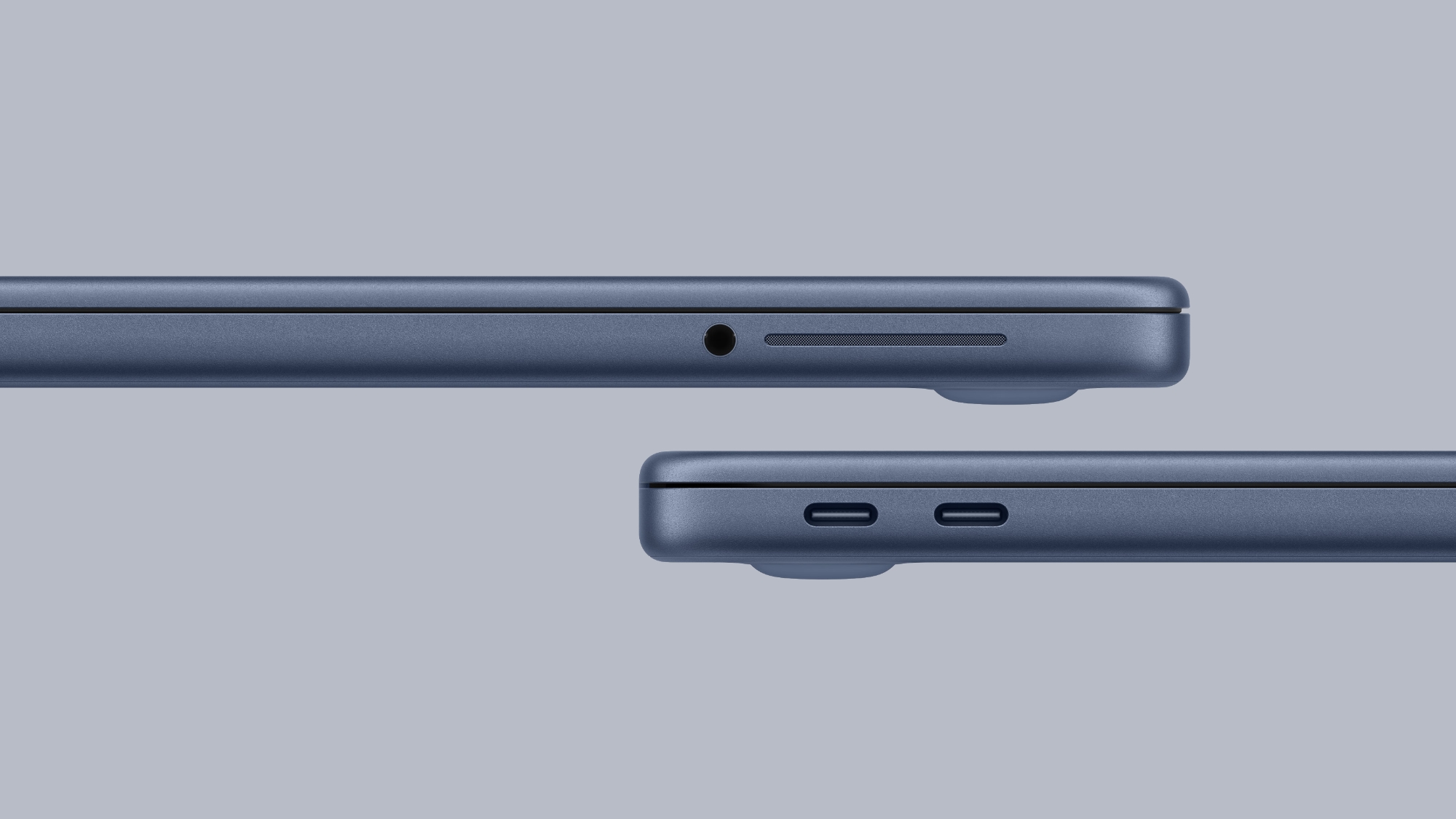
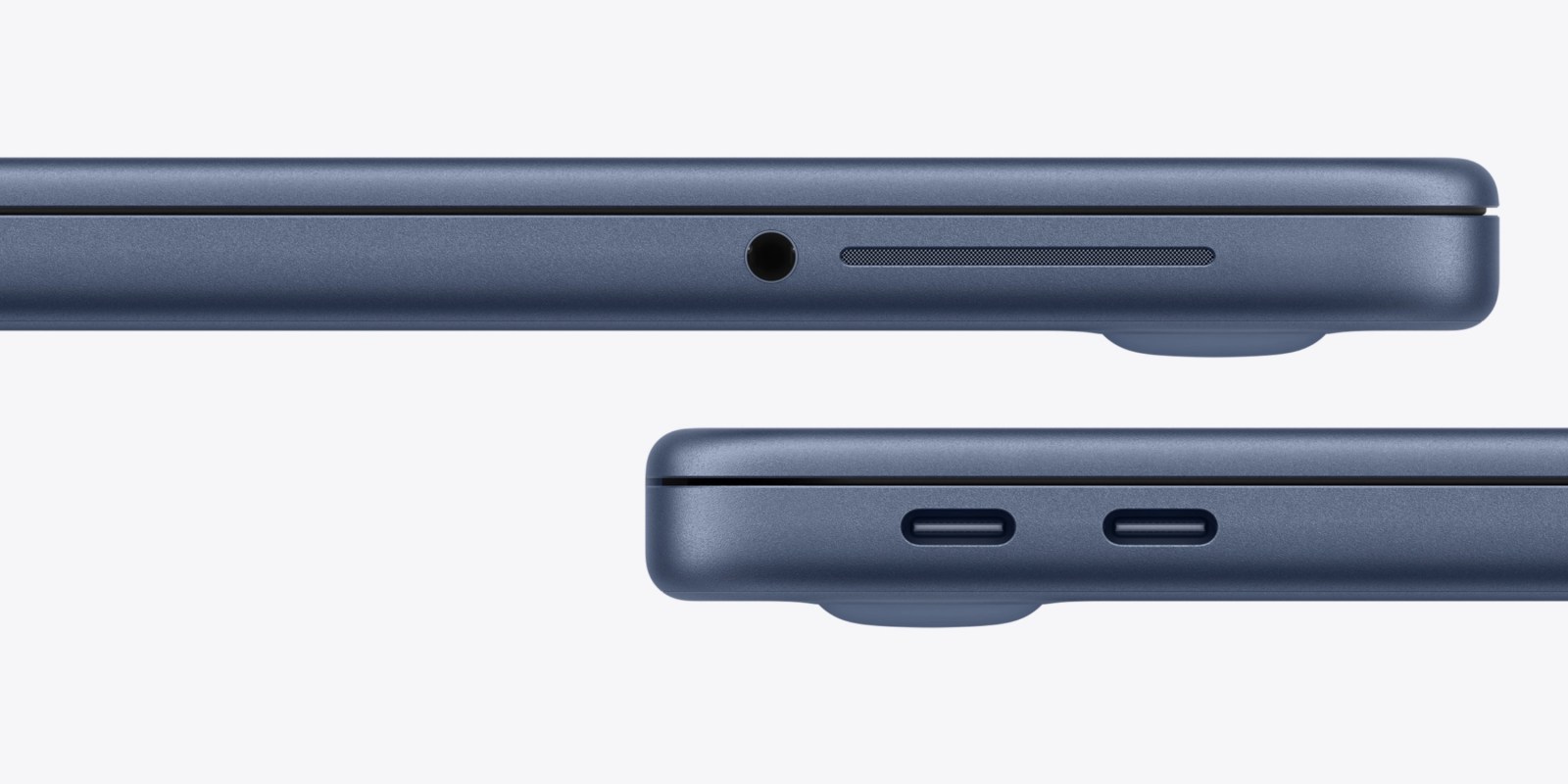
The new MacBook Neo is equipped with two USB-C ports, but they are not the same. The left USB-C port supports USB 3 speeds of up to 10 Gb/s, while the right USB-C port closer to the trackpad is limited to USB 2 speeds of just 480 Mb/s. As a result, Apple says external display connectivity is supported on the left port only.


Given the ports are not labeled, this limitation could be an inconvenience. Fortunately, though, Daring Fireball's John Gruber said if you plug an external display into the incorrect port, macOS will alert you to use the other port.

Apple says the MacBook Neo supports one external display with up to 4K resolution at 60Hz.

If you want to learn more about which features and specs you have to live without if you buy a MacBook Neo, read our in-depth list of compromises.

MacBook Neo is available to pre-order now, with U.S. pricing starting at $599 ($499 for college students). The laptop launches Wednesday, March 11.
Related Roundup: MacBook Neo

This article, "macOS Will Alert You to MacBook Neo's USB-C Port Limitation" first appeared on MacRumors.com

Discuss this article in our forums

  •  

Apple Does Not Include a Charger With All New MacBooks in UK and EU

None of the new MacBook Neo, MacBook Air, or MacBook Pro models unveiled this week come with a charger in the UK and EU countries, such as Germany, France, Italy, and Spain. This change began with the base 14-inch MacBook Pro last year.


If you need a power adapter, you must purchase one separately during checkout or later.

In all other countries, Apple includes a charger in the box with these Macs, at no additional cost. In the U.S., for example, the MacBook Neo ships with Apple's 20W USB-C Power Adapter (sold separately for $19), while the 16-inch MacBook Pro comes with Apple's 140W USB-C Power Adapter (sold separately for $99).

Apple includes a USB-C or MagSafe 3 charging cable with all of the new MacBooks sold worldwide.
Related Roundups: MacBook Air, MacBook Neo, MacBook Pro
Related Forums: MacBook Air, MacBook Pro

This article, "Apple Does Not Include a Charger With All New MacBooks in UK and EU" first appeared on MacRumors.com

Discuss this article in our forums

  •  

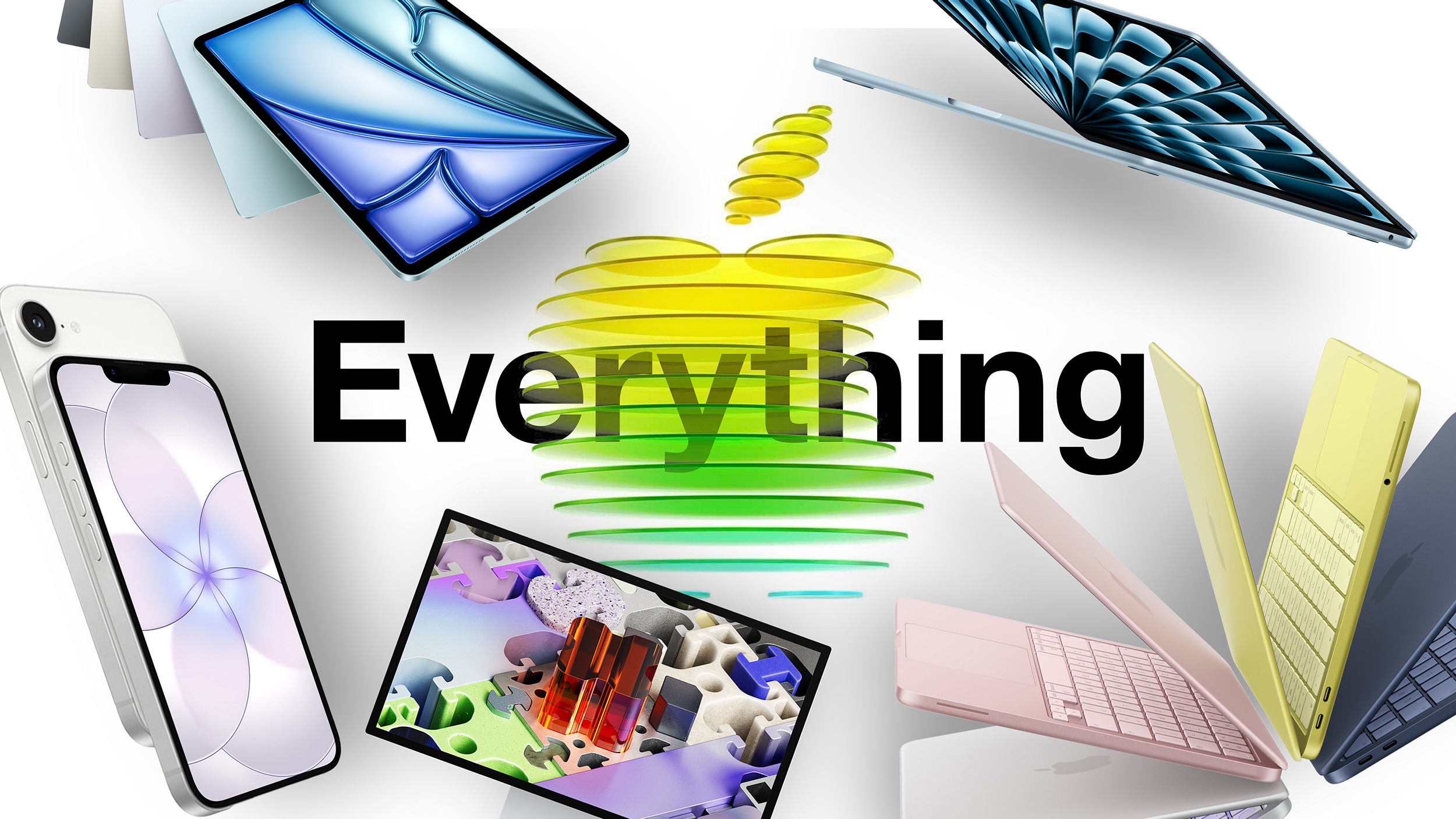
Apple's Biggest Week of 2026: Details on Every New Product Announced

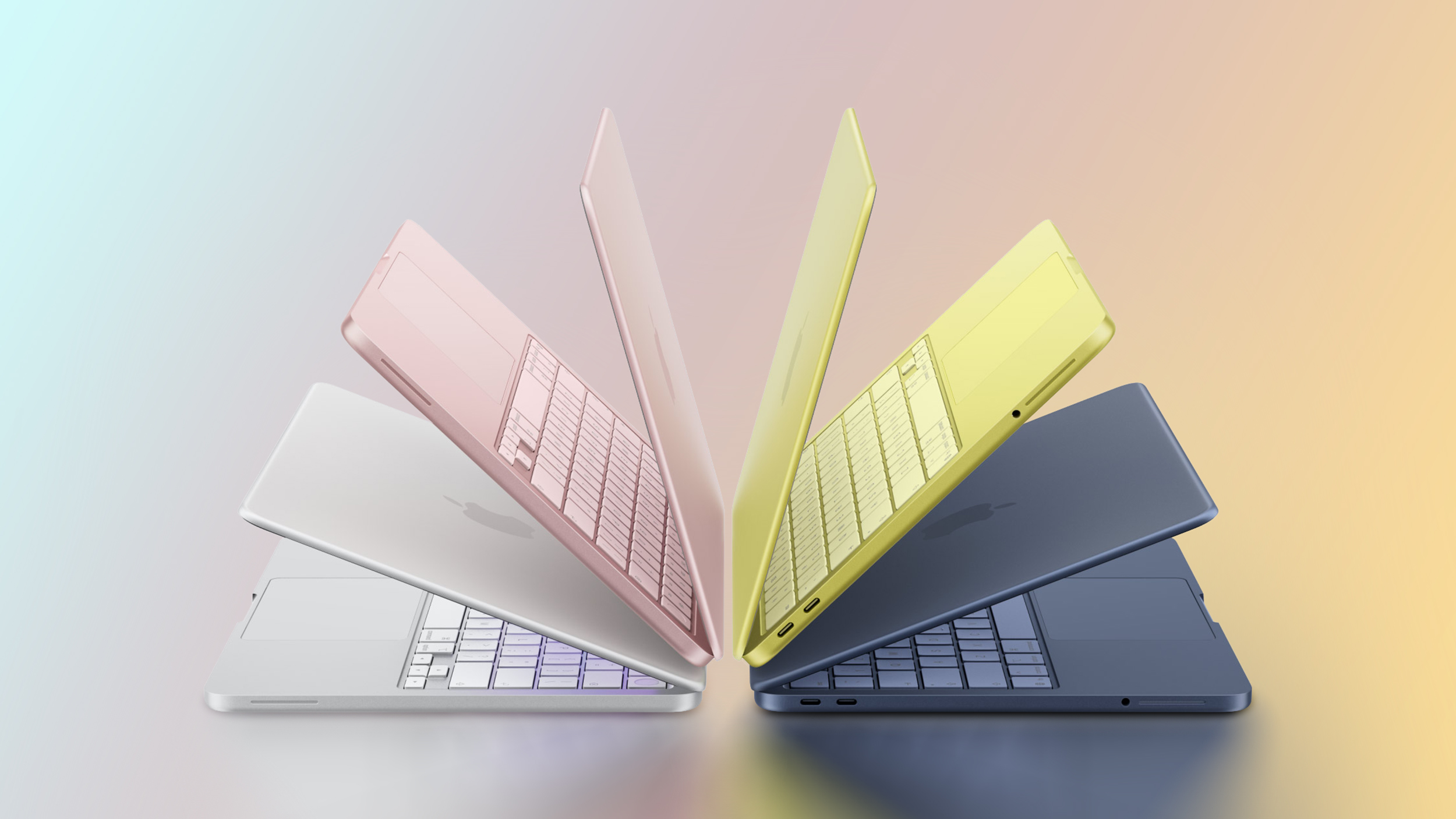
Across Monday, Tuesday, and Wednesday, Apple unveiled seven new products, including low-cost iPhone and MacBook options, new displays, and refreshes for the MacBook Air, MacBook Pro, and iPad Air.


We've rounded up all of our coverage from this week in case you missed any of the product announcements or details.

MacBook Neo


iPhone 17e


iPad Air


Studio Display


MacBook Pro


MacBook Air


Accessories


Other News


More Coverage


Apple CEO Tim Cook shared a wrap-up post on social media, and with pre-orders now live for all of the new products, we're not expecting any additional announcements this week.

Everything Apple announced this week will be launching on Wednesday, March 11, and we'll have more in-depth coverage and reviews of what's new.
This article, "Apple's Biggest Week of 2026: Details on Every New Product Announced" first appeared on MacRumors.com

Discuss this article in our forums

  •  

20+ MacBook Neo Compromises: What You Give Up for Apple's Cheapest Mac

The new MacBook Neo is Apple's most affordable Mac notebook, and at $599, it's priced the same as the iPhone 17e. For teachers and college students, it's even more affordable at $499.


To offer a Mac at such a low price, Apple had to make some compromises, and there are some features that the ‌MacBook Neo‌ is lacking compared to the next most expensive Mac notebook, the MacBook Air.

Processor


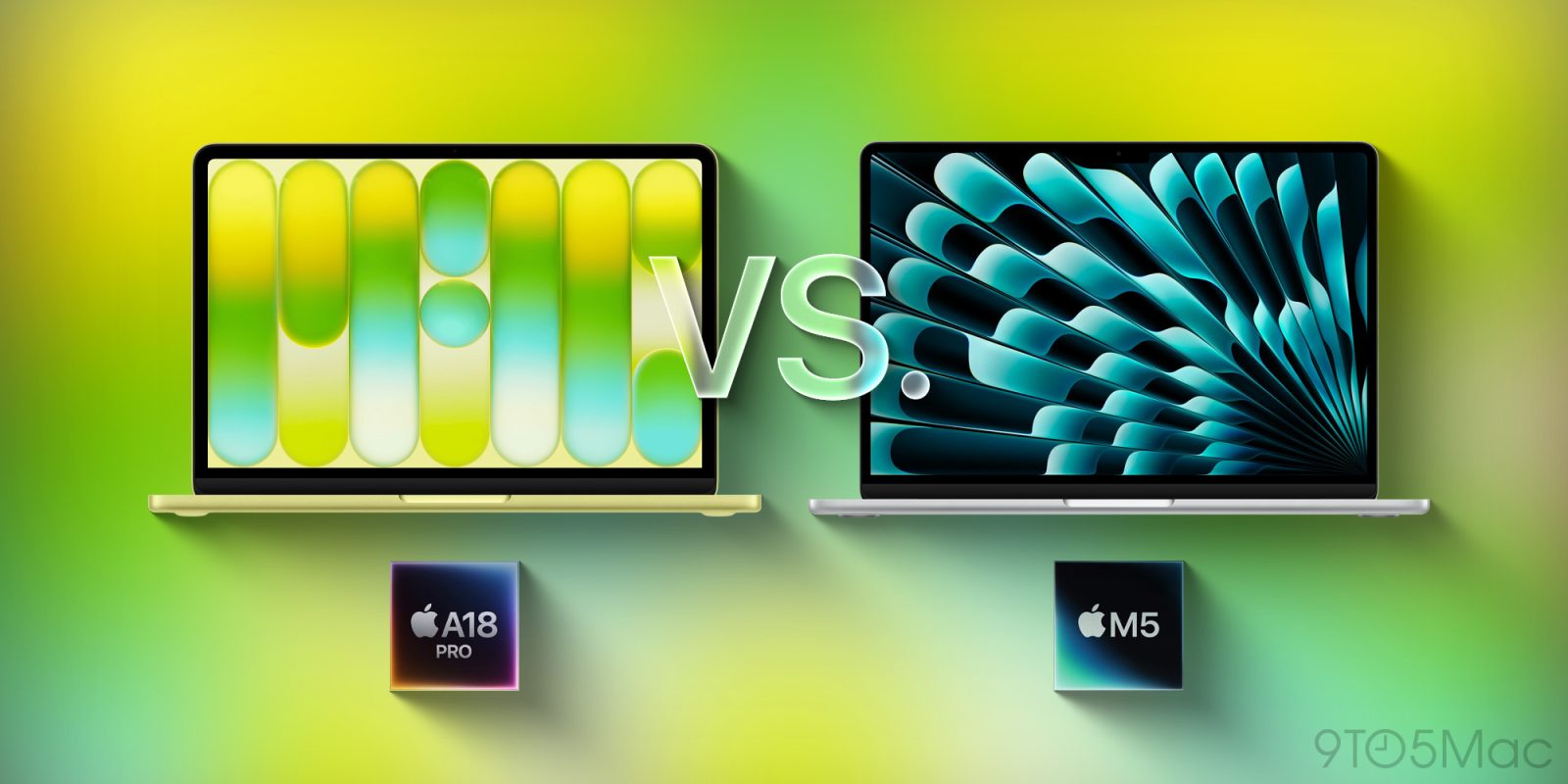
  • A18 Pro Chip - Apple is using an A-series chip instead of an M-series chip in the Neo. It has the A18 Pro chip that Apple debuted in the iPhone 16 Pro, but it is a binned version. It has a 6-core CPU and a 5-core GPU, while the ‌iPhone 16‌ Pro chip had a 6-core CPU and a 6-core GPU.

  • RAM - The ‌MacBook Neo‌ has 8GB RAM with no option to pay for more. All other Macs start with 16GB. It still supports Apple Intelligence, because 8GB is the minimum for it.

  • Memory bandwidth - Apple's chips use unified memory that's available to the CPU and GPU. Memory bandwidth in the Neo is 60GB/s, less than half that of the ‌MacBook Air‌.

  • Storage - The ‌MacBook Neo‌ starts with 256GB of storage, and there's only a single 512GB upgrade. Other Macs support much higher capacity SSDs.

  • Wi-Fi - The ‌MacBook Neo‌ has Wi-Fi 6E, but not Wi-Fi 7 because Apple did not include its new N1 networking chip.


Battery and Charging


  • Battery capacity - The ‌MacBook Neo‌ is almost the same size as the ‌MacBook Air‌, but it has a shorter battery life. It lasts for up to 16 hours when streaming video, while the ‌MacBook Air‌ lasts for up to 18 hours. The battery has a 36.5-watt-hour capacity, while the ‌MacBook Air‌ has a 53.8-watt-hour battery.

  • Battery size - Since the ‌MacBook Neo‌ is thicker than the ‌MacBook Air‌, it has even more room for a battery, but Apple didn't max out on battery life, which is likely a cost cutting measure. Apple is using older battery technology or a smaller battery. Battery life should theoretically be even longer because the A18 Pro chip doesn't draw as much power as the M5.

  • No MagSafe - The ‌MacBook Neo‌ is limited to USB-C charging, and it does not include a MagSafe port.

  • No fast charging - Apple ships the ‌MacBook Neo‌ with a 20W power adapter, and there is no mention of fast charging support.


Ports


  • USB-C - There are two USB-C ports, one that's USB 3 and one that's USB 2. The USB3 port supports DisplayPort 1.4 and up to 10Gb/s transfer speeds, but the USB 2 port is limited to 480Mb/s.

  • Display support - The ‌MacBook Neo‌ only supports a single external display at 4K 60Hz, though it may be possible to connect another with a third-party DisplayPort adapter.

  • No Thunderbolt - There are no Thunderbolt ports on the ‌MacBook Neo‌ because Thunderbolt is not supported.

  • No Studio Display - Since the Neo does not have Thunderbolt and is limited to 4K displays, it is not compatible with the Studio Display.


Design


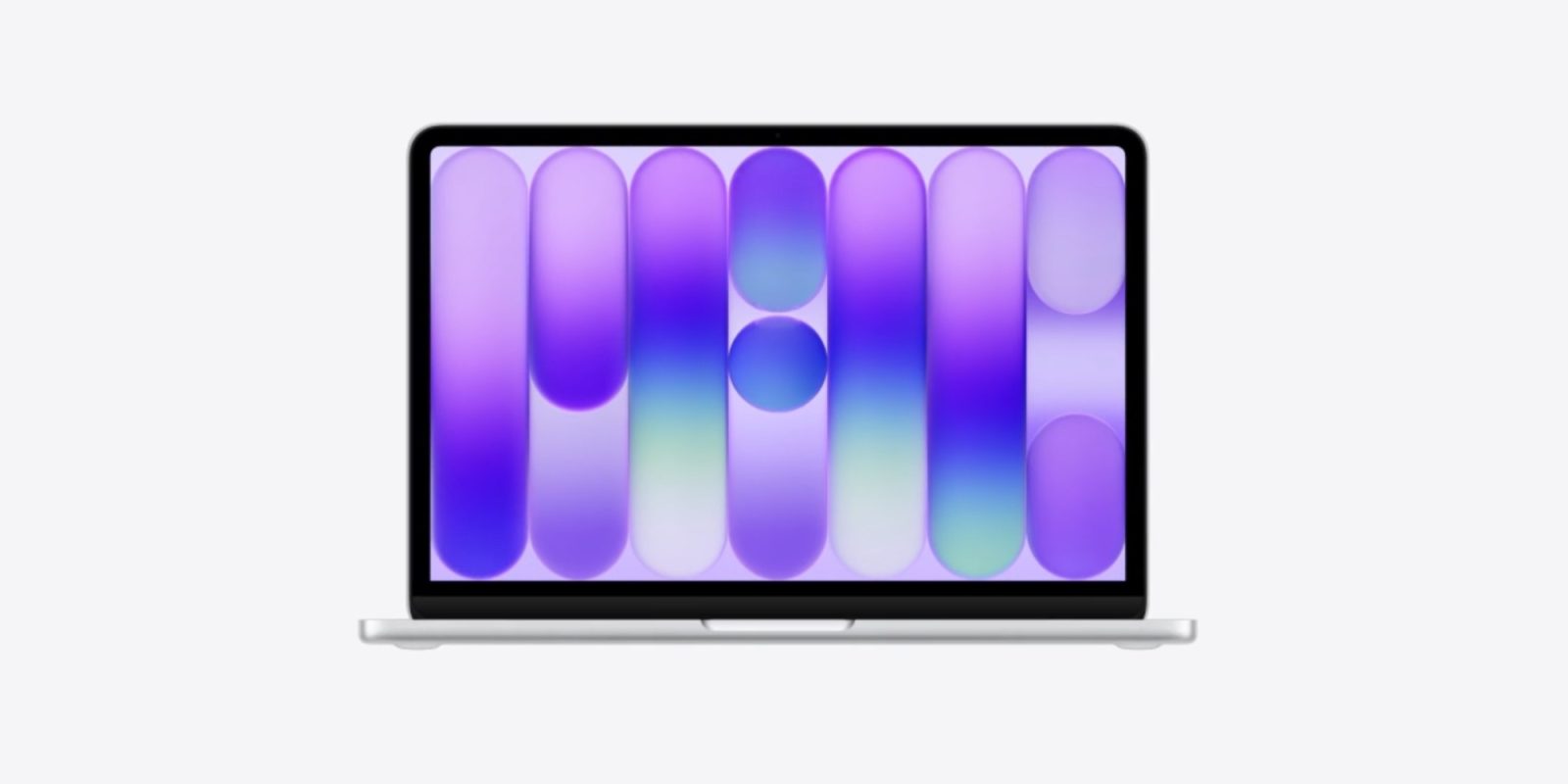
  • Display size - The ‌MacBook Neo‌ has a 13-inch display size, so it is Apple's smallest Mac notebook. The ‌MacBook Air‌ has a 13.6-inch display.

  • Bezels - There is no notch on the Neo, but it does have thick iPad-style bezels at the top, bottom, and sides of the display. The bezel hides the FaceTime camera.

  • Thickness - The Neo is just a little smaller than the ‌MacBook Air‌ when it comes to length and width, but it is thicker at 0.50 inches (vs 0.44 inches for the ‌MacBook Air‌).


Display


  • No True Tone - The ‌MacBook Neo‌ does not support True Tone, which is the white balance feature that adjusts the temperature of the display to match the ambient lighting in the room, making it easier on the eyes.

  • No P3 Wide color - sRGB is supported, but P3 Wide color is not, so the ‌MacBook Neo‌ won't have colors that are as true to life as other Mac notebooks.

  • No ProMotion - Unsurprisingly, the ‌MacBook Neo‌ is limited to a 60Hz refresh rate and it does not support ProMotion.


Trackpad and Keyboard


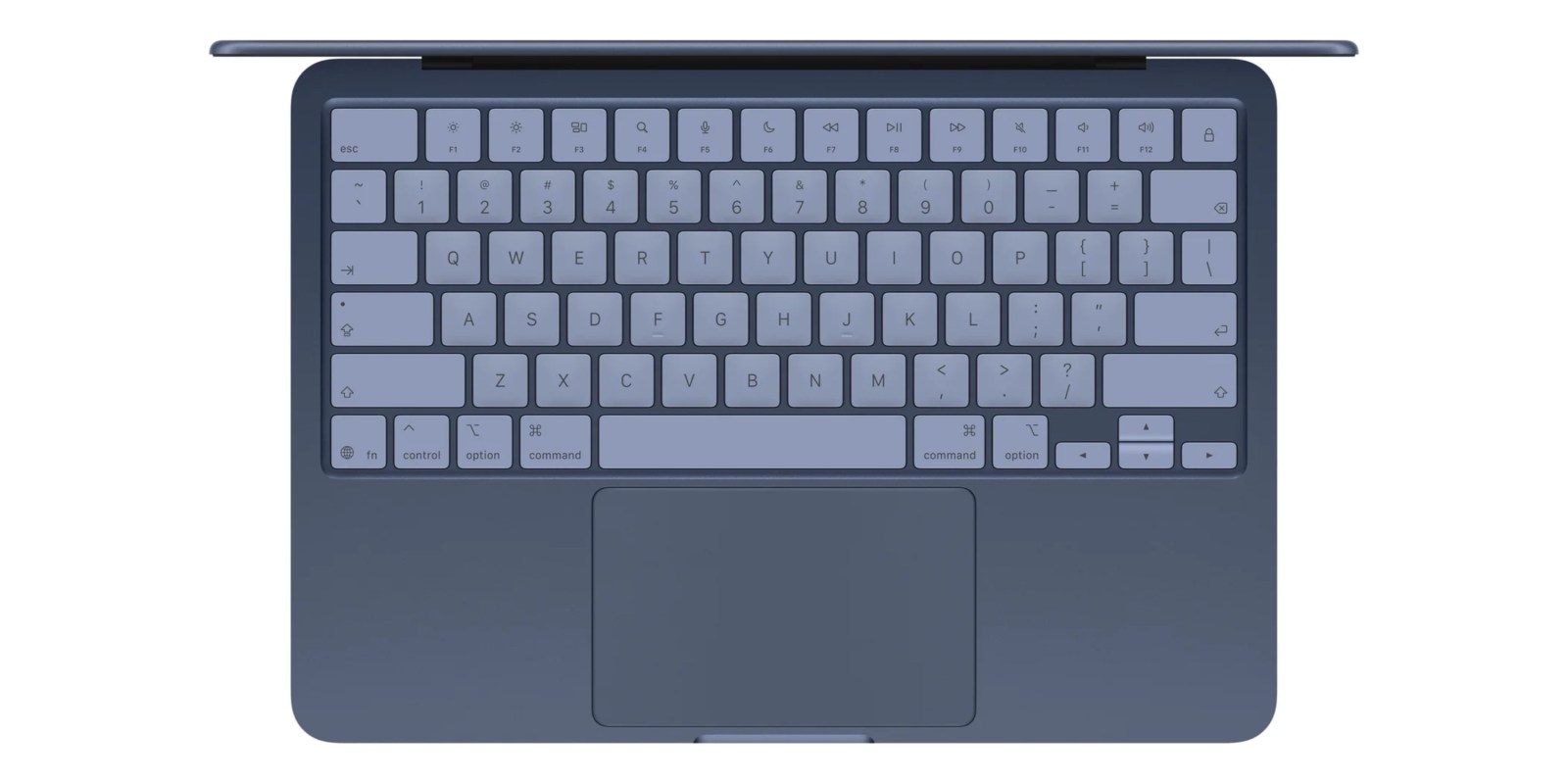
  • Backlighting - There is no backlight for the keyboard.

  • Touch ID - Touch ID is not included with the base 256GB model, but you can get it by paying an extra $100 for the 512GB model.

  • Trackpad - There isn't a Force Touch trackpad, with Apple instead adopting a less complicated physical Multi-Touch trackpad. The button on the trackpad is an actual button, rather than a virtual button with haptic feedback. There is no pressure-sensing feature, Force clicks, or pressure-sensitive drawing option.


Speakers and Camera


  • FaceTime Camera - The ‌MacBook Neo‌ has a 1080p ‌FaceTime‌ HD camera like older Macs rather than the newer 12-megapixel Center Stage camera Apple has been adding to its newer models. There is no Center Stage or Desk View.

  • Camera light - There's no little light to alert you when the ‌MacBook Neo‌ camera is on, with Apple instead displaying a warning on the menu bar.

  • Speakers - The ‌MacBook Neo‌ has a dual-speaker sound system with speakers that are on the outer sides of the device. The ‌MacBook Air‌ has a four-speaker sound system with richer sound, but both the Neo and the Air support spatial audio.

  • Microphones - There are only two microphones, but Voice Isolation and Wide Spectrum are still supported for better clarity for calls.

  • Headphone jack - There's a 3.5mm headphone jack, but it does not have support for high-impedance headphones.


MacBook Neo Pros


Even though the ‌MacBook Neo‌ has a simplified feature set compared to other Mac models, the price can't be beat. $599 for a Mac is an incredible deal, and the A18 Pro chip is more than adequate for daily use and the type of work that students do.

It's not the best choice for 3D rendering, running local AI models, video editing, or similar creative tasks, but it will do those things at a basic level. It's an ideal MacBook for anyone who doesn't need more than a machine for web browsing and other light work, and it will do everything an iPhone can do. These days, that's quite a bit.

For more on the differences between the ‌MacBook Neo‌ and the ‌MacBook Air‌, we have a dedicated comparison guide.

The ‌MacBook Neo‌ is available for pre-order now, and it is set to launch on Wednesday, March 11.
Related Roundup: MacBook Neo

This article, "20+ MacBook Neo Compromises: What You Give Up for Apple's Cheapest Mac" first appeared on MacRumors.com

Discuss this article in our forums

  •  

Apple's Two New Studio Display Models Feature Different A19 Chips

Apple's press release and marketing materials for the new Studio Display and Studio Display XDR models do not mention which chips are inside the monitors, but MacRumors has confirmed this information in the latest Studio Display firmware.


The firmware reveals that the second-generation Studio Display is equipped with an A19 chip, while the Studio Display XDR has an A19 Pro chip, according to code reviewed by MacRumors contributor Aaron Perris. Rumors had mentioned either the A19 chip or the A19 Pro chip, and it turns out that the two chips are split across the two models.

The original Studio Display from 2022 is equipped with an A13 Bionic chip, which is something that Apple advertised. Apple said the chip enables features such as Center Stage camera framing, Spatial Audio, and "Siri" and "Hey Siri" voice activation for Siri. Apple introduced the A13 Bionic chip in the iPhone 11 series in 2019.

Introduced across the iPhone 17 and iPhone Air models last year, the A19 and A19 Pro chips are much newer. These chips likely help to drive the improved speakers in both new Studio Display models, and they likely enable the camera's Desk View feature, which can show your face and an overhead view of your desk at the same time.

In both new Studio Displays, Apple says the six-speaker sound system delivers 30% deeper bass compared to the previous generation.

It is unclear exactly why the Studio Display XDR has a higher-end A19 Pro chip, but it certainly tracks with this model having more powerful features, such as a 120Hz refresh rate, mini-LED backlighting, and increased brightness.

We will learn more about the new Studio Displays and the hardware inside of them through upcoming reviews and teardowns.

Both new models can be pre-ordered now and launch on Wednesday, March 11.
Related Roundup: Apple Studio Display
Related Forum: Mac Accessories

This article, "Apple's Two New Studio Display Models Feature Different A19 Chips" first appeared on MacRumors.com

Discuss this article in our forums

  •  

Apple Releases iOS 18.7.6 to Address Australia Emergency Call Issue

Apple today released iOS 18.7.6 for older devices, addressing an issue that caused some older iPhones in Australia to be unable to connect to emergency services.


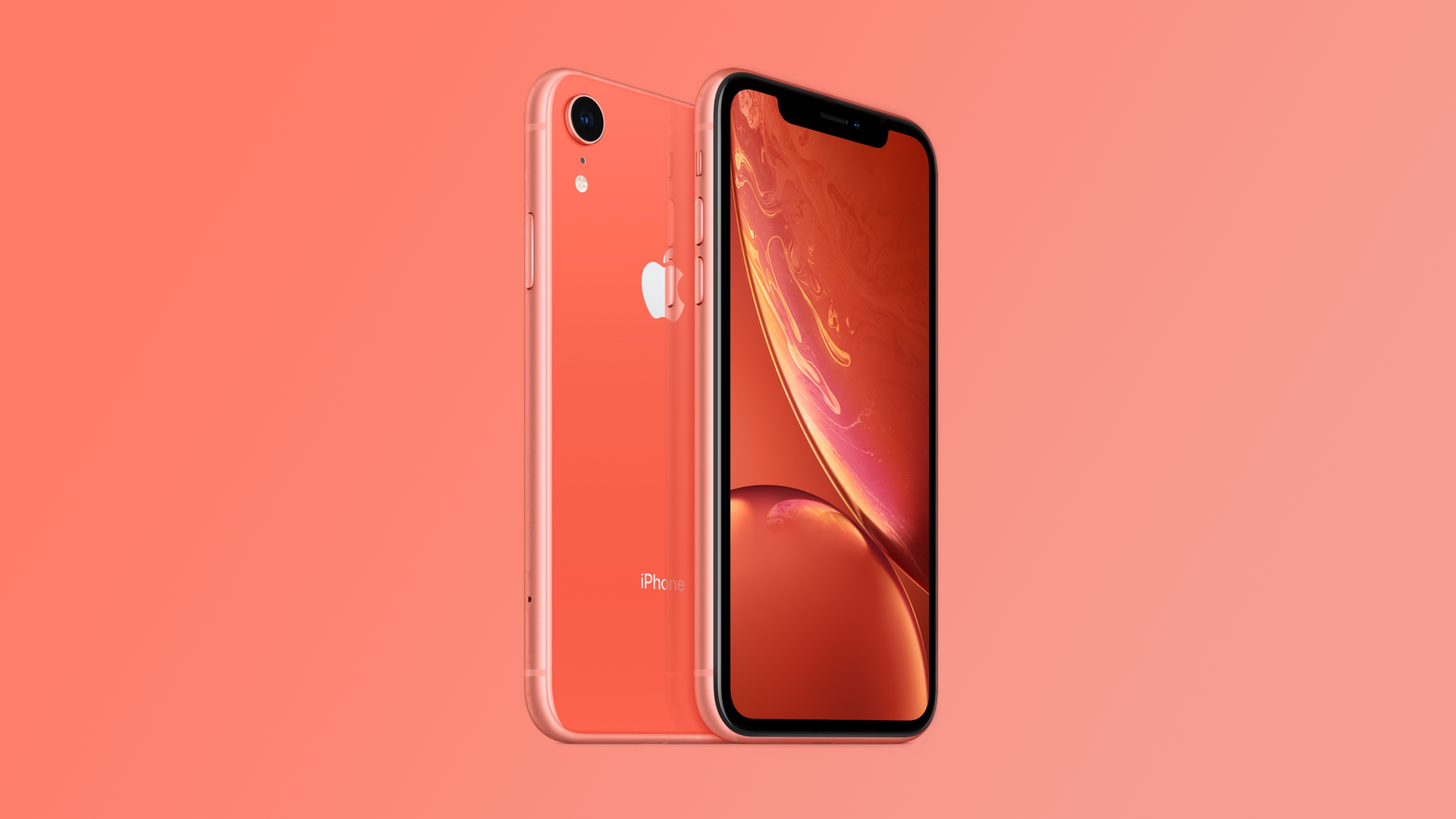
According to Apple's release notes, the update fixes an issue that was preventing the iPhone XS and ‌iPhone‌ XR from properly connecting to emergency networks in Australia.

  • This update addresses a mobile network issue for ‌iPhone‌ XS models and ‌iPhone‌ XR when establishing a connection to emergency services in Australia.


Australian mobile network operators have been improving support for emergency calling on their networks, which has led to a host of problems with older iPhones connecting to emergency situations in some situations. Apple has released several updates to address the problem, including iOS 16.7.4 and iOS 26.2.1.

Some of Apple's updates exacerbated the issue, and Apple ended up temporarily pulling iOS 18.7.4, iOS 16.7.13, iOS 15.8.6, and iOS 12.5.8 back in December. Since then, additional updates have been released to further fix the emergency calling bugs, including the new iOS 18.7.6. update.
This article, "Apple Releases iOS 18.7.6 to Address Australia Emergency Call Issue" first appeared on MacRumors.com

Discuss this article in our forums

  •  

MacBook Neo Pre-Orders at Best Buy Include Free $25 Gift Card

Earlier today we began tracking the first pre-order offers on the new MacBook Air and MacBook Pro, and now the MacBook Neo has joined in at Best Buy. If you pre-order the new low-cost MacBook Neo at Best Buy, you'll get a free $25 Best Buy gift card after purchase.

Note: MacRumors is an affiliate partner with Best Buy. When you click a link and make a purchase, we may receive a small payment, which helps us keep the site running.


In order to get the deal, you need to pre-order any MacBook Neo model at Best Buy with a valid e-mail address. The e-gift card will be sent out after you receive the MacBook Neo, or after you pick it up in a Best Buy store.


Apple announced the MacBook Neo today, and it's now the cheapest MacBook in the lineup starting at $599 and powered by the A18 Pro chip. Apple says it is up to 50% faster for everyday tasks than the bestselling PC with the latest shipping Intel Core Ultra 5, up to 3x faster for on-device AI workloads, and up to 2x faster for tasks like photo editing.

If you're on the hunt for more discounts, be sure to visit our Apple Deals roundup where we recap the best Apple-related bargains of the past week.


Deals Newsletter


Interested in hearing more about the best deals you can find in 2026? Sign up for our Deals Newsletter and we'll keep you updated so you don't miss the biggest deals of the season!


Related Roundup: Apple Deals

This article, "MacBook Neo Pre-Orders at Best Buy Include Free $25 Gift Card" first appeared on MacRumors.com

Discuss this article in our forums

  •  

Apple Releases macOS Tahoe 26.3.1 With Support for Studio Display and Studio Display XDR

Apple today released macOS Tahoe 26.3.1, a minor update to the ‌macOS Tahoe‌ operating system that came out last September. ‌macOS Tahoe‌ 26.3.1 comes three weeks after Apple launched macOS Tahoe 26.3.


Mac users can download the new software by opening up the System Settings app and navigating to the Software Update section.

According to Apple's release notes for the update, it adds support for the new Studio Display and Studio Display XDR. Apple has also released a firmware update for the new displays.

The new monitors are available for pre-order and will launch on Wednesday, March 11.
Related Roundup: macOS Tahoe
Related Forum: macOS Tahoe

This article, "Apple Releases macOS Tahoe 26.3.1 With Support for Studio Display and Studio Display XDR" first appeared on MacRumors.com

Discuss this article in our forums

  •  

New Studio Display and Studio Display XDR Will Have Day One Firmware Update

Apple today released a new firmware update for the Studio Display and Studio Display XDR, two products that aren't set to launch until March 11.


The Studio Display Firmware 26.3 update is only for the new Studio Display options, and it is not available on the older model.

Studio Display firmware can be updated by connecting the display to a Mac and going to System Settings > Software Update.

Pre-orders are available for the Studio Display and Studio Display XDR as of today. Prices start at $1,599.
Related Roundup: Apple Studio Display
Related Forum: Mac Accessories

This article, "New Studio Display and Studio Display XDR Will Have Day One Firmware Update" first appeared on MacRumors.com

Discuss this article in our forums

  •  

Apple Releases Third macOS Tahoe 26.4 Public Beta

Apple today provided public beta testers with the third release of an upcoming macOS Tahoe 26.4 update for testing purposes. The public beta comes a week after Apple seeded the second beta.


After signing up for beta testing on Apple's beta site, public beta testers can download the updates using the Software Update section in the settings app for each update.

‌macOS Tahoe‌ 26.4 includes several new features. The Compact tab layout has been reimplemented in Safari for those who missed having the option in earlier versions of ‌macOS Tahoe‌, and there is a new Charge Limit feature that lets Mac users select a maximum charge level that ranges from 80 percent to 100 percent.

Apple silicon Mac users will see now see warnings about apps that are still using Rosetta 2, because Apple is phasing out Rosetta after macOS 27. ‌macOS Tahoe‌ is also the final version of macOS that will run on Intel-based Macs, and Apple is working to remove all lingering Intel features.

We could see additional features in upcoming versions of ‌macOS Tahoe‌ 26.4, such as new emoji characters. Apple is expected to test the update for the next several weeks, with a launch planned for the spring.
Related Roundup: macOS Tahoe
Related Forum: macOS Tahoe

This article, "Apple Releases Third macOS Tahoe 26.4 Public Beta" first appeared on MacRumors.com

Discuss this article in our forums

  •  

Apple Releases iOS 26.3.1 and iPadOS 26.3.1 With Bug Fixes and Studio Display Support

Apple today released iOS 26.3.1 and iPadOS 26.3.1, minor updates to the iOS 26 and iPadOS 26 operating systems. The software comes three weeks after Apple released iOS 26.3 and iPadOS 26.3.


The new software can be downloaded on eligible iPhones and iPads over-the-air by going to Settings > General > Software Update.

According to Apple's release notes, the update adds support for the new Studio Display and Studio Display XDR, and it includes unspecified bug fixes.

Apple is also beta testing iOS 26.4 and iPadOS 26.4, major updates that are set to come out this spring.
Related Roundups: iOS 26, iPadOS 26
Related Forum: iOS 26

This article, "Apple Releases iOS 26.3.1 and iPadOS 26.3.1 With Bug Fixes and Studio Display Support" first appeared on MacRumors.com

Discuss this article in our forums

  •  
❌