↩ Accueil

Vue lecture

Lenovo's ThinkBook 14+ And 16+ Pair Panther Lake With LPCAMM2 Memory

Lenovo's ThinkBook 14+ And 16+ Pair Panther Lake With LPCAMM2 Memory You can expect a wave of laptops built around Intel's Core Ultra Series 3 Panther Lake chips that it revealed at CES, and one only need look at what Lenovo apparently just launched in China as proof. The launch includes new ThinkBook 14+ and ThinkBook 16+ laptop configurations that mate Core Ultra 300H processors with LPCAMM2 memory. We
  •  

Logitech PC Peripheral Blowout Sale Slashes Prices Up To 50% Off

Logitech PC Peripheral Blowout Sale Slashes Prices Up To 50% Off Woot, the dedicated deals site that Amazon acquired way back in 2010 for a cool $110 million, is having a big sale on a range of Logitech peripherals, including discounts on keyboards, mice, headsets, speaker systems, and more. There are deals on over a dozen items, with savings going all the way up to 50% off, depending on the item. Let's
  •  

Xbox February update improves cloud gaming and ROG Ally performance

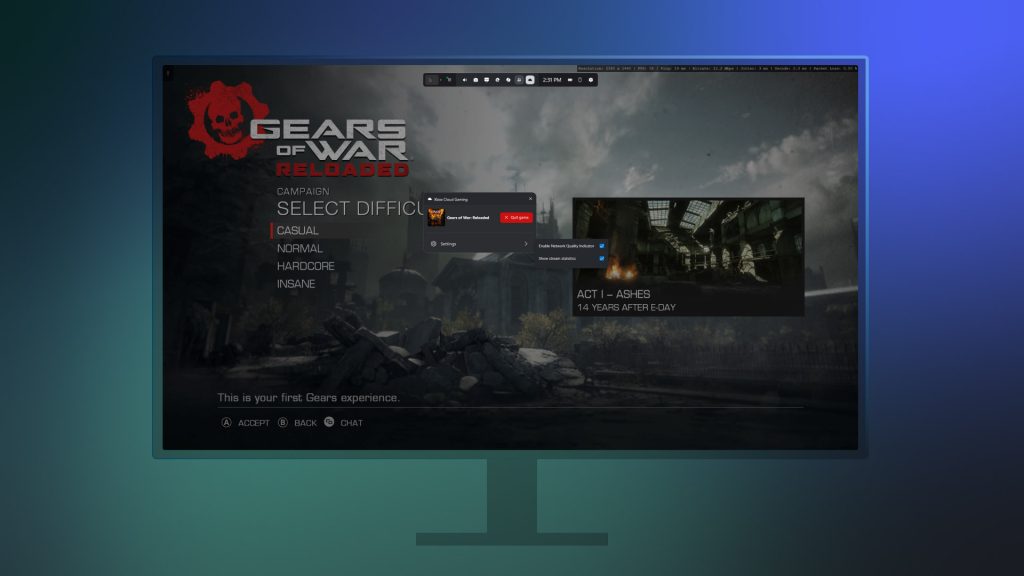
Microsoft has launched its February 2026 Xbox update, bringing a suite of improvements to console players and QoL refinements across the ecosystem.

The most notable addition is the expansion of 1440p cloud streaming for Xbox Series X|S and Xbox One consoles, allowing Game Pass Ultimate members to enjoy sharper visuals and improved bitrates. This move effectively brings the console experience in line with the high-resolution streaming already available on PC and select smart TVs, further narrowing the gap between local and cloud-based play as the service officially moves out of its beta phase.

The update also caters to the growing handheld market, specifically providing new tools for ROG Ally and Ally X users. Players can now format removable storage directly through the Xbox app, and a new Advanced Shader Delivery indicator has been added to help avoid the dreaded “shader stutter” by notifying users when precompilation is complete. On the PC side, Microsoft is adding navigation sounds to the Xbox app to make controller usage feel more tactile.

Beyond technical tweaks, the Xbox ecosystem continues to grow, with over 1,000 titles now supporting both Xbox Play Anywhere and the “Stream your own game” feature for Ultimate subscribers. Recent additions like High on Life 2 and Dragon Quest VII Reimagined highlight the expanding Handheld Compatibility Program. At the same time, the Retro Classics library, in partnership with Antstream Arcade, has grown to over 100 retro classics. With more than 130 cloud games now supporting mouse and keyboard input and over 260 supporting touch controls, Microsoft is clearly doubling down on its new “play anywhere, on anything” philosophy.

KitGuru says: Xbox's February 2026 update is a solid improvement but there is still much work to be done.

The post Xbox February update improves cloud gaming and ROG Ally performance first appeared on KitGuru.
  •  

Keychron expands V Ultra keyboard series with V10 75% Alice and V0 numpad

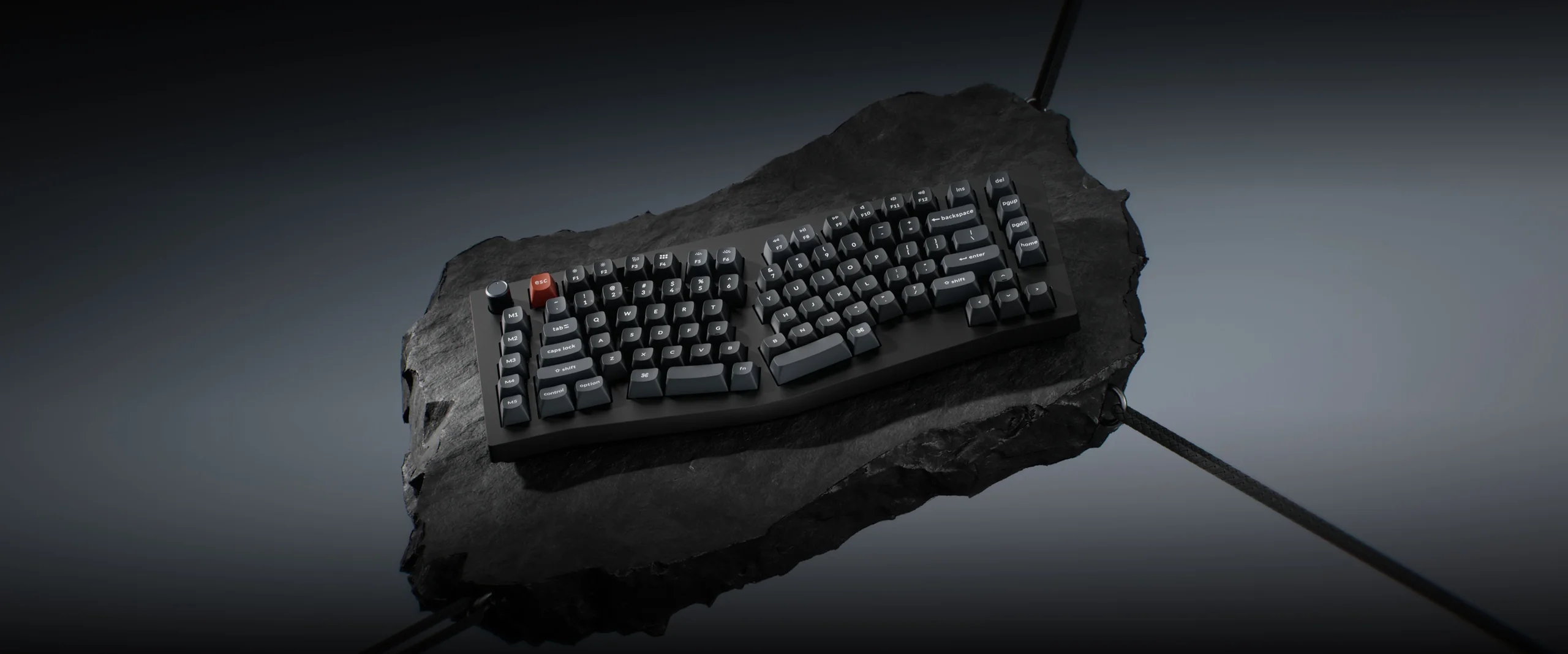
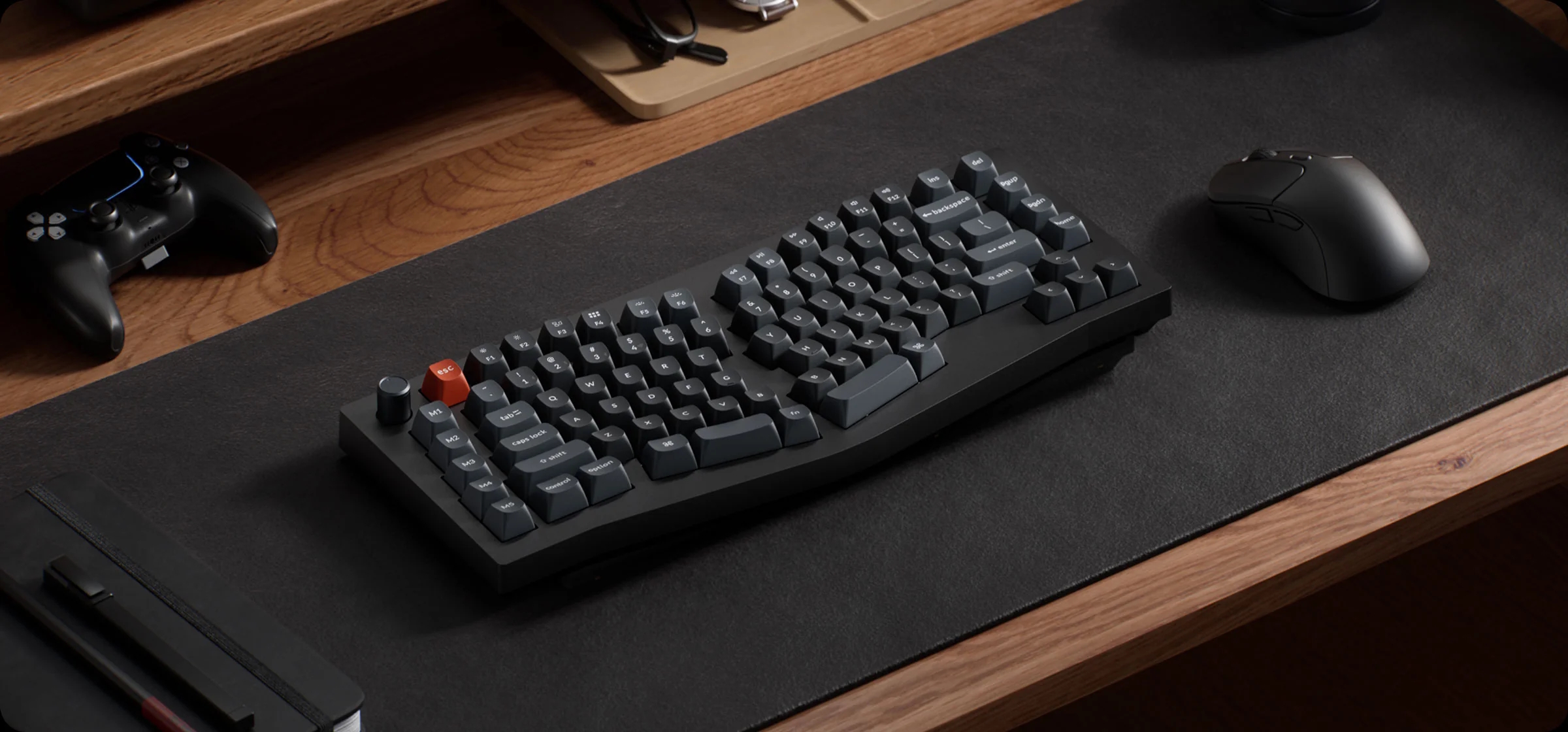
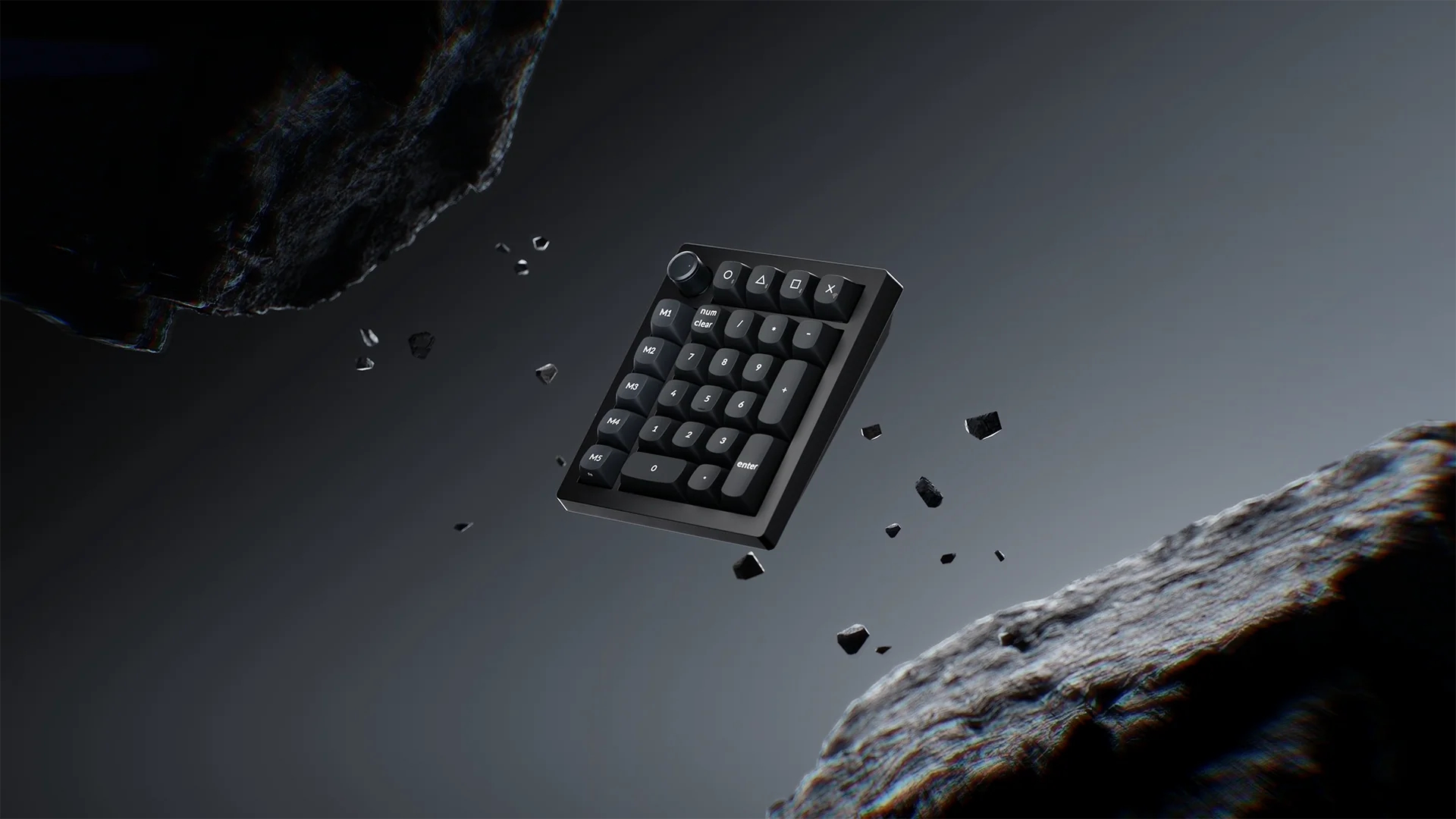
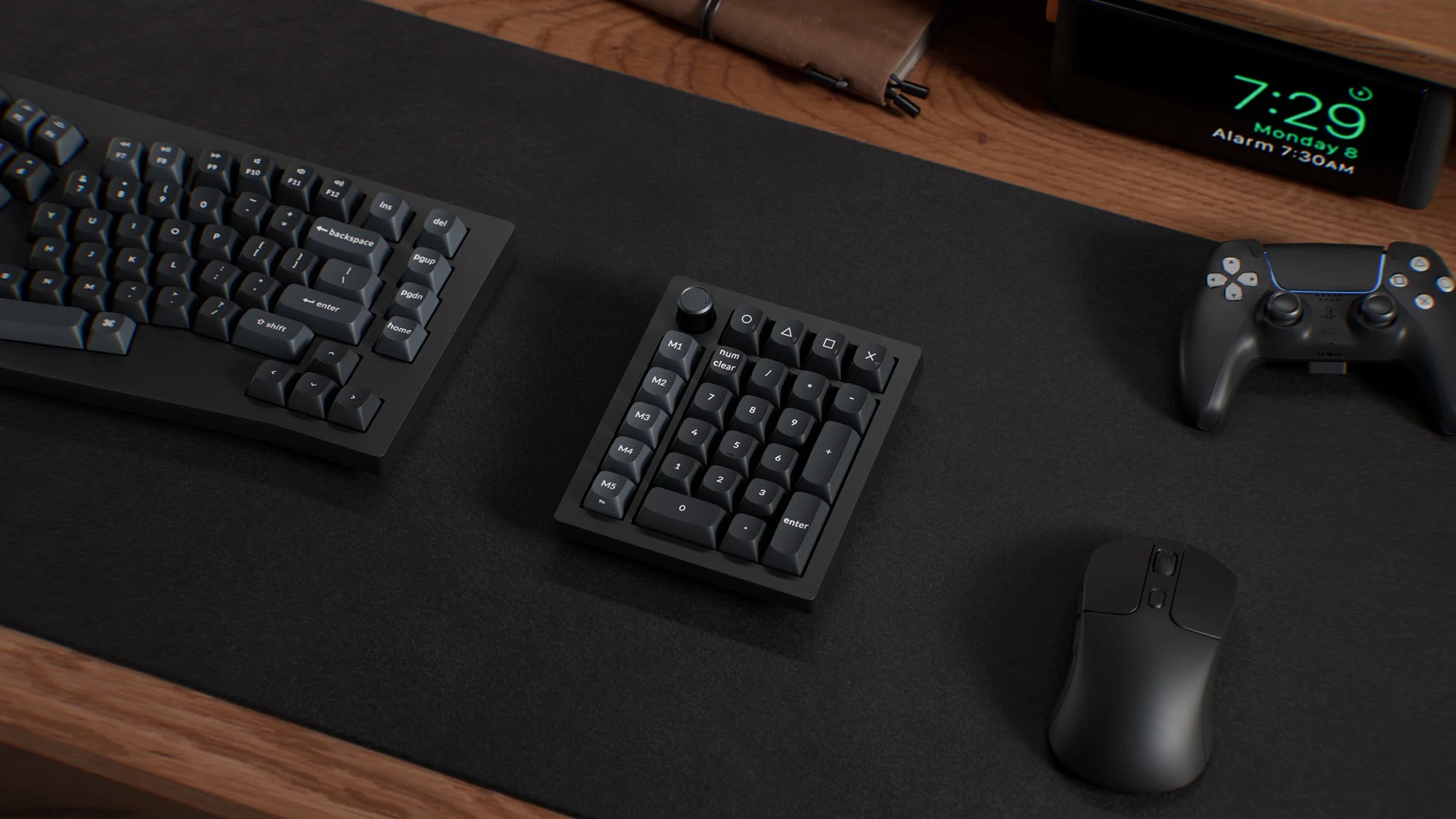
Keychron has broadened its V Ultra-series lineup with the release of the V10 Ultra and the V0 Ultra. The Keychron V10 Ultra adopts an ergonomic 75% Alice layout that reduces wrist strain by angling the hands inward. Accompanying it is the V0 Ultra, a standalone wireless mechanical numpad.

Both devices are constructed from durable ABS plastic and mark a significant technological shift for Keychron by adopting the open-source ZMK firmware. This move away from the traditional QMK allows for much greater wireless efficiency and is the primary driver behind the series' impressive battery life claims.


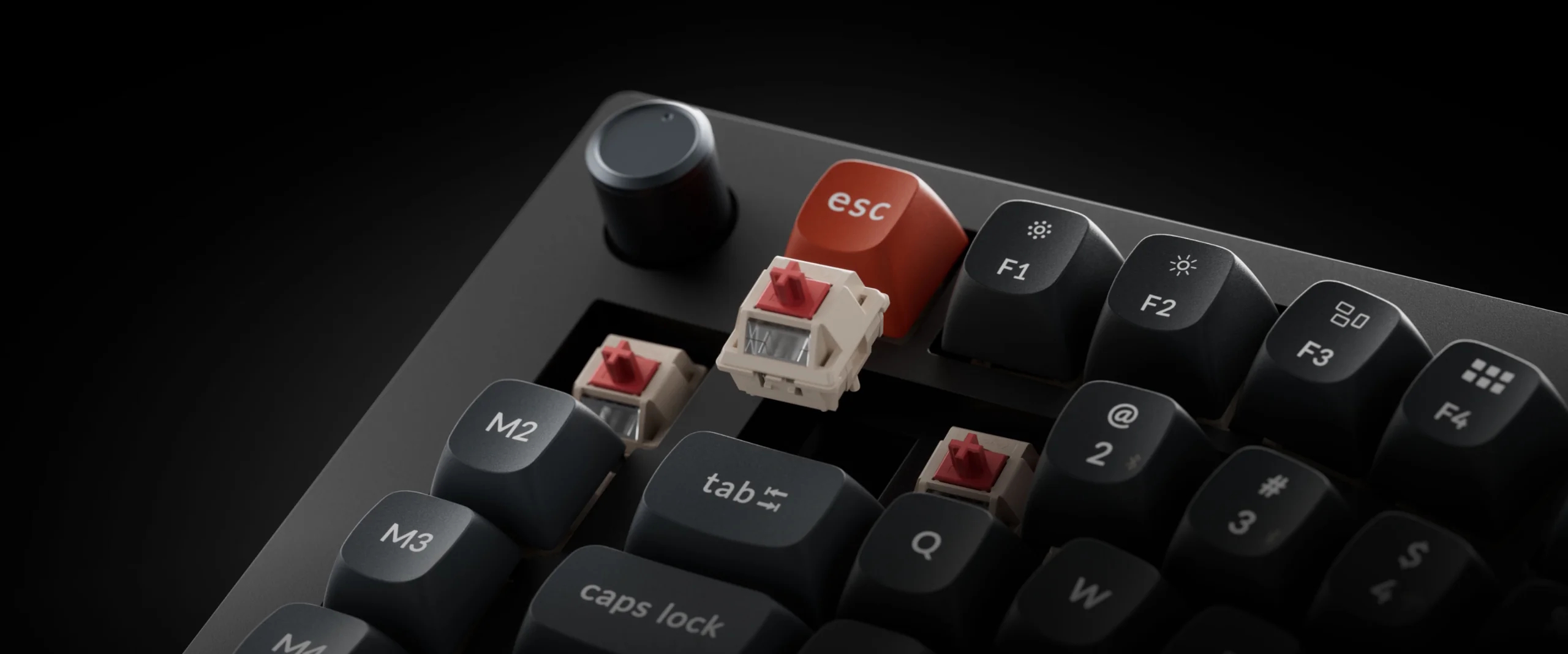
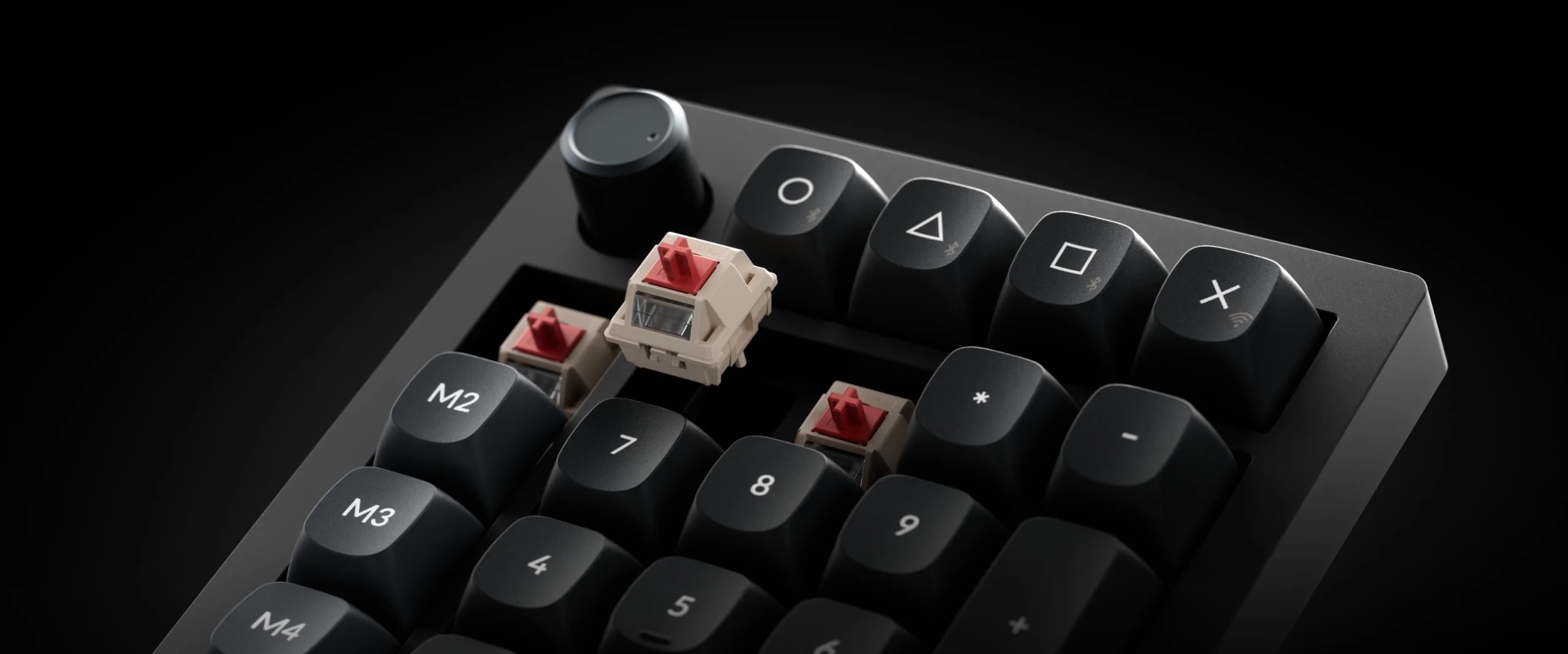
Under the hood, the keyboard and numpad are equipped with Keychron's new Silk POM switches. Available in Red linear, Brown tactile, and Banana tactile options, these use a self-lubricating material for a smoother, richer typing sound. Moreover, like the remaining V Ultra family, these two boards also have an 8,000 Hz polling rate. To complement this, the V10 Ultra packs a 4,000 mAh battery capable of up to 660 hours of use with lighting disabled, while the V0 Ultra's 1,800 mAh cell offers roughly 360 hours of wireless uptime.

Both units feature south-facing per-key RGB lighting and hot-swappable PCBs compatible with any Cherry MX-style switches. Typing comfort is further refined by Poron gasket mounts and internal acoustic foams, which help damp vibrations. For connectivity, users can toggle between Bluetooth 5.3 for multi-device pairing, a 2.4 GHz wireless dongle for low-latency gaming, or a standard USB-C wired connection. The aesthetic is finished with double-shot PBT keycaps in the OSA profile. The V10 Ultra is now available for $124.99, and the V0 Ultra at $69.99.

KitGuru says: While the 8K polling might be overkill for most typists, the real star here is the switch to ZMK firmware. If you have been looking for an ergonomic Alice board that doesn't require a charging cable every three days, the V10 Ultra seems like one of the most balanced options out there.

The post Keychron expands V Ultra keyboard series with V10 75% Alice and V0 numpad first appeared on KitGuru.
  •  

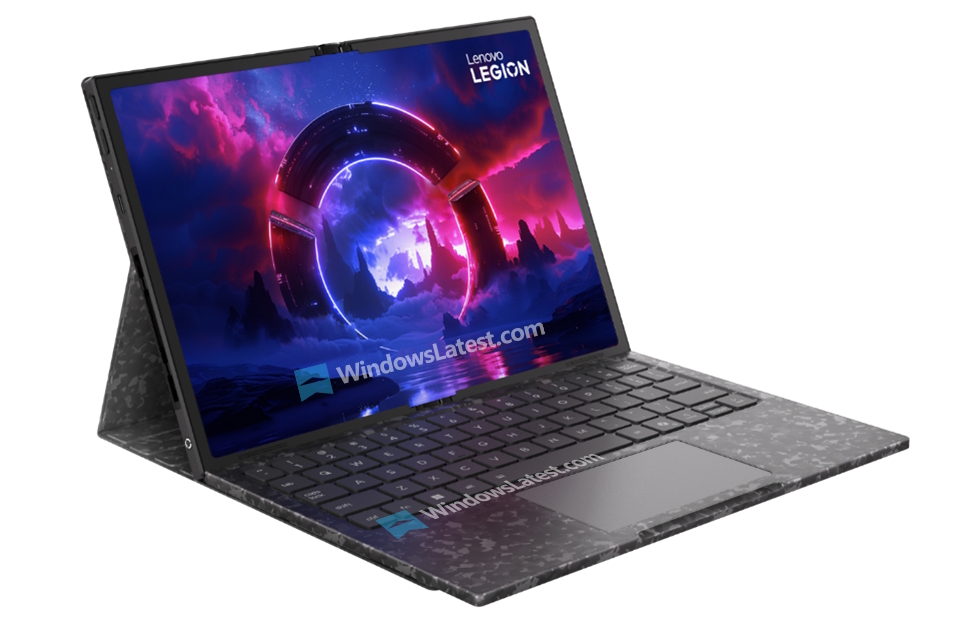
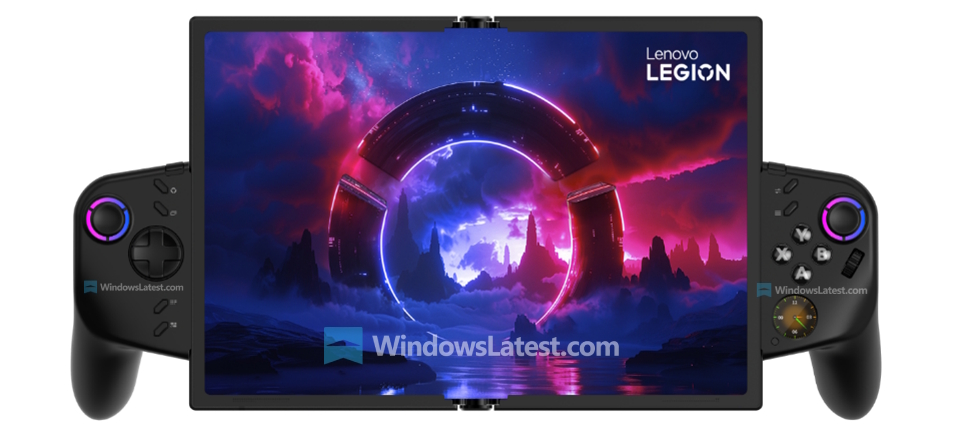
Lenovo Legion Go Fold leak shows a hybrid handheld suitable for almost everything

Rigid boundaries have traditionally defined the handheld gaming market, but Lenovo is reportedly looking to change things up with the Legion Go Fold. Leaked ahead of Mobile World Congress (MWC) 2026, this concept device aims to bridge the gap between a portable console and a functional ultra-mobile PC.

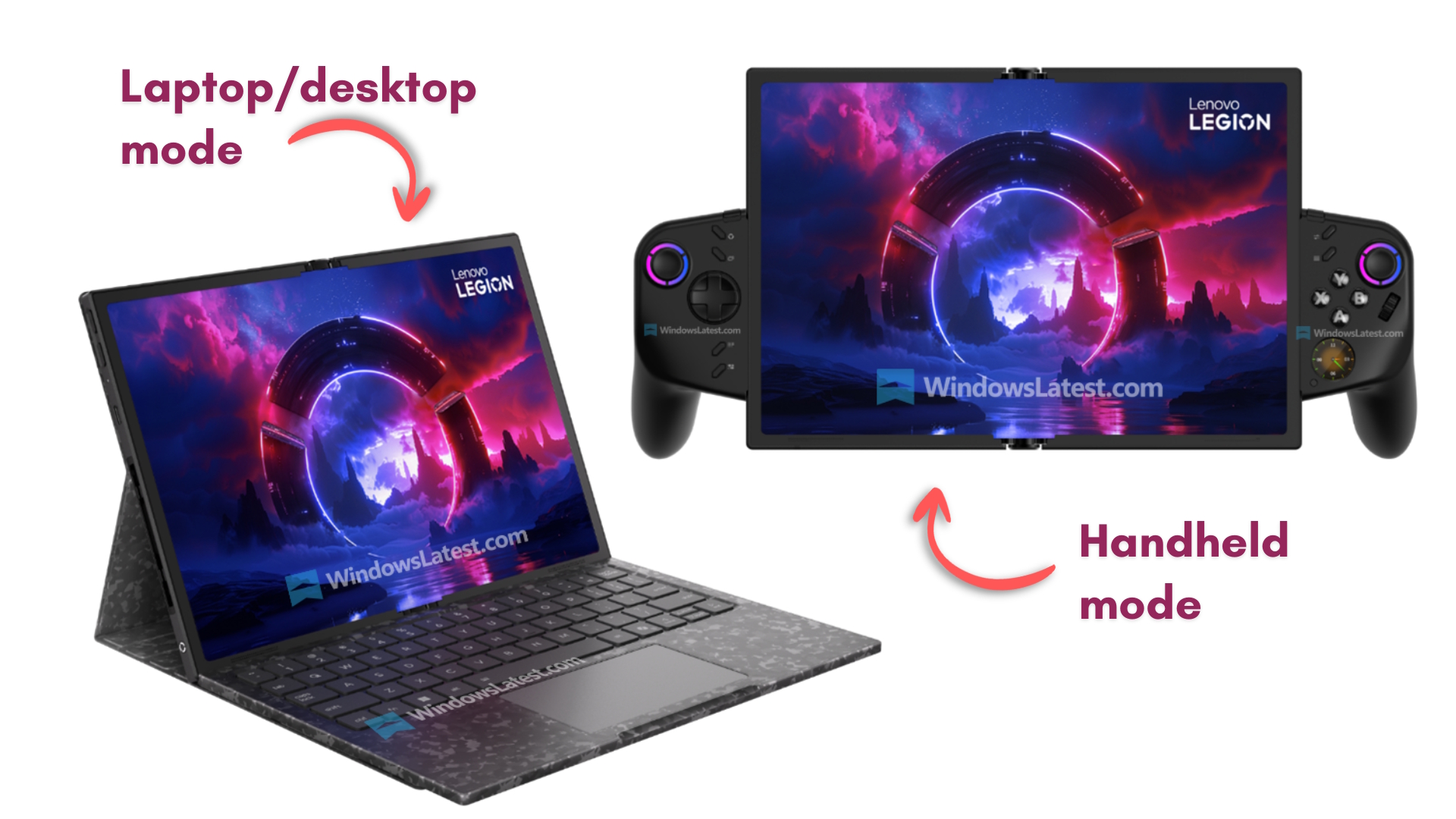
According to Windows Latest, by using a flexible pOLED (plastic OLED) display, the Legion Go Fold can transform from a compact 7.7-inch handheld into an expansive 11.6-inch tablet or mini-laptop.

Image credit: Windows Latest

The defining feature of the Legion Go Fold is its versatility, made possible by its folding screen and detachable wireless controllers. In handheld mode, the device folds to 7.7 inches, retaining the familiar footprint of the original Legion Go, making it ideal for standard gaming on the move. In horizon mode, the display is fully unfolded to 11.6 inches, offering significantly more real estate and allowing the wireless controllers to be attached on the side. Then there's the dual-screen mode, which uses a vertical “portrait” orientation, where the software splits the screen, allowing each half to show different apps/games. Lastly, the laptop mode pairs the unfolded display with a magnetic detachable keyboard, just like a Windows Surface tablet.

The internal hardware is a mix of high-end capacity and slightly dated efficiency. The leak suggests the device is powered by the Intel Core Ultra 7 258V “Lunar Lake” processor, a chip designed primarily for battery longevity rather than the raw graphical power found in the Ryzen Z2 Extreme chips powering the upcoming Legion Go 2. For the battery, a 48 Wh capacity one was chosen. That's significantly smaller than the 74 Wh unit expected in the SteamOS-powered Legion Go 2. However, given that this is still a concept, hardware changes are still possible.

KitGuru says: The Legion Go Fold is a fascinating experiment in form factor but for now, we do not know if this concept will make it to market. 

The post Lenovo Legion Go Fold leak shows a hybrid handheld suitable for almost everything first appeared on KitGuru.
  •  

Pokémon Champions’s release date confirmed

The competitive world of Pokémon is expanding with the launch of Pokémon Champions on the Nintendo Switch systems in April 2026. Players who download the game early will have the opportunity to claim a special Dragonite as a limited-time bonus from their in-game mailbox.

This new title places a heavy emphasis on the return of Mega Evolution, offering a direct connection to the upcoming Pokémon Legends Z-A. By using Pokémon Home to bring over specific partners like Chesnaught, Delphox, Greninja, and the Eternal Flower Floette, trainers can unlock exclusive Mega Stones to gain an advantage.

This release features a visitor system that lets you import compatible Pokémon from Pokémon Go and past entries in the series. While some Pokémon may need to undergo move training to learn techniques compatible with the Champions' battle system, any training results will be saved and carried over if that Pokémon leaves and returns to the game later. However, players should be aware that Pokémon caught within Champions are restricted to the game and cannot be transferred back to their permanent Pokémon Home collection.

When you arrive in the new Battle Arena, you will be guided by a cast of helpful characters designed to streamline your competitive experience. Tatora will assist with tournament entries, while Kitt manages the Roster Ranch for team building. For those looking to master high-level play, Cordy provides strategic tips, and veterans Caraway and Kajima will greet you as you prepare for your first matches in the arena. This social hub and simplified transfer system aim to make top-tier battling more accessible to trainers of all skill levels as they aim for the title of Champion.

KitGuru says: It's interesting to see the Pokémon Company pivoting toward a dedicated battle platform that puts the traditional “catch 'em all” journey aside in favour of pure strategy. Are you interested in this battle-centric Pokémon title?

The post Pokémon Champions’s release date confirmed first appeared on KitGuru.
  •  

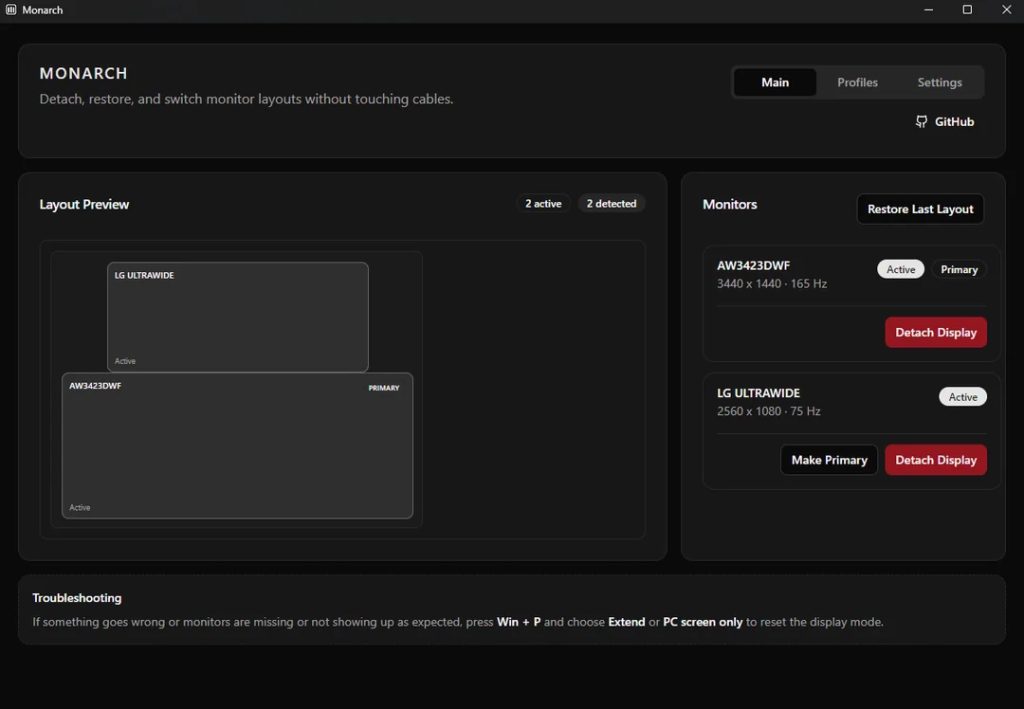
Monarch simplifies multi monitor control for power users

Windows users managing three or more displays have long struggled with the operating system's limitations, which fail to support specific-monitor targeting in complex setups. For years, the only reliable way to disable a specific screen was to navigate into Windows Display Settings to disconnect it manually. However, a new community-developed tool called Monarch has emerged to bridge this gap.

Brought to our attention by VideoCardz, Monarch was first shared on Reddit. This free tool enables users to push specific monitors into standby mode simply by stopping the video signal through software. This eliminates the need to reach for physical power buttons or fumble with cables. Beyond simple toggling, the app lets users save custom display layouts as profiles, which they can restore instantly. To prevent common configuration mishaps, the developer integrated a safety rollback system with a confirmation timer and a hard block that prevents users from accidentally turning off their last active display.

Although it was released just a few days ago, it has already received some updates, fixing bugs and introducing global shortcut hotkeys, the latter allowing for instantaneous profile switching or detaching specific displays without opening the app interface. This is a game-changer for multi-monitor gaming setups, where players often want to black out secondary screens to reduce distractions or system overhead with just a couple of key presses.

The developer has also addressed requests for HDR controls, noting that while HDR toggling is technically possible and on the roadmap, it presents unique challenges due to how Windows applies HDR colour profiles. For now, Monarch provides a lightweight and efficient solution for multi-monitor management that Microsoft has yet to resolve.

KitGuru says: Have you ever had issues managing multi-monitor setups on Windows? Are you planning to try Monarch to see if it makes managing multi-monitor setups easier?

The post Monarch simplifies multi monitor control for power users first appeared on KitGuru.
  •  

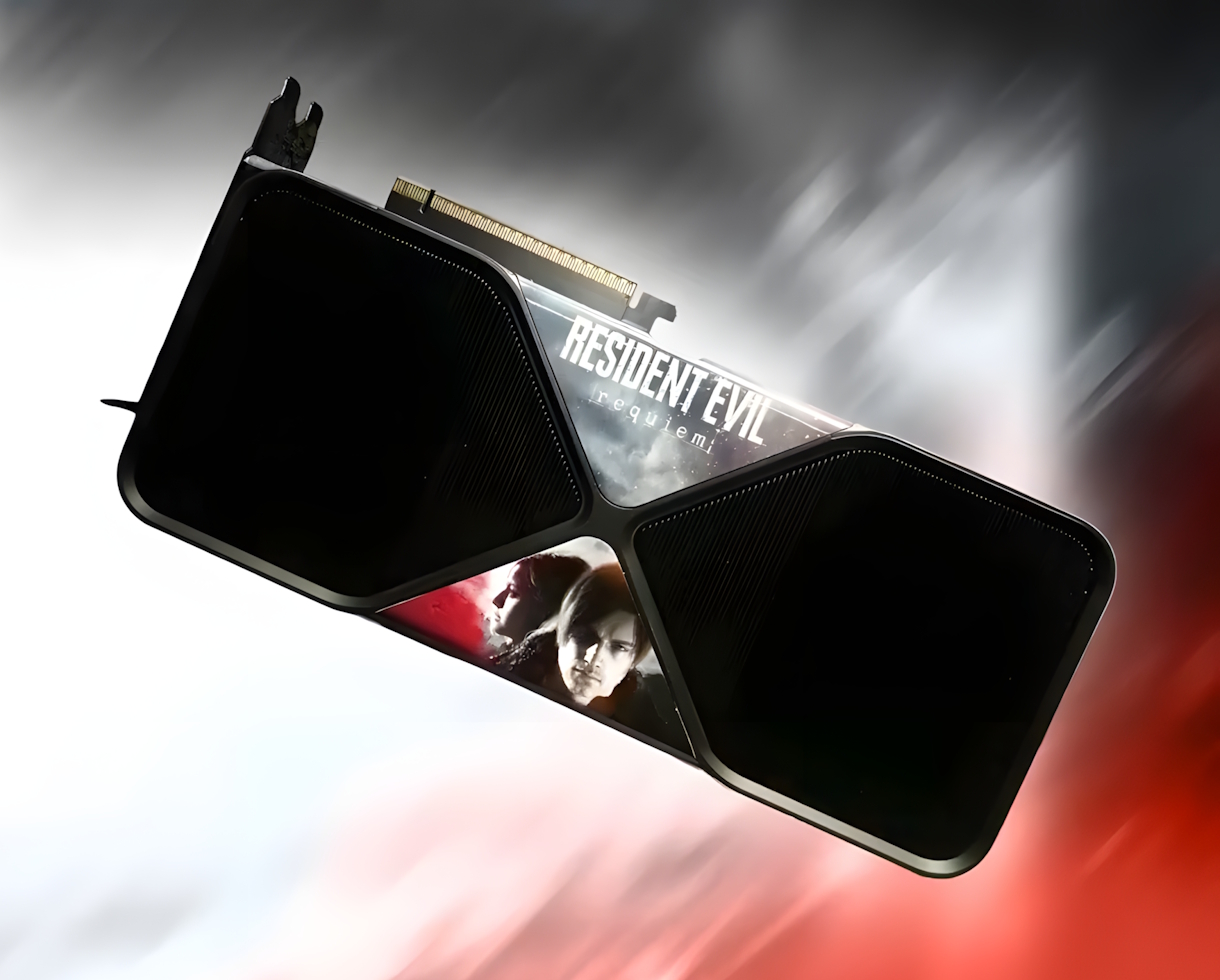
Nvidia is giving away a Resident Evil Requiem-themed RTX 5090 graphics card

Nvidia has opened a limited-time sweepstakes to celebrate the launch of Resident Evil Requiem, the ninth mainline installment in the legendary survival horror franchise. The prize is a one-of-a-kind GeForce RTX 5090 Founders Edition featuring a custom wrap inspired by the game's dual protagonists, Grace Ashcroft and Leon S. Kennedy.

The giveaway runs from February 27th to March 2nd and is conducted through the Nvidia UK X account, where entrants must comment with their Resident Evil memory for a chance to win. Details on the giveaway can be found in the Sweepstakes' T&Cs.


While Nvidia lists the prize's estimated value at $1,999 for the card plus a $600 custom wrap, current market trends suggest the hardware is worth significantly more. Due to a global memory shortage and surging demand for AI-capable hardware, retail prices for the RTX 5090 have increased since its launch, with the cheapest custom models going for close to £3000. The sweepstakes is a “no-purchase-necessary” event, though eligibility is restricted to specific regions.

The game itself has just been released to critical acclaim, currently with an 88 OpenCritic score. The title leverages the full power of the GeForce RTX 50 Series with PC-exclusive features like Path Tracing and DLSS 4 with Multi Frame Generation. For those not lucky enough to win the custom GPU, Nvidia is running a concurrent hardware bundle where purchasers of a new RTX 5090, 5080, or 5070-series card (laptop GPUs included) will receive a digital copy of the game through March 16th.

KitGuru says: This sweepstakes arrives at a time when the RTX 5090 has become more of a mythical artefact than a consumer product for many gamers. With street prices currently sitting way above MSRP, winning a Founders Edition, let alone one with a custom Resident Evil aesthetic, is essentially like winning the lottery.

The post Nvidia is giving away a Resident Evil Requiem-themed RTX 5090 graphics card first appeared on KitGuru.
  •  

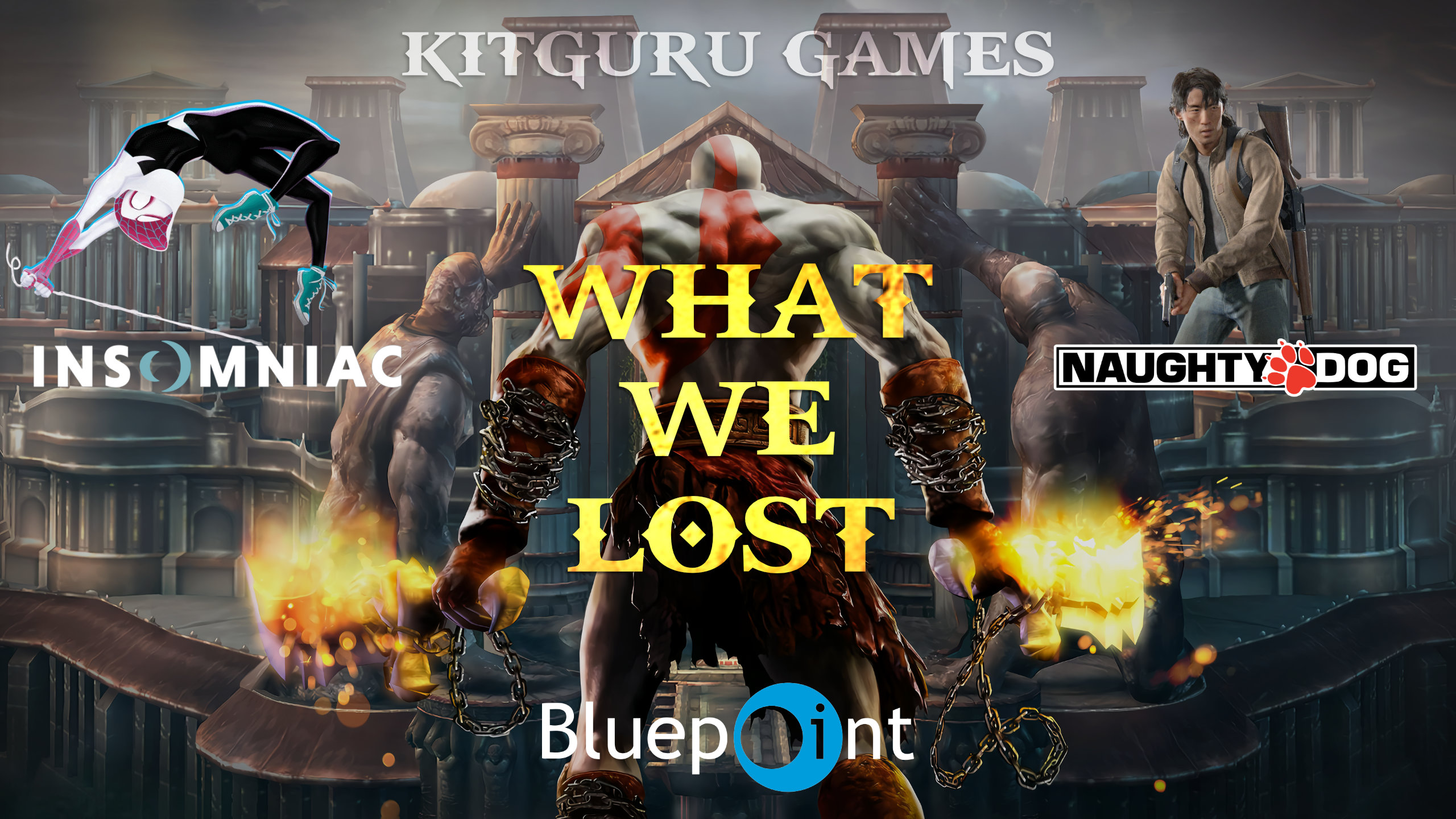
KitGuru Games: What Could Have Been – An Ode to the Games We Never Got

Sony’s recent push towards live-service games has yielded few successes so far, but equally as few failures. That’s not for lack of trying however, with the console manufacturer previously stating that they had greenlit the development of a dozen different ‘games as a service’ titles across its suite of PlayStation studios – most of which were eventually cancelled. While there is no arguing that a game which was clearly on the path towards failure shouldn’t be canned before it’s allowed to release, many of the projects which Sony would later cancel came alongside lay-offs and studio closures.

Such is the case with the ill-fated BluePoint Games, whose flawless reputation and repertoire could not save it from being shut down following the cancellation of its years-in-development multiplayer live-service God of War game. But what if the project was able to come together and be released? What if most of Sony’s cancelled PS5 games found their way past the finish line? This is an ode to some of the games we never got.
Games live-service

Back in 2022 during Sony’s Business Segment Briefing, the then-President and CEO of Sony Interactive Entertainment ‘Jim Ryan’ revealed that the console maker was planning to have launched a total of 12 live-service titles by the end of the 2025 Fiscal Year.

Cut to what is pretty much the end of the 2025 Fiscal year and very few of those dozen games have been released, with a majority of them ultimately winding up cancelled.
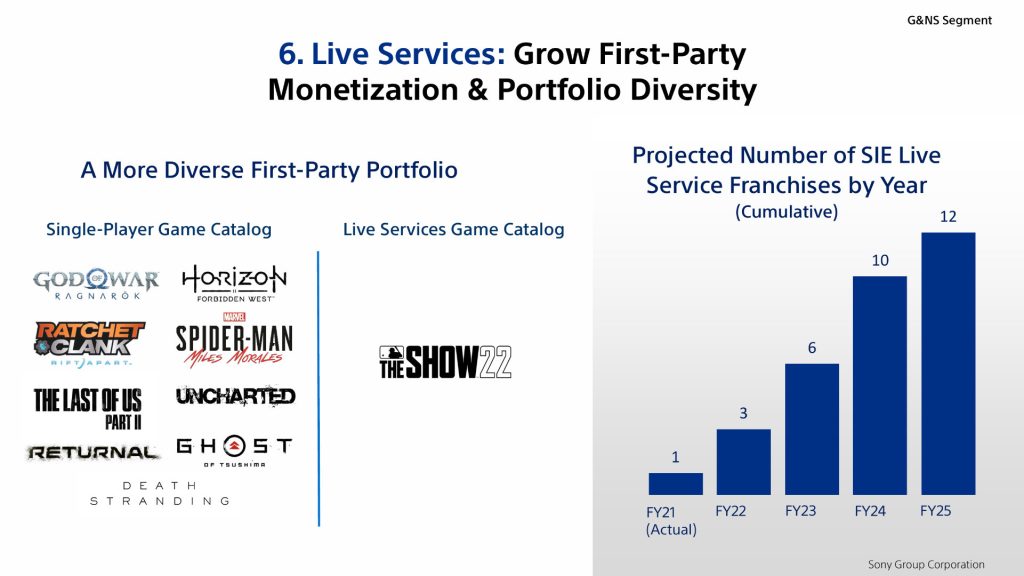
As mentioned, a few titles have made it past the finish line, with the annual MLB The Show continuing to truck along; Helldivers II taking everyone by surprise and the world by storm; and of course Concord – doing pretty much the opposite of Helldivers in becoming one of the most infamous failed launches in perhaps decades. That said, at the very least Concord was able to be released and judged by the world (and boy did they judge).

For better or for worse, most of the promised dozen live-service offerings will never come to be and as such won’t have the opportunity to succeed or fail. Monetarily, this likely made the most sense for Sony, but as a fan, it’s hard not to imagine what could have been had the seeds been allowed to fully fruit. From Firesprite Studio’s ‘Project Copper’ to The Last of Us Online; Spider-Man: The Great Web and of course BluePoint’s live-service God of War game, let's speculate and pontificate about some of the games we never got.

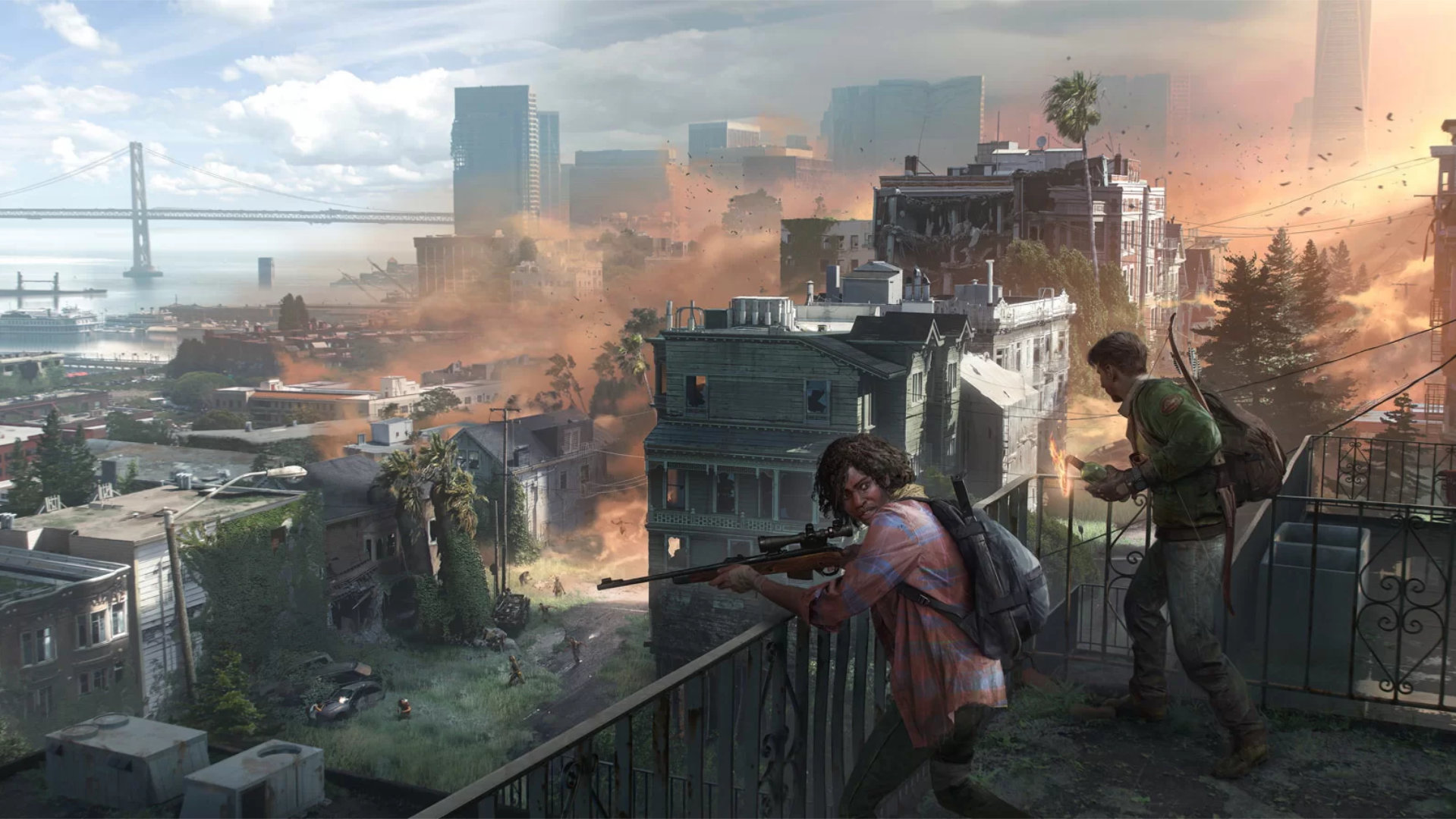
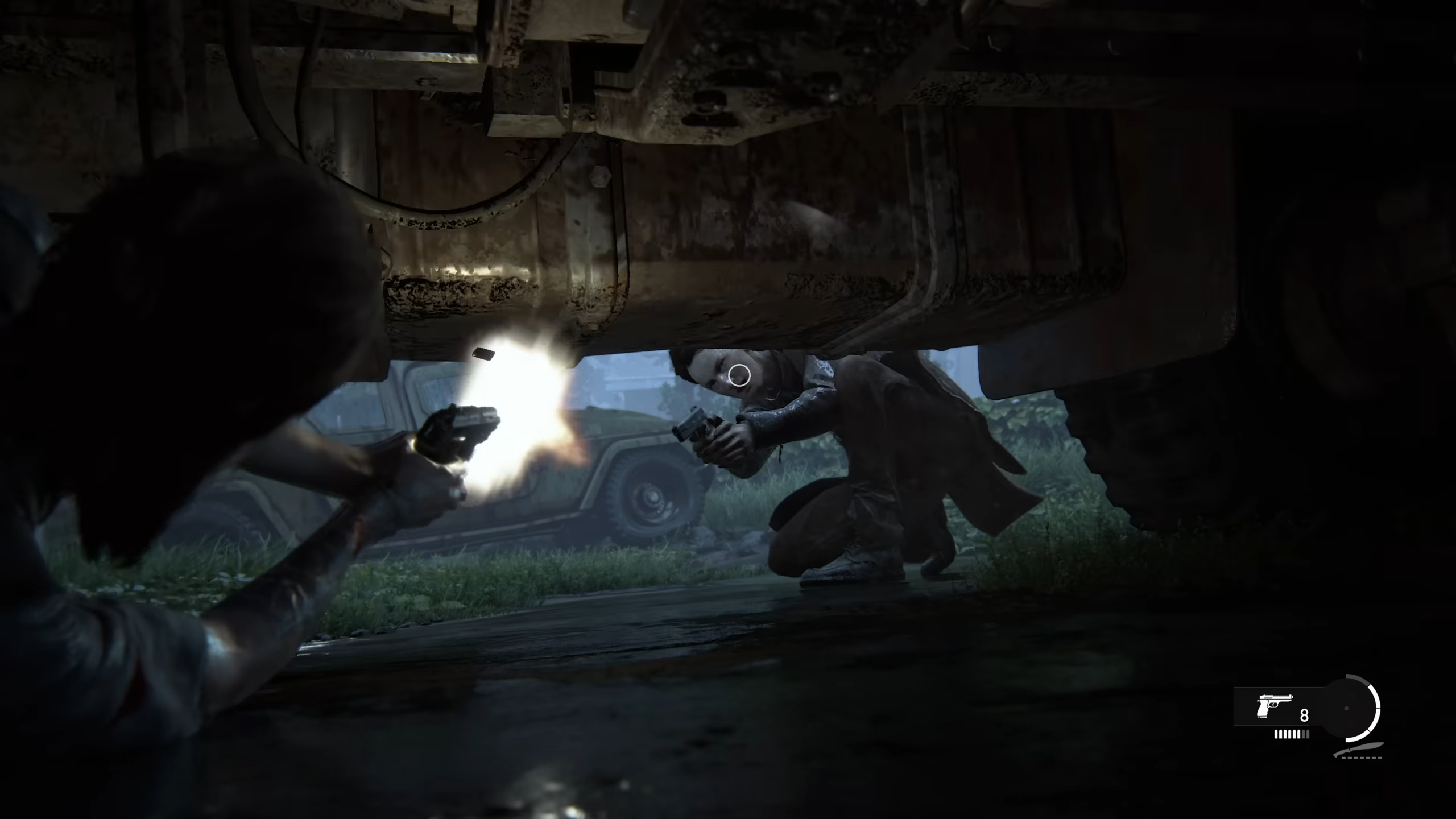
Let’s start with Naughty Dog’s The Last of Us Online, not only due to the fact that it was at one point my most anticipated title, but also because of the fact that in many ways it spawned from ideas created prior to Sony’s live-service push. For the uninitiated, the original TLOU launched back in 2013 alongside a multiplayer mode known as Factions. While The Last of Us is first and foremost a single-player narrative driven experience, the Factions mode felt like more than just a slapdash PvP mode intended to fill out the package.

Of course, in today’s day and age, Factions is lacking somewhat in its depth and so when The Last of Us Part II was announced to be getting its own multiplayer mode, my mind raced with the potential. This then became doubly so when Naughty Dog revealed later on that TLOU Part II would not include any multiplayer elements, instead spinning the PvP mode off into its own bespoke experience.

Between The Last of Us Online’s announcement and cancellation, we did not get too much in the way of details. That said, based on the few bits of concept art released and statements from the team, it appeared as though TLOU Online would be set in San Francisco while focusing on a new suite of characters.

Unfortunately, this is pretty much all we learned officially regarding the game, with Naughty Dog / Sony ultimately canning the project in order to focus on what the team does best – story focused single player games.
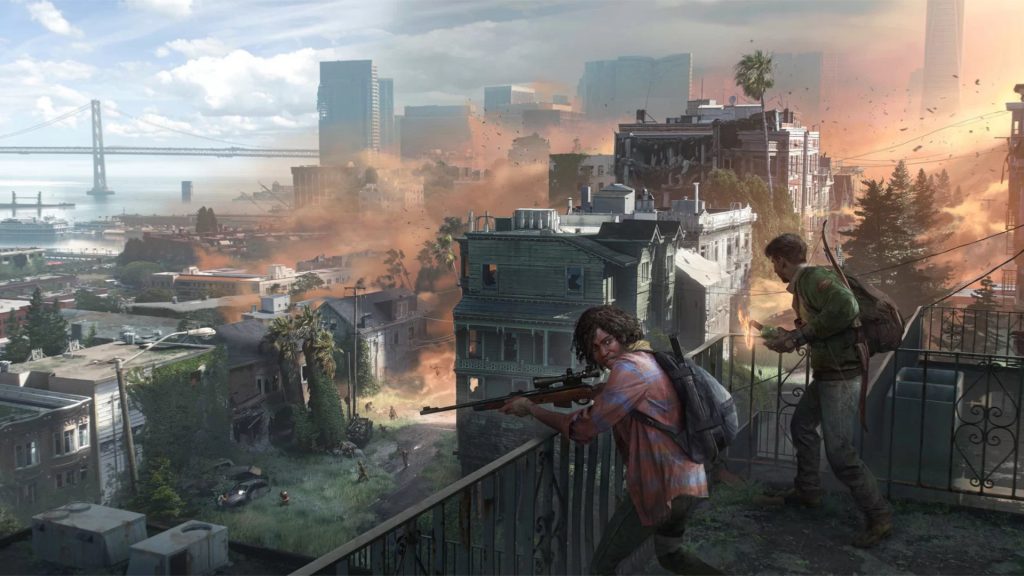
That said, when I think about what could have been, I am met with a sense of sadness. The Last of Us Part II’s gameplay was peak and is in many ways the cleanest, smoothest and most satisfying 3rd person shooting / combat I’ve experienced. When compared to the first game, Part II feels infinitely more freeing in what you as your character can do and perform – a benefit not only to the moment-to-moment gameplay but also the overall ability to strategise and plan. This worked great in the context of Part II’s narrative and would have been transformative for TLOU Online.

Even more interesting however would have been to see what Naughty Dog’s plan for the overall gameplay loop was. In case you didn’t play it back in the day, The Last of Us Factions was essentially a standard map-based PvP shooter in which the main goal was simply to kill the enemy team (while also occasionally picking up some necessary resources). Your progress in these matches would then feed into the game’s camp system, which was just a menu showing how many people are present in your ‘base’ and their current status. Performing well in matches would allow your base to expand and improve – though the impact of this was minimal and served primarily as a fail state which you hope to avoid.

Though its actual gameplay did little to reflect it, much of the ‘narrative’ of the Factions game mode functioned somewhat like a proto-extraction shooter. Now, imagine Naughty Dog took TLOU’s Factions mode as a baseline to then expand upon, what could have been? Well, in my mind, The Last of Us Online could have been ARC Raiders before ARC Raiders.
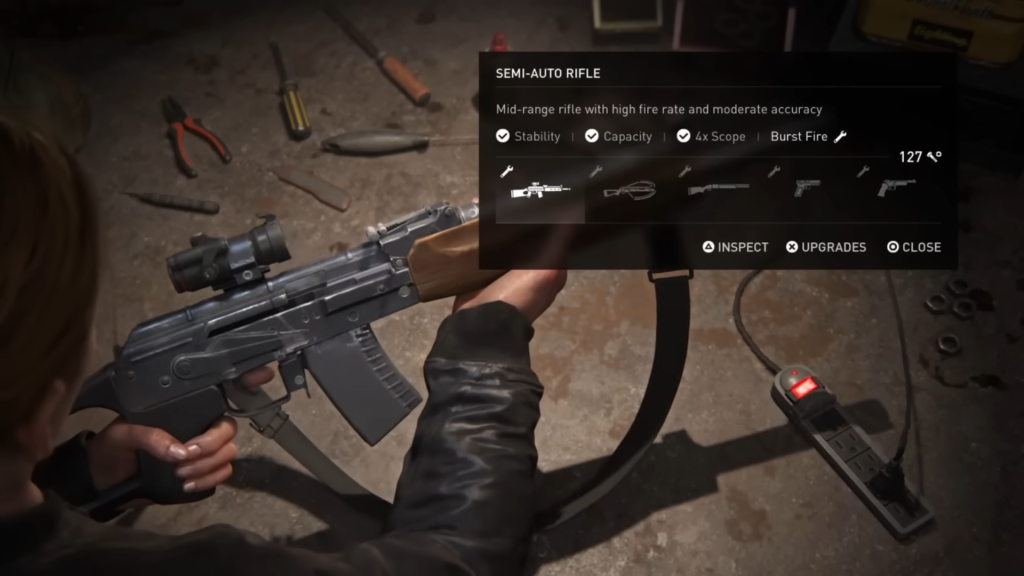
In a perfect world, The Last of Us Online would have had you create a character and set up a basic base/campsite which you would operate in. Depending on how ambitious the team wanted to be, the camp system itself could have been a fully explorable and customisable base, the evolution and progress of which you could experience in real-time.

Of course, you need resources to keep your camp alive, and so players would then pick a spot on the open-world map to explore and scavenge for materials. Like any good extraction shooter, the different areas would offer different resources of varying rarities, and so players have to keep their wits about them when deciding where to go next.
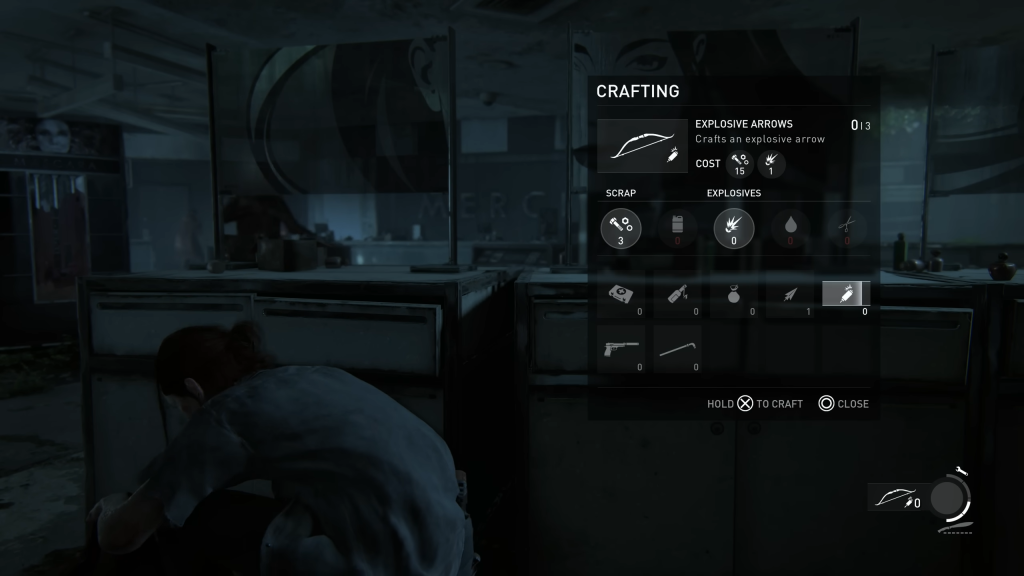
Where The Last of Us Online could truly have shined however was in its combat. As mentioned, TLOU Part II’s gameplay is peak and needs little in the way of change, but it’s the setup surrounding the combat which could have made for a dynamic and evolving experience.

The world of The Last of Us consists of two primary enemy types: infected and humans. This already offered a strong degree of variety, with the former being primarily melee focused foes with somewhat of a predictable level of reactivity. Humans on the other hand are more cunning, sneaky and of course, strapped; necessitating a whole different approach. Combine these two elements while introducing a 3rd – multiplayer PvP – and you have a recipe for a potentially deep and dynamic world.
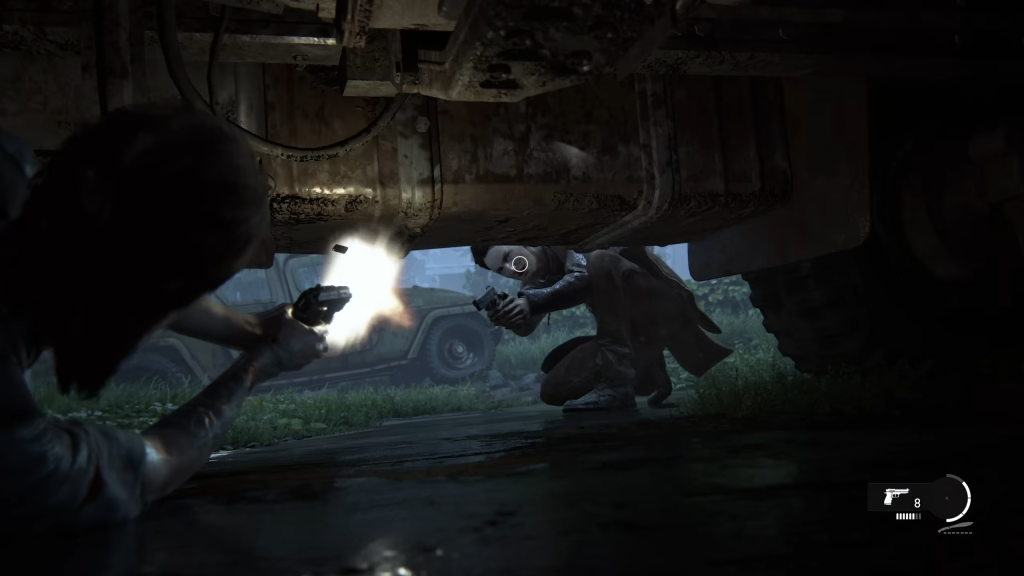
Alongside NPC factions such as the Fireflies; WLF; Seraphites and rattlers, players would have to contend with other real-world players and their own self-made factions. Much of what was relegated to a menu in the original TLOU Factions could be realised in a fully explorable space, making for a survival crafter extraction shooter hybrid which could have been unmatched.

All of this, alongside the typical Naughty Dog level of care and polish across every aspect (visuals; audio; animation; music; voice acting etc…) would have made for my dream game. Alas, it will forever remain a dream.
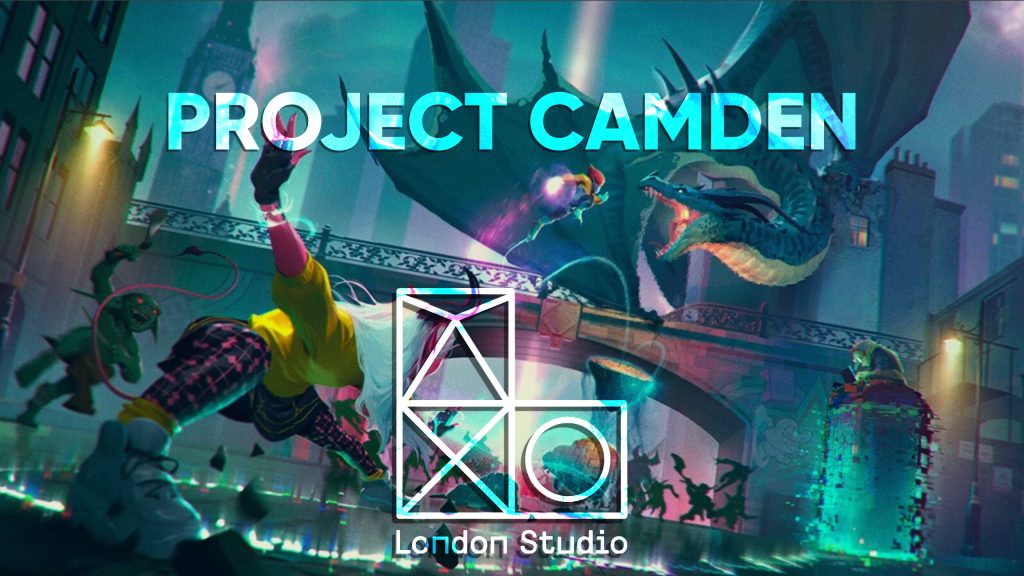
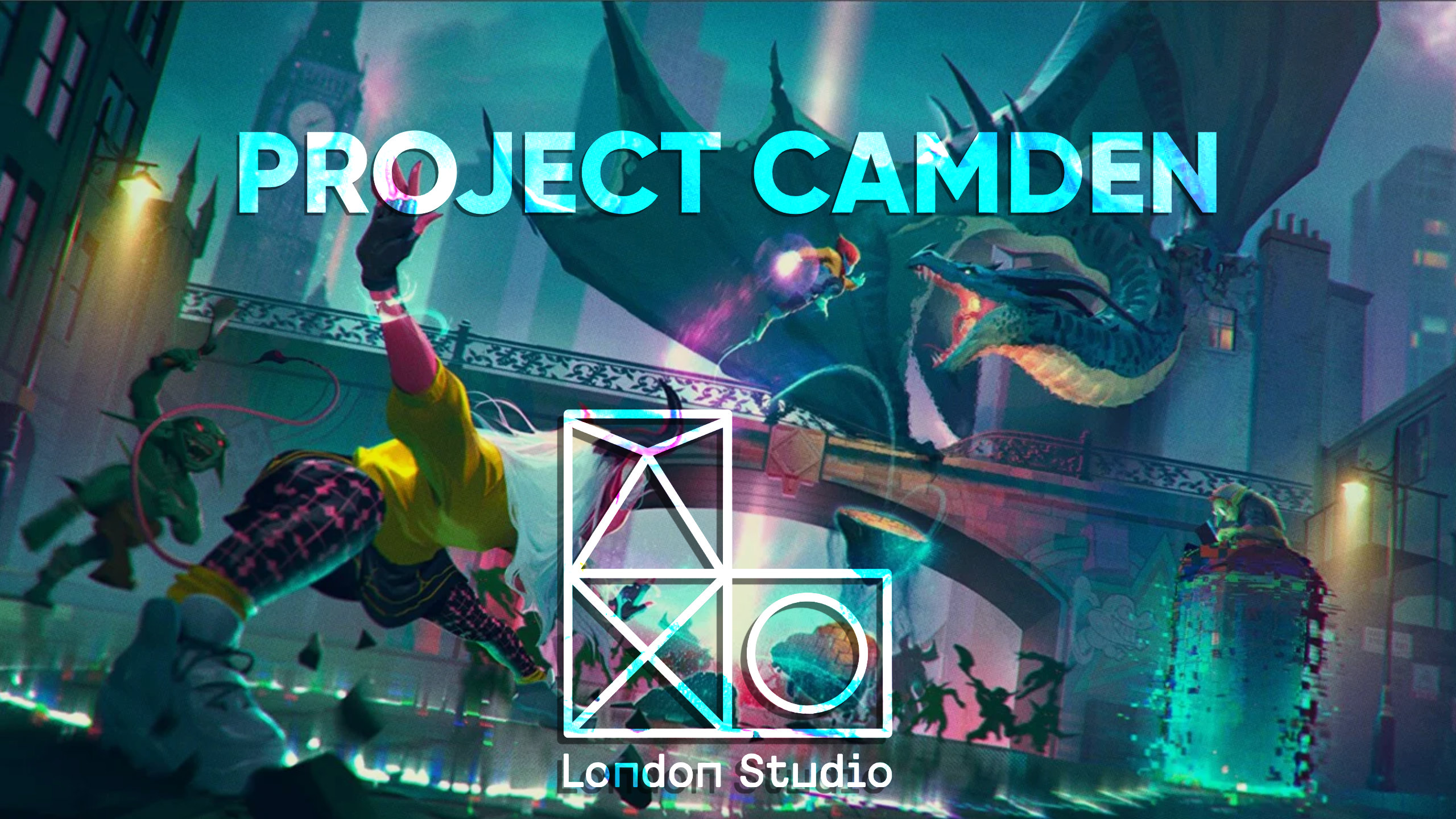
Another cancelled title (one which actually resulted in the closure of the studio) was Project Camden. This game, appropriately being developed by PlayStation’s London Studio, was to be a co-op title set in a fictionalised London. While little was shared regarding the project at the time, we did get at least one piece of concept art which showed off the game’s intended visual aesthetic of vibrant colours and a blend of fantasy crossed with contemporary elements.

While far from PlayStation’s most prestigious team, London Studio filled a particular gap in the console maker’s repertoire and, as they were allowed more budget and freedom, were beginning to present a great deal of potential. Plus they’ll always have a place in my heart thanks to the EyeToy games and of course PlayStation Home (R.I.P.)

Back to Project Camden, we fortunately don’t need to speculate too much on what the game would have been, as a number of the former developers at London Studio would go on to found Twisted Works. This newly created team’s first project is titled Casts Outs and borrows from many of the elements which they were working on previously.

Of course, the game is an entirely different product operating on a presumably smaller budget, but here’s to hoping that Casts Outs proves to have a fun and replayable formula; giving a bit of a silver lining to the end of London Studio and Project Camden. We will have to wait and see.
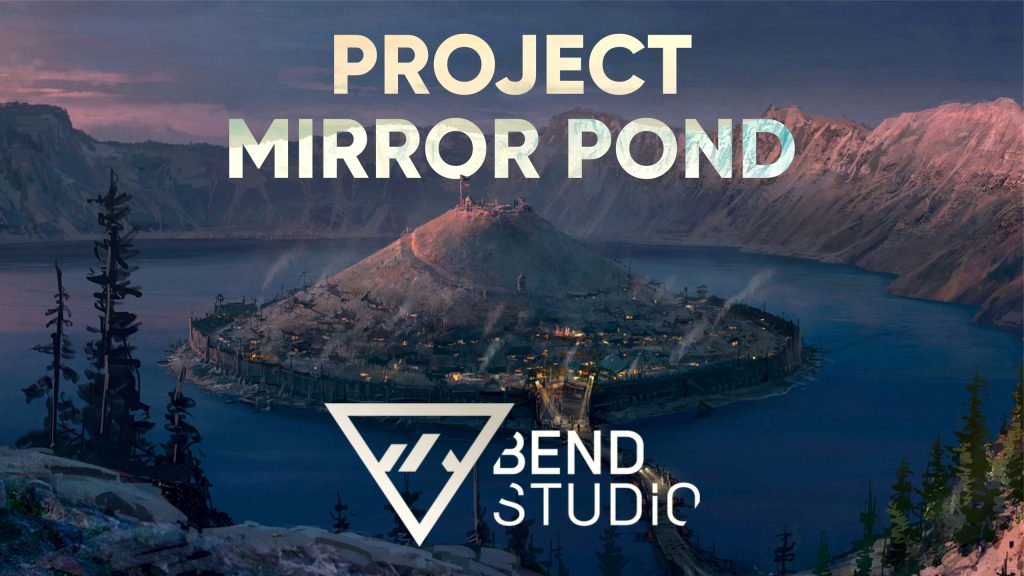
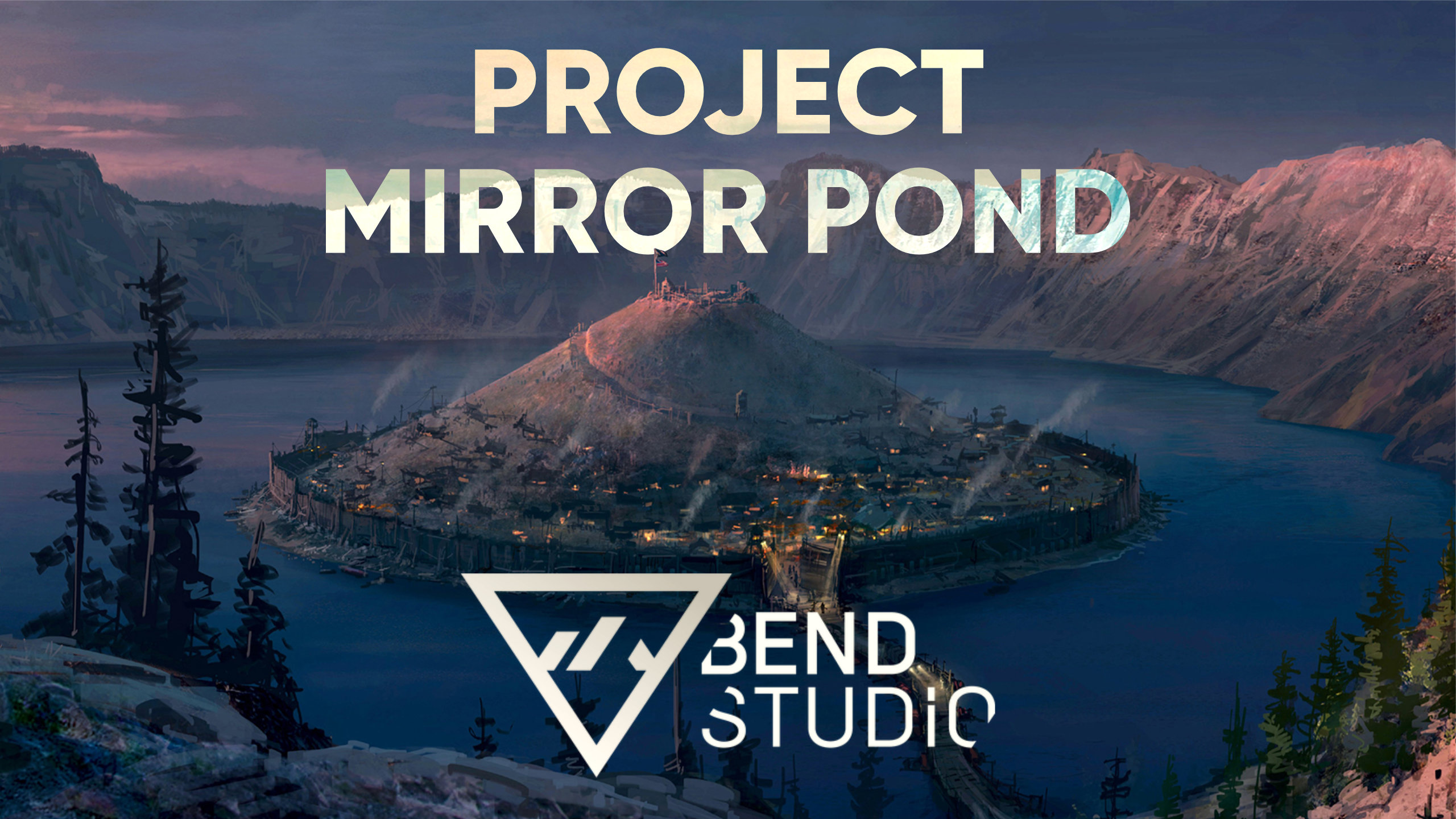
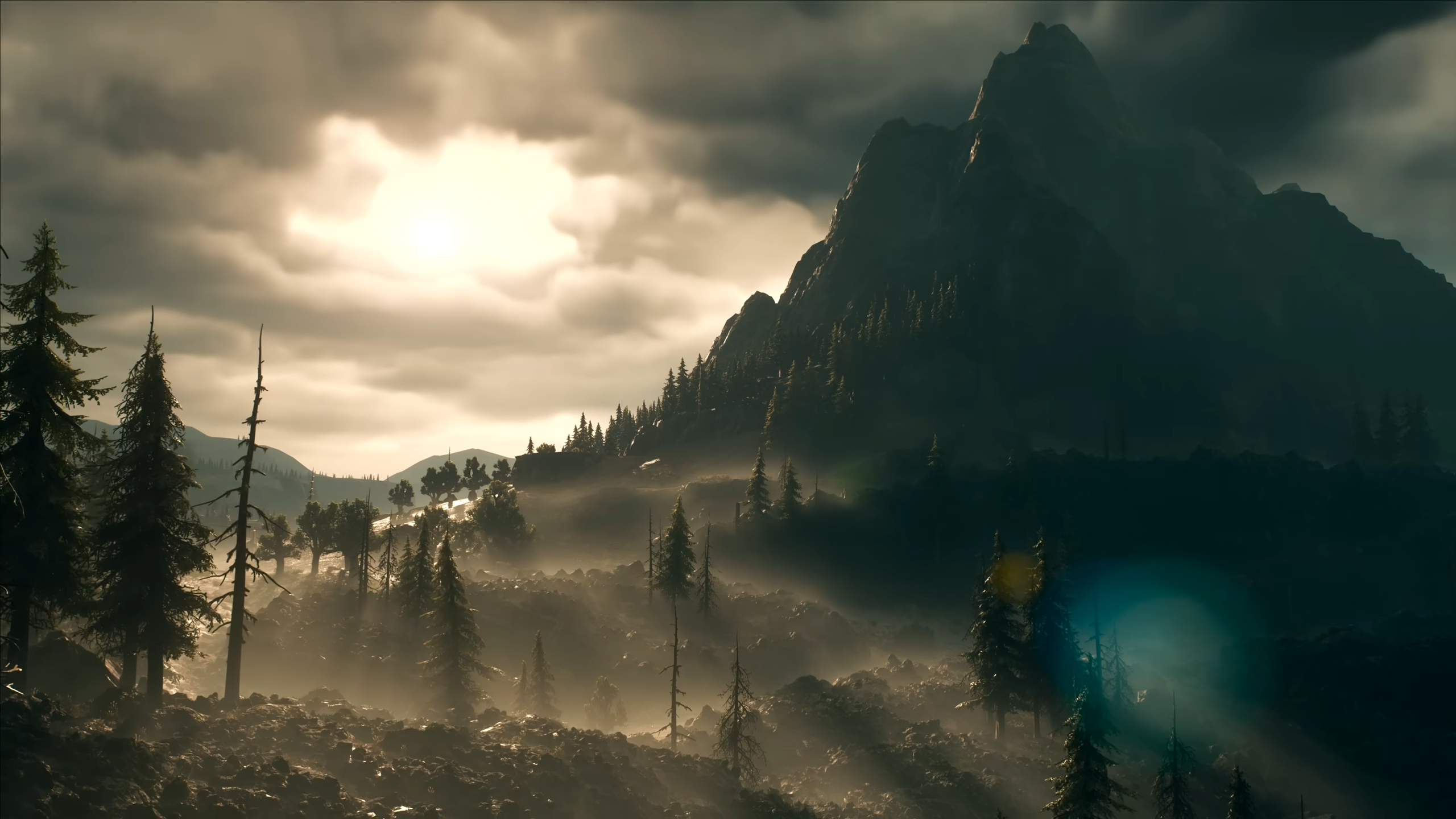
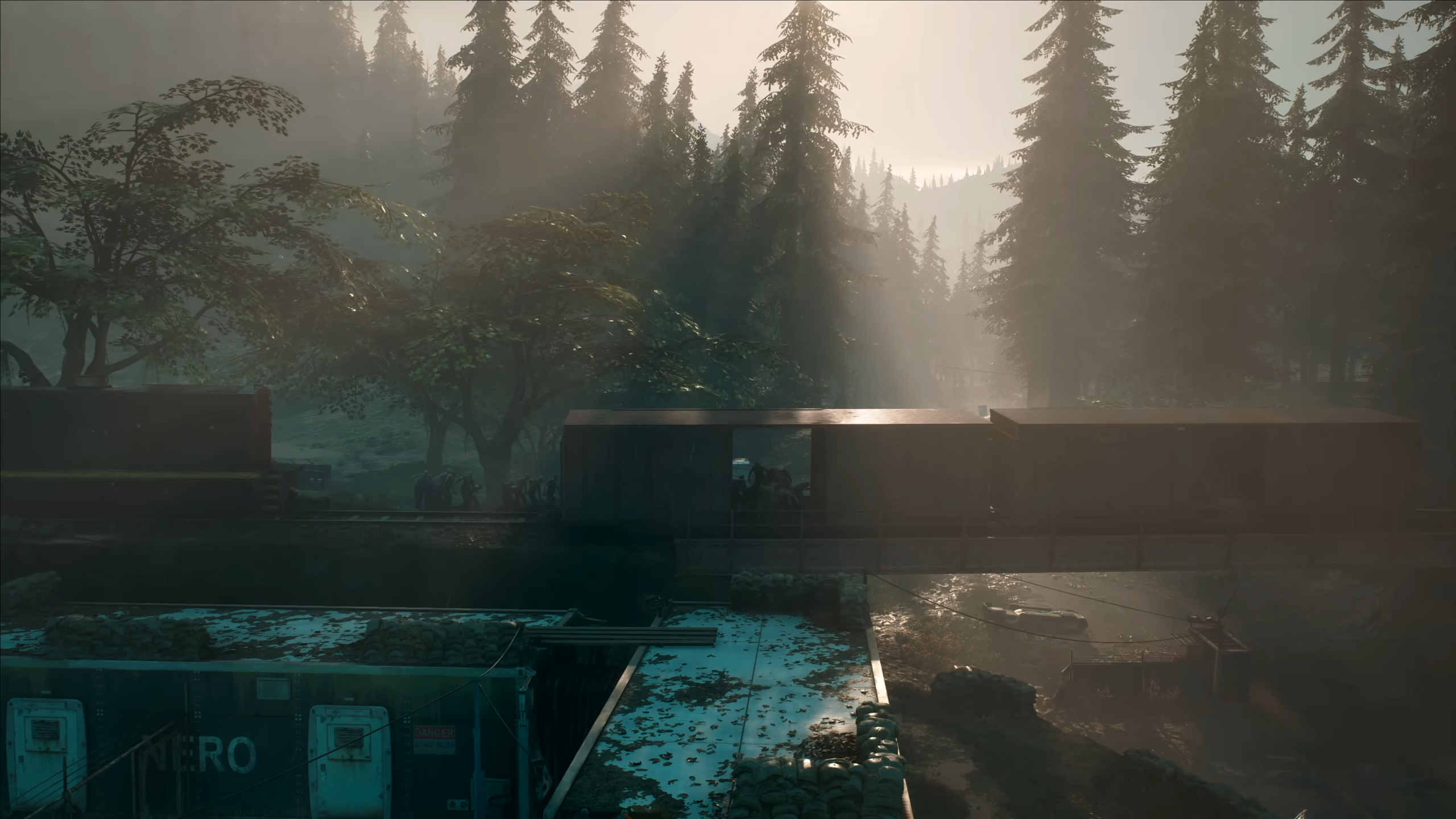
Though never officially announced, we would learn that following the release of Days Gone, Sony’s Bend Studio began working on an open-world live-service title built upon the gameplay systems developed for the aforementioned Days Gone. Later leaked to have been titled Project Mirror Pond, what little was discovered regarding the game indicated that it would have been a 3rd-person shooter featuring military-grade weaponry.

So, what could have been had Mirror Pond not been cancelled and a 3rd of Bend Studio’s developers weren’t laid off? Well, Days Gone seems like a good place to start.

While critiqued somewhat upon its initial release for being a bit of a jack-of-all-trades (while suffering from a number of bugs), Days Gone is looked back upon more fondly nowadays.
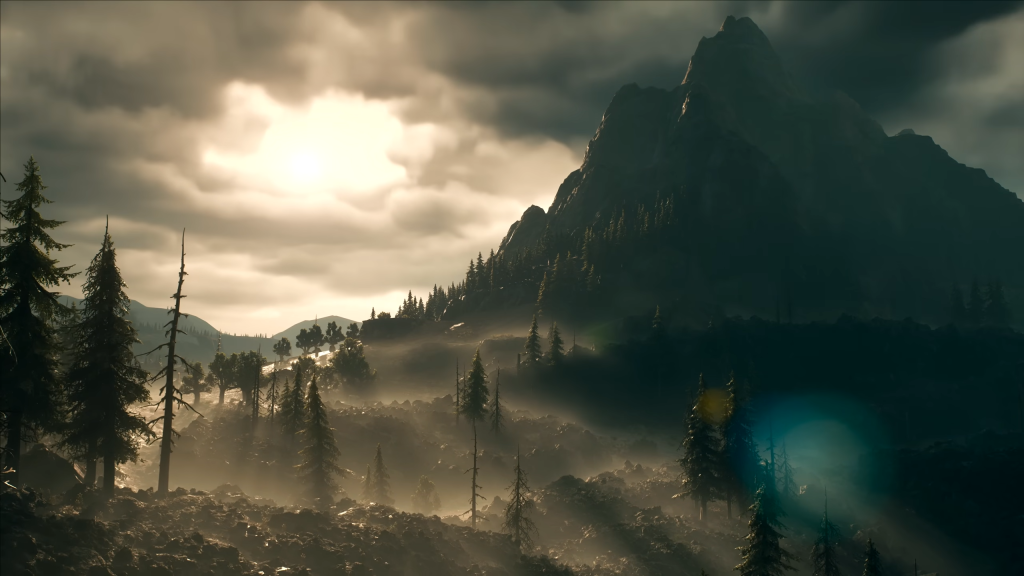
Though the story was whatever, Days Gone’s emphasis on its motorbike, how it factored into the open world and its exploration did make for a compelling gameplay loop. Needing to manage your fuel efficiently while navigating towards your destination made the moments in between the action feel more purposeful and intentional, where each detour needed to be considered.

I could imagine a shooter from Bend Studio in which you and your squad can group up to complete missions together. One could be the designated driver while the others keep watch for enemies as you try to navigate some harsh lands.
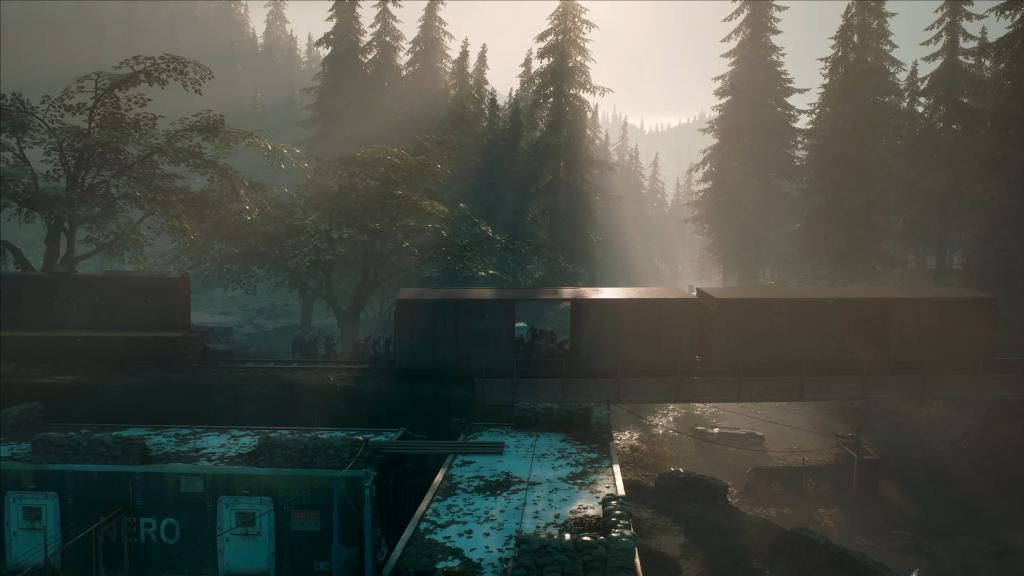
Narrative-wise and thematically, the game could have gone anywhere. With all we have to go off of being some early models of military weaponry, Mirror Pond could have been a modern military shooter; it could be a period piece set one of the world’s many historical wars; it could be set 10,000 years in the future but just so happen to feature real-world styled guns – we don’t know. But that is part of what makes its cancellation so frustrating to see.

Bend Studio was a team on the rise, coming off of their first proper big budget game in generations; one which showcased their potential. While a live-service title might not have been my dream game from the team, the core of Days Gone could have served as an excellent base for Project Mirror Pond. I guess we’ll never know.
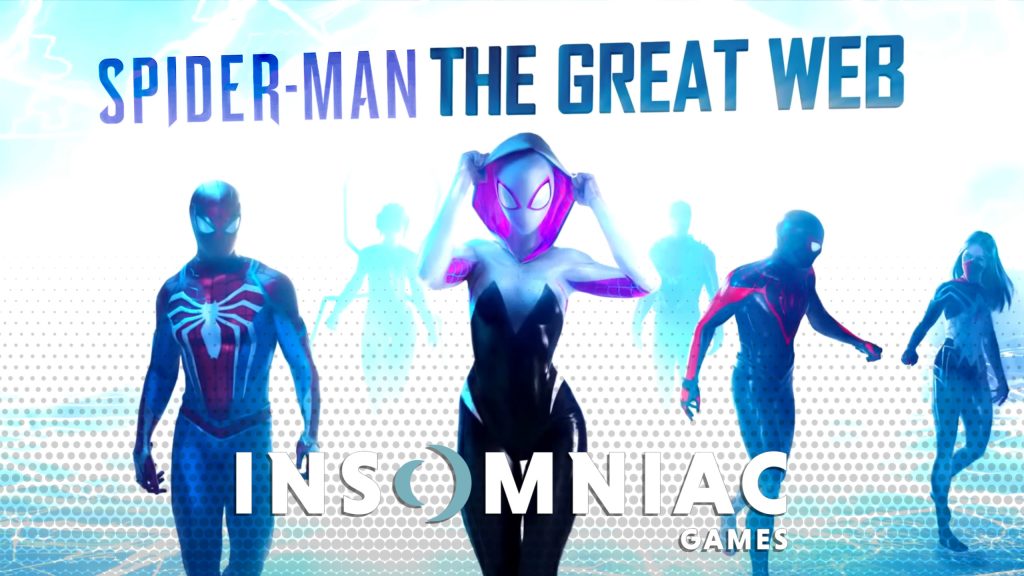
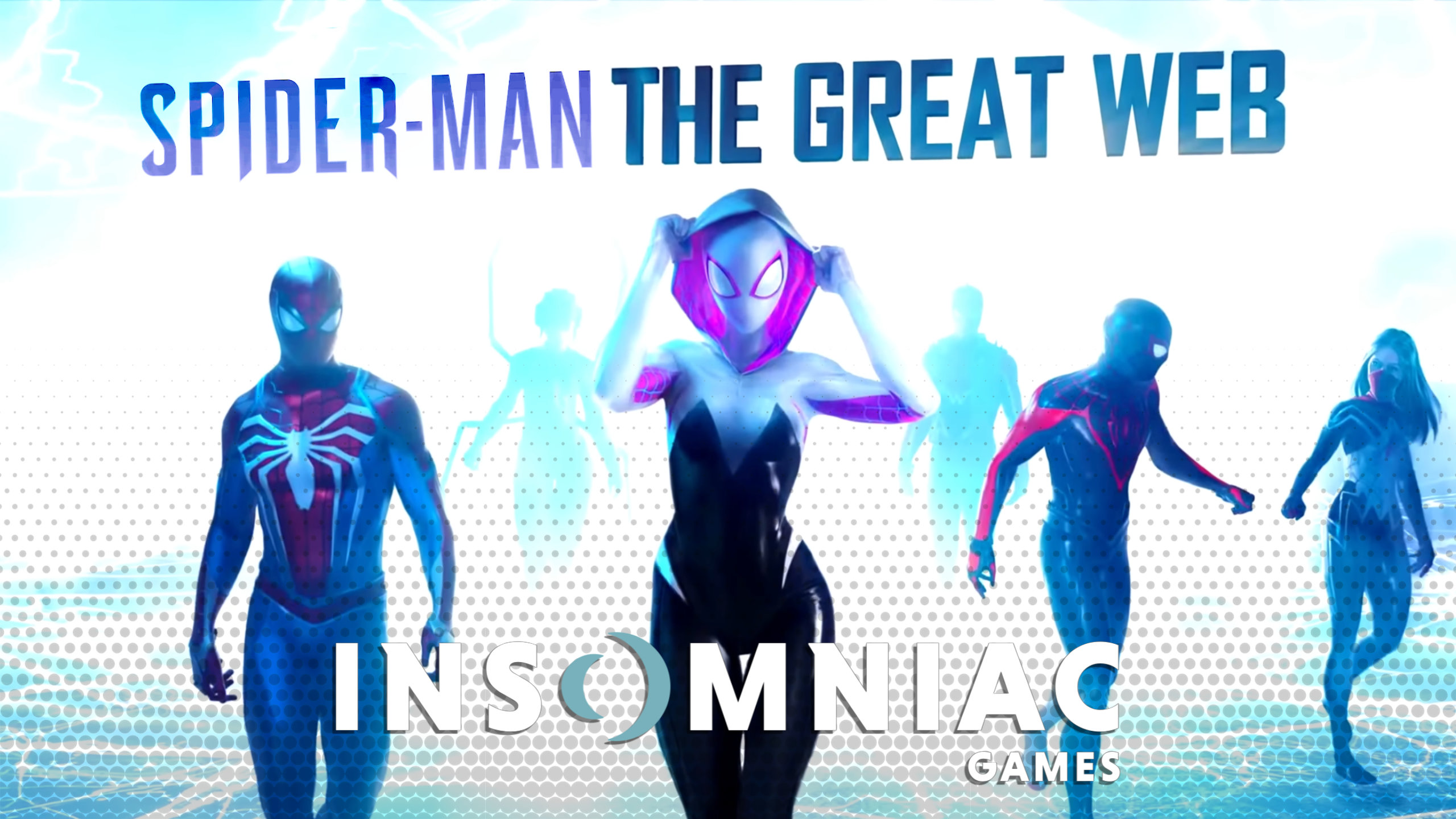
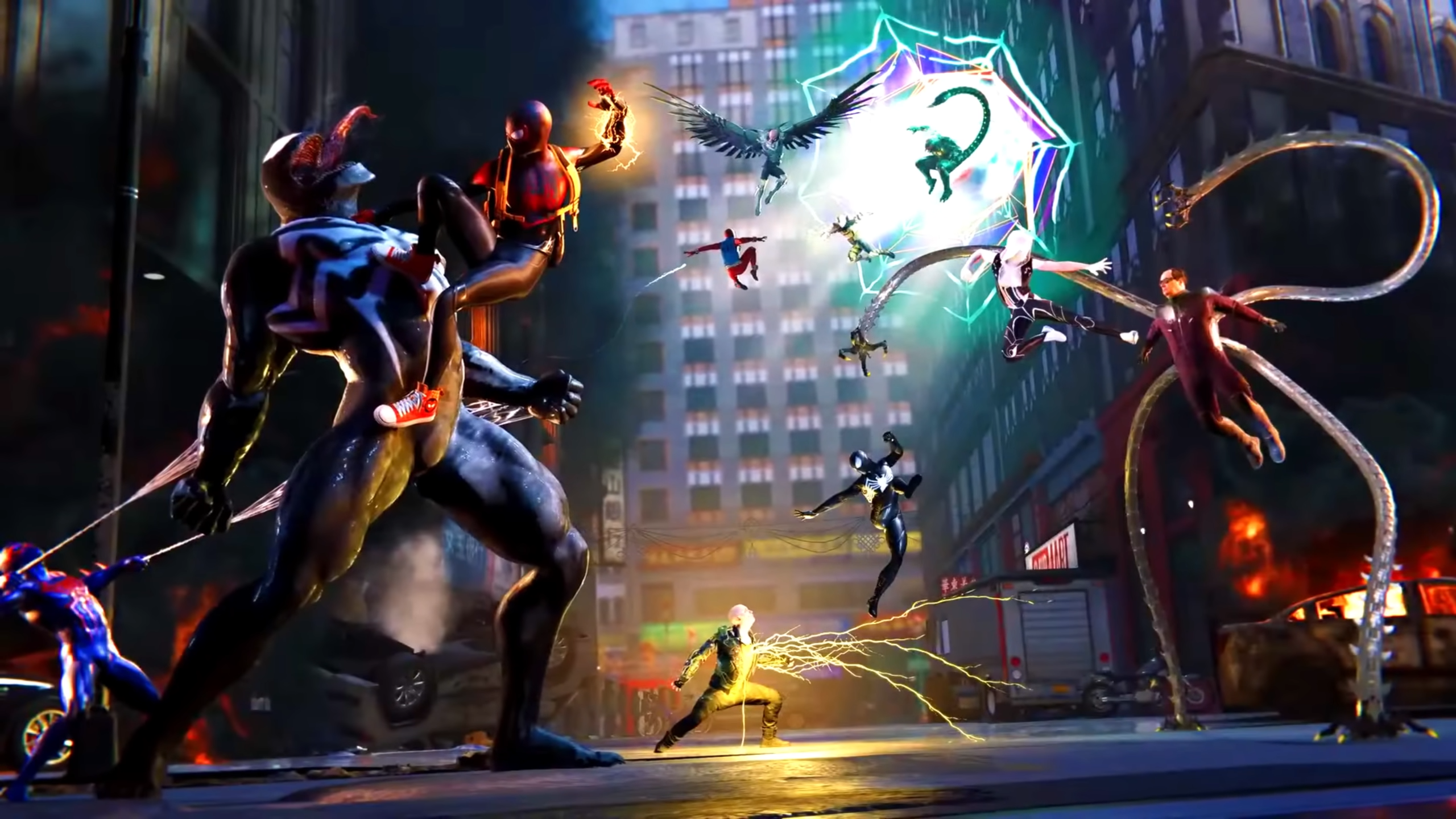
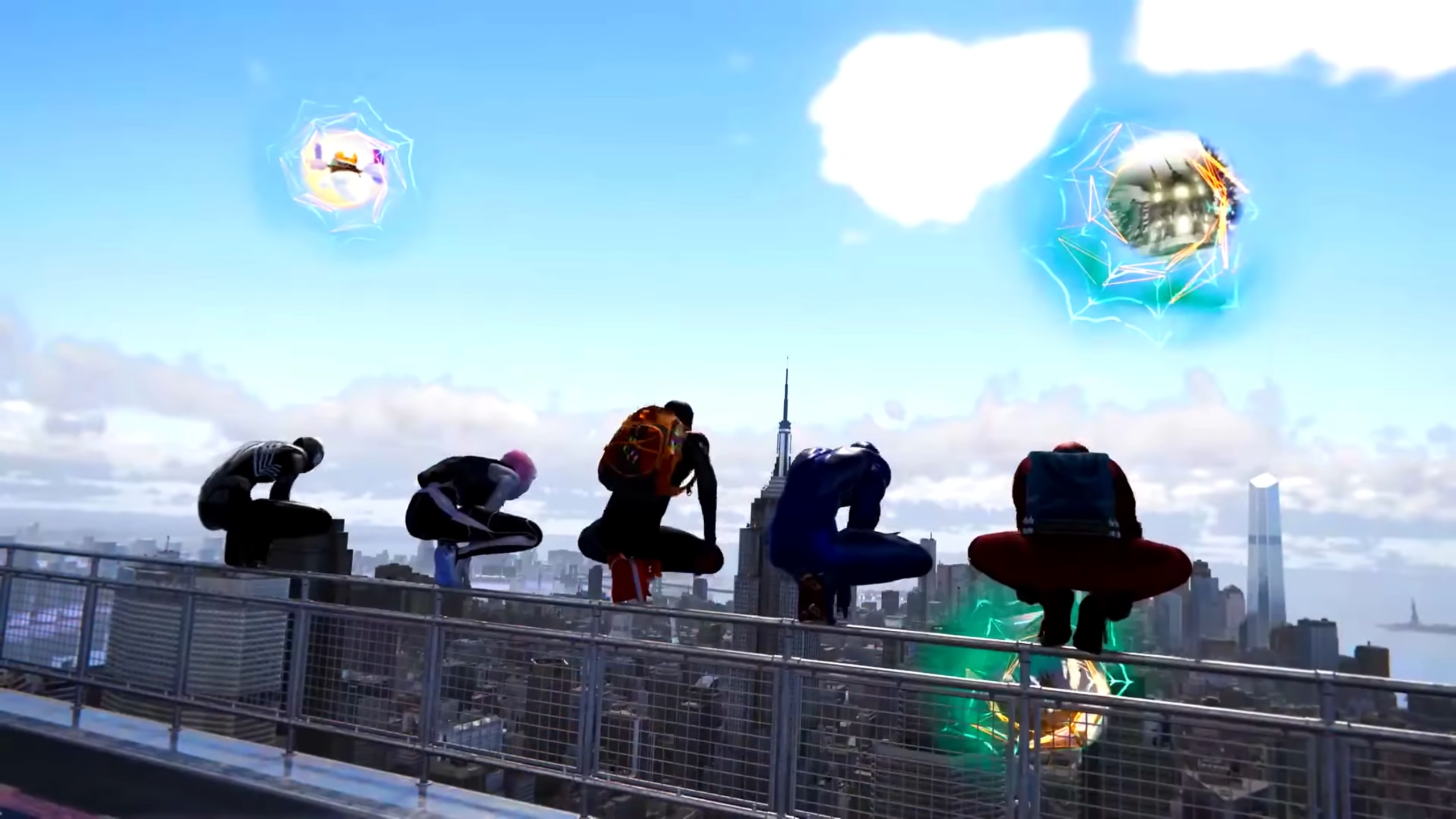
One cancelled title which we know far more about however (even if by unfortunate circumstances) is Spider-Man: The Great Web. Low-key teased in one of Spider-Man 2’s side missions, this live-service title would have pretty much been Spider-Man 2 but in multiplayer while also featuring multiversal portals. It sounds perfect, and based on the leaked internal footage, it looked perfect.

Unlike some, I did genuinely enjoy the story of Insomniac’s Spider-Man 2. Even so, across 2018’s entry, Miles Morales and Spider-Man 2, by far the best aspect of these titles are their gameplay. I’ve 100% all three of the games and would happily do it all over again, simply due to the fact that controlling Spider-Man (be it during combat or when swinging around New York) was nothing less than an absolute pleasure. Each successive entry managed to refine the formula while giving players even more control over the Spider-Men, culminating in gameplay mechanics which I could play forever.

Spider-Man: The Great Web would have provided all this and more. While the notion of a multiplayer Spider-Man game does little to ignite excitement from me, a live-service Spider-Verse title would have been stellar. Keeping watch over a New York City which actually evolves over time in real-time would have been the closest we would ever get to actually becoming Spider-Man.

Thanks to its live-service nature, the game could see different gangs take hold over different boroughs, perhaps even being altered based on what activities players have engaged in (Helldivers style).
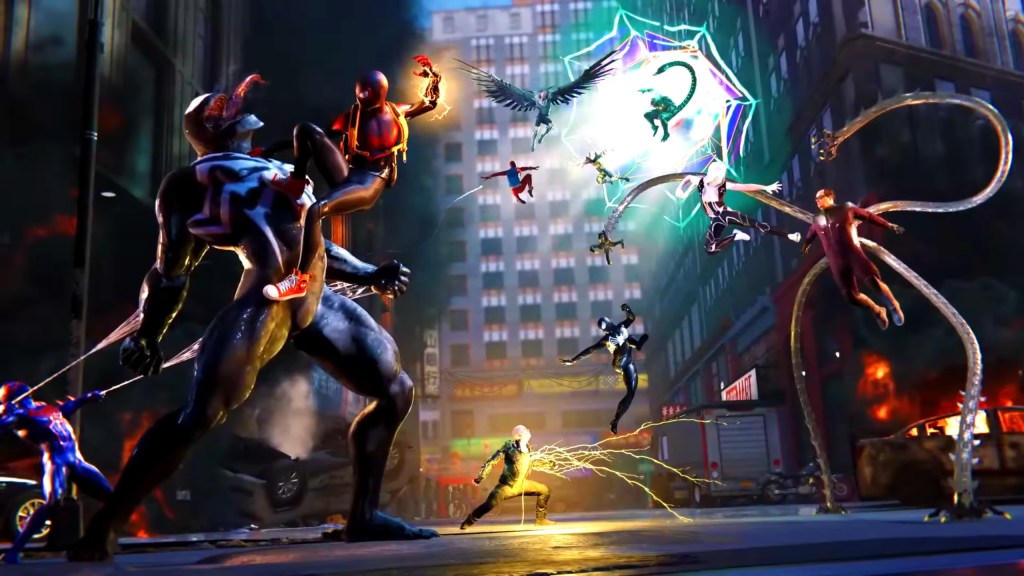
Each Season a different villain could rise up and try to take over the city, necessitating you to power up and prepare in order to take them down. There is almost a century worth of Spider-Man stories which could be pulled from, offering near-endless potential for what could be added in an update. There could even be a mini game where you have to race your Spider-Car around the city all the while smashing into the iconic arch villain ‘The Wall’. The opportunities are endless.
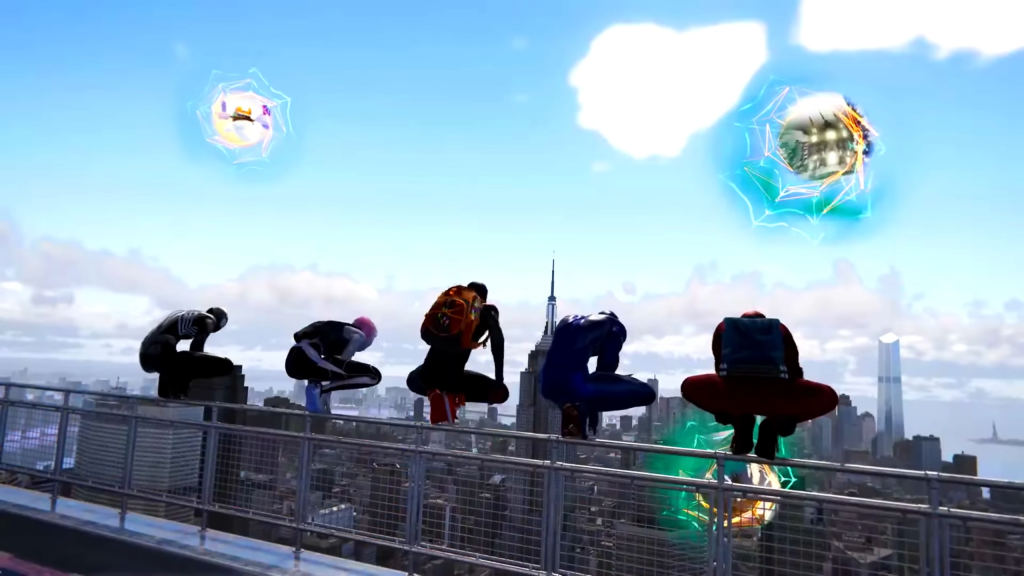
That’s not even accounting for the Spider-Verse side of things, which not only makes for even more creative potential, but opens the floodgates for character customisation. Being able to create your own Spider-Man, obtaining different multiversal powers while customising your suit based on 100s of different outfits the Spider-People have worn over the decades would not only have been peak fantasy fulfilment – but if Sony wanted to go this route – would have made absolute BANK if these suits were released as paid cosmetics.

The blueprint was already there. Across the three Spider-Man games developed by Insomniac, we’ve gotten a cavalcade of different combat styles; moves; animations; activities; swinging mechanics; finishers; enemies; villains and so much more. Put all of this into a boiling pot, stir it just the right amount, sprinkle in a couple more different variations of the above and you’ve got yourself the perfect live-service Spider-Man game.

This one especially hurts as we’ve seen exactly what Insomniac Games were planning, and in my opinion it looked perfect. I guess I’ll go replay Spider-Man 2 for now.

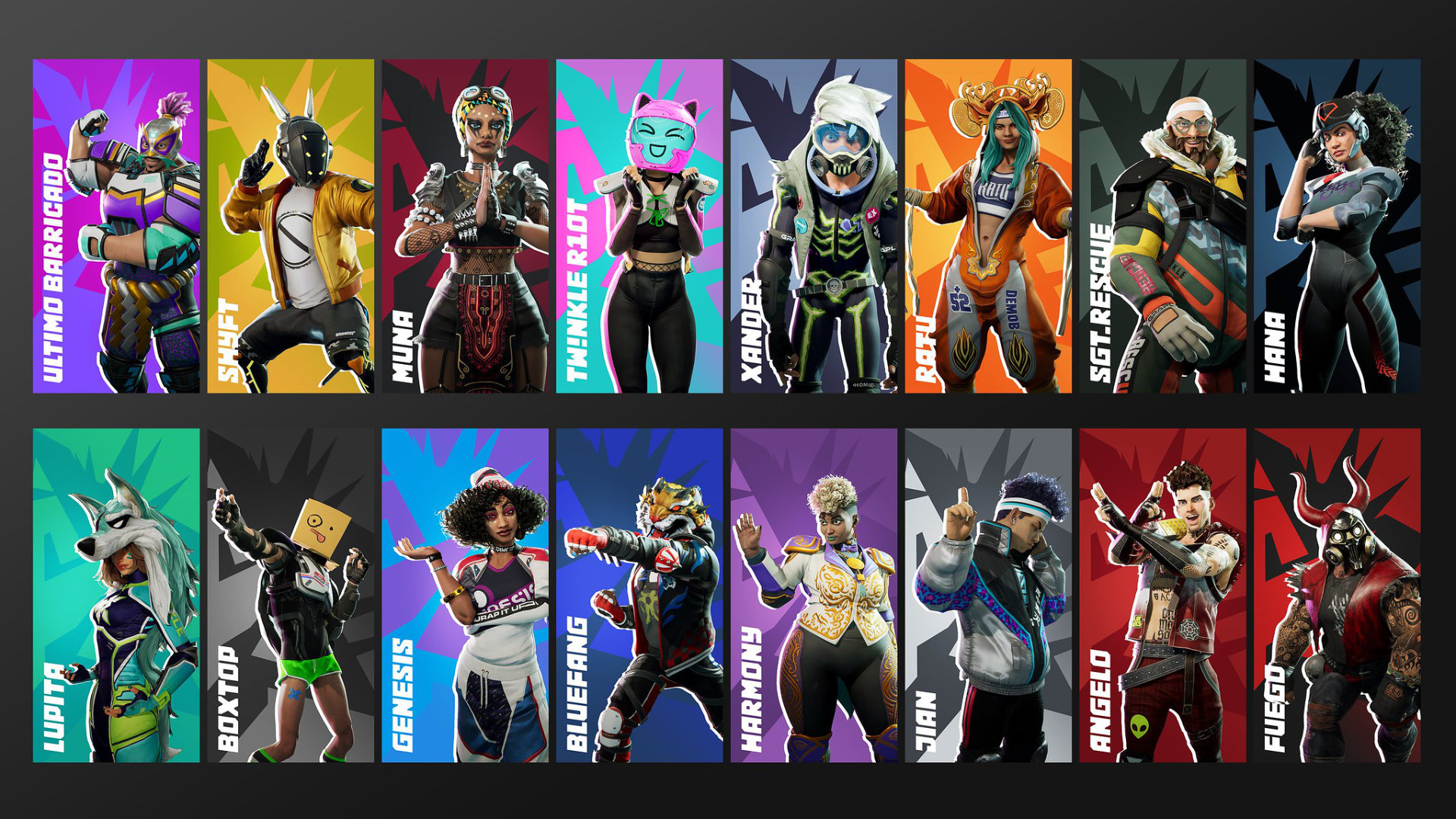
Project Copper suffered from quite a few setbacks during its in-development existence. Originally being helmed by Lucid Games – the team behind the failed-yet-pretty-fun destruction derby PS5 exclusive Destruction All-Stars – this title would have seen the iconic PlayStation series Twisted Metal return in live-service form. Said to have been centred around Battle Royale mechanics, the project would later get taken over by Firesprite studios before ultimately being cancelled.

So, what would this new incarnation of Twisted Metal have been had it come to fruition? Well, the aforementioned Destruction All-Stars would be a good place to start. Though the PS5 launch-window title failed to capture an audience and was left to die in obscurity, the game itself was a pretty solid time.

The diving mechanics were fun, the feedback was satisfying and the parkour additions offered a nice twist to the formula. Though I had no issues with it, the primary complaint I saw from the game was in its visual style. Going for that Fortnite-esque character design tied in with Hero Shooter attitude led to a game which felt somewhat generic.
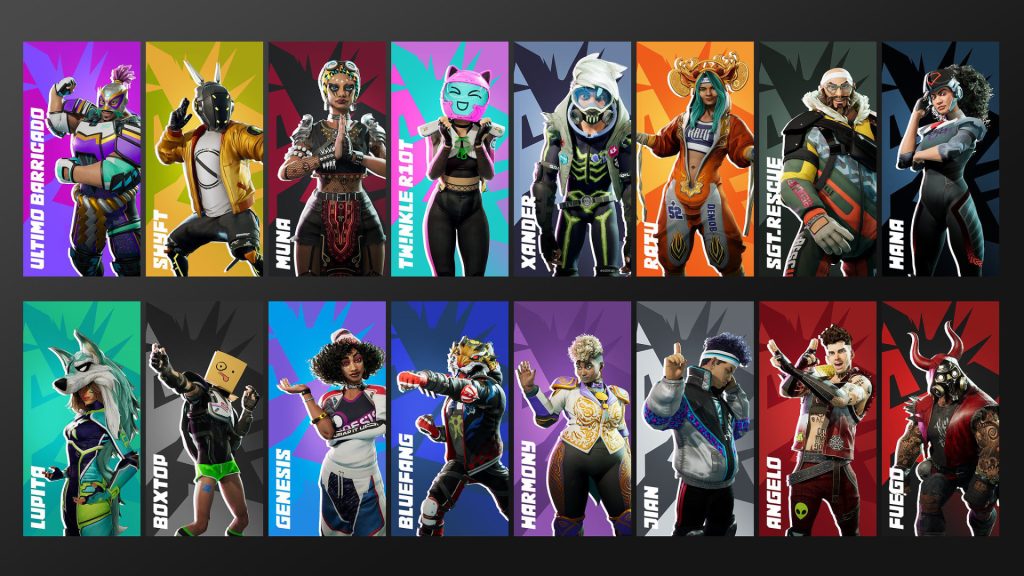
Twisted Metal on the other has its own distinct and unique aesthetic – one which it crafted decades ago. Thus, combine the overall set-up and gameplay of Destruction All-Stars with the visual identity and iconography of Twisted Metal and you’ve already got yourself a strong start.

In terms of its live-service-ness, the game could have been kept fresh with new vehicles; characters; weapons; arenas; customisation parts; takedown animations alongside all the live-service battle pass fluff. Hell, we could have even gotten Anthony Mackie and Stephanie Beatriz skins based on the show.

While I’m not too mad that it never came to be, I do see the potential, especially as I feel like this would have been the only way we would get a new Twisted Metal.
Last but not least, we come to the cancellation and studio closure which spawned this discussion. Hot off the heels of the excellent Demon’s Souls Remake, BluePoint Games would be acquired by Sony in a move which many celebrated, as it marked the logical conclusion to over a decade worth of collaborations. Unfortunately, nothing has come from this acquisition (aside from their assisted development on God of War Ragnarök).

Speaking of God of War, we would later learn through leaks that prior to the studio’s closure BluePoint Games were working on a live-service multiplayer God of War title. To be honest, I initially struggled to think of a formula which would work with such a concept. God of War is very much a single-player experience and one which could not easily be translated. After all, it's called God of War not Gods of Wars.

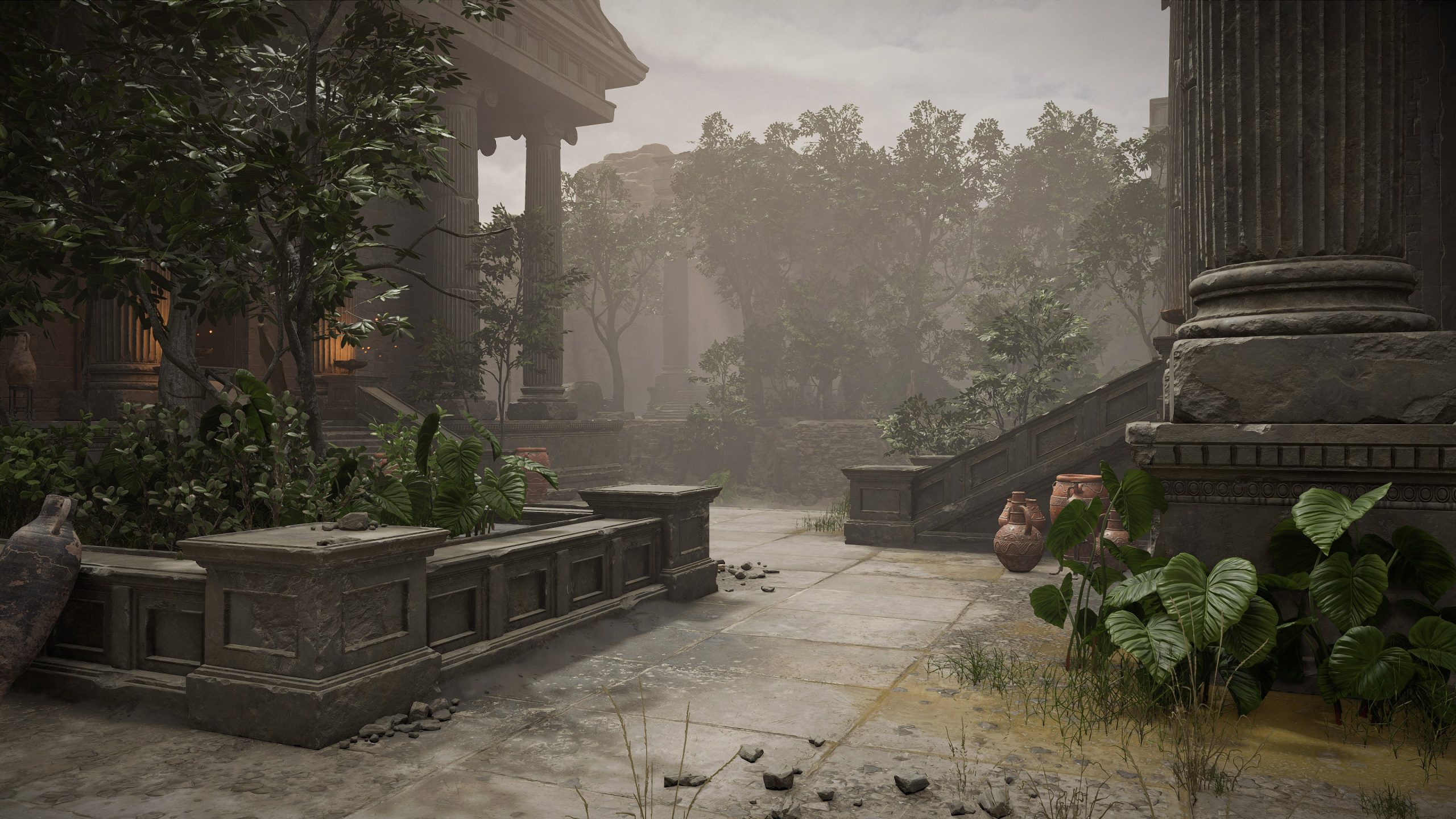
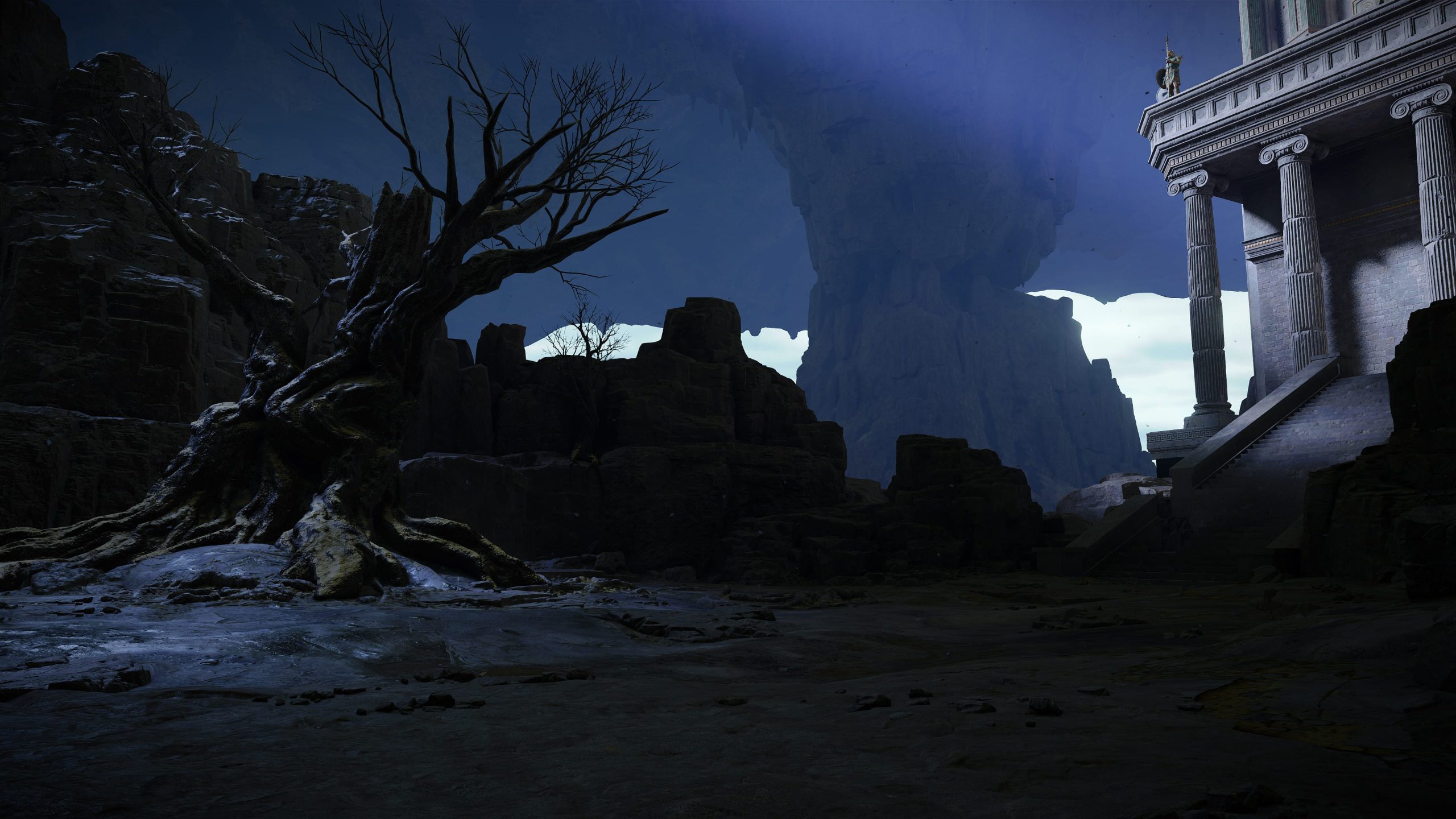
Still, based on the few leaked screenshots which seemed to showcase Hades’ armoury alongside a bunch of different weapons, an idea did spring to mind.
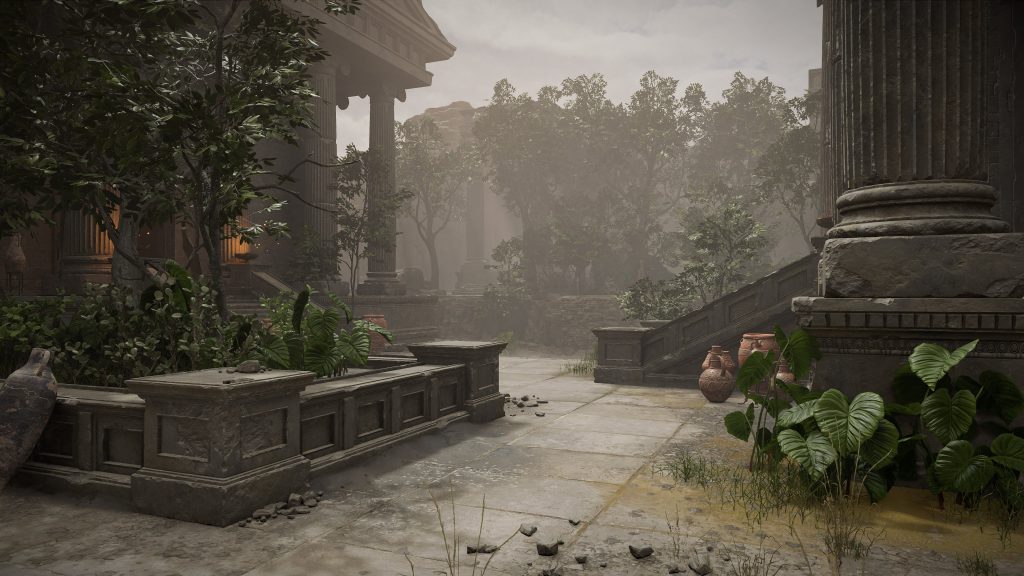
Similar to the recently-released God of War Sons of Sparta, this ill-fated project from BluePoint Games – assuming it wanted to fit into the rest of the God of War canon – would have been set in the past, possibly before any of the original trilogy took place. The game could see you taking on different missions for the gods, selecting your weapon and then going out to battle with and against armies of enemies.

The concept could work regardless of whether they went for the OG trilogy perspective or the Norse Era style; or even something else new. Irrespective of perspective, I picture a somewhat musou-styled game in which you are tearing through hundreds of enemies in the name of Ares or Hades or whoever they need to fit the story.
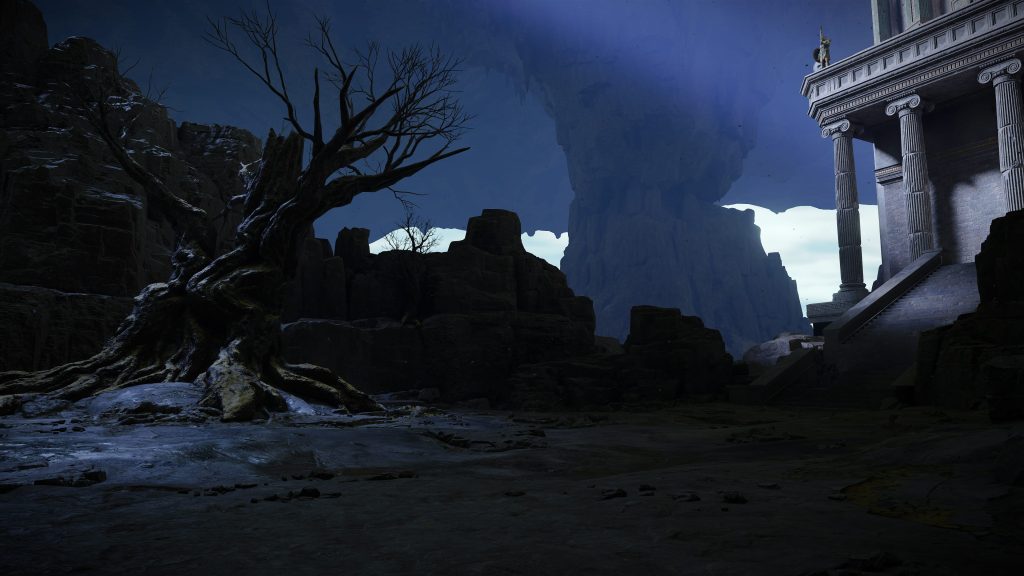
The main thing that stumps me is how Kratos would factor into all of it. Of course, initially you would assume that we would get to play as Kratos. But how would that work in the context of a live-service multiplayer title? Will they go the Dying Light route of having all players look the same, would Kratos be one of multiple named characters to choose from? After all, Ragnarök did flirt with the idea of playing as other characters. Or, would Kratos have been the general for an army which you and all other players are a part of; working under his leadership, rising the ranks, learning new abilities and gaining his respect. I doubt it.

Despite The Last of Us being the more narrative-focused franchise, God of War – amongst all these above projects – makes the least sense to me to be turned into a live-service multiplayer title. To be frank, I understand why Sony cancelled the game, in fact it likely should never have been greenlit in the first place. Even so, BluePoint Games did not deserve to be shut down, and the industry is worse off without them.
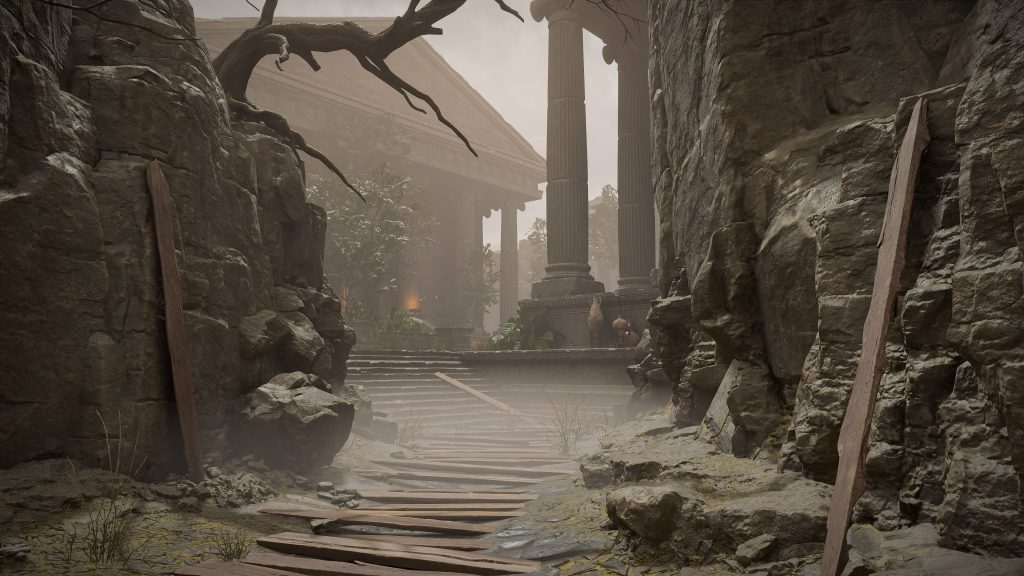
Of course, I am but a single person with my own opinions. Across all the cancelled projects we covered, the only ones which I was disappointed in hearing about their ultimate fates were The Last of Us Online and Spider-Man: The Great Web. Well, that’s not quite true, as each of these cancellations stung in their own way.

Like I said at the start, I am not denying that most of these games probably should have been cancelled. However, Sony (who greenlit the projects) contributed to years worth of wasted work and effort which could have been going towards something else, only to then lay-off a large number of developers or entire studios – causing significant brain drain in the games industry.

For some developers, this situation could be seen as a lesson learned, while for others these cancelled titles might represent their final projects as part of game development. Regardless, I’d argue that this whole live-service roller coaster which Sony has been riding for the past half a decade has been a net negative to video games; and while I will always yearn for some of the projects which never came to be, at this point I just want to get off of the coaster.

KitGuru says: What do you think of Sony’s whole live-service push? Which of the cancelled projects do you think had the most potential to succeed long-term? Which of the games were you actually looking forward to / hoping would release? Let us know down below.

The post KitGuru Games: What Could Have Been – An Ode to the Games We Never Got first appeared on KitGuru.
  •  

Nvidia warns of ongoing shortage of GeForce graphics cards

The situation on the graphics card market remains tense. In the course of publishing its latest financial results, Nvidia confirmed that limited availability of GeForce graphics cards is to be expected in the coming quarters. The company cites ongoing problems within the supply chain and continued exceptionally high demand for products based on the Blackwell […]

Source

  •  

FritzOS 8.22 fixes performance issue with several FritzBox models

AVM has released FritzOS 8.22, a stable firmware update for several current router models. The new version is being distributed for the FritzBox 5690 Pro, 5690, 7690, and 4690 and focuses exclusively on bug fixes. New features are not included in the update, as the supported devices were already equipped with at least FritzOS 8.20 […]

Source

  •  

NVIDIA overtakes Apple at TSMC; Taiwan is the powerhouse of AI

Sometimes bare figures say more about geopolitical realities than any soapbox speech. 19 percent. That’s how much of the revenue of the world’s largest contract manufacturer, TSMC, was attributable to NVIDIA in 2025. Around $23.4 billion. Almost double the previous year’s figure. Apple, a regular at the top for years, has thus been dethroned. This […]

Source

  •  

Samsung and SK hynix are tightening the price screw, DRAM is becoming a luxury item with advance notice

What is currently leaking out of Seoul sounds less like market mechanics and more like a demonstration of power. Samsung Electronics and SK hynix are said to have announced new DRAM contract prices for Q2 that even hardened buyers describe as “absurd.” Anyone who still believes in a cyclical swing is ignoring the tectonic shift: […]

Source

  •  

Between neon lights and nostalgia: Why Need for Speed Underground 2 still resonates today

The classic returns to my PC once again: Need for Speed Underground 2 still represents a phase in which street racing, customization, and an open game world shaped the zeitgeist of the early 2000s. Hardly any other title combined tuning culture, arcade racing, and soundtrack so consistently into an overall picture that has been permanently […]

Source

  •  

OpenAI Secures $110 Billion From Amazon, NVIDIA And Softbank For A Big AI Expansion

OpenAI Secures $110 Billion From Amazon, NVIDIA And Softbank For A Big AI Expansion The AI money spigot shows no signs of being turned off any time soon, as OpenAI shared that it has received $110B of investment in a new round of funding. OpenAI says these investments will enable it to meet the demand for its services, and that “providing everyone access to our products requires three things: compute, distribution, and capital.” This
  •  

Classic GameCube-era Pokémon game joins Switch Online next month

It has been almost a year since Pokémon Colosseum, and its sequel were announced for the new GameCube expansion for Switch Online on Switch 2 consoles. Today during a Pokémon anniversary showcase, Nintendo finally announced when at least one of these games will become playable. 

Funnily enough, it is the second game, Pokémon XD: Gale of Darkness, that will be joining the GameCube Switch Online library first. The game is a sequel to Pokémon Colosseum, a fan-favourite home-console game amongst long-time fans of the series. Gale of Darkness will be playable on Switch 2 consoles starting in March.

Gale of Darkness and Pokémon Colosseum were two of the first games announced for the new GameCube emulator for Switch Online subscribers. As the GameCube expansion is only accessible on Switch 2, that would also make both games Switch 2 exclusives, unless you happen to have the original hardware and copies of the game lying around.

While Gale of Darkness is arriving in March, there is still no confirmed date for Colosseum.

KitGuru Says: This has been a big day for Pokemon fans, with Fire Red and Leaf Green returning, alongside the first trailer for the next-generation mainline game, Pokémon Wind & Waves.

The post Classic GameCube-era Pokémon game joins Switch Online next month first appeared on KitGuru.
  •  

Next-gen Pokémon Winds and Waves announced for Switch 2

The leaks were correct, the next generation of Pokémon, the Gen 10 titles, will be titled Winds and Waves. Pokémon Winds & Waves will take on the mantle from Scarlet and Violet, the last titles of the original Switch generation.

Over the Switch generation mainline Pokémon games went through a lot of changes, moving from the traditional top-down layout to massive open-world maps with free travel and roaming 3D Pokémon. Game Freak has also begun experimenting with ‘Legends' titles, which also offer open-world gameplay, but feature experimental catching and battle mechanics.

Pokémon Winds and Waves will be the first exclusive Pokémon game for the Switch 2. The trailer also revealed the three new starter type Pokémon for this generation, including Pombon – a fire type dog, Browst – a Grass-type owl and Gecqua – a water type Gecko.

Pokémon Winds and Waves will launch for the Switch 2 sometime in 2027. It is unclear if the games will launch in early 2027, around February, or if Game Freak will save the titles for later in the year.

KitGuru Says: Are you looking forward to the next mainline Pokémon game?

The post Next-gen Pokémon Winds and Waves announced for Switch 2 first appeared on KitGuru.
  •  

AirSnitch Attack Shows Hackers Can Easily Intercept Encrypted Wi‑Fi Traffic

AirSnitch Attack Shows Hackers Can Easily Intercept Encrypted Wi‑Fi Traffic AirSnitch is a newly-revealed attack on Wi-Fi networks that work across all major router brands and firmwares, including DD-WRT and OpenWrt. In an alarming turn for cybersecurity, researchers revealed a form of Wi-Fi attack that can entirely bypass client isolation on Wi-Fi, which is typically the only thing preventing attackers from intercepting
  •  

How To Make Your Quest 3 A Great Travel-Ready Spatial Computer

Meta's Quest 3 is the best choice for standalone VR gaming and fitness, but you may not be aware how well it works as a relatively affordable travel-ready spatial computer.

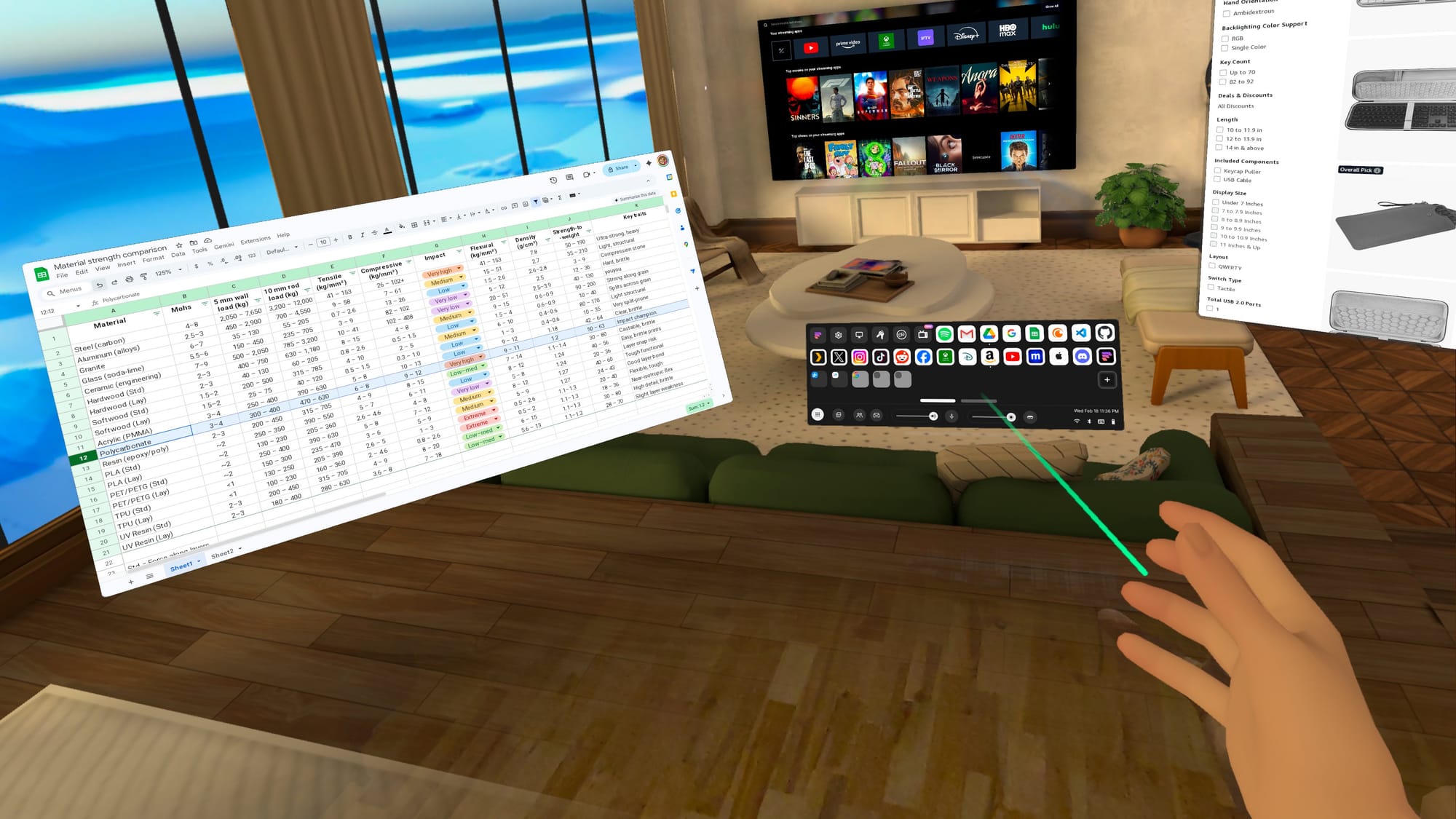
With the latest updates to Horizon OS, Quest 3 and Quest 3S can now effectively double as portable computers. You can experience multiple giant screens without taking up any extra room, an awesome bonus if you live in an apartment or shared space.

As a portable virtual computer, your Quest headset gives you more screen space than a laptop, and vastly more than a phone. However, some setup is required to avoid unexpected issues when you’re away from your usual tech. If you test essential websites, verify logins, and settle on a comfortable typing method, your Quest 3 can feel less like a casual-use headset and more like a computer you can count on.

With the right setup, your Quest 3 could even become a primary device around the house, especially if you like working in short sessions, streaming video, and switching rooms. Think of this as turning your headset into a grab-and-go workstation for the web apps, messaging, and media you already use.

The Quest Pro and Quest 2 will work in a pinch, but they miss some newer features, including Meta’s touch-typing keyboard that projects onto a surface. It is not yet available on the Quest 3S, but datamining by Luna suggests it will be enabled eventually.

Quest 3 v85 PTC Can Turn Any Surface Into A Virtual Keyboard
With Horizon OS v85 PTC, Quest 3 can turn any surface into a virtual keyboard and touchpad, and Meta says you can remap the Quest 3S action button.
UploadVRDavid Heaney

Test The Horizon OS Browser

If you want your Quest 3 to function as a portable computer, the browser is its foundation. Productivity depends on web app and website compatibility, so testing matters.

Don’t just load a page and assume you’re good. Try the things you normally do on your computer. Sign into important accounts, create and edit documents in the web apps you use, and upload/download files if that’s part of your process. If something fails, try to find a simple solution or alternative.

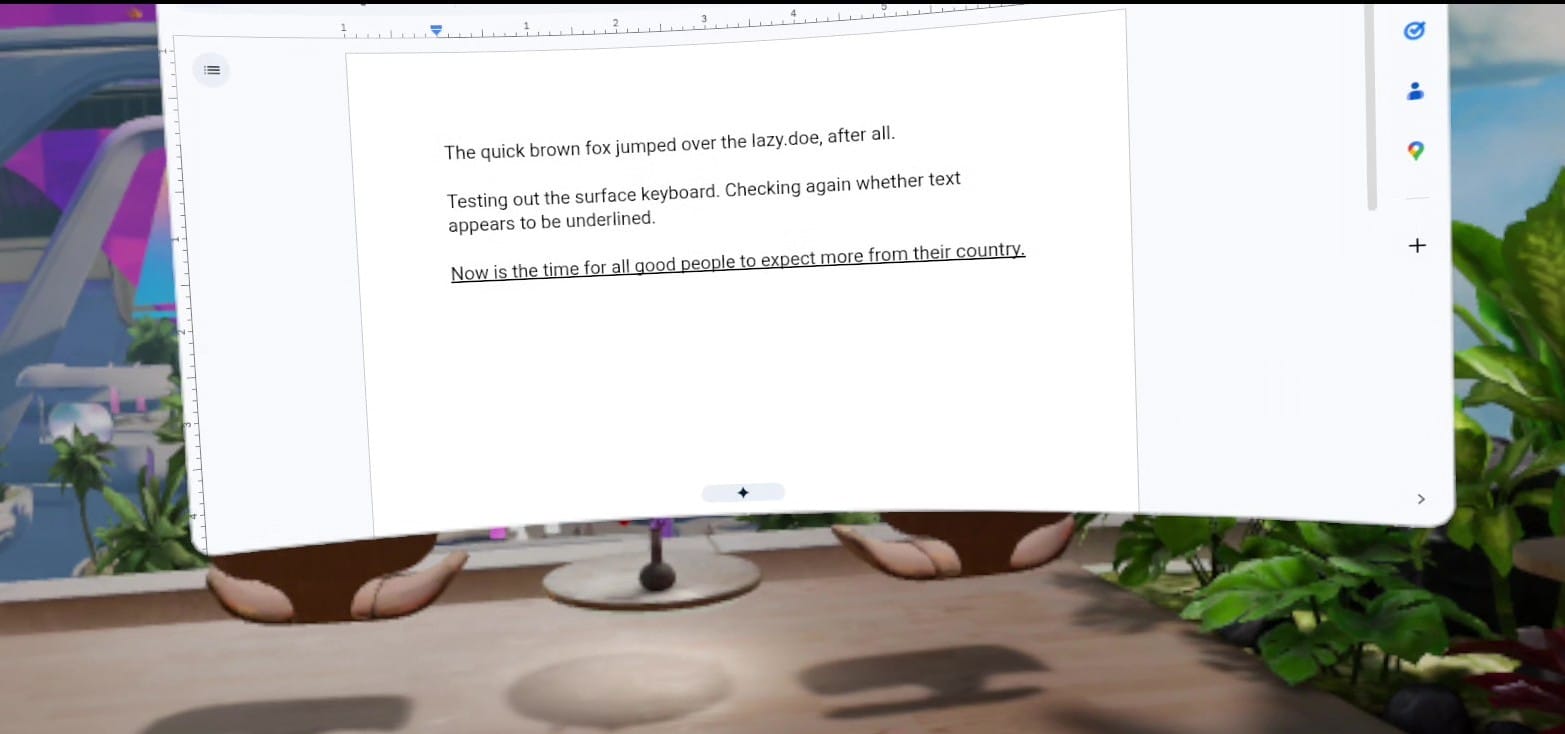
I ran across a great example of unusual behavior using Google Docs in my Quest 3. Everything I type appears underlined. It actually isn't, and if I click elsewhere, it reverts to plain text. It works, but the glitch is visually disruptive.

A screenshot shows Google Docs and the last line is underlined.
Everything I type in Google Docs appears to be underlined.

Another easy workaround is to use a different online editor, such as Microsoft Word, StackEdit, or Lex. Even if your favorite web app works perfectly, it’s worth having a backup, because little quirks like this show up when you least expect them.

If a particular website doesn’t play nicely with Meta’s browser, you may need a different one. Choices are limited on Quest headsets, but there is at least one alternative.

The Fluid Browser

Fluid is my favorite third-party browser for Quest headsets. It’s based on Chromium, with an optional per-website mode that uses Gecko, the Firefox renderer. It behaves more like the browsers on your computer or phone, which can help with picky web apps.

A screenshot shows the Fluid app's unique partial passthrough feature.
Fluid has unique environments and an adjustable floor passthrough.

Fluid’s interface is also more flexible than Meta’s. Hand gestures can trigger voice input, manipulate windows, and move you through virtual rooms. It also offers advanced features like adjustable passthrough range, multi-user window sharing, theater modes, and remote access to your computer.

There are other third-party browsers, but most suffer from weak app store ratings. Fluid averages 4.5 stars, backed by an active community and a responsive dev team.

Prepare Your Browser

You’ve been refining your computer’s bookmarks, logins, and settings for years. To get a smooth transition on Quest, you’ll want a little prep work. Some Horizon OS browser features may still be rolling out, so they might not appear on your headset yet.

Backup And File Access

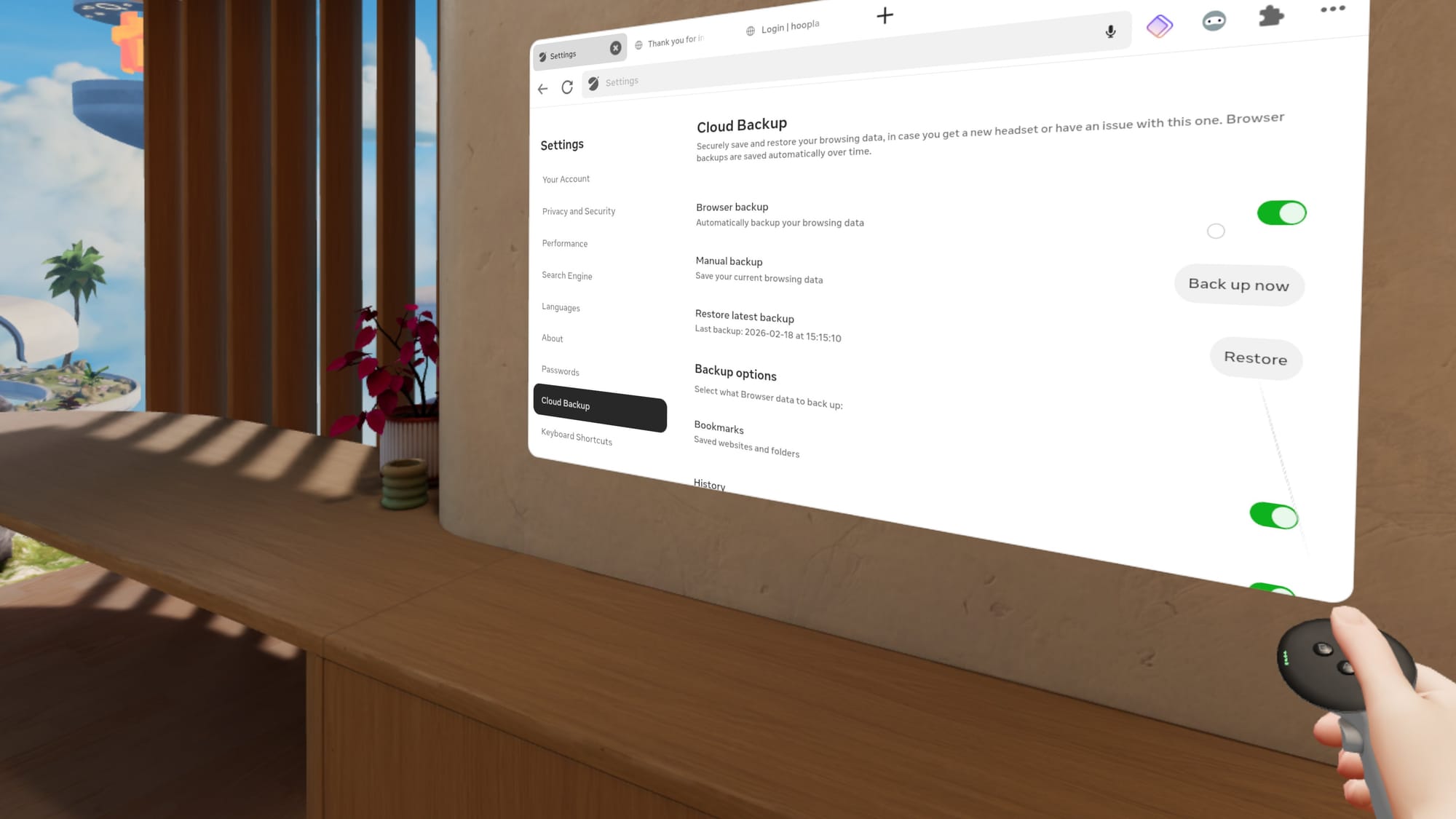
Enable Cloud Backup in the Horizon OS browser, so you don’t have to start over if something goes wrong. You can find the toggle in browser settings. Cloud Backup can restore bookmarks, browsing history, and extensions.

A screenshot shows Cloud Backup in the Quest 3's system browser Settings.
Cloud Backup is essential for the Horizon OS browser.

If you need access to important files or photos, cloud storage is the easiest path. Upload what you want from your computer or phone, then open it on Quest through the web apps you already use.

Password Autofill

Logins matter, and modern security requirements can make access annoying from any device. The easiest solution is Meta’s password import feature in browser settings under Passwords. Meta includes instructions for exporting from Chrome, Safari, Edge, and others. You may also want a device PIN to keep accounts secure.

This isn’t the only option. Some third-party password managers offer web apps that work in any browser, and a few have extensions for the Horizon OS browser.

Browser Extensions

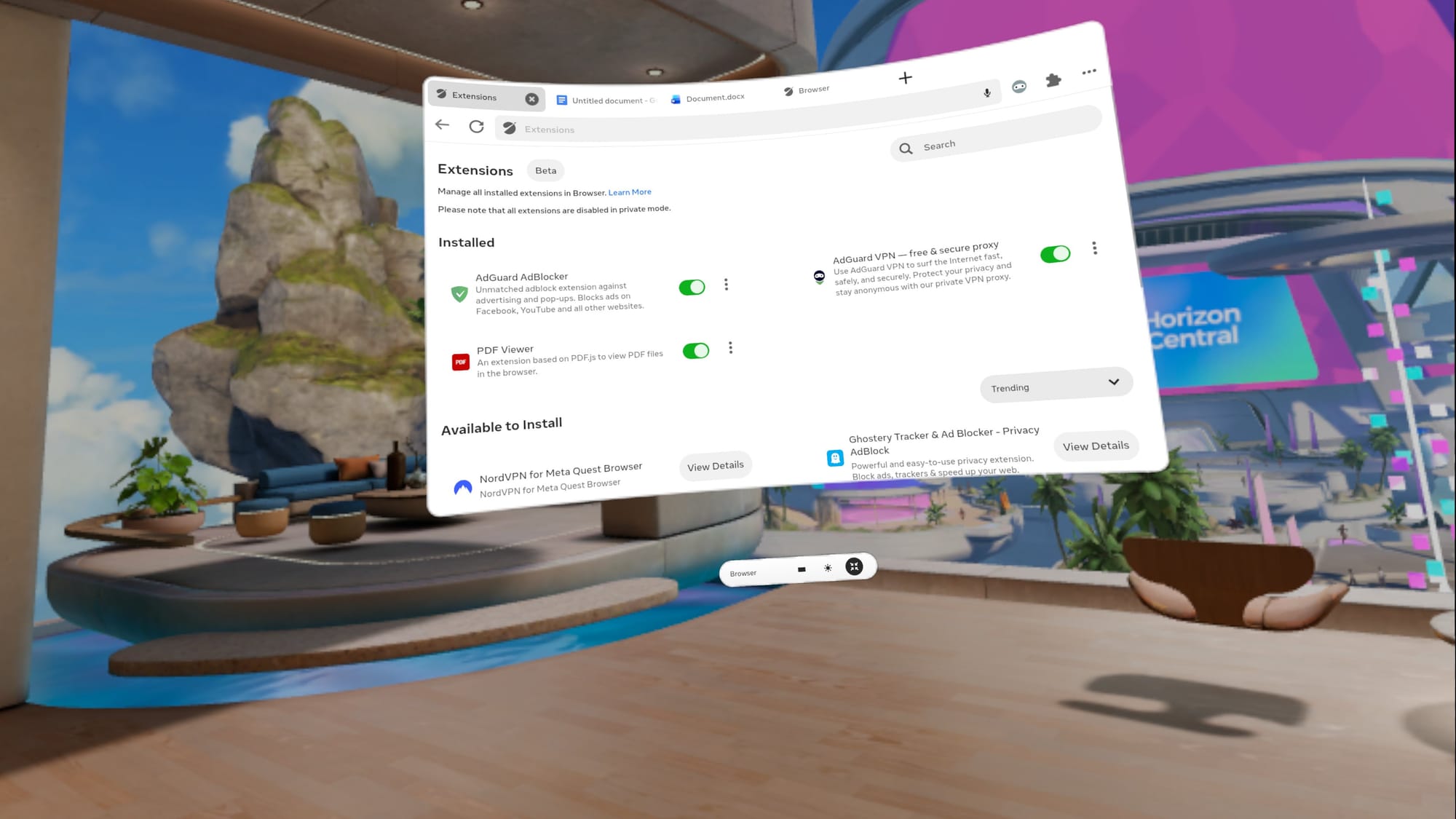
If security and privacy are crucial, you’ll want extensions for your password manager, a content blocker, and possibly a VPN. Meta’s extension ecosystem is growing, but the Horizon OS browser only supports about a dozen extensions so far.

A screenshot shows a partial list of extensions for the Horizon OS browser.
The list of Horizon OS browser extensions is growing.

You can find extensions by selecting the puzzle piece at the top right of a browser window. A new tab opens with installed extensions, toggles, and a list of available add-ons.

Test your password manager and VPN while your computer and phone are nearby. It’s easier to authenticate MFA, access email, and verify passkeys before you travel.

Building Bookmarks

Meta doesn’t have a bookmark import option, offering instead link sharing via the Horizon mobile app. Saving one bookmark at a time would become tiresome quickly. Fortunately, there are some good workarounds.

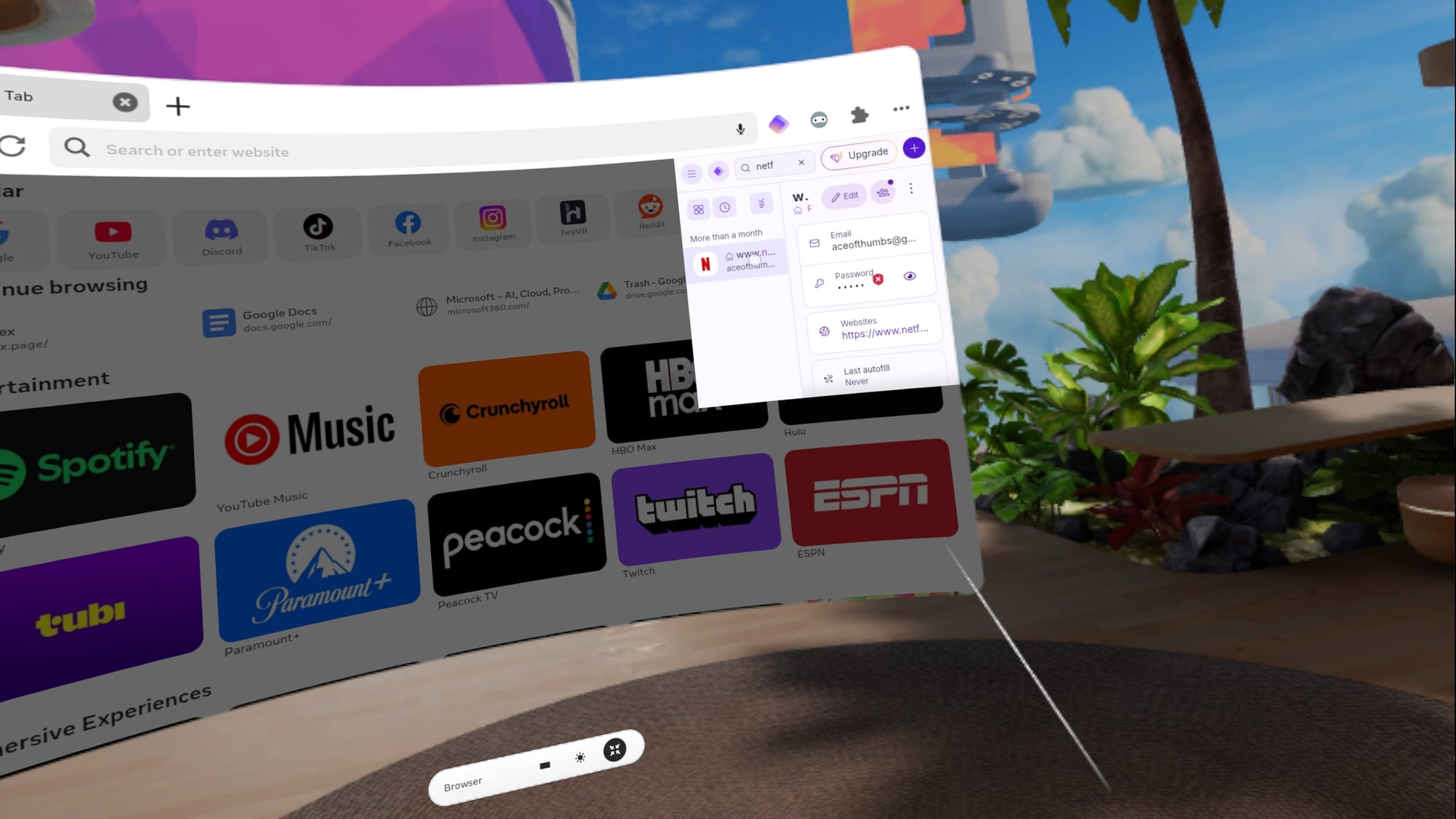
A screenshot shows the Proton Pass extension in use on the Horizon OS browser.
I use Proton Pass as a website quick launcher.

Proton Pass is a free password manager with a Horizon OS extension, and it can double as a website launcher if you pin it. Third-party browsers are a mixed bag. Fluid lacks bookmark import, but supports several password managers. Wolvic deserves credit as one of the few Quest browsers that can import bookmarks by syncing from Firefox.

Bookmarks shouldn’t be this hard, but it’s worth spending a few minutes to make your favorite websites accessible. With a working system, you’re one click away from the tools you actually use.

Explore Input Options

Quick, reliable text entry is the difference between casual browsing and real work. Quest 3 offers multiple ways to type, and you might use different ones depending on the situation.

The System Keyboard

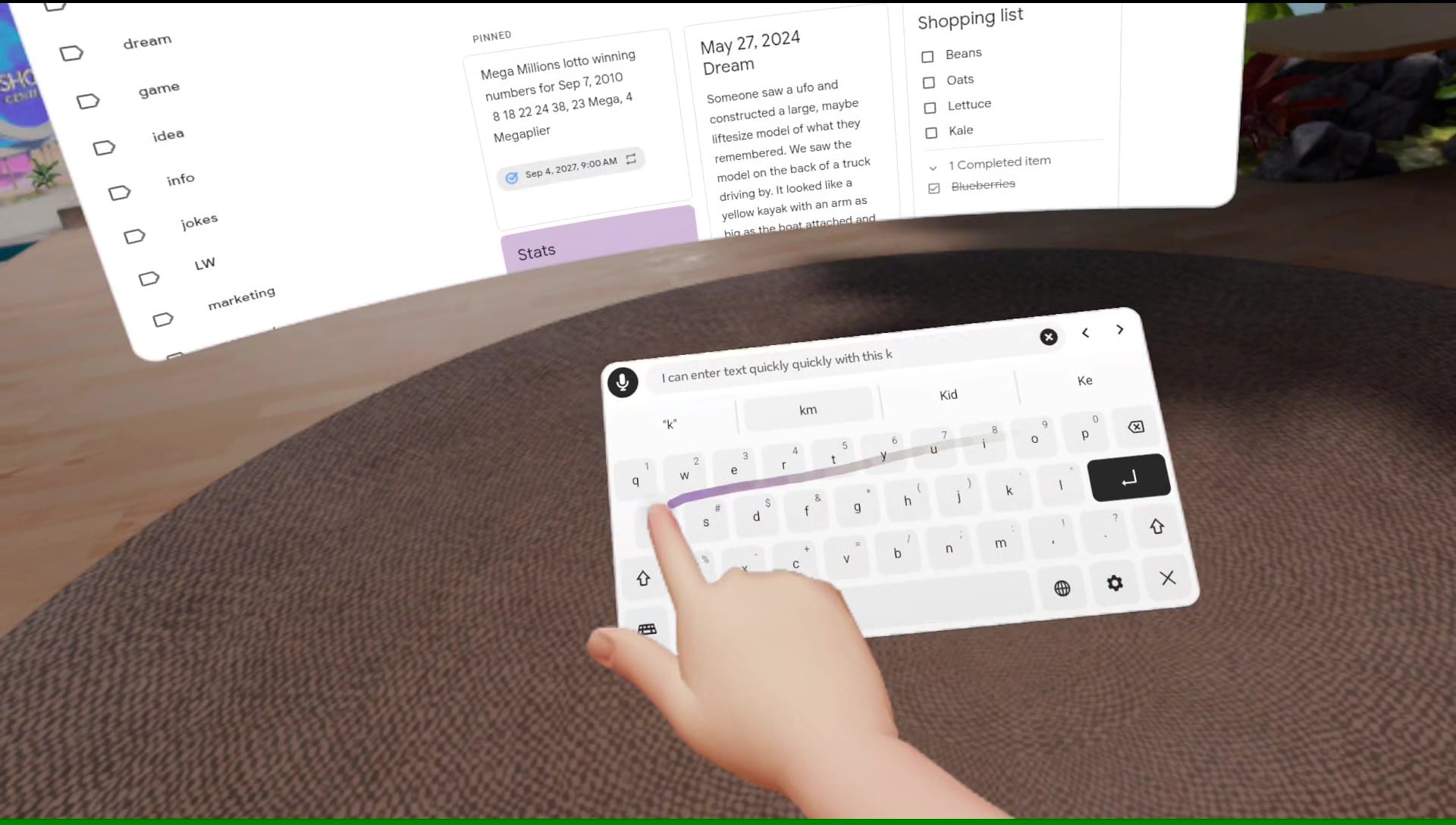
Two-finger typing on the default pop-up keyboard is fine for quick searches, short messages, and the occasional form, but it isn’t ideal for drafting and editing. That’s why you should enable Swipe typing in Virtual keyboard settings and turn the mic on in Quick Settings.

A screenshot shows how I can swipe in text using Meta's default keyboard.
Swipe typing on the Quest 3 works just as well as it does on my phone.

The default keyboard includes a mic icon, and one click lets you dictate words, website addresses, or whole paragraphs. It’s fast, accurate, and you don’t need to speak loudly.

Swipe typing works just as well as it does on your phone, but with a larger keyboard. I like to bring the keyboard close and use a finger, but a controller works, too.

Bluetooth Keyboard And Mouse

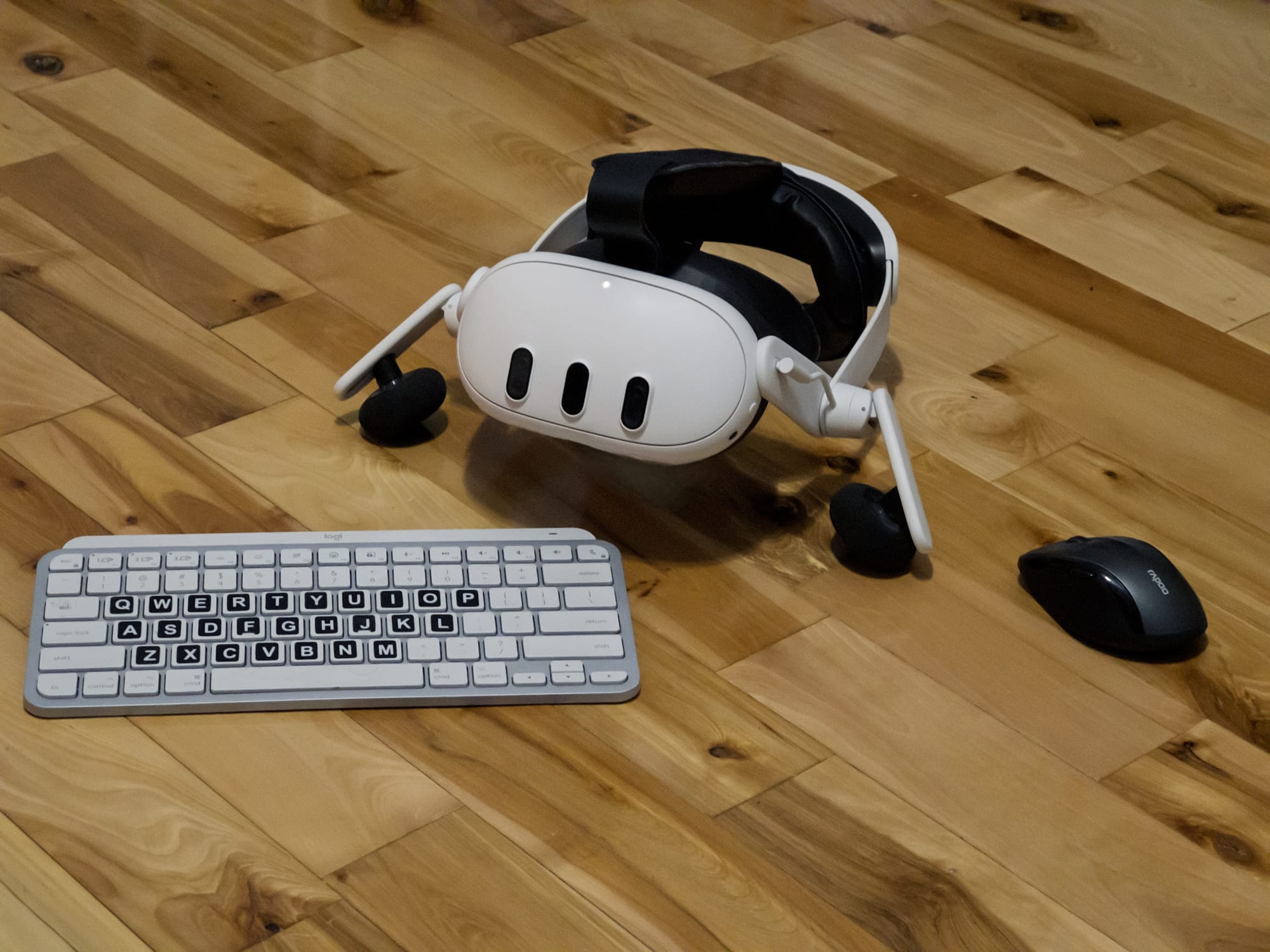
Bluetooth accessories are still the most predictable way to make Quest feel like a computer. A compact keyboard is usually easy to pair, and a mouse makes selection and window control far easier.

A Meta Quest 3 appears between a Bluetooth keyboard and mouse.
I occasionally use Bluetooth accessories with my Quest 3.

If you want to pack light, a keyboard with an integrated trackpad can be ideal.

Meta’s Surface Keyboard Surprise

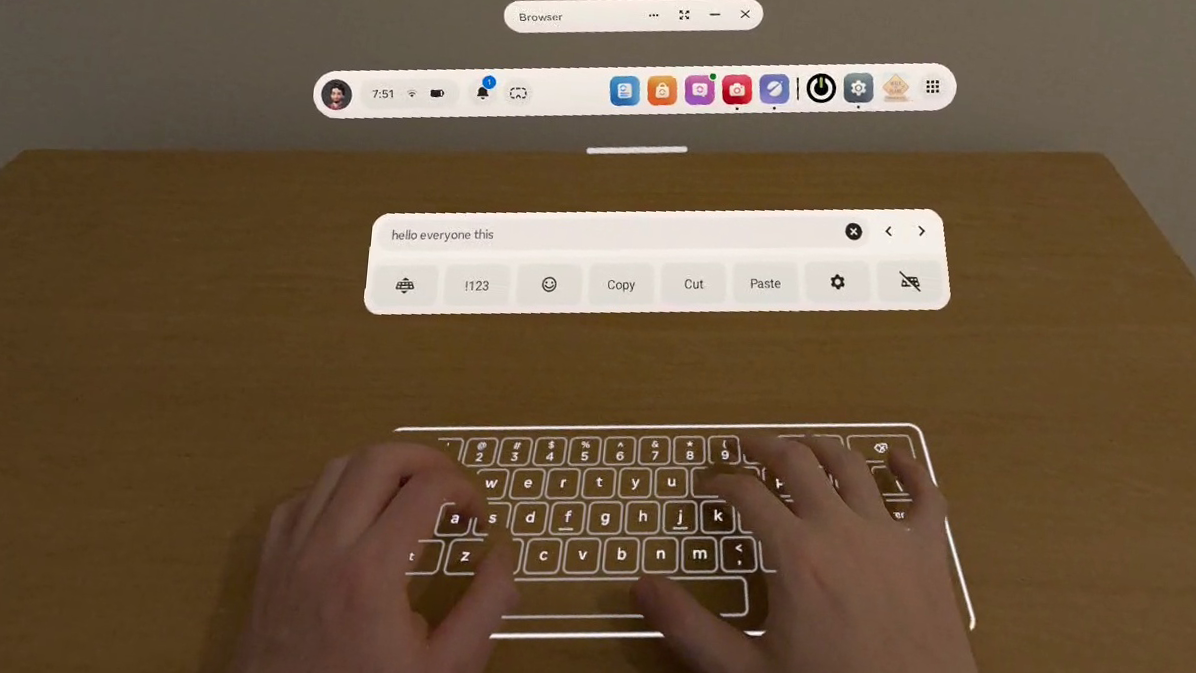
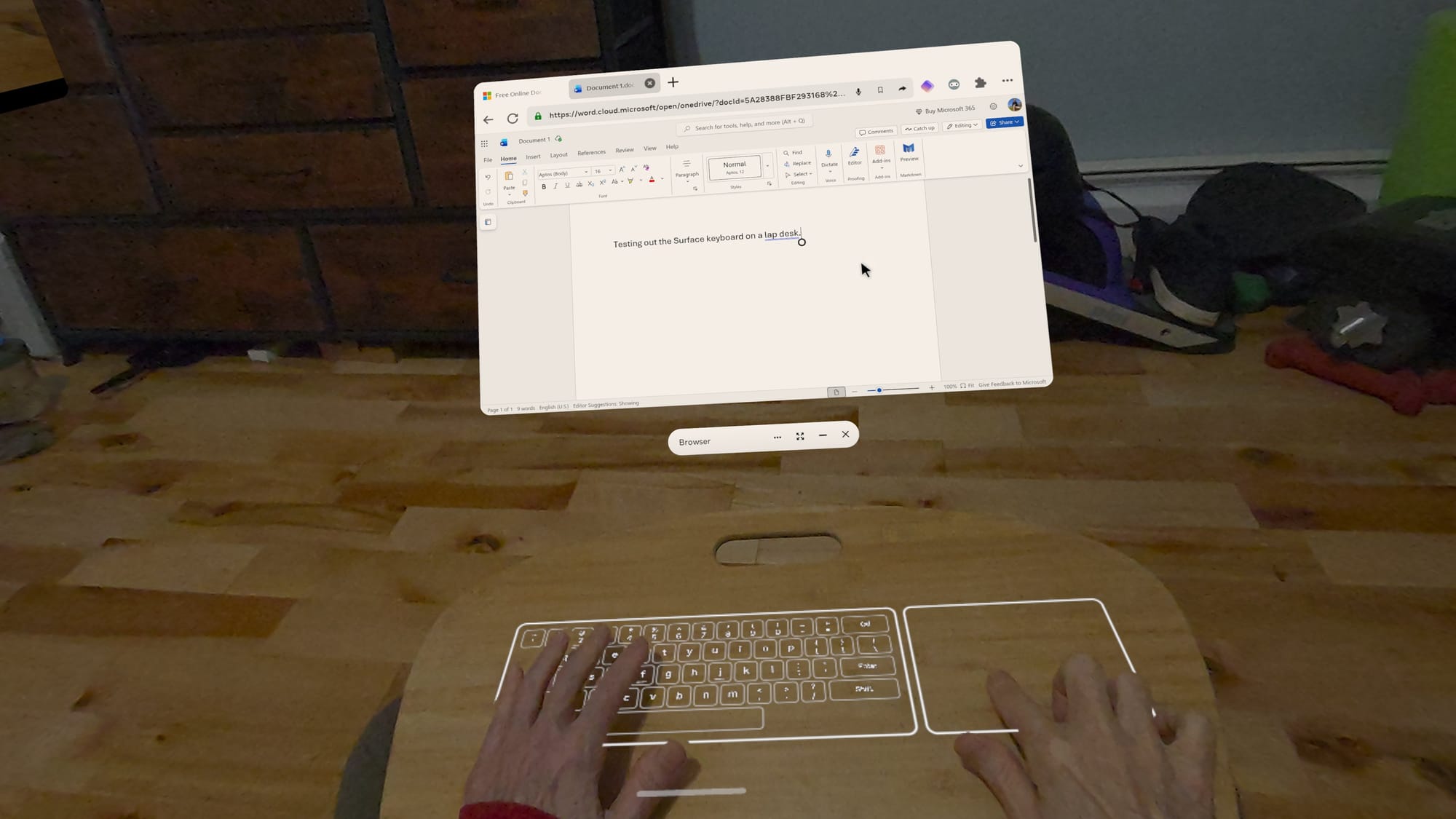
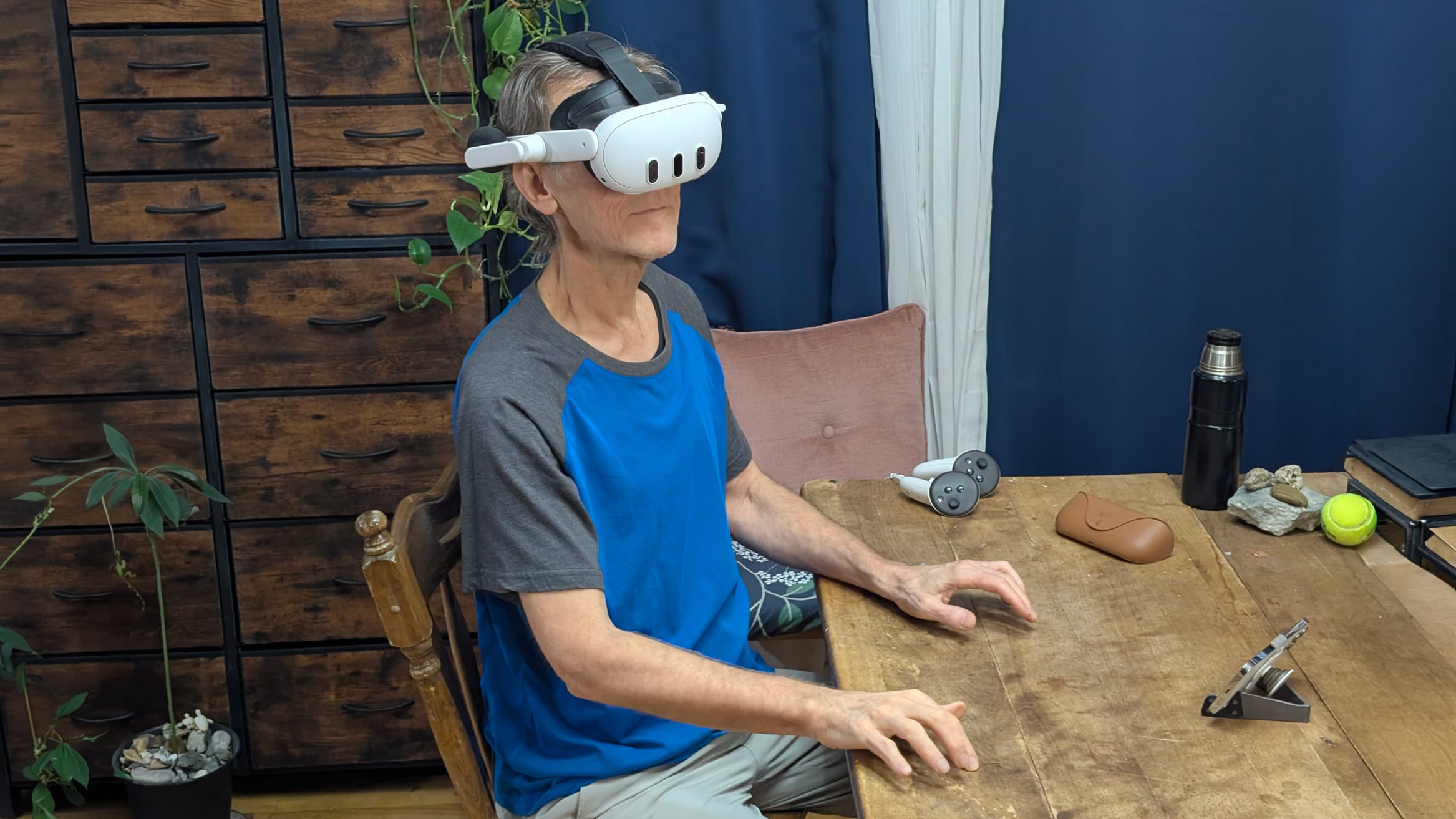
If you have access to Meta’s new Surface keyboard, it’s worth exploring in Experimental settings. A projected keyboard sounds like a novelty, but it’s genuinely useful if you touch type.

Since it aligns with your desk or table, you get tactile feedback. Meta added a trackpad and a hovering toolbar with cursor arrows, copy, cut, and paste. A preview window in the toolbar lets you see what you’re typing while looking down at the keys.

A screenshot shows Meta's Surface Keyboard in use.
Meta’s Surface Keyboard is a great alternative to a physical keyboard.

It can’t compete with the clackity, full-travel keyboard I use with my desktop. Physical keys still win for long sessions, but the Surface keyboard does a good job simulating a soft, laptop-style keyboard and trackpad.

The biggest benefit is portability. I’m not dragging a keyboard and mouse between rooms or packing them when I travel.

Explore Apps

A browser-first setup might be all you need, but the Quest 3 becomes more useful when you add apps that benefit from VR or mixed reality. For 3D work, VR-native tools can be a leap forward. Your model is in the room with you, and you can handle it like an object. Apps like Gravity Sketch and ShapesXR let you think and build in space, which is hard to replicate on a flat screen.

A screenshot shows the ShapesXR app for Meta Quest headsets.
ShapesXR lets designers build and test in an immersive space.

Meta’s Instagram, Facebook, and Messenger apps can be useful for messaging and keeping in touch while wearing your headset. Instagram offers a fun new feature that automatically converts photos and videos to 3D.

Streaming is a big win for most Quest owners. Whether you use native apps or browser tabs, having a giant screen anywhere makes casual viewing feel like a private cinema. Test the streaming services you use, both the app and the browser version, to find out which works best for you.

Portability Tips For Home And Travel

Your Quest 3 or Quest 3S might be all you need around your home or office, but a few accessories can make a big difference when traveling. I recommend a charger and USB-C cable, a battery pack for longer sessions, between charging, a microfiber cloth for lenses and sensors, and Bluetooth accessories if you prefer them.

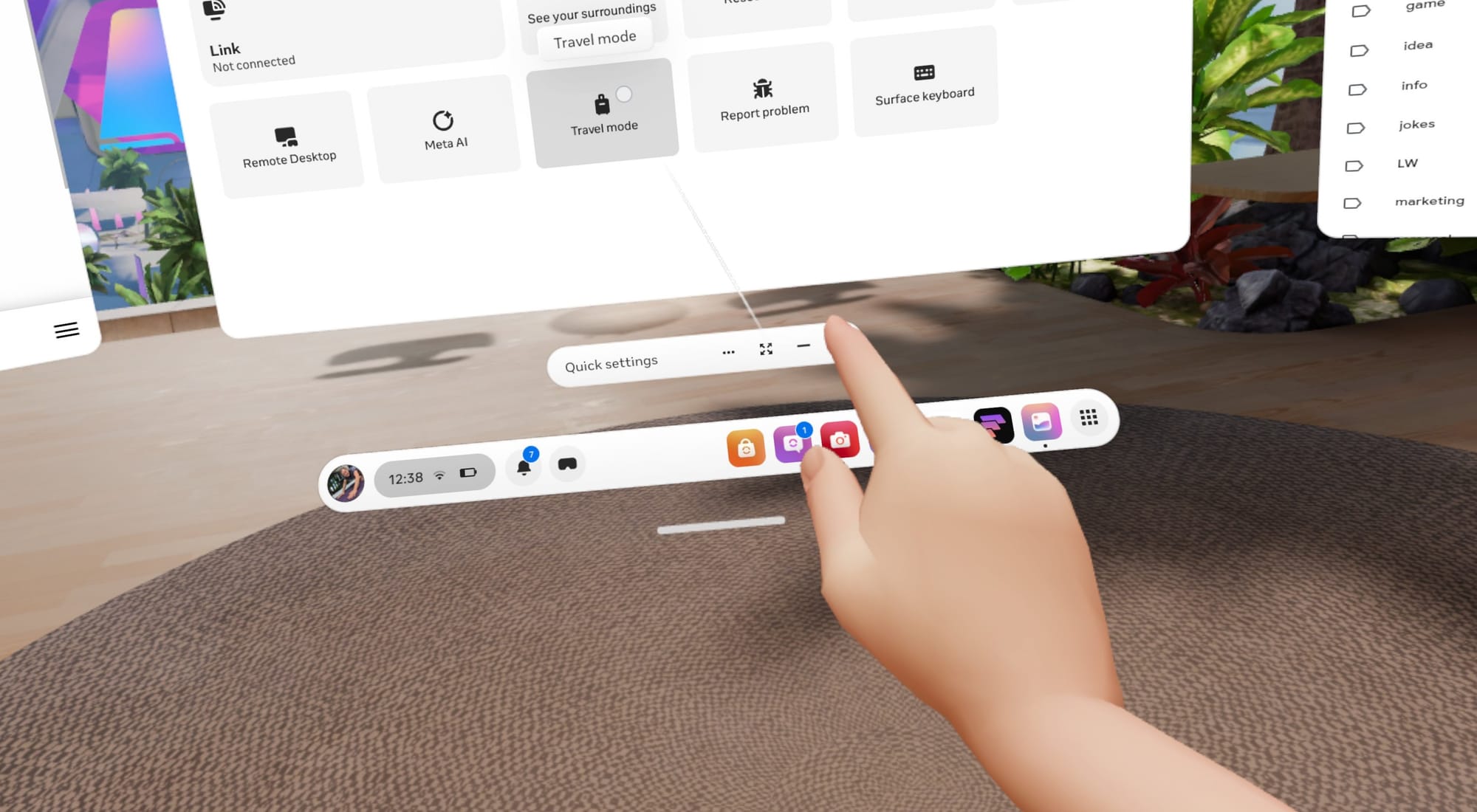
A screenshot shows how to access Travel mode in Horizon OS Quick Settings.
Travel mode is easy to access in Quick Settings.

If you want to use your headset on a plane, train, or other vehicle, your Quest 3 has a Travel mode that can help. When movement is detected, the option can appear automatically, and you can also switch it on manually in Quick Settings.

The least glamorous tip is also the most practical. Spatial computing is still fringe tech, so plan for glitches. Install a third-party browser in case something doesn’t work in the system browser. Keep your phone nearby for MFA requests. Make sure the Horizon mobile app is installed, so you can send links and photos to your Quest.

Your Quest 3 As A Spatial Computer

The Quest can be a great portable computer, but its processor and storage are closer to the hardware of a phone than a laptop. You shouldn’t expect it to handle a hundred tabs while streaming video and processing voice input. However, with a little self-restraint and tab management, you might be impressed with what’s possible on such an affordable VR headset.

The Quest is great when your workflow is browser-first, when you enjoy advanced tech, and when you want easy portability. It really shines when you lean into VR-native tools for spatial work, because a laptop can’t match the experience of stepping into a 3D workspace.

While a VR headset falls short for specialized desktop software, heavy multitasking, and some peripheral connectivity, remote access can fill the gap. Apps like Virtual Desktop make macOS and Windows connections easy and reliable.

The key is choosing the right tool for the job. As long as you don’t expect miracles, a Quest 3 or Quest 3S can serve as a low-cost, all-in-one system that creates a unique spatial computing experience that provides a taste of the future with virtual screens, intuitive gesture control, and projected mixed reality interfaces. All it takes is a little setup time and exploration.

  •  

Intel Bartlett Lake-S CPU Spotted On An ASUS ROG Z790 Motherboard

Intel Bartlett Lake-S CPU Spotted On An ASUS ROG Z790 Motherboard You're probably expecting us to be talking about one of the extant Bartlett Lake processors based on re-reheated Raptor Lake silicon. Nope! This is a Core 9 273PQE, one of the long-rumored 12 P-core LGA 1700 CPUs. However, lest you accuse us of clickbait, we'll get the disappointing part out of the way early: it doesn't work in the board it
  •  

ID-Cooling FX360 LCD PE Review

ID-Cooling's FX360 LCD PE takes their display-equipped AIO offerings to the next level. Featuring daisy-chainable fans with a versatile RPM range and zero-RPM functionality, combined with a straightforward installation and impressive performance, it stands out as a strong and affordable display-equipped AIO.

  •  

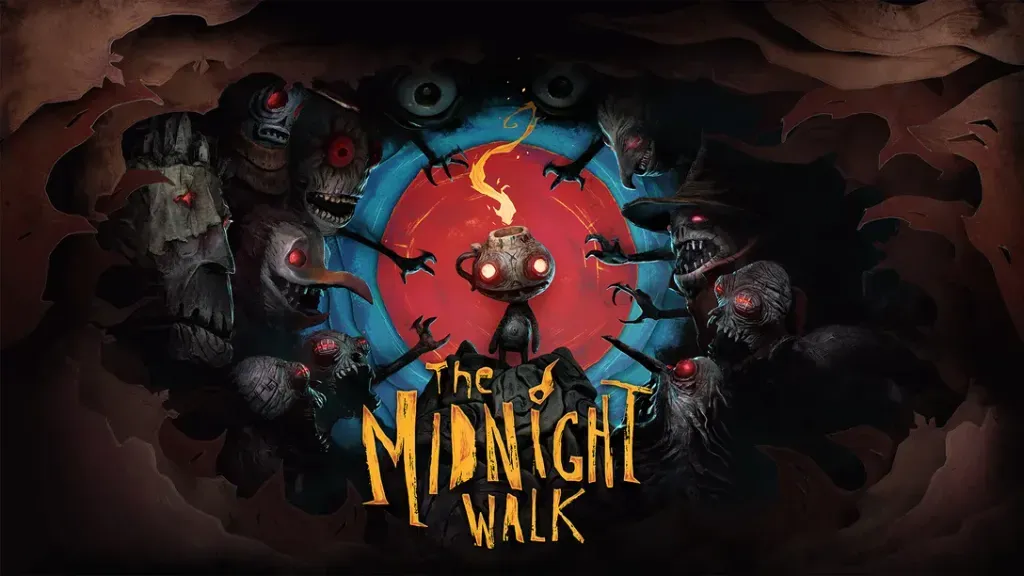
The Midnight Walk Gets Permanent Price Drop on Steam and PlayStation

The Midnight Walk, a grim and beautiful dark fantasy adventure using clay-sculpted models, gets a new lower price on PC VR and PlayStation VR2.

The game now costs $29.99, a substantial discount from its original price of $39.99. The price drop carries across both Steam and PlayStation Store.

Developed by MoonHood, the studio formed by former Zoink (Lost in Random, Fe) developers Klaus Lyngeled and Olov Redmalm, The Midnight Walk is a gorgeous and unique game with a handcrafted clay stop-motion animated art style.

0:00
/1:46

In The Midnight Walk, you'll play as The Burnt One, befriend a lost lantern creature named Potboy, and use his flame to light your way through a grim and beautiful hand-crafted world.

We reviewed The Midnight Walk in VR when it released last year, and found it to be "a memorable adventure that's enchanting and bleak in equal measure, one that feels like wandering into a twisted fairytale. It's a gripping tale with beautifully crafted claymation visuals, [...] a great example of hybrid design between flatscreen games and VR."

The Midnight Walk is available now on PC, PS5, SteamVR, and PlayStation VR2.

  •  

G-Wolves HTM Plus Review

With the ambidextrous HTM Plus, G-Wolves delivers a much larger, solid-shell variant of the Hati shape at just 36 g. PixArt's PAW3950 sensor, 8000 Hz wired and wireless polling, SR latch for the lowest possible click latency, and Nordic's latest 54 series MCU for higher battery life complete the package.

  •  

Sony debuts upgraded PSSR upscaler for PS5 Pro, starting with Resident Evil Requiem

Sony is preparing to roll out an upgraded version of its PlayStation Spectral Super Resolution (PSSR) upscaling technology for PS5 Pro, with the update scheduled to arrive globally in the coming weeks.

PSSR is Sony’s AI‑driven image‑enhancement library, already used in more than 50 PS5 Pro titles to boost effective resolution by analysing each frame at the pixel level. The new release represents a major overhaul of both the neural network and the underlying algorithm.

PSSR FSR

Resident Evil Requiem, launching today, is the first game to ship with the enhanced PSSR. Capcom’s Masaru Ijuin says the studio focused on improving the fidelity of the protagonist through an upgraded RE Engine, including individually rendered hair and beard strands that react to movement and light. According to Ijuin, the new PSSR is able to preserve these fine details during upscaling, helping maintain both image quality and performance while pushing the game’s horror presentation further.

Sony says the revised algorithm stems from its Project Amethyst partnership with AMD, building on the same foundations as AMD’s FSR 4 technology. The PS5 Pro version includes an additional six months of refinement tailored specifically for the console.

More titles are expected to adopt the improved PSSR in March, alongside a system software update. Once installed, PS5 Pro owners will be able to enable “Enhance PSSR Image Quality” in Settings, applying the new upscaler to any supported game. Sony suggests some titles may show noticeably sharper results once the feature is active.

KitGuru Says: Do you own a PS5 Pro? Have you been impressed with many games on it so far?

The post Sony debuts upgraded PSSR upscaler for PS5 Pro, starting with Resident Evil Requiem first appeared on KitGuru.
  •  
❌